


Last quarter, I hit a wall debugging a flaky UI test. Even though the element was clearly visible, the script failed to interact with it. That’s when I realised how important it is to log healed elements in test automation, not just for quick fixes, but for long-term test health.
This blog walks you through how I went from basic logging to capturing structured, AI-ready data for healed elements. If you’re building or using self-healing test frameworks, you’ll know how critical this step is for observability and future optimisation.
Why Logging Healed Elements in Test Automation Is Crucial
When a test framework “heals” a broken locator, say, replaces a stale XPath with a fresh CSS selector, it’s more than a quick fix. It’s an insight. If we are not tracking healed elements in test automation, we are missing out:
- The opportunity to fix flaky tests permanently
- A chance to improve locator strategies
- Valuable input for training smarter healing algorithms
Sound familiar? We’ve all seen tests pass “magically” after healing, but without knowing what really happened. That’s dangerous.
Logging Basics – What Not to Do
Let’s say you’re using a simple fallback locator strategy:
try {
    return driver.findElement(By.id("submitBtn"));
} catch (NoSuchElementException e) {
    return driver.findElement(By.cssSelector("button[type='submit']"));
}
You might be tempted to just log a message like this:
System.out.println("Fallback locator used for Submit button.");While this gives some info, it’s not structured, not searchable, and definitely not AI-ready. We can do better.
Structured Logging for Healed Elements in Test Automation
Here’s a real example of how I log healed elements today:
public WebElement findWithHealing(String logicalName, By primary, By fallback) {
    try {
        WebElement element = driver.findElement(primary);
        logElement(logicalName, primary.toString(), "PRIMARY", "PASS");
        return element;
    } catch (NoSuchElementException e) {
        WebElement healedElement = driver.findElement(fallback);
        logElement(logicalName, fallback.toString(), "FALLBACK", "HEALED");
        return healedElement;
    }
}

private void logElement(String name, String locator, String locatorType, String status) {
    JSONObject logEntry = new JSONObject();
    logEntry.put("element", name);
    logEntry.put("locatorUsed", locator);
    logEntry.put("type", locatorType);
    logEntry.put("status", status);
    logEntry.put("timestamp", System.currentTimeMillis());

    try (FileWriter file = new FileWriter("healed-elements-log.json", true)) {
        file.write(logEntry.toString() + System.lineSeparator());
    } catch (IOException e) {
        System.err.println("Logging failed: " + e.getMessage());
    }
}
The healing decisions were no longer concealed behind the scenes after this structure was established; instead, they were open, searchable, and auditable. This enabled us to look into the reasons behind the tests’ initial failures in addition to fixing them.
If you’re building your own healing mechanism, it’s equally important to pair structured logging with a reliable fallback strategy. I’ve shared a detailed example of this in my earlier blog on building a custom fallback rule library for self-healing automation, where we implemented flexible locator recovery using Java and Selenium.
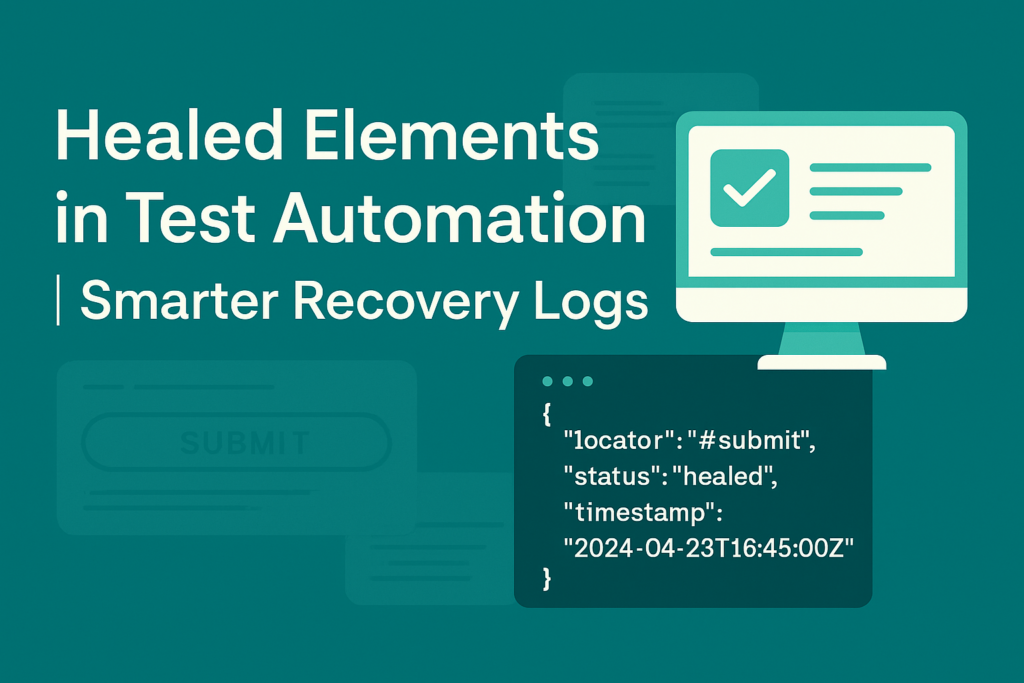
This logs a proper JSON structure for every healed element. You can feed this into:
- A dashboard for flaky locator tracking
- Training datasets for AI-based healing
- Periodic test audit reports
Tracking Healed Elements Improved Our Test Automation Stability
We had a promo page where the #deal_title field would randomly fail during automation runs. By tracking healing events:
- We saw that 17 out of 30 test runs relied on fallback selectors for this field.
- This gave us evidence to update the primary locator, not ignore it.
- Result: test stability jumped from 63% to 94% over the next sprint.
And yes, I still kept the logging on. Because healing without visibility is just wishful thinking.
Preparing for AI-Supported Healing
If you’re planning to integrate ML models into your framework (or use tools like Katalon, Testim, or Mabl), you’ll need a structured healing history. It’s not just about passing tests, it’s about learning from failures.
In fact, during one of our experiments with Katalon Studio, we observed that its built-in self-healing became far more useful when combined with logging strategies like this. I’ve captured that experience in a previous blog: Self-Healing using Katalon, where we explored how the tool handled broken locators in real-world test runs.
Here’s what AI-ready logs usually need:
| Field | Description |
|---|---|
| Element name | Logical identifier (Submit button) |
| Locator used | CSS/XPath used |
| Locator type | PRIMARY / FALLBACK / AI-GENERATED |
| Status | PASS / HEALED / FAIL |
| Timestamp | When the element was healed |
If you follow this, your test automation will be future-proof.
Important Takeaways
- Don’t stop at healing, start logging.
- Use structured JSON logs to track locator health.
- Let healing drive permanent locator improvements.
- Build your log format with AI-readiness in mind.
For deeper insights, you can refer to my earlier blogs linked throughout this article.