



Generative AI – Part 1: What Every Developer Should Know
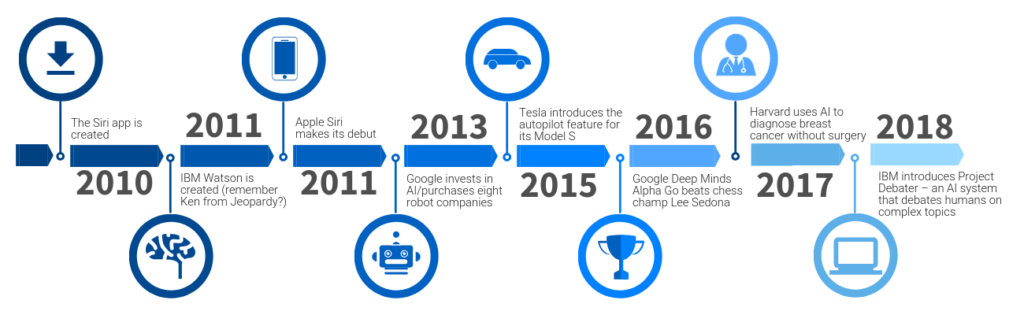
Just a few years ago, Generative AI was something you’d read about in niche research papers. Fast forward to today — it’s inside your IDE suggesting the next line of code, in your chat window explaining a tricky bug, and even generating UI designs before you’ve touched Figma.
If you’re a developer, chances are you’ve already used it — whether through GitHub Copilot, ChatGPT, or DALL·E — without fully realizing how it works or why it’s such a big deal.
This post kicks off our 5-part series on Generative AI for developers. By the end of the series, you’ll not only understand the theory but also know how to apply it effectively in real-world projects.
1. What Exactly Is Generative AI?
Generative AI is a type of artificial intelligence that creates new content — text, images, code, audio, or even video — in response to your input.
If traditional AI is like a strict teacher who grades your answers, Generative AI is like a creative teammate who can draft entire essays, design icons, or write an API endpoint for you.
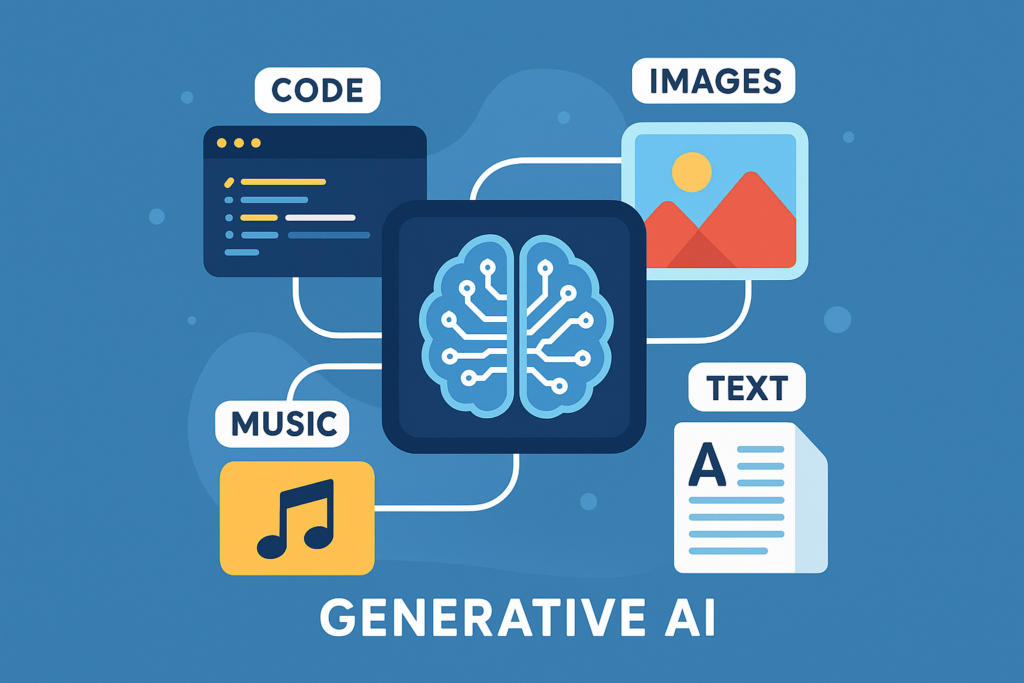
Quick comparison:
| Traditional AI (Predictive) | Generative AI |
|---|---|
| Recognizes patterns in data | Creates new data from patterns |
| Example: Detects spam emails | Example: Writes an entire email |
| Outputs labels or numbers | Outputs text, images, code, audio |
2. Where You’re Already Using It (Without Realizing)
Even before GenAI made headlines, AI was quietly embedded into developer tools:
- Autocomplete in IDEs — beyond guessing the next word, it understands context.
- Search engines — ranking results based on intent, not just keywords.
- Recommendation systems — suggesting libraries or APIs you didn’t know existed.
- Code analysis tools — finding bugs and spotting security flaws.
The leap now is that AI can move from assisting you in micro-tasks to creating entire features or components.

3. A Short Story: One Day with GenAI
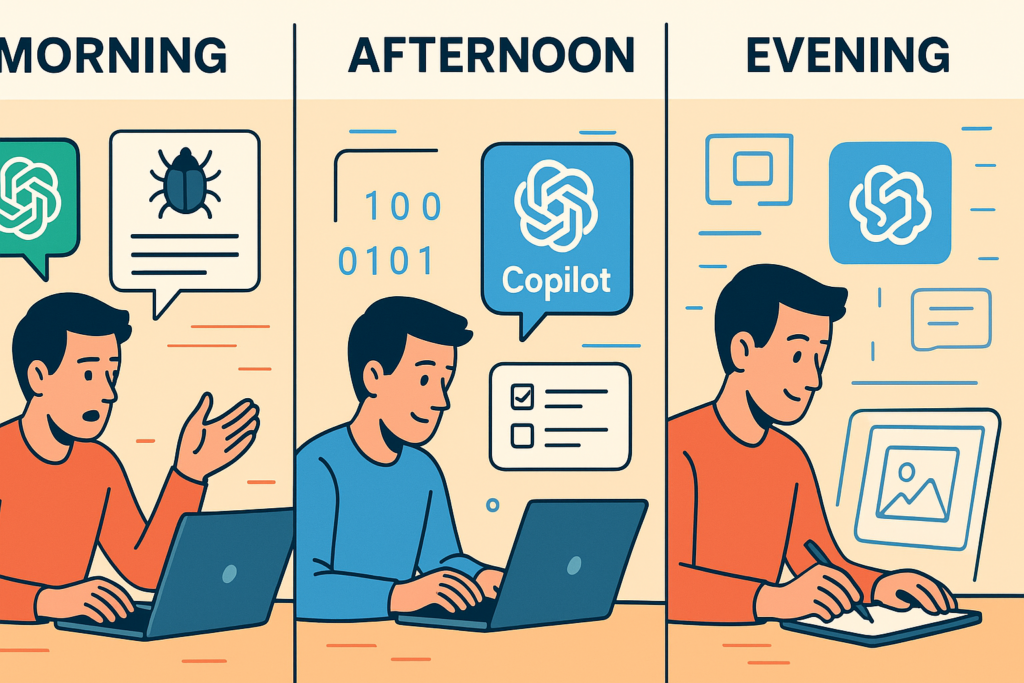
Imagine this: You start your day fixing a bug. Instead of combing through logs for an hour, you paste the error into ChatGPT and get a detailed explanation — plus a potential fix — in seconds.
Next, you need a test suite for a new API. Copilot generates 80% of it while you review and fine-tune. In the afternoon, you need an SVG icon. DALL·E creates one that fits your app’s style in minutes.
By the end of the day, you’ve shipped twice as much without sacrificing quality. This isn’t hypothetical — it’s already happening in thousands of dev teams.
4. Why the Boom Happened in 2022
Generative AI isn’t new — the dream of machines creating content has been around for decades. But four factors collided around 2022 to cause the explosion:
- Transformer architecture (2017) — enabled large, context-aware models.
- Massive training datasets — text, code, and media scraped at internet scale.
- Affordable compute — GPUs and cloud infrastructure became accessible.
- Easy-to-use APIs — OpenAI, Anthropic, and others removed the barrier to entry.

5. The Bigger AI Picture
To place Generative AI in context, let’s zoom out:
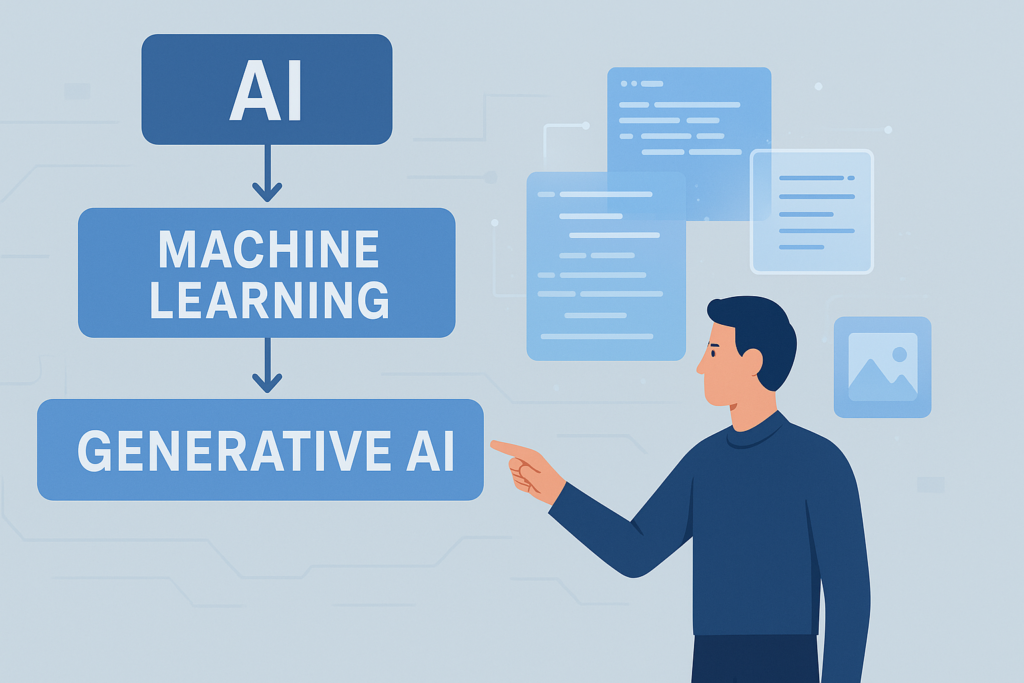
- Artificial Intelligence (AI): The broad field of making machines act in ways that mimic human intelligence.
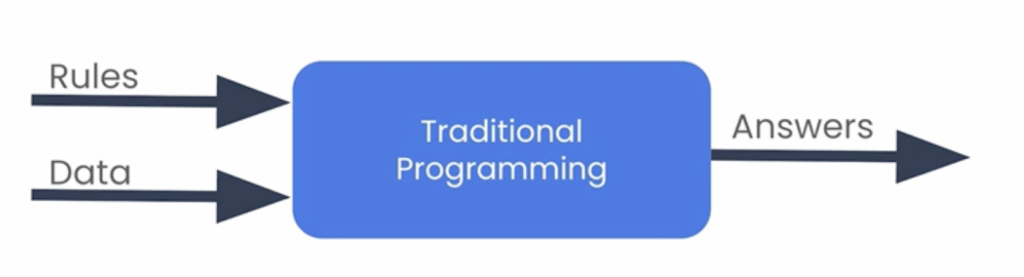
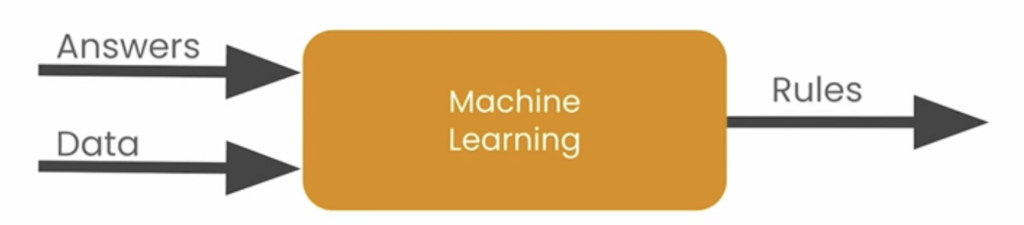
- Machine Learning (ML): A subset of AI where machines learn from data instead of following hard-coded rules.
Here’s a quick comparison:
- Traditional Programming: You give the rules → Computer applies them to data → Produces an answer.
- Machine Learning: You give examples (data + answers) → Computer figures out the rules → Predicts new answers.
Generative AI is a branch of Machine Learning focused on creating new outputs, not just recognizing existing ones.
6. Why It Matters for You as a Developer
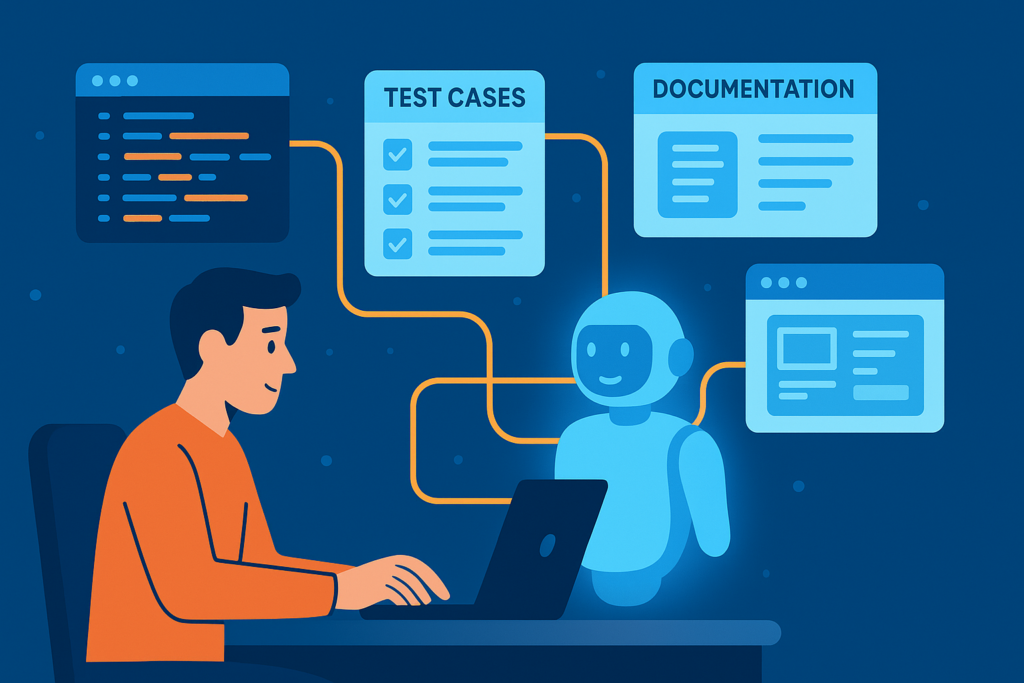
- Faster prototyping — Generate boilerplate code instantly.
- Better testing — AI-generated test cases and mocks.
- Improved learning — Ask models to explain code or concepts.
- Creative boost — From UI ideas to API documentation drafts.
7. What’s Next
In Part 2, we’ll dive into how machines learn, starting from simple supervised learning examples and leading up to how generative models are trained.