


Memoization and Rendering Optimization: When Optimization Backfires
After understanding how React renders and where performance costs actually come from, the next instinct for many developers is simple:
“Let’s add
React.memo,useMemo, anduseCallback.”
Unfortunately, this is also where many React codebases start to get slower, harder to read, and more fragile.
Memoization is one of the most misunderstood performance tools in React.
Used correctly, it can significantly reduce unnecessary work.
Used blindly, it often adds overhead without solving the real problem.
This article focuses on when memoization helps, when it hurts, and how it behaves in real-world React applications.
1. React.memo: What It Really Does (and What It Costs)

At a high level, React.memo prevents a component from re-rendering if its props are considered “equal”.
const Item = React.memo(function Item({ value }) {
  return <div>{value}</div>;
});
What actually happens
- React performs a shallow comparison of previous props vs next props
- If props are equal → skip render
- If not → render component again
The hidden cost
- Shallow comparison itself has a cost
- That cost happens on every render attempt
- For small components, this cost can exceed the cost of rendering
👉 React.memo is not free.
2. Real-world Case Study: “We Memoized Everything”
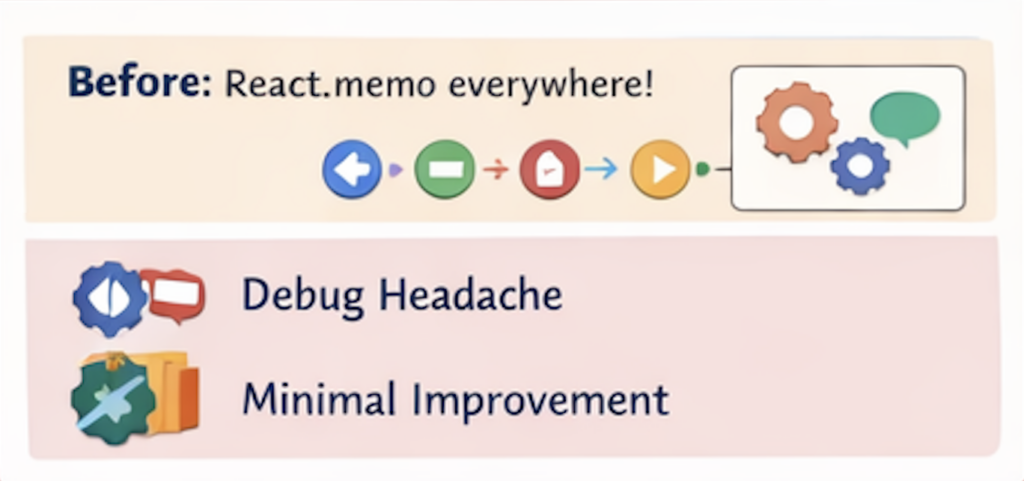
Scenario
A team noticed frequent re-renders in React DevTools.
They wrapped almost every component in React.memo.
Result
- Code became noisy
- Bugs became harder to debug
- Performance barely improved
Profiling insight
React Profiler showed:
- Many memoized components still re-rendering
- Render reason: “props changed”
Why?
<Item
  data={{ id: item.id, name: item.name }}
/>
- A new object is created on every render
- Shallow comparison fails
- Memoization becomes useless
👉 React.memo cannot help if your props are unstable.
3. Referential Equality: The Silent Performance Killer
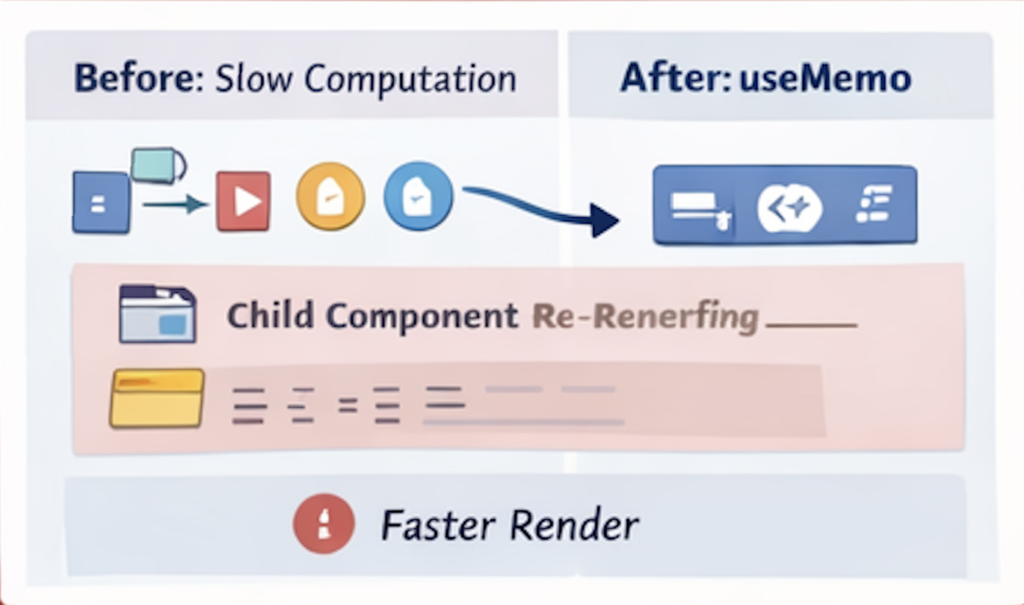
React memoization relies heavily on referential equality.
{} !== {}
[] !== []
() => {} !== () => {}
Real-world Case Study: “Why is memo not working?”
const filteredItems = items.filter(item => item.active);

<List items={filteredItems} />
Even when items doesn’t change:
filterreturns a new array- Reference changes
- Child components re-render
Profiling symptom
- Child components re-render
- Render reason: “props changed”
- No visible UI difference
👉 Memoization fails silently when references are unstable.
4. useMemo: Memoizing Data, Not Components

useMemo is often misunderstood as a performance booster.
const value = useMemo(() => compute(data), [data]);What useMemo actually does
- Caches a value between renders
- Recomputes only when dependencies change
Real-world Case Study: Expensive derived data
function ChartContainer({ rawData }) {
  const processed = processLargeDataset(rawData);
  return <Chart data={processed} />;
}
Problem
processLargeDatasetruns on every render- UI becomes sluggish with large datasets
Solution
const processed = useMemo(
  () => processLargeDataset(rawData),
  [rawData]
);
Result
- Render time drops significantly
- UI becomes responsive
👉 useMemo shines when computation cost is high and inputs are stable.
5. When useMemo Makes Things Worse
Case Study: Over-memoization
const isEven = useMemo(() => count % 2 === 0, [count]);Problem
- Computation is trivial
- Memoization overhead exceeds benefit
- Code becomes less readable
Profiling insight
- No measurable performance gain
- Slight increase in render time
👉 useMemo is not for cheap computations.
6. useCallback: Stable Functions, Unstable Results
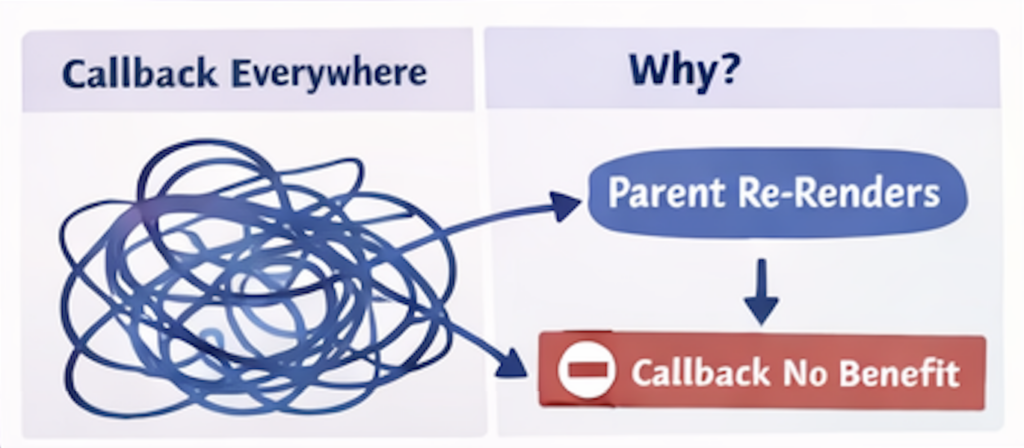
useCallback is often used to “prevent re-renders”.
const handleClick = useCallback(() => {
  doSomething(id);
}, [id]);
Real-world Case Study: Callback explosion
A large form component used useCallback everywhere.
Outcome
- Dependency arrays became complex
- Bugs appeared due to missing dependencies
- Performance did not improve
Why?
- Parent component still re-rendered
- Child components weren’t memoized
- Stable callbacks provided no benefit
👉 useCallback only helps when:
- Passed to memoized children
- Or used as dependencies elsewhere
7. Advanced Memoization Pattern: Memoize at the Right Boundary
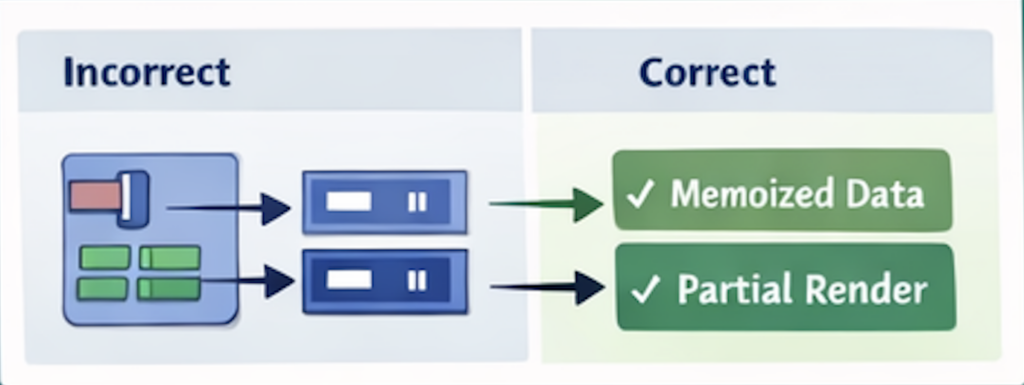
Case Study: Memoizing the wrong thing
const List = React.memo(({ items }) => {
  return items.map(item => <Item key={item.id} item={item} />);
});
itemschanges reference- Memoization fails
- Whole list re-renders
Better approach: Memoize data derivation
const visibleItems = useMemo(
  () => items.filter(isVisible),
[items]
);
Then:
<List items={visibleItems} />
👉 Memoize where data changes, not where it’s rendered.
8. Selector-based Memoization (Production Pattern)
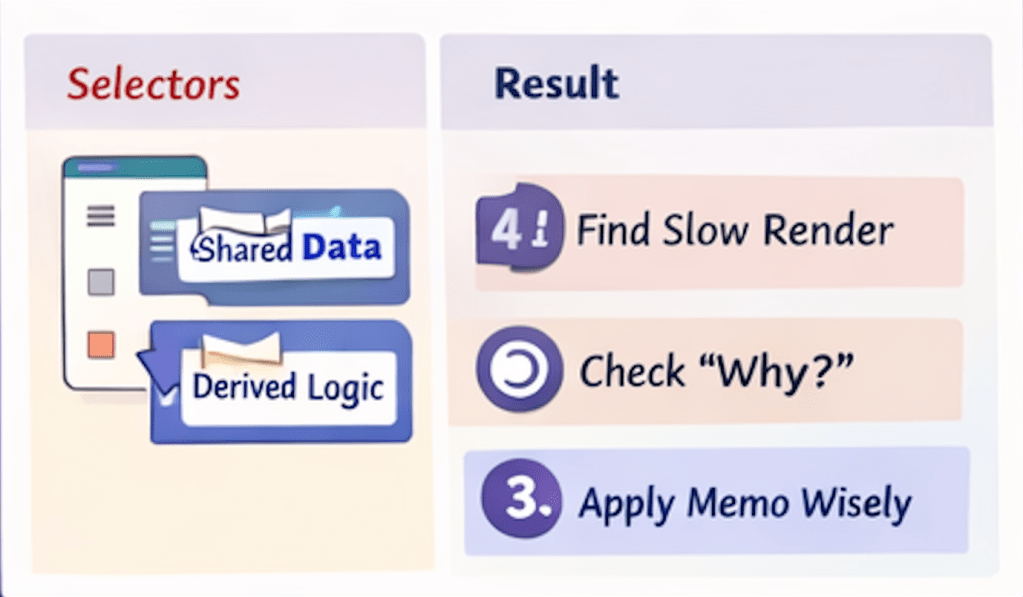
In large apps, derived data is often shared across components.
Pattern
- Move derived logic into selectors
- Memoize once
- Reuse everywhere
Example (conceptual):
const selectVisibleItems = createSelector(
  state => state.items,
  items => items.filter(isVisible)
);
Benefits
- Stable references
- Predictable re-renders
- Cleaner components
👉 This pattern scales far better than component-level memoization.
9. Profiling Memoization in Practice

Real-world workflow
- Identify slow render in Profiler
- Check render reason
- Verify prop stability
- Apply memoization only where:
- Render cost is high
- Props are stable
- Measure again
Common discovery
“Memoization didn’t help because the real issue was state placement.”
10. Key Takeaways from Part 2
- Memoization has a real cost
- React.memo is useless with unstable props
- useMemo is for expensive computations, not everything
- useCallback only helps in specific scenarios
- Memoization is most effective when applied to data flow, not UI
If you don’t understand why a component re-renders, memoization will not save you.