


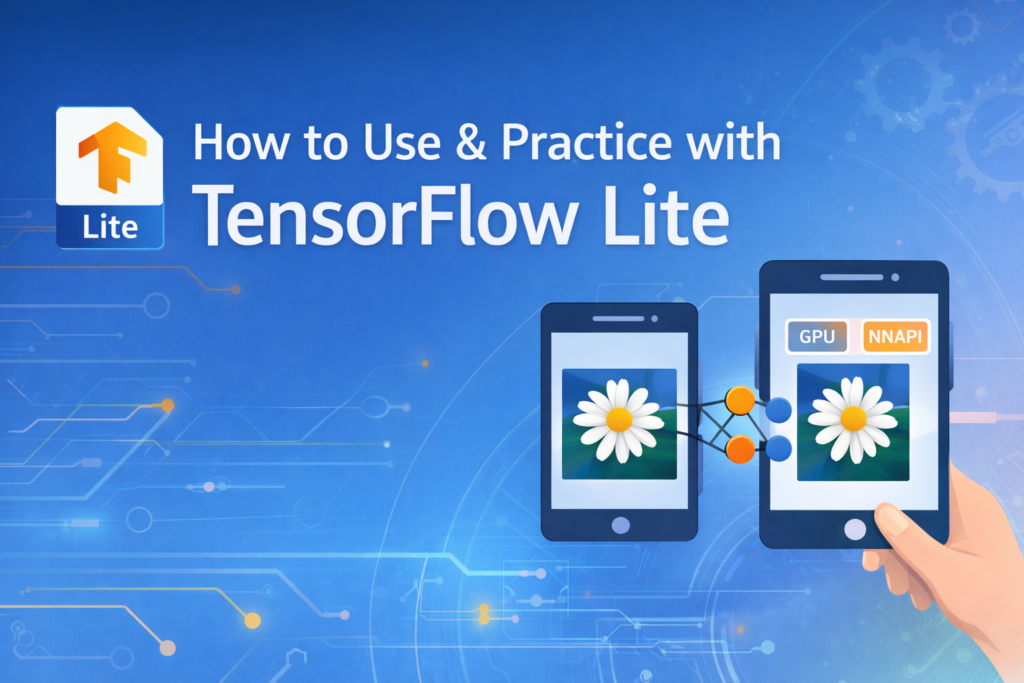
TensorFlow Lite (TFLite) has become the standard solution for bringing machine learning capabilities into mobile applications. It enables on-device inference without calling server APIs, provides better data privacy, and significantly reduces latency.
In this section, I will share practical steps to get started with TensorFlow Lite (for Android, Flutter), along with tips from a Mobile Developer’s perspective and important AI model security considerations you should be aware of when deploying.
This article is a continuation of a previous post on TensorFlow Lite.
If you’d like to review the fundamentals first, you can read it here:
TensorFlow Lite with Android Application
TensorFlow Lite is suitable for many mobile use cases, such as:
- Image classification
- Object detection
- Text classification
- Security use cases (malware detection, anomaly detection)
TensorFlow Lite is now LiteRT.
Once you understand the setup, you can start practicing with concrete problems.

Preparation: Training & Converting the Model
First, you need a trained TensorFlow model (for example, for classification or object detection).
You can use:
- Pre-trained models from TensorFlow Hub or Google codelabs, or
- Train your own model using Keras or other approaches, then export it as a
.tflitefile.
After obtaining the model, the next step is to convert it into the .tflite format using the TensorFlow Lite Converter:
import tensorflow as tf

converter = tf.lite.TFLiteConverter.from_saved_model('saved_model_path')
tflite_model = converter.convert()

with open('model.tflite', 'wb') as f:
    f.write(tflite_model)
Integrating TensorFlow Lite into an Android/Flutter Project
Android
First, add the required dependencies to your build.gradle file:
implementation 'org.tensorflow:tensorflow-lite:2.5.0'
Or, if you prefer to use the latest LiteRT runtime (recommended for newer projects):
implementation `com.google.ai.edge.litert:litert:2.1.0`Next, place the model.tflite file into the assets/ directory of your Android project, and make sure it is not compressed inside the APK.
Flutter
To use TensorFlow Lite in a Flutter application, the easiest and most reliable approach is to use the tflite_flutter plugin, which provides a Dart wrapper around the TensorFlow Lite C API and supports both Android and iOS.
dependencies:
  tflite_flutter: ^0.10.4
After running flutter pub get, place your .tflite model (and optional label files) inside the assets/ directory and declare them in pubspec.yaml:
Loading the Model and Running Inference
Once the TensorFlow Lite model has been added to the project, the next step is loading it and running inference on the device. Although the APIs differ slightly between native Android and Flutter, the overall flow remains the same: load the model, prepare input data, run inference, and process the output.
val interpreter = Interpreter(loadModelFile("model.tflite")) // Android
final interpreter = await Interpreter.fromAsset('model.tflite'); // flutter

interpreter.run(input, output)
In there, input data must be preprocessed to match the model’s expected input shape and data type. In practice, this often means resizing images, normalizing values, and converting them into flat arrays or tensors. The output is then postprocessed to extract meaningful results for display in the UI.
Performance Optimization
Running inference on mobile devices requires optimization, as mobile hardware is much more constrained than servers.
✔ Delegates
TensorFlow Lite supports several delegates, including:
- GPU Delegate to leverage GPU acceleration
- NNAPI Delegate to run on hardware accelerators
These can significantly improve performance compared to default CPU execution.
✔ Quantization
Quantization (8-bit, float16, etc.) helps reduce model size and speed up inference with little to no noticeable loss in accuracy.
Conclusion
TensorFlow Lite brings AI and machine learning directly into Android apps in a fast, lightweight, and efficient way. From converting models and loading them into the app to running inference and optimizing performance, the practical steps are straightforward and easy to get started with.
If you are building features that involve machine learning – whether classification, object detection, or anomaly detection – TensorFlow Lite is a top choice for mobile development.