


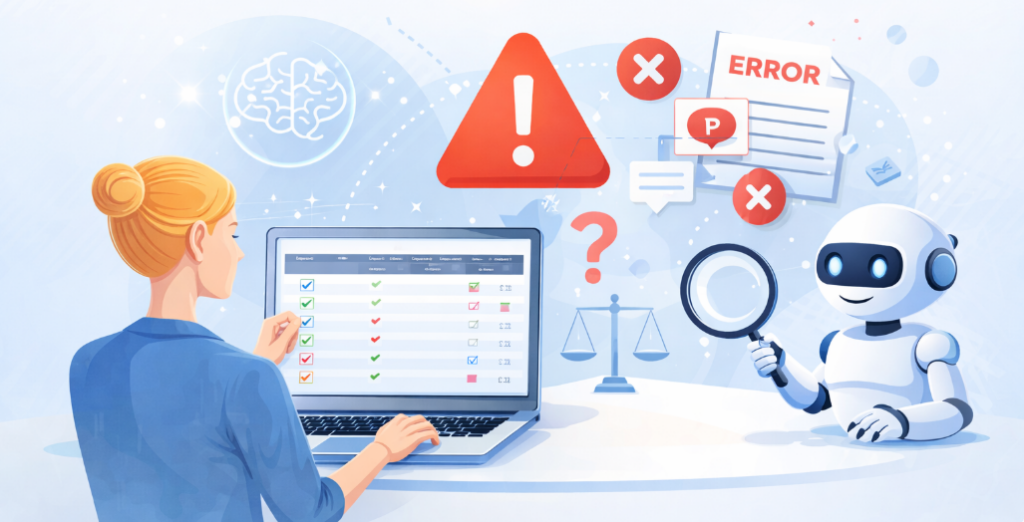
Testing legal software is not just about finding bugs – it’s about protecting legal validity, compliance, and trust.
Legal software is fundamentally different from many other types of applications. It deals with contracts, agreements, cases, compliance records, and legally binding documents.
A small testing oversight can lead to serious legal, financial, or compliance consequences.
However, testers – especially those new to the legal domain – often make common mistakes that reduce the effectiveness of testing.
Below are the most frequent mistakes testers make when testing legal software, along with practical insights on how to avoid them.
1. Treating Legal Documents Like Ordinary Text Files
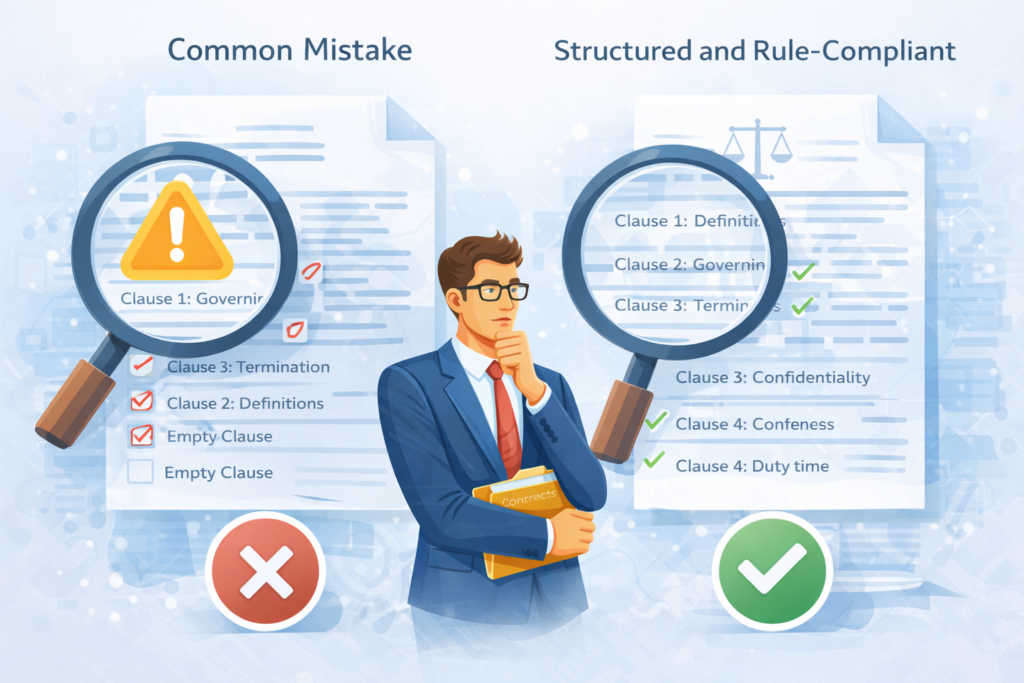
One of the most common mistakes is treating legal documents as simple text content rather than structured, rule-driven artifacts.
Legal documents follow strict conventions regarding clause hierarchy, numbering, mandatory sections, and ordering. Ignoring these structural rules can result in documents that appear correct visually but are legally unusable.
Why this is a problem
- Missing or misplaced clauses can invalidate contracts
- Incorrect clause hierarchy reduces document integrity
- Lawyers lose trust in the system
Example: A contract is generated with Article 3 appearing before Article 2, or a mandatory Governing Law clause is missing entirely.
Visually, the document looks fine – but legally, it cannot be used.
Better approach
Testers should validate document structure, completeness, and clause hierarchy – not just visual rendering.
2. Ignoring Formatting Differences Across Exported Files
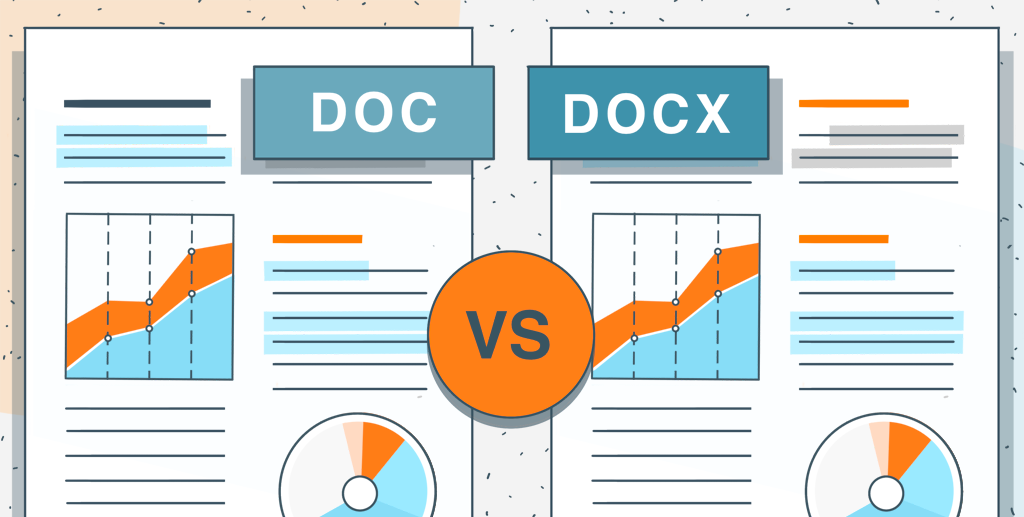
Many testers focus only on how documents appear in the web UI and forget that legal documents are frequently exported and shared.
Formatting issues often appear only after exporting to PDF or Word, such as broken numbering, missing page breaks, or inconsistent headers.
Why this is a problem
- Exported documents are often used in court or shared with clients
- Formatting inconsistencies can cause misinterpretation
- Rework costs increase significantly
Example: Clause numbering is correct in the UI, but after exporting to PDF, subsection numbers restart on each page.
Better approach
Always validate formatting across all supported export formats, not just the UI.
3. Overlooking Version History and Traceability

Legal documents typically go through many revisions. A common testing mistake is focusing only on the latest version and ignoring historical data.
Version overwrites, missing timestamps, or unclear change history can break audit trails and compliance requirements.
Why this is a problem
- Legal audits require immutable version history
- Loss of historical versions can cause legal disputes
- Traceability becomes unreliable
Example: A user edits a contract, but the system overwrites the previous version instead of creating Version 3 with proper timestamp and author.
Better approach
Testers should verify version immutability, accurate timestamps, and clear change tracking.
4. Assuming UI Permissions Are Enough

Another common mistake is validating access control only at the UI level.
In legal systems, sensitive documents must be protected consistently across UI, API, and direct access methods.
Why this is a problem
- Users may bypass UI restrictions via direct links or APIs
- Confidential data may be exposed unintentionally
- Compliance violations may occur
Example: A user without permission cannot open a document via UI, but can still access it using a saved direct URL
Better approach
Test permissions at both UI and API levels, especially after role changes.
5. Underestimating Search and Indexing Complexity
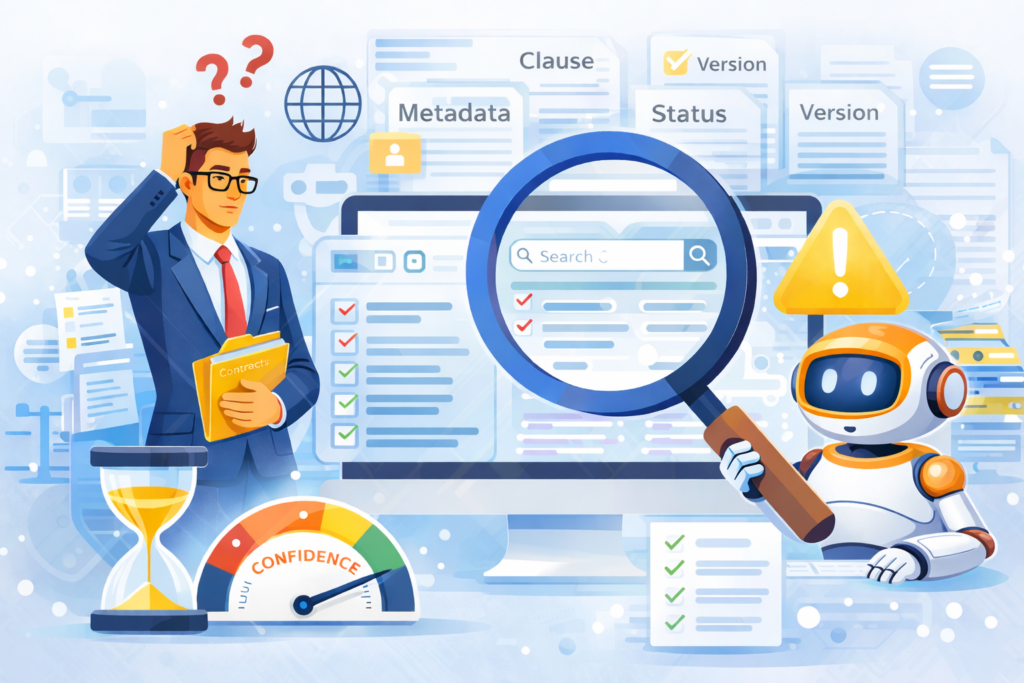
Search in legal software is more complex than basic keyword matching. Testers often assume that if search returns results, it works correctly.
In reality, legal users rely on searching within clauses, metadata, versions, and document statuses.
Why this is a problem
- Important documents may not appear in search results
- Lawyers waste time manually searching
- User confidence drops quickly
Example: searching by clause content works, but searching by document status (e.g., Approved) returns incomplete results.
Better approach
Validate search scope, indexing logic, filters, and performance with large data sets.
6. Forgetting Compliance and Audit Scenarios
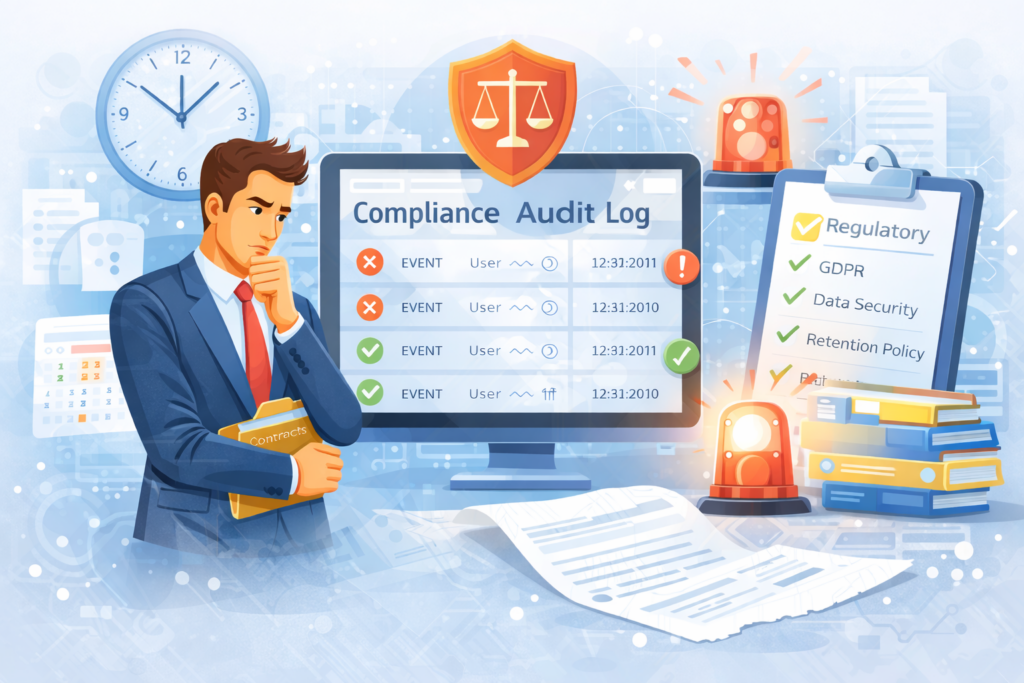
Compliance is often tested late – or not at all. Some testers focus on features but overlook audit logs, timestamps, and regulatory requirements.
This risk is significantly amplified in legal software environments.
Why this is a problem
- Incomplete audit logs may fail compliance reviews
- Incorrect timestamps cause confusion during audits
- Legal accountability is compromised
Example: A document is deleted, but the audit log does not record who deleted it, when, or from which role.
Better approach
Test audit logs, time zone handling, and compliance rules as first-class requirements.
Conclusion
Testing legal software requires more than functional validation. It demands strong attention to detail, awareness of legal workflows, and an understanding of how critical accuracy, security, and traceability are in the legal domain.
By avoiding these common mistakes and adopting a domain-focused testing mindset, testers can significantly improve the quality and reliability of legal software, helping law firms and legal teams trust the systems they depend on every day.
📚 References
- ISO/IEC 27001 – Information Security Management Systems
- OWASP Top 10 – Web Application Security Risks
- NIST SP 800-92 – Guide to Computer Security Log Management
- NIST SP 800-53 – Security and Privacy Controls for Information Systems
- The Sedona Conference® – Best Practices for Electronic Document Management
- Document Design Centre (UK) – Document Structure and Usability Principles