



What is Azure DevOps?
Azure DevOps, a Microsoft service built on the Azure cloud computing platform, furnishes a comprehensive set of tools for overseeing software development projects. So Azure DevOps emerges as a comprehensive platform, meticulously designed to empower DevOps practices and accelerate software delivery. At its core, it orchestrates the entire development lifecycle, seamlessly bridging the gap between planning, coding, testing, and deployment. So This unified environment fosters collaboration, automates repetitive tasks, and injects agility into your workflow.
Azure DevOps fosters a culture of collaboration and a series of processes that unite developers, project managers, and contributors in the software development journey. This platform empowers organizations to enhance and create products at a swifter pace compared to conventional software development methods.
Azure DevOps is provided in two options:
- The cloud-based Azure DevOps service.
- The Azure DevOps Server.
Formerly recognized as the Team Foundation Server (TFS), the Azure DevOps Server is tailored for on-premise deployments. So It encompasses all the tools available in the cloud-based Azure DevOps service, powering diverse DevOps pipelines. This server introduces a free version known as Azure DevOps Server Express, specifically designed for individual developers and small teams, comprising up to five members therefore It’s versatile, fitting seamlessly into any environment. Pricing of Azure DevOps server and Azure DevOps Cloud based varies.
Microsoft assures a 99.9% availability for all paid DevOps services, including paid user-based extensions. Additionally, it guarantees the same 99.9% availability for executing load testing and performing build and deploy operations in paid Azure Test Plans (Load Testing Service) and Azure Pipelines.
Key Services in Azure DevOps(ADO):
ADO encompasses five key services that play crucial roles in facilitating various aspects of the software development lifecycle. Let’s dive into each one with some detail:
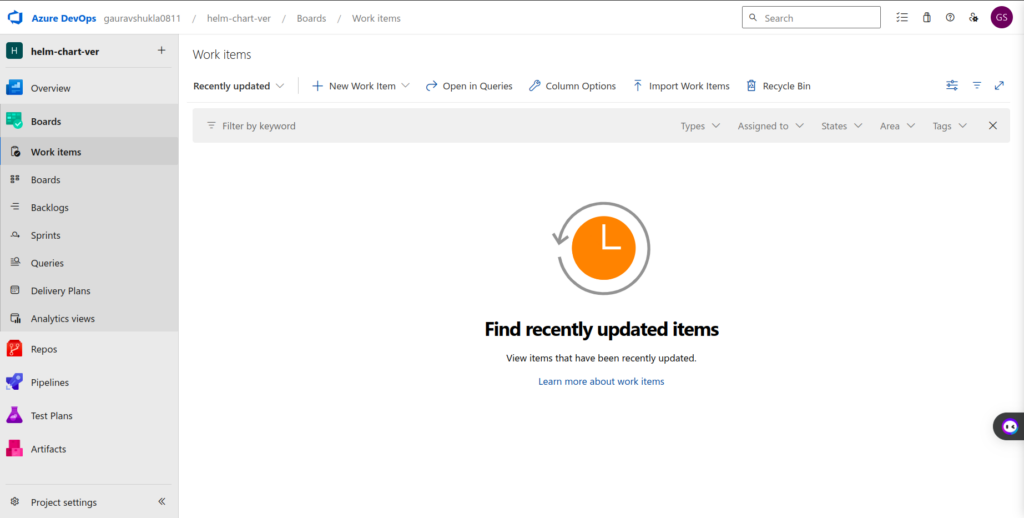
Boards:
- Overview: Azure Boards serves as the central hub for project management, enabling teams to plan, track, and collaborate on work.
- Features:
- Work Items: Create and manage different types of work items, such as user stories, bugs, and tasks.
- Kanban Boards: Visualize and manage work using customizable Kanban boards.
- Backlogs: Prioritize and organize work in backlogs, providing a clear view of upcoming tasks.
- Dashboards and Reporting: Gain insights into project progress through customizable dashboards and reporting tools.
Pipeline:
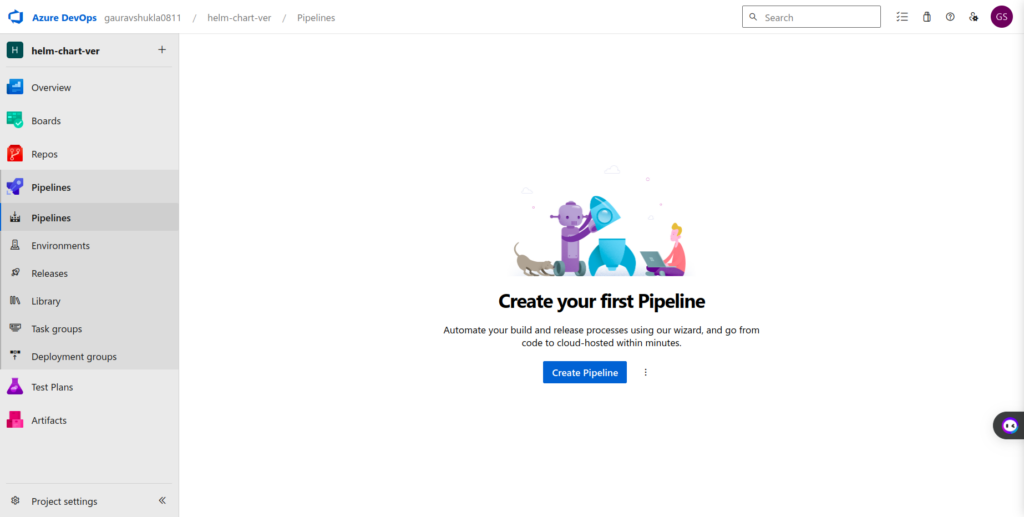
- Overview: Azure Pipeline automates the building, testing, and deployment of code changes, streamlining the continuous integration and continuous deployment (CI/CD) process.
- Features:
- Builds: Automate code builds, ensuring consistency and reliability.
- Releases: Automate deployment pipelines, delivering code changes to different environments.
- Integration: Seamless integration with various development tools and platforms.
- Extensibility: Enhance functionality through a rich marketplace offering extensions.
Azure Repos:
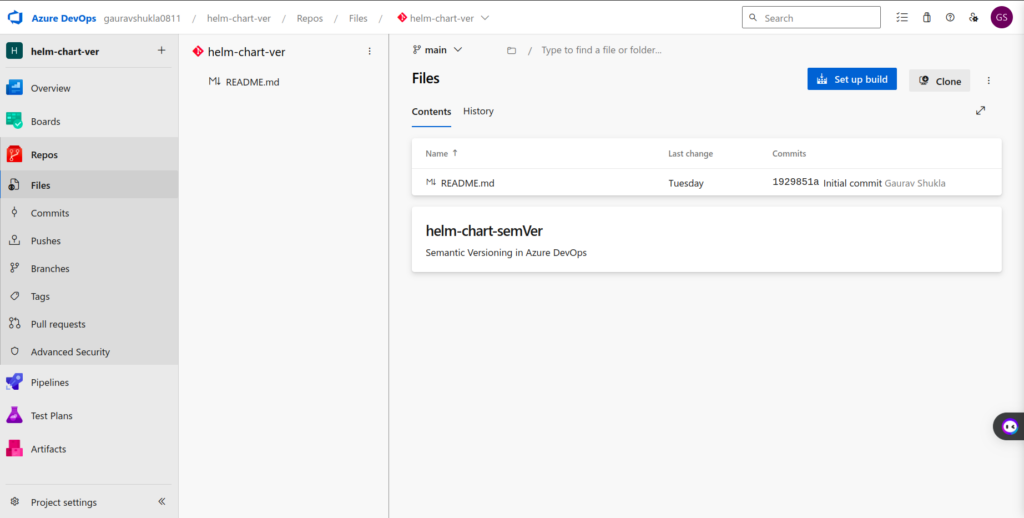
- Overview: Azure Repos is the version control system, providing a centralized place to manage and track code changes.
- Features:
- Git and TFVC: Support for both Git and Team Foundation Version Control (TFVC) systems.
- Collaboration: Enable team collaboration with features like pull requests and code reviews.
- Branch Policies: Enforce code quality standards and branch policies to ensure a reliable codebase.
Test Plans:
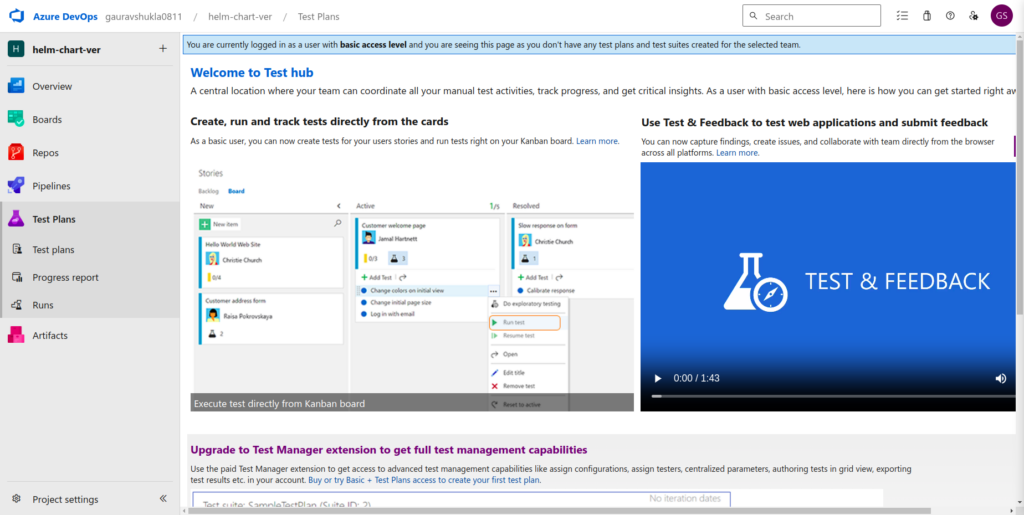
- Overview: Azure Test Plans facilitates comprehensive testing of software by providing tools for test planning, execution, and tracking.
- Features:
- Manual Testing: Plan, track, and execute manual test cases.
- Automated Testing: Integrate with various testing frameworks for automated testing.
- Exploratory Testing: Allow testers to explore applications and provide feedback.
- Integration: Seamless integration with Azure Boards for test case management.
Artifacts:
- Overview: Azure Artifacts is the package management service, So we can help ourselves in the creation, management, and sharing of development artifacts.
- Features:
- Package Management: Store and manage packages for various development ecosystems (e.g., npm, Maven).
- Scoped Libraries: Organize and control access to packages using scoped libraries therefore have more control environment.
- Integration: Integrate with CI/CD pipelines for seamless artifact management.
- Versioning: Version control and tracking of packages for consistent builds.

So these five services collectively form the backbone of ADO, providing a comprehensive and integrated solution for teams to manage their software development projects efficiently.
Azure DevOps Pricing:
Understanding its pricing structure is crucial before embarking on your DevOps journey. Here’s a detailed breakdown:
Cloud-based ADO:
- Azure Pipelines(Individual Services): Ideal for small teams and individuals, 1 Free Microsoft-hosted CI/CD, 1 Free Self-Hosted CI/CD, 1 Microsoft-hosted job with 1,800 minutes per month for CI/CD and 1 self-hosted job with unlimited minutes per month.
- Azure Artifacts(Individual Services):: 2 GiB free, then starting at ₹166.71 per GiB, Industry-leading NuGet Server, Support for Maven, npm and Python packages, Upstream sources to help protect open-source dependencies, Integrated with Pipelines.
- Basic Plan(User License): First 5 users free, then ₹500.11 per user per month, Pipelines: Includes the free offer from INDIVIDUAL SERVICES, Boards: Work item tracking and Kanban boards, Repos: Unlimited private Git repos, Artifacts: 2 GiB free per organisation.
- Basic + Test Plan(User License):: 4,334.27 per user per month, Includes all Basic plan features, Test planning, tracking and execution, Browser-based tests with annotation, Rich-client test execution, User acceptance testing, Centralised reporting.
Additional Costs:
- User-based extensions: Paid extensions add specific functionalities, impacting your monthly cost.
- Overage charges: Exceeding allotted resources (storage, CI/CD minutes) incurs additional charges.
Further Options:
- Azure DevOps Server: On-premises solution with upfront license purchase and maintenance costs.
- Azure DevOps Server Express: Free version for individual developers and small teams (up to 5 members) with limited features.
Choosing the Right Option:
Consider your team size, feature needs, budget, and control requirements. The cloud-based Free Tier or Basic Tier might be ideal for small teams, while larger teams may benefit from Standard or Advanced Tiers therefore ADO Server might be suitable for organizations with specific compliance needs or desiring complete control.
Conclusion
ADO stands as a comprehensive and versatile platform, empowering organizations of all sizes to embrace DevOps practices and accelerate their software delivery journey. So It seamlessly blends development, testing, deployment, and collaboration, streamlining workflows and boosting efficiency. In conclusion, ADO is far more than just a set of tools; it’s a philosophy, a shift towards automation, collaboration, and iterative development. It empowers teams to break down barriers, focus on what matters most, and deliver high-quality software at exceptional speed. So, step into the world of ADO, and orchestrate the future of your software development journey.