



Hello Readers!! We are again back with an exciting topic i.e. AWS Elastic Transcoder. In this blog we will see what it is, why to use it and how we can create it on AWS. In today’s digital landscape, media content reigns supreme. Whether anyone is a content creator, business owner, am media company, delivering a high-quality media content efficiently is most important. This is where AWS Elastic Transcoder comes into the picture. Let’s take a deep dive into it.
AWS Elastic Transcoder:
AWS Elastic Transcoder is a scalable solution offered by AWS for media transcoding in the cloud. It simplifies the process of converting media files from one format to another. It’s an efficient and cost-effective way for developers and businesses to convert or transcode media files from their source format into other versions and finally we can use to playback on devices like smartphones, tablets and PCs.
How to Create Elastic Transcoder on AWS?
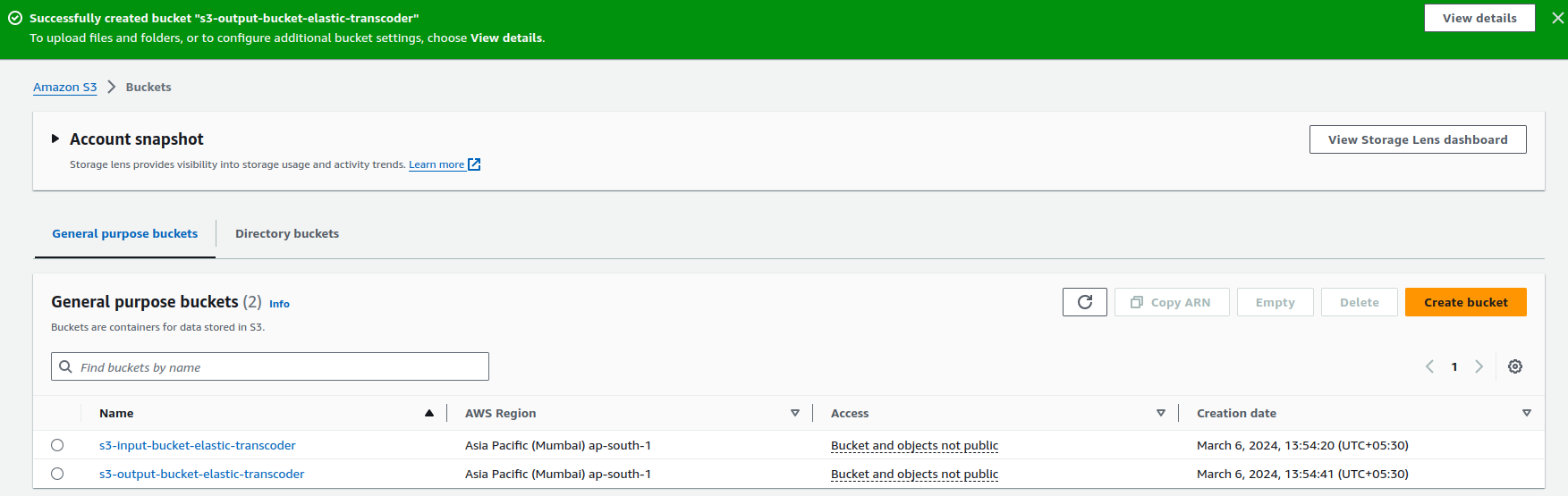
Now, let’s see how we can create Elastic Transcoder on AWS. Before creating this, we need to create two S3 buckets. One bucket will be input bucket and other bucket will be our output bucket.
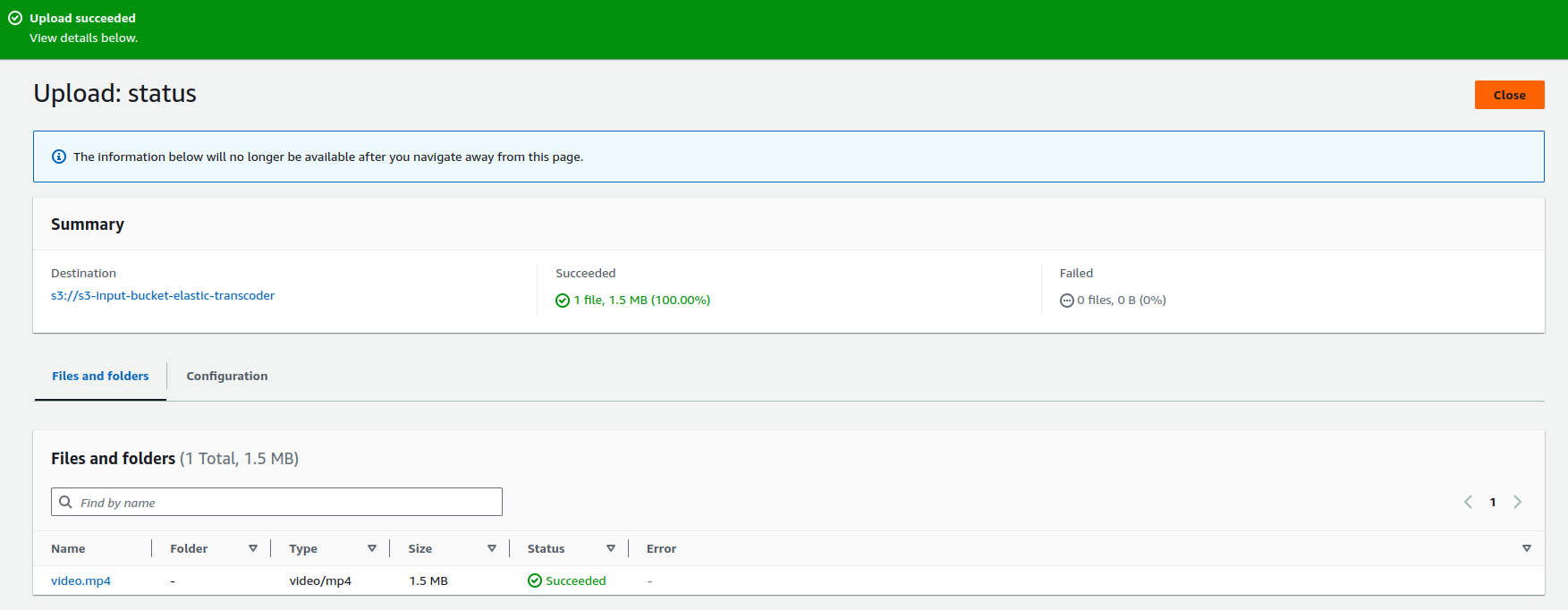
Uploaded a sample video file to the S3 input bucket.
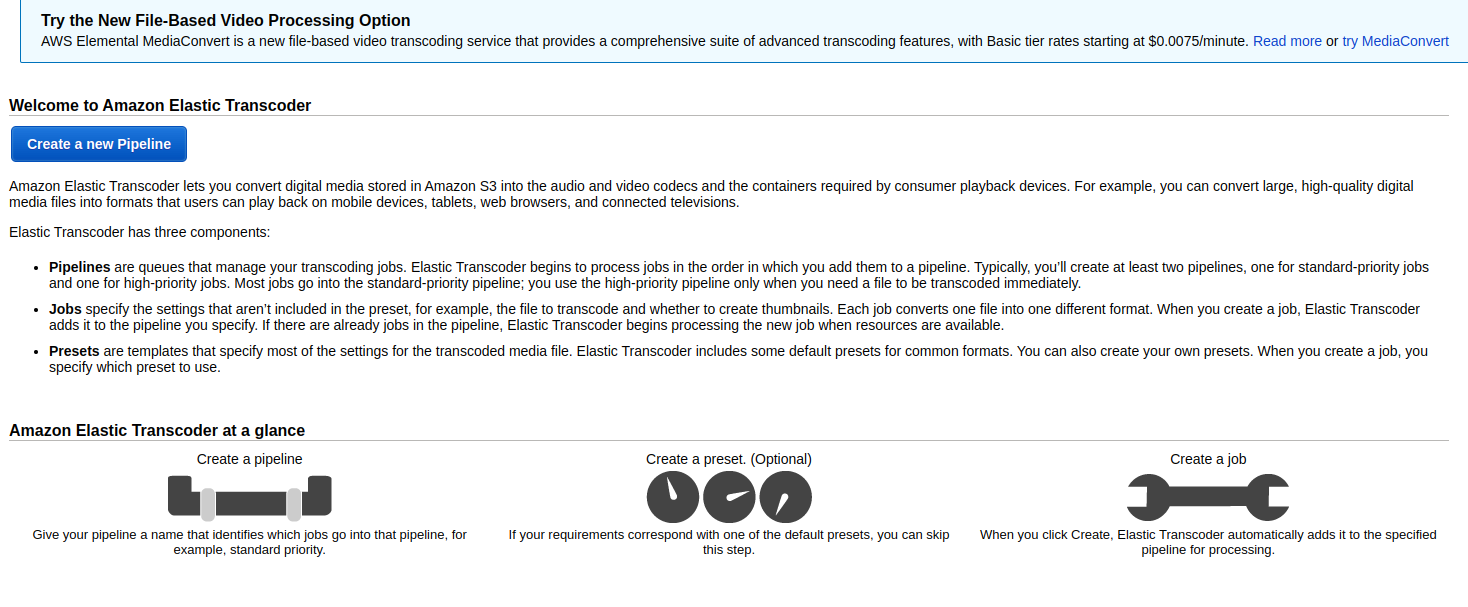
Now, we need to create a new pipeline here.
Enter a name for your pipeline. Configure input and output buckets, which specify where your source and transcoded files will be stored. Also select storage class.
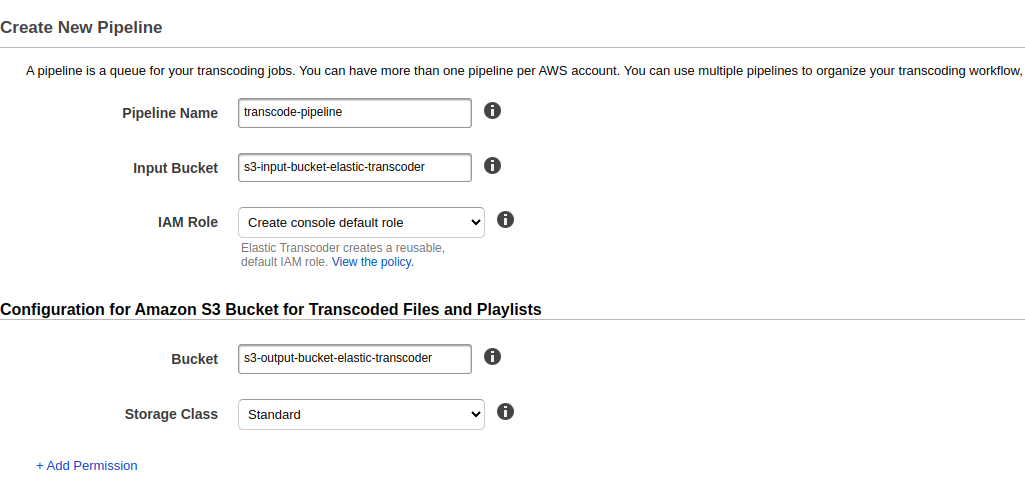
Configure S3 bucket for thumbnails.
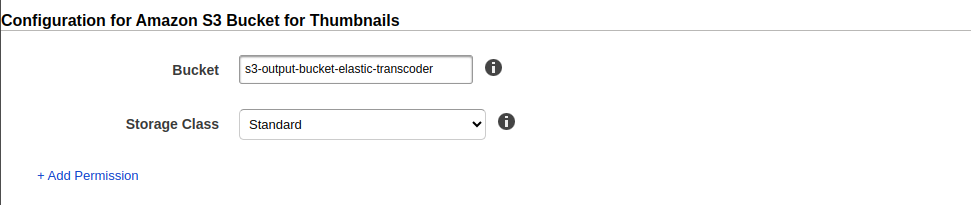
Click on Create Pipeline.
After the creation of pipeline, we need to create a job. Click on Create new job.
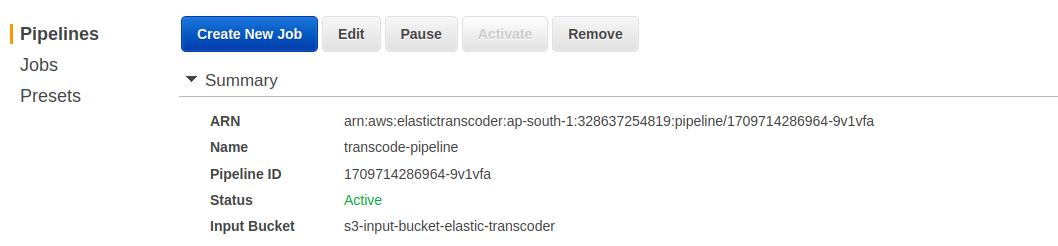
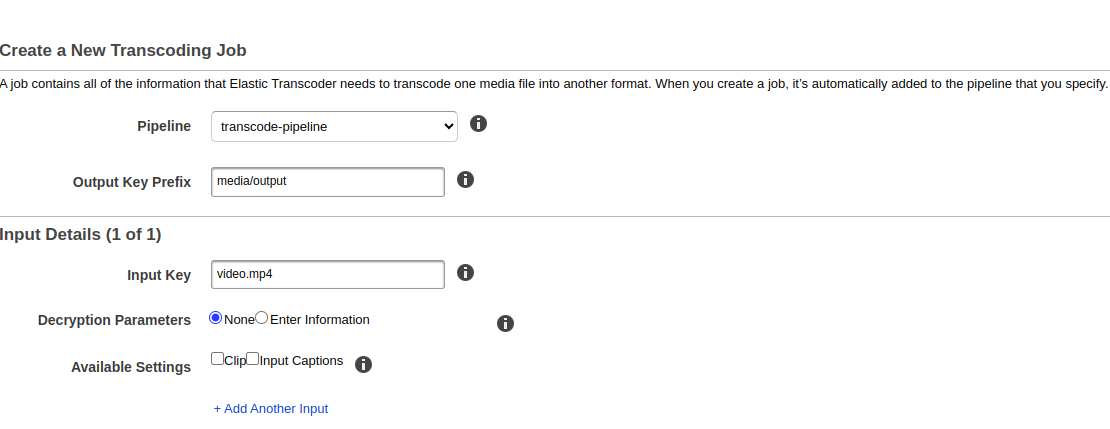
In a job we need to mention all the information that Elastic Transcoder needs to transcode one media file into another format.
Now, choose output preset details here according to your need.
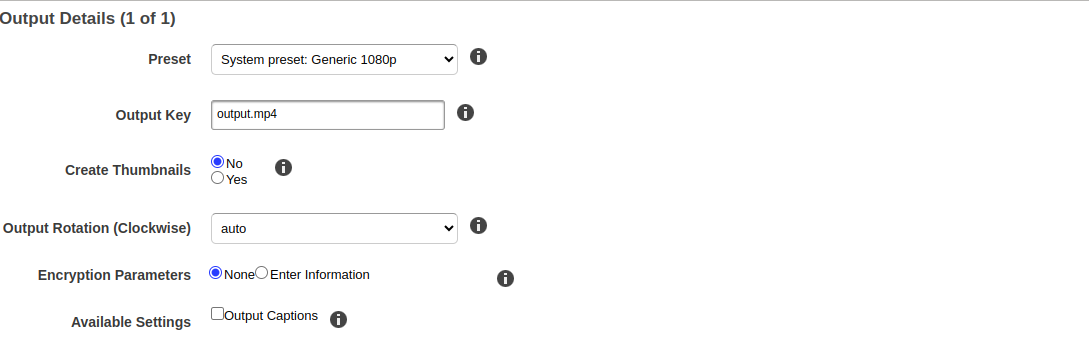
And click on create new job. Job is created here.
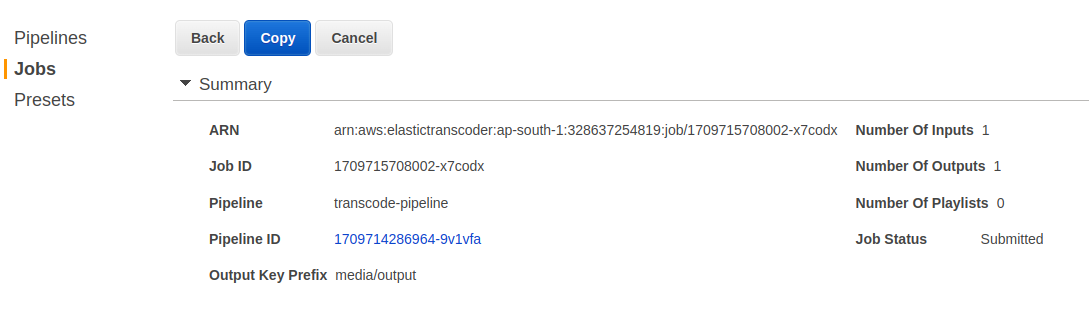
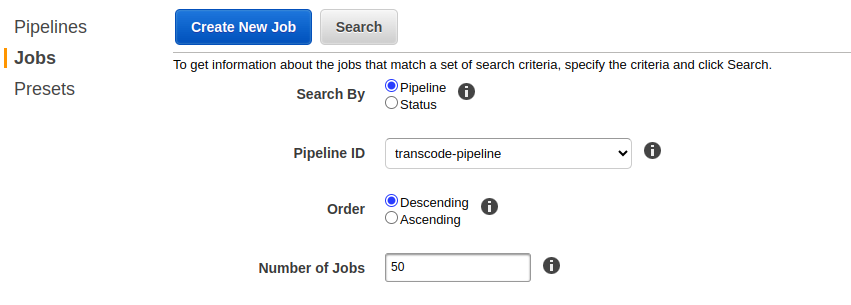
Let’s view the status of our job. Search here the job you created.
Here we can see job status is complete. Jobs typically take some time to complete, depending on the size and complexity of the input files.

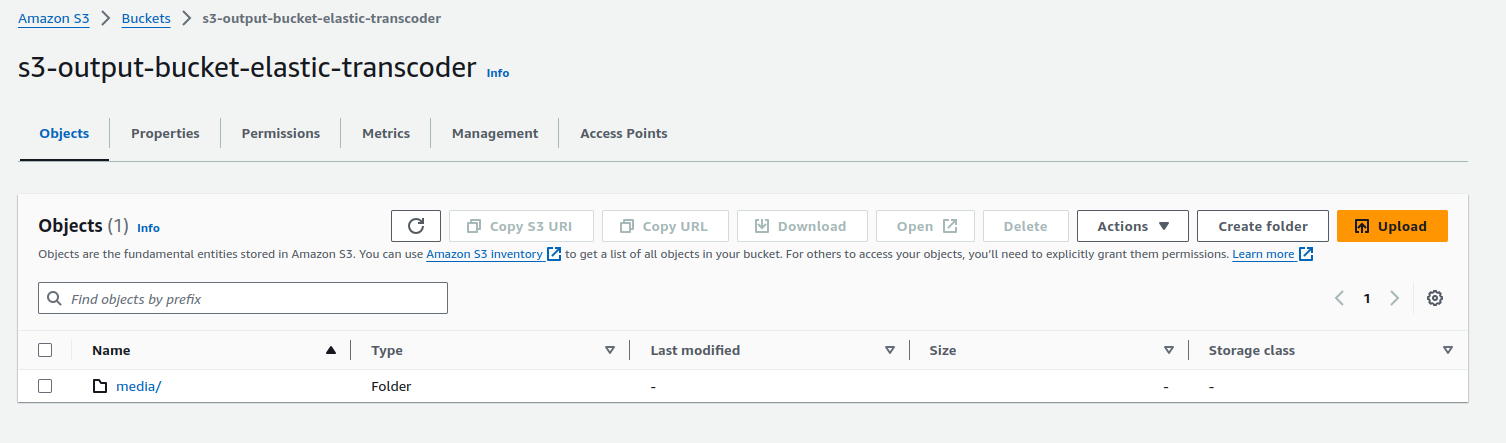
Let’s move to S3 output bucket for verifying. We can see a directory for output file is created as we mentioned in the pipeline.
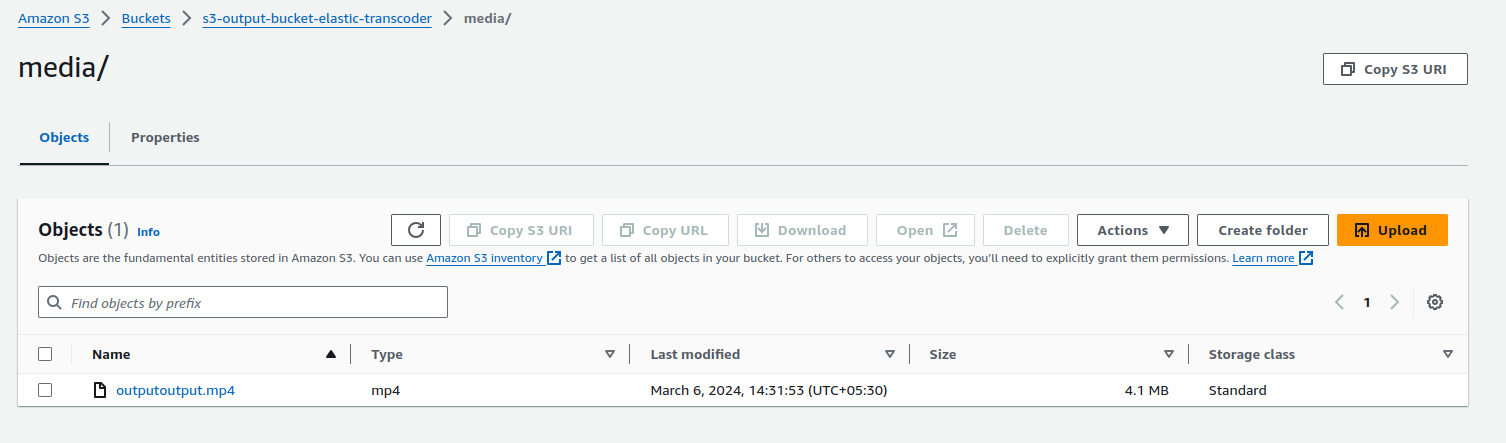
And here is our final output transcoded file.
This is how we can use AWS Elastic Transcoder for transcoding media files in the cloud. That’s all for now. I hope you enjoyed doing this.
Conclusion
Thanks for being with me till end. In this blog we have seen how we can do the process of converting media files from one format to another using AWS Elastic Transcoder. If you liked this blog, then please do like and share it with your friends. Also, if you have any queries, please contact me on Naincy.kumari@Nashtechglobal.com.
Happy Learning!!!