



In Azure, every application service operates within an App Service plan. It empowers you to develop and host a variety of applications, including web apps, mobile back ends, and RESTful APIs, all without the burden of managing underlying infrastructure. With features like auto-scaling and high availability, it caters to dynamic workload demands. Additionally, it accommodates both Windows and Linux environments, while also facilitating automated deployments directly from Github, Azure Devops, or any Git repository.
In this blog, we will explore the creation and configuration of App Service Plan to deploy applications in Azure Cloud.
Creating Azure App Service Plan
Go to Azure portal and search for App Service plan.
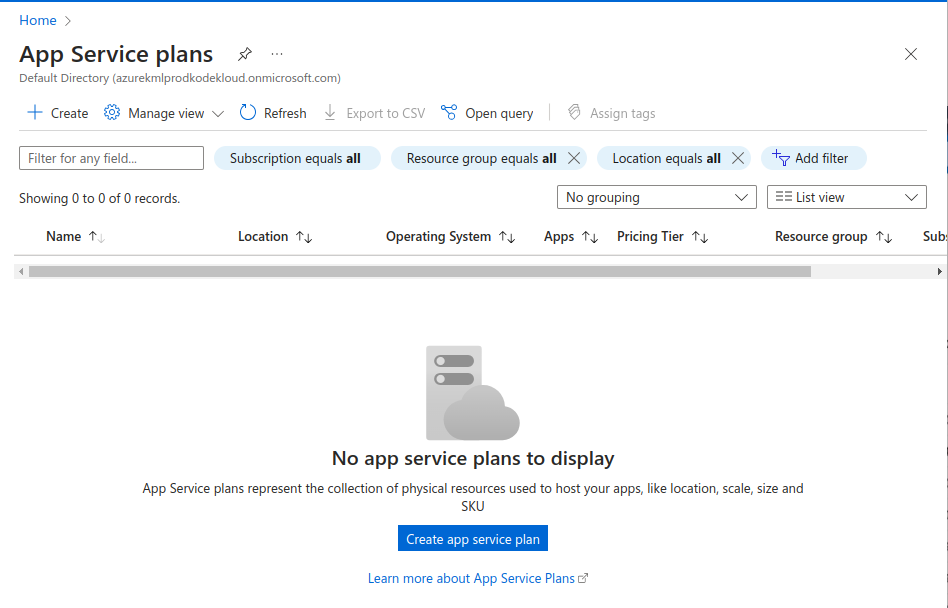
Click on +Create button in the top. Add subscription, resource group, name and region for basic information of the plan. You can choose any Pricing tier depending on your needs. Click on Explore pricing plans to view detailed information on the pricing options available.
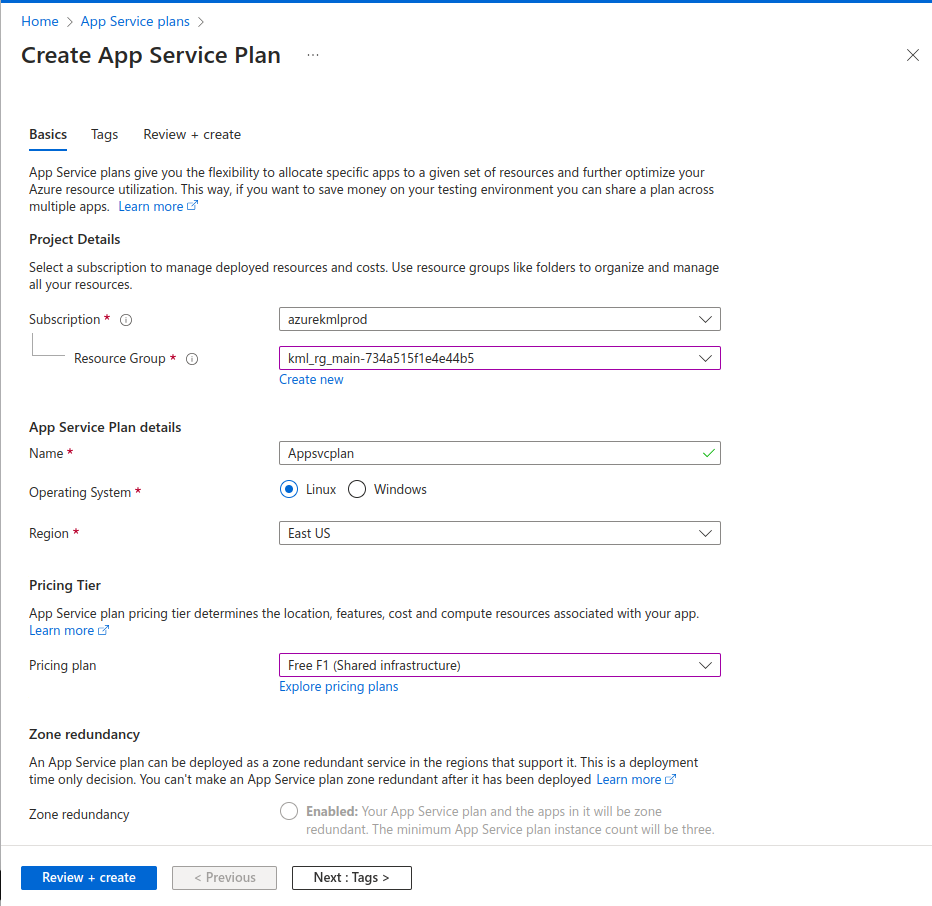
Carefully review the configurations and choose the pricing plan. Click on Review + Create.
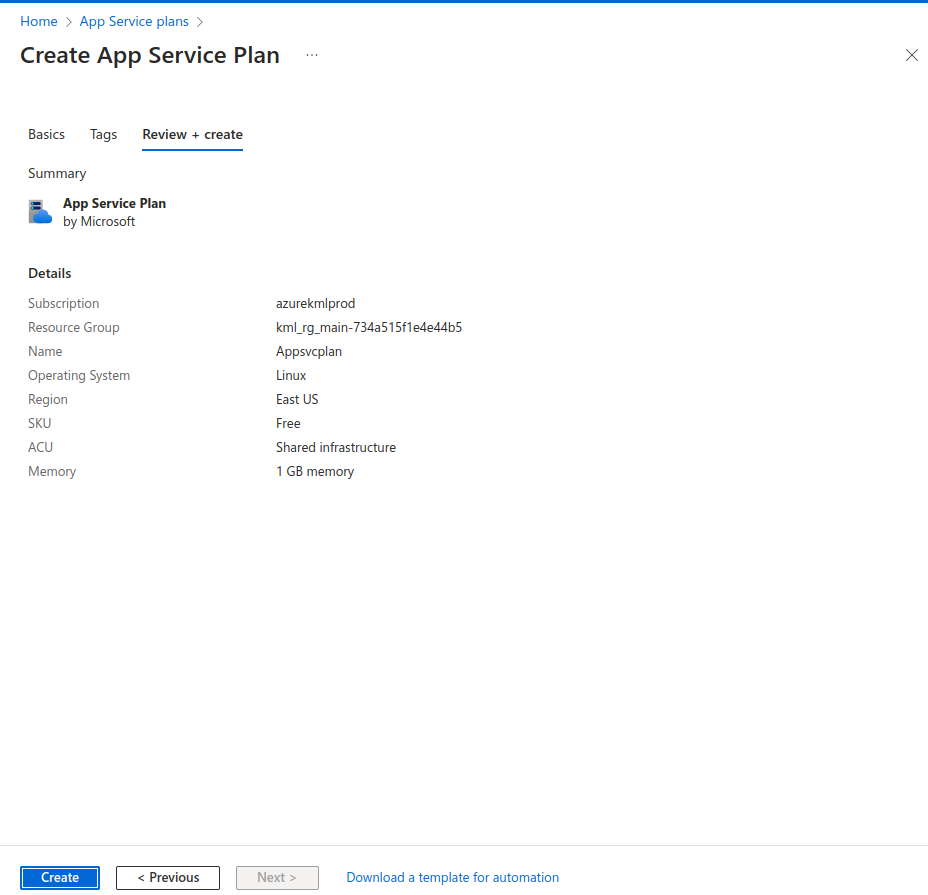
Click on Create.
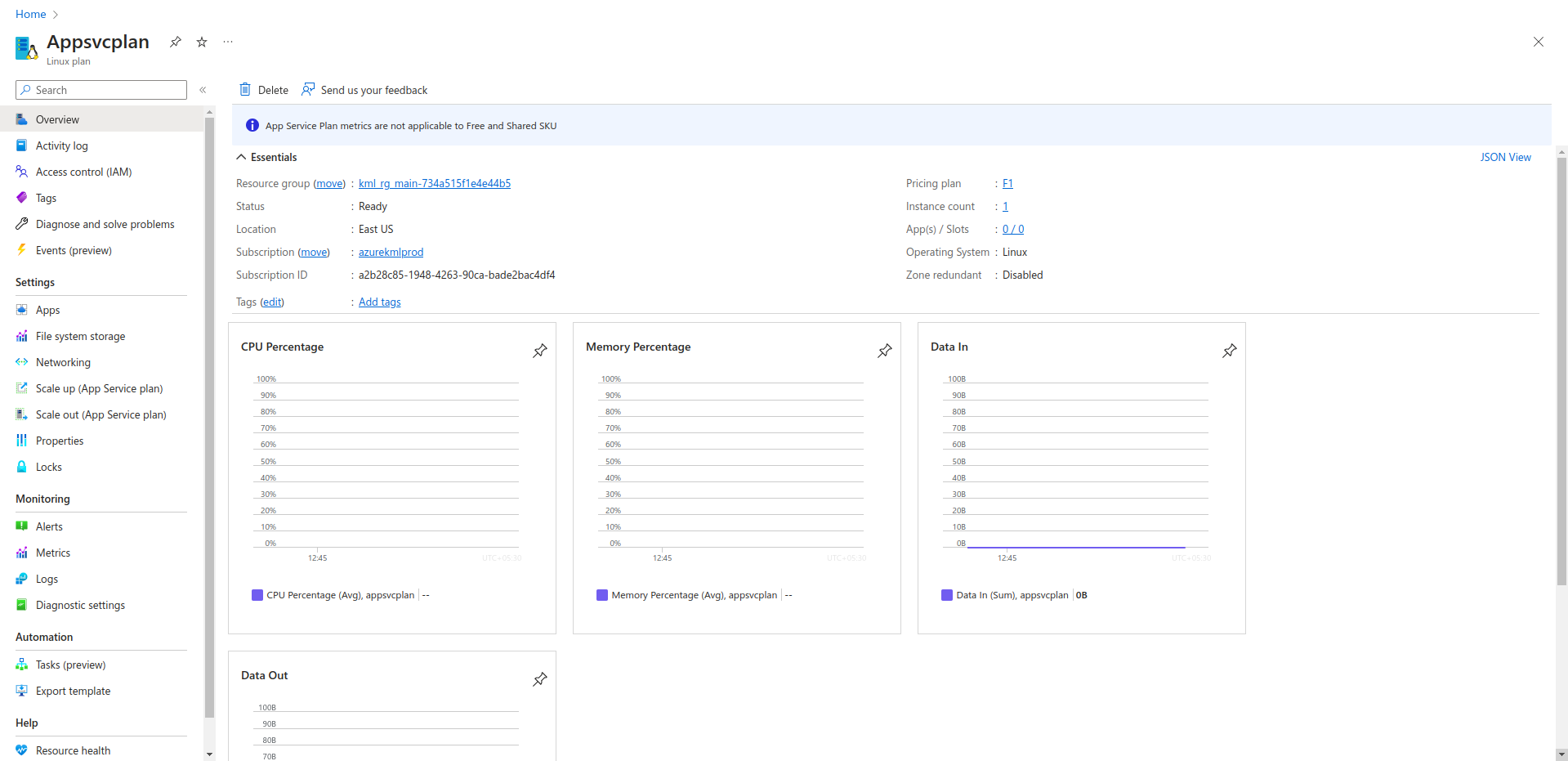
Apps service plan has been created successfully. You can explore more options available in the left panel.
For example, Click on File system storage to view the disk size available for you to use in this plan.
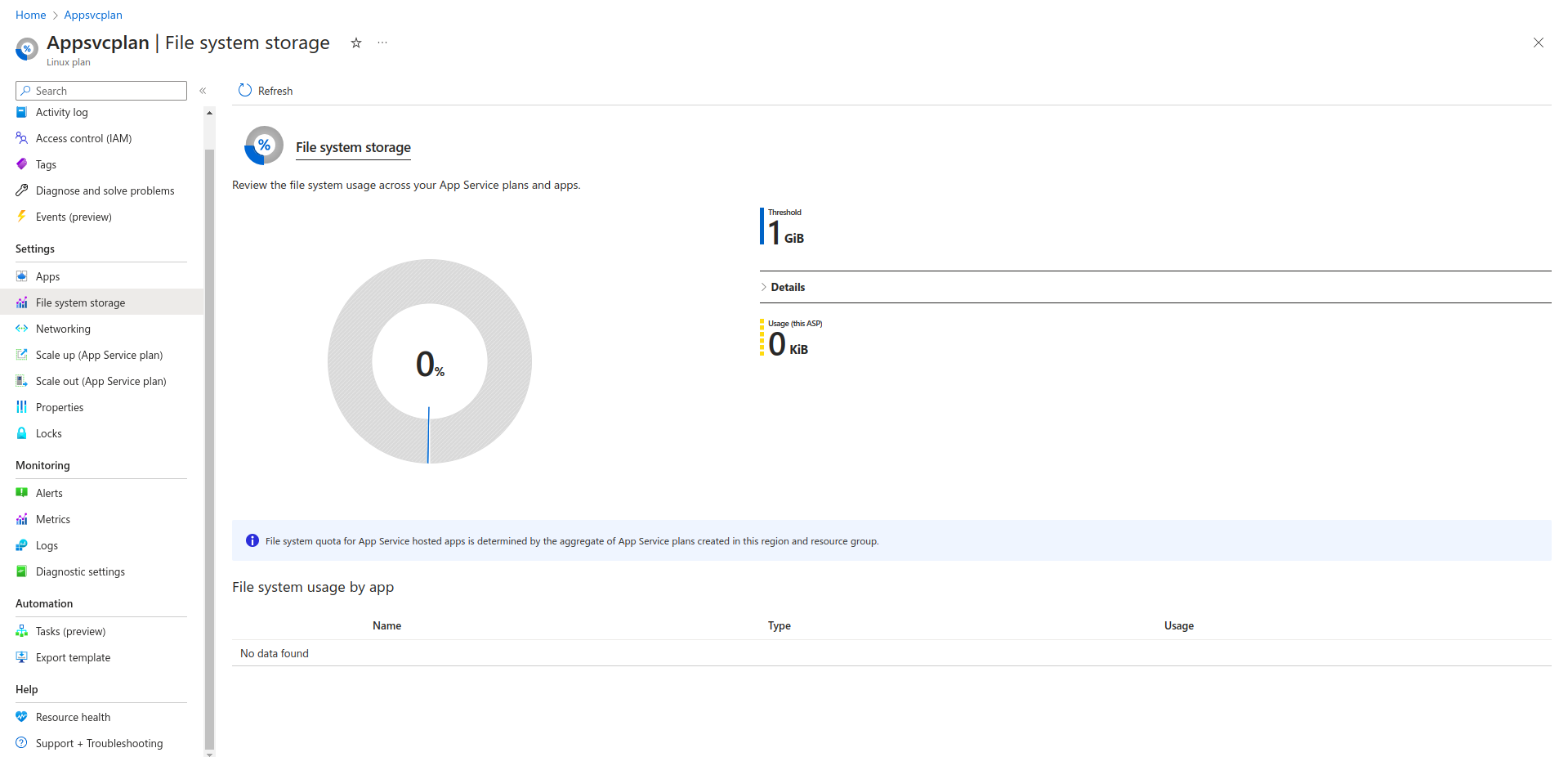
Only 1 GiB is available in the Free tier plan for app services.
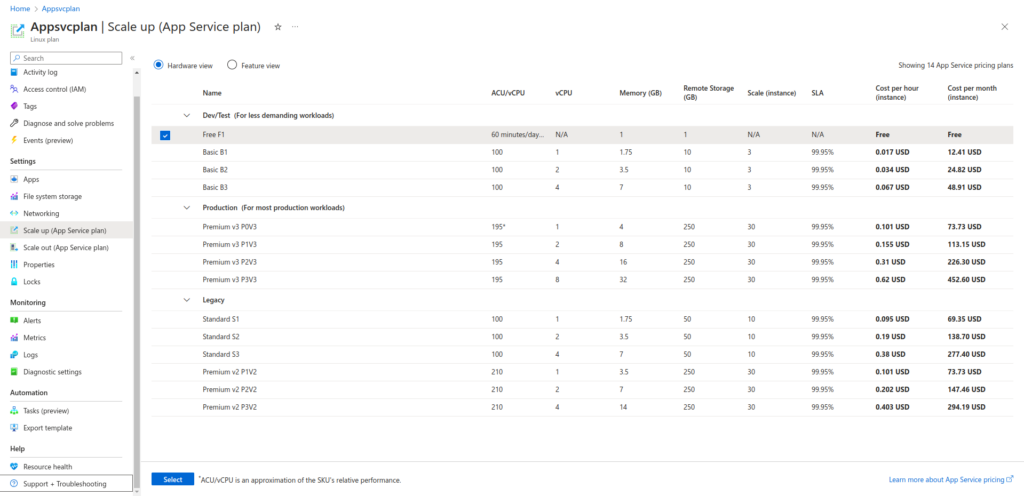
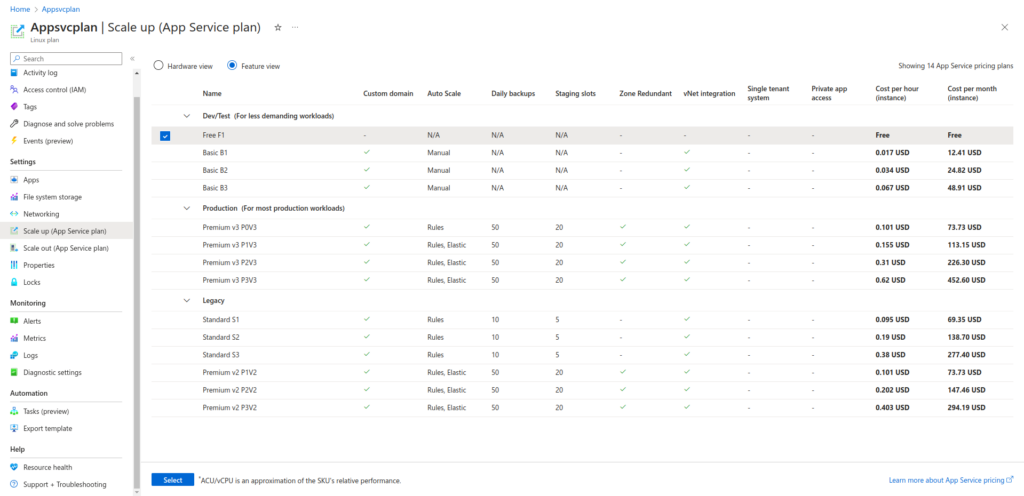
Click on Scale Up option. It will give you two views: Hardware View and Feature View.
Hardware View depicts options like CPU, Memory, Remote Storage, SLA, and cost.
Feature View presents the options to AutoScale, backup, staging slots, Zone redundancy, virtual network integration and more.
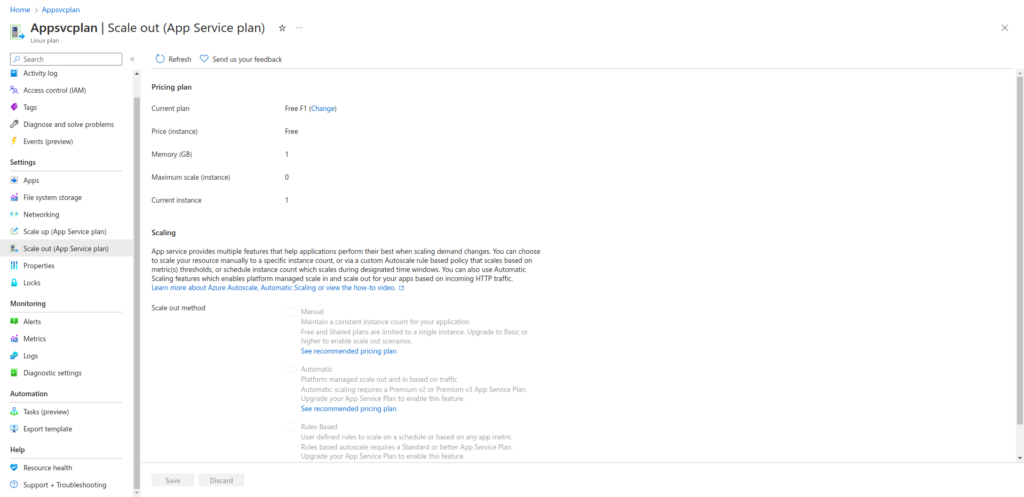
You can also upgrade your plan according to your needs. You won’t be able to use Scale out option in Free Tier, so its suggested to switch to a different service app plan to use this feature.
This is how we can create Azure App service plan and use it to host applications in Azure. If you have any questions/feedbacks regarding this blog, I am reachable at vidushi.bansal@nashtechglobal.com. You can find more of my blogs here.