


Introduction
Hello, wonderful readers! I trust you’re all thriving and enjoying life. I am starting a new series on getting started with Terratest. This will be a three-part blog series, and this is part one. So, without further delay, let’s get started.
What is Terratest?
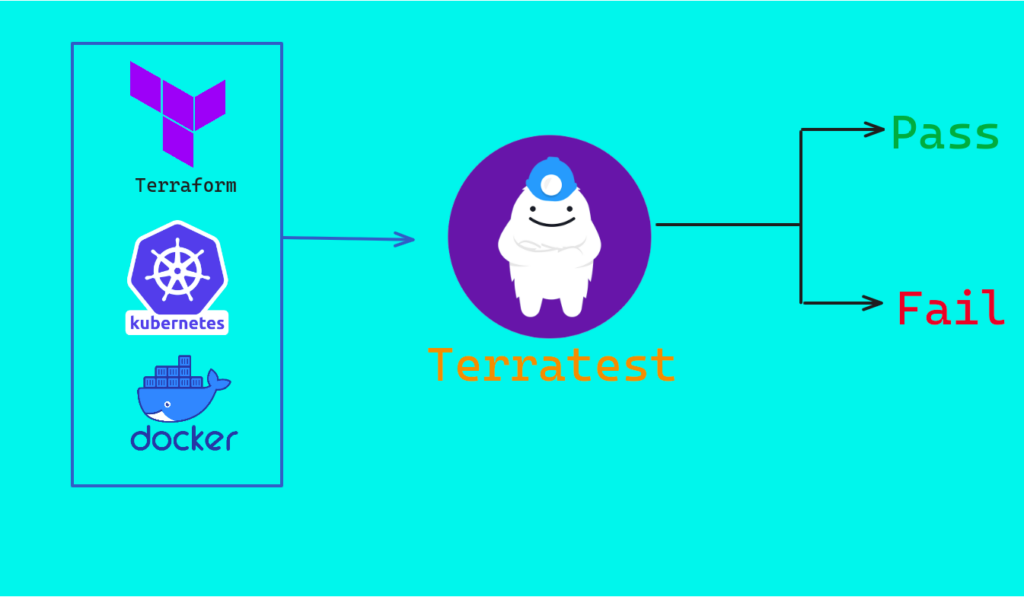
The very first question that arises is: what is Terratest? Terratest is a Go library. In case you are unfamiliar with Go, it is an open-source programming language that simplifies the process of building secure and scalable systems. Terratest helps you automate the testing of your infrastructure code.
To understand the concept, let’s say you are using Terraform, which you use to deploy infrastructure as code. After writing your Terraform code, you will want to test it. This is where Terratest comes in. For instance, if you deploy a VM using Terraform and want to ensure it has been deployed successfully, you can test it using Terratest.
If this sounds complex to you, don’t worry. In my upcoming blog, I will clear up all your doubts.
What are the use cases of Terratest?
Below is the list of use cases of Terratest :
- For testing of Terraform code as explained above.
- For testing the Docker images
- Executing any commands on any server over SSH
- Working with Kubernetes APIs and many more.
Prerequisites of Terratest
- GO Programming Language
Installation of GO
To install GO on your machine you need to follow below steps:
- Download the latest version of GO. you can find the latest version by clicking on this link https://go.dev/dl/
$ wget https://go.dev/dl/go1.22.4.linux-amd64.tar.gz - Extract the downloaded tar file on /usr/local/ directory
$ sudo tar -C /usr/local -xzf go1.22.4.linux-amd64.tar.gz - Add the Go binary to your PATH environment variable$ echo “export PATH=\$PATH:/usr/local/go/bin” >> ~/.bashrc
- Apply changes immediately
$ source ~/.bashrc - Verify The version
$ go version
Conclusion
Terratest is a wonderful tool for testing your infrastructure as code. It not only saves you time but also helps reduce code errors. That’s it for the first part of getting started with Terratest. I will be back with more parts in the future. Until then, happy learning!!.