


Introduction
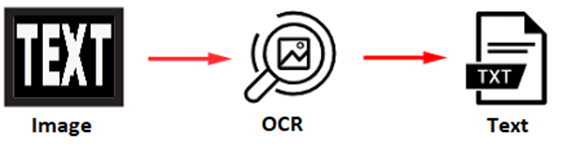
- Optical Character Recognition (OCR) refers to the technology that transforms images of text into a format that computers can read and manipulate.
- From OCR testing perspective, we can leverage the OCR approach to extract the text that your tested application displays on the screen and then use that text for verification.
- In this article, we will explore how to leverage .NET with Tesseract-OCR (a neural network based OCR engine) to implement OCR testing effectively.
Problem Statement
- Manual testing often struggles with verifying text in images and scanned documents, leading to time-consuming processes and a higher risk of human error.
- Traditional automation tools frequently have limitations in interacting with non-editable text formats, resulting in important content being unverified.
How to overcome
Approach
- Currently, Tesseract-OCR has many wrappers, ex: support Java, .NET, Python, C, Ruby, etc.
- In the context of this blog, we will leverage the use of the .NET wrapper for Tesseract-OCR to extract text from images, facilitate testing tasks & moving toward automation process. This approach allows for powerful text recognition capabilities, enabling testers to extract and validate text from various applications, reducing the burden on testers and improving accuracy.
Suggest Package (.NET wrapper)
Text Language Support
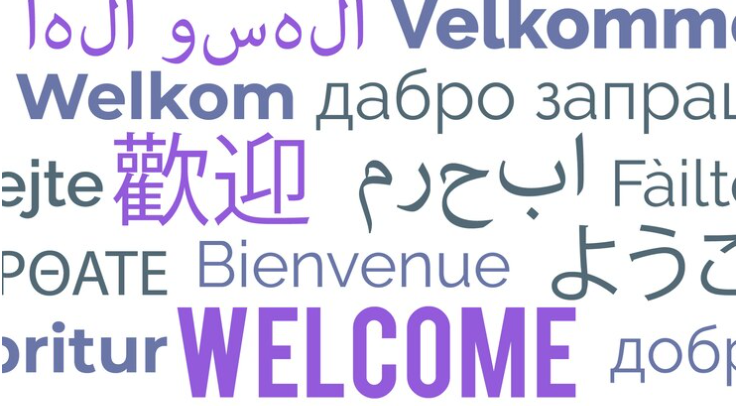
- Tesseract-OCR has unicode (UTF-8) support, and can recognize more than 100 languages.
- With documents in multiple languages, there is no need to implement separate codes for each language, just configure the languages to recognize and Tesseract-OCR will handle the rest. This simplifies the testing process and makes multilingual text processing more efficient.
Trained Data
Tesserect-OCR also provides some text language recognition options (Traineddata Files) based on appropriately trained models, from which to choose solutions that meet specific needs, such as: prioritizing of speed, prioritizing of accuracy, or balancing between speed & accuracy.
Quick Demonstration
Limitation
- There will be some limitations when processing low-quality or low-resolution images, ex: blurry, pixelated, poorly lit images, etc.
- For images that contain a lot of noise or distractions, ex: watermarks, logos, or other graphics. This also causes difficulty in extracting text.
Note: Depending on the specific context, it will be necessary to perform an image preprocessing method before putting it into use and extracting text.
Conclusion
- OCR helps testers to overcome challenges in verifying text within images, significantly reducing effort and minimizing the risk of errors.
- Integrating OCR into an automated testing process not only accelerates the testing process but also enhances overall efficiency.
- With the ongoing development of OCR technology, leveraging it in testing activities will play a vital role in improving software quality to meet rising expectations.
References
https://www.ibm.com/think/topics/optical-character-recognition