


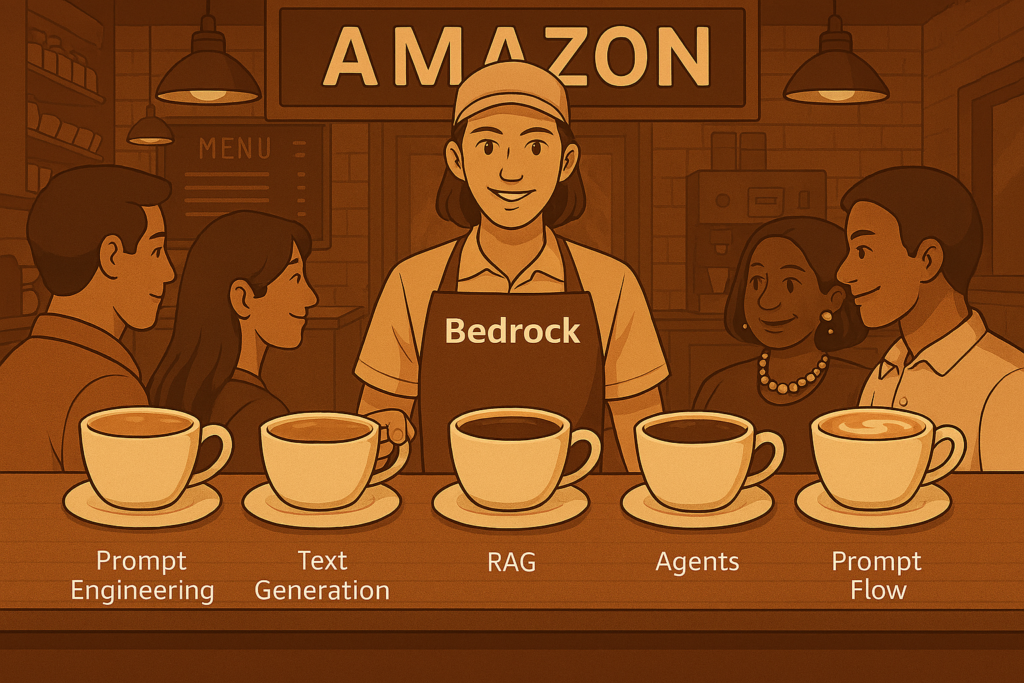
Generative AI is rapidly evolving from experimental prototypes to mission‑critical enterprise apps. More and more organizations are racing to integrate GenAI into their customer experience workflows and unlocking new insights. To cater the growing demand of enterprise grade GenAI requirements, AWS has introduced a platform called Amazon Bedrock.
What is Amazon Bedrock?
Amazon Bedrock is a LLModel-as-a-Service (LLMaaS) offering which makes it easy to deploy, customize, evaluate, secure, and maintain various LLMs models to integrate into enterprise apps. Although, not every offering from Amazon Bedrock is an LLM, like Stable Diffusion. But, LLM is one of the main features offered by Amazon Bedrock. As per the basis the AWS latest info, Bedrock is being used by more than 100,000 organizations worldwide, powering their production-grade AI solutions across domains.
Amazon Bedrock simplifies working with LLM Models via:
- AWS SDK (Bedrock API)
- LlamaIndex
- LangChain
Since, most of the libraries are Open Source (OS) hence, they can work not just with Amazon Bedrock, but also, with a lot of other services of Amazon. This makes them suitable for designing/developing applications within AWS.
Features Offered
Features offered by Amazon Bedrock are:
- Model Catalog: A catalog of LLM Models which we can utilize for our applications.
- Custom Models: Here we can fine-tune or pre-train our custom models.
- Playgrounds: It is a place we can play with LLM Models without writing any code for various purposes like, Chat completion and Text/Image Generation.
- Prompt Management: Here we can store prompt templates. This really helps in creating a prompt template which can test against different variables before deploying the final prompt to production.
- Knowledge Base: This is a combination of RAG + Azure Open Search and a bunch of other features.
- Prompt Flows: For orchestrating a series of events, it acts like a state machine.
- Agents: It provides agentic workflows.
- Guardrails: These are pre & post filters which helps us in controlling or blocking events which we do not want to support.
- Watermark Detection: To avoid copyright issues with images.
- Inference: Here we get batch, provision, serverless, and cross-region.
- Eval Assessments: A suite of evaluation tools that help us measure, compare, and validate the performance of other features of Amazon Bedrock.
- Bedrock Studio: It looks like a preview of Amazon Bedrock, but it isn’t. It is a way of using Amazon Bedrock without the need of having an AWS account.
Why Amazon Bedrock matters?
Modern enterprises need more than just a powerful model, they need:
1. Wide Array of LLMs
Bedrock supports models for text, code, images, and many more. This helps enterprises pick the best model for their use case.
2. Serverless Experience
Since, Bedrock abstracts the entire infrastructure layer. Hence, enterprise teams don’t have to worry about GPUs, scaling, latency optimization, or patching.
3. Alter Foundation Models
Companies can tailor a foundation model (like GPT, BERT, LLaMA) as per their needs using:
- Fine-tuning
- Continued pre-training
- Knowledge Bases
4. Bult-in Safety and Content Control
Since, LLMs are generic models. They can reason for any given input. However, enterprises needs strong safeguards against misue or harmful outputs from day zero. Hence, Bedrock offers Guardrails which helps in blocking events which are not supported.
5. Cost Optimization and Hassle free Governance
Bedrock offers usage dashboards, pre-provisioned throughput controls, and logging/monitoring tools. This enables predictable and compliant GenAI app deployments in AWS.
How to get started with Amazon Bedrock?
There are four pathways to start working with Amazon Bedrock, they are:
I. Build via Console
One way is to simply log in to our AWS account and access Bedrock via its console
II. Bedrock API
Another way is to set up our environment to make Amazon Bedrock requests through the AWS Bedrock API
III. SageMaker Unified Studio
This is the fastest way to get acquainted with Amazon Bedrock. However, to use Amazon Bedrock in SageMaker Unified Studio, you must be a member of an Amazon SageMaker Unified Studio domain
IV. AWS SDK
Last but not the least, AWS SDK makes it easy to build GenAI applications with Amazon Bedrock in our preferred programming language.
In Summary
Amazon Bedrock is a combination of model diversity, secure infrastructure, agentic capabilities, and ease of integration. All this makes it a perfect choice for organizations adopting GenAI at scale. Also, its a very vast topic, hence covering all the methods and features, in detail, in one article is not possible. So, we will cover them one at a time in our future blog series, stay tuned 🙂