


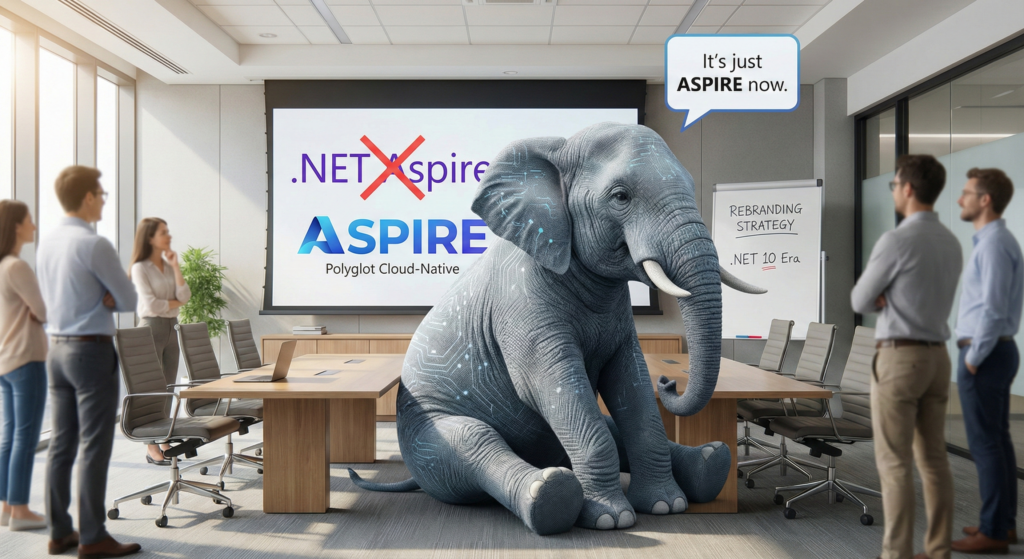
The Elephant in the Room: It’s Just “Aspire” Now
If you’ve been looking for “.NET Aspire” in the .NET 10 preview documentation, you might have panicked. Did Microsoft kill it?
Quite the opposite. They’ve graduated it.
With the release of version 13.1, the platform is officially rebranded as just “Aspire”. While it still requires the .NET 10 SDK to run the orchestration, the name change reflects a massive strategic pivot: Aspire is no longer just for .NET developers.
Whether you are building a FastAPI backend in Python, a React frontend with Vite, or a Java Spring service, Aspire 13.1 claims to be the universal “glue” for your cloud-native local development. The orchestration engine is written in C#, but the payload can be anything.
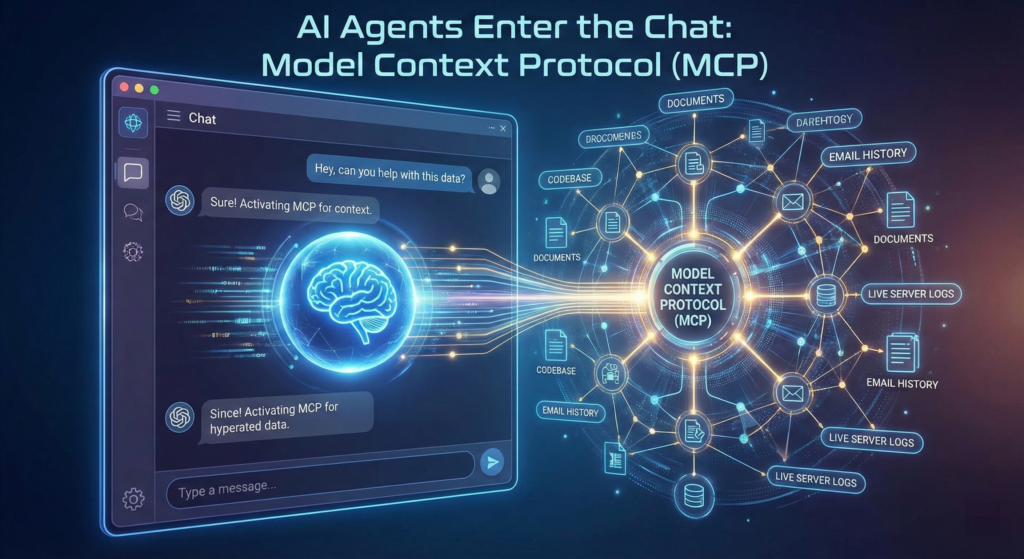
AI Agents Enter the Chat: Model Context Protocol (MCP)
The headline feature of 13.1 is the integration of the Model Context Protocol (MCP).
Previously, if you wanted GitHub Copilot or another AI agent to help debug your distributed app, you had to copy-paste logs into the chat window.
With 13.1, the Aspire Dashboard acts as an MCP Server. This means your AI coding agent can now “hook” directly into your running Aspire instance.
- Query Resources: The AI can ask “What services are currently running and what are their endpoints?”
- Read Logs Live: It can stream the console logs from your crashing
payment-servicedirectly into its context window. - Analyze Traces: It can pull distributed traces to identify latency bottlenecks without you lifting a finger.
It’s a game-changer for debugging complex microservice interactions. You can simply ask Copilot, “Why is the checkout service failing?”, and it has the actual runtime telemetry to back up its answer.
Polyglot Parity: Python & Node.js First-Class Citizens
Aspire 13.1 finally delivers on the promise of “Polyglot Parity.”
- Python (The
uvRevolution): Aspire now detects if you are usinguv(the ultra-fast Python package manager). If you use.WithUv(), dependencies install 10-100x faster than pip. You also get full debugging support for FastAPI and Uvicorn directly from the dashboard. - Node.js & Vite: The
AddJavaScriptAppmethod has been overhauled. It now auto-detects your package manager (npm,yarn, orpnpm). More importantly, it supports TLS Termination for inbound traffic, meaning your local Node apps can finally run over HTTPS without the usual certificate headaches.
// The new "Polyglot" AppHost looks like this:
var builder = DistributedApplication.CreateBuilder(args);

// A Python service using 'uv' for speed
var pythonService = builder.AddPythonApp("ai-service", "../ai-backend")
                           .WithUv();

// A React frontend that knows where the Python service is
builder.AddNpmApp("frontend", "../react-app")
       .WithReference(pythonService);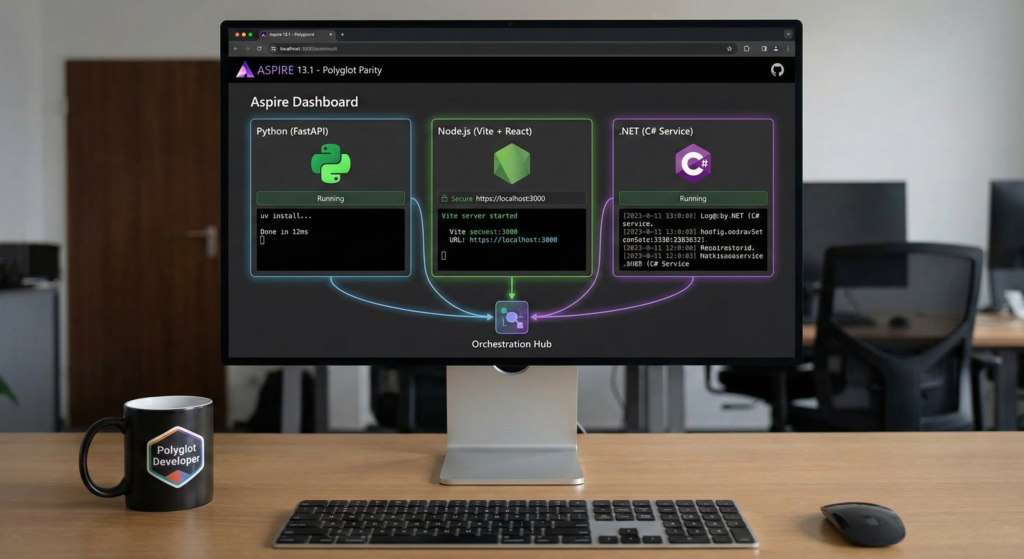
“Aspire Do”: The New Build Pipeline
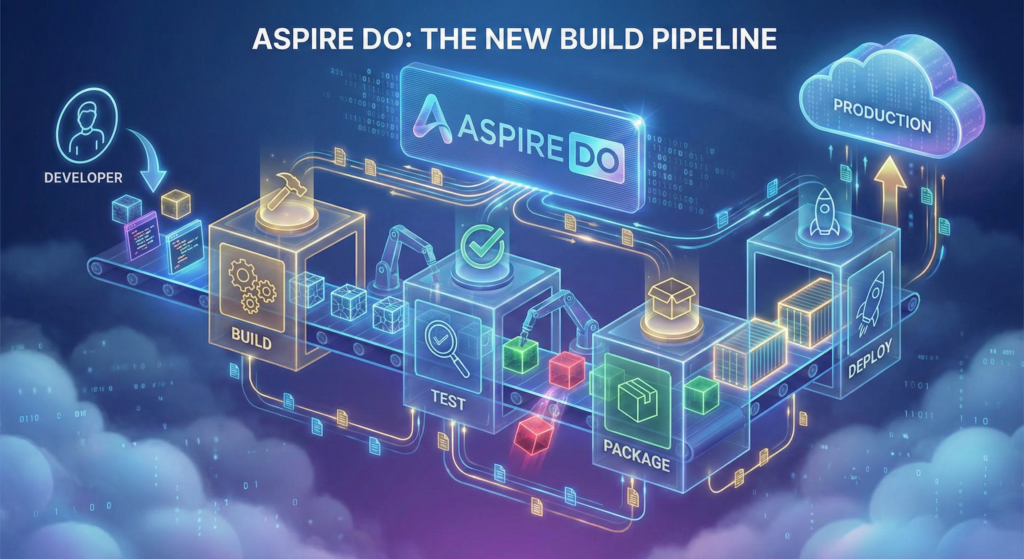
Deploying distributed apps has always been the “final boss” of difficulty. Aspire 13.1 introduces a new CLI command concept: aspire do.
This isn’t just a script runner; it’s a dependency-aware pipeline tool.
- Parallel Execution: It builds your .NET backend and your Node frontend in parallel.
- Dependency Tracking: It waits for the database container to be “healthy” (not just started) before running the migration script.
- Deployment State: It remembers your last configuration, so you don’t have to re-enter environment names every time you deploy to Azure Container Apps.
Breaking Changes & Azure Managed Redis
If you are upgrading from Aspire 8 or 9, be aware of a major breaking change in the Azure integration.
The API AddAzureRedisEnterprise has been renamed to AddAzureManagedRedis.
- Why? To better align with the Azure service naming changes.
- ** The Fix:** You will get a compiler error. Simply do a Find & Replace in your
AppHost. - URI Scheme: The default URI scheme is now
rediss://(note the extra ‘s’) to enforce TLS by default, which is required for the new managed tiers.
Conclusion
Aspire 13.1 is the moment the platform grew up. By dropping the “.NET” prefix, Microsoft is signaling that this tool is ready to compete with Docker Compose on its own merits, regardless of your programming language.
If you are on .NET 10, update your SDK and run: dotnet workload update Then, try adding a Python or Node service to your AppHost. You might be surprised at how well they play together.
If you’re seeking a trusted partner to accelerate Aspire or any Microsoft technology initiative — from .NET modernization and Azure migration to system re‑architecture, platform engineering, and DevOps transformation — our team is ready to help you move faster and achieve more. Get in touch to explore how we can empower your success: IT Consulting Services & Solutions | Technology Services – NashTech (nashtechglobal.com)