


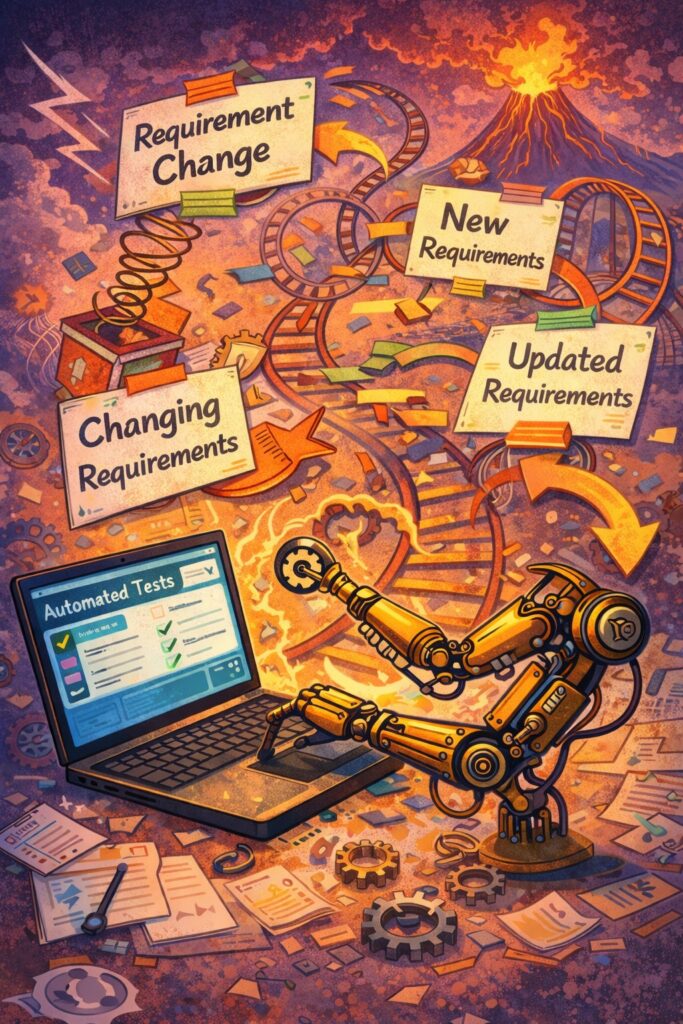
When Requirements Keep Changing and Your Automation Keeps Breaking
Automation testing is supposed to make life easier. Write tests once, run them forever, and catch regressions automatically.
But in many teams, reality looks very different.
Requirements change. Product decisions shift. UI flows are redesigned. APIs evolve. And every change breaks automation tests — again and again. Instead of saving time, automation becomes a constant maintenance burden.
This isn’t a tooling problem. It’s a mismatch between what we automate and how we think about change.
Why Changing Requirements Break Automation So Easily
Automation tests are precise. They expect specific behavior, specific flows, and often specific UI details. When requirements change, those expectations are violated even if the change is valid.
The problem is not that requirements change. That’s normal. The problem is that many automation suites are written in a way that assumes stability where none exists.
The Hard Truth: Not Everything Should Be Automated
One of the biggest mistakes teams make is trying to automate everything too early.
If a feature is:
- Still evolving
- Frequently redesigned
- Under active product discussion
Automating it in detail is not a guarantee. You’re locking assumptions into code that’s guaranteed to be outdated soon.
Automation works best on stable behavior, not moving targets.
Tests That Break Often Are Usually Too Specific
When automation tests fail after small requirement changes, it’s often because they test how something works instead of what matters.
Examples of fragile tests:
- Checking exact UI text
- Relying on button positions or CSS selectors
- Following long, detailed user flows
- Asserting multiple behaviors in one test
These tests are tightly coupled to implementation details — and implementation details change a lot.
Focus on Intent, Not Implementation
A powerful shift in mindset is to automate intent rather than steps.
Instead of testing:
“Click this button, then that button, then verify this label”
Test:
“A user can complete checkout successfully”
This leads to:
- Shorter tests
- Fewer breakpoints
- Clearer purpose
When requirements change, intent often stays the same even if steps don’t.
Separate Business Rules from UI Automation
UI changes constantly. Business rules change far less often.
If your automation lives mostly at the UI layer, every design tweak will break tests. A more resilient approach is:
- Test business logic at the API or service level
- Keep UI tests thin and focused
- Avoid testing layout or presentation unless required
UI tests should verify that things work, not how they look.
Build Tests to Expect Change
In changing systems, automation must be adaptable.
That means:
- Using stable element selectors (IDs, data attributes)
- Avoiding hard-coded wait
- Centralizing locators and test utilities in a framework (e.g: robot framework, page object model, ….)
- Writing small, focused tests instead of long flows
- Automate the core feature first, leave the changing feature later
When change happens, you want to update tests in one place, not everywhere. In other words, easy for maintenance.
Treat Automation Failures as Feedback, Not Noise
When automation breaks repeatedly, it’s easy to blame the tests. Sometimes that’s fair but often the failures reveal deeper issues:
- Requirements were unclear
- Changes were not communicated throughout the team
- Behavior changed without shared understanding among all related party
- Automation and product thinking are disconnected
Frequent test breakage is a signal that alignment is missing.
Collaborate Early with Product and Development
Automation testers should amongst the first to hear about requirement changes.
Effective teams:
- Discuss test impact during refinement
- Identify stable vs unstable areas together
- Delay automation for ever-changing features
- Update acceptance criteria before coding begins
Automation is accurate when expectations are shared early.
A Practical Rule of Thumb
Ask these questions before automating a feature:
- Has this behavior stabilized?
- Would a change here be considered a bug?
- Is this rule business-critical?
- Will this test still make sense in six months?
If the answer is “probably not,” or “maybe”, delay or reduce automation.
Automation Is an Investment, Not Insurance
Automation is not about catching every change. It’s about protecting what should not change. Hence, to ensure the critical business flow.
When requirements are fluid, flexibility matters more than coverage. A smaller, reliable automation suite beats a large but inconsistent one every time.
Conclusion
If your automation keeps breaking because requirements change, the problem isn’t chang it’s automation that was built without expecting it.
Strong automation adapts. It focuses on stable behavior, meaningful outcome.