



In this blog, we will see how we can create a CICD pipeline in Azure Devops using Github as a source code management.
What is Azure Devops?
Azure Devops Boards are more powerful tools designed to help teams plan, track, and discuss work across their software projects. Imagine it as a virtual whiteboard in your office, where you can sit with your team, organise tasks, set priorities, and visualise progress.
Getting Started with Azure Devops
Sign in to your Azure DevOps and navigate to your project.
Click on Pipelines in the left bar.
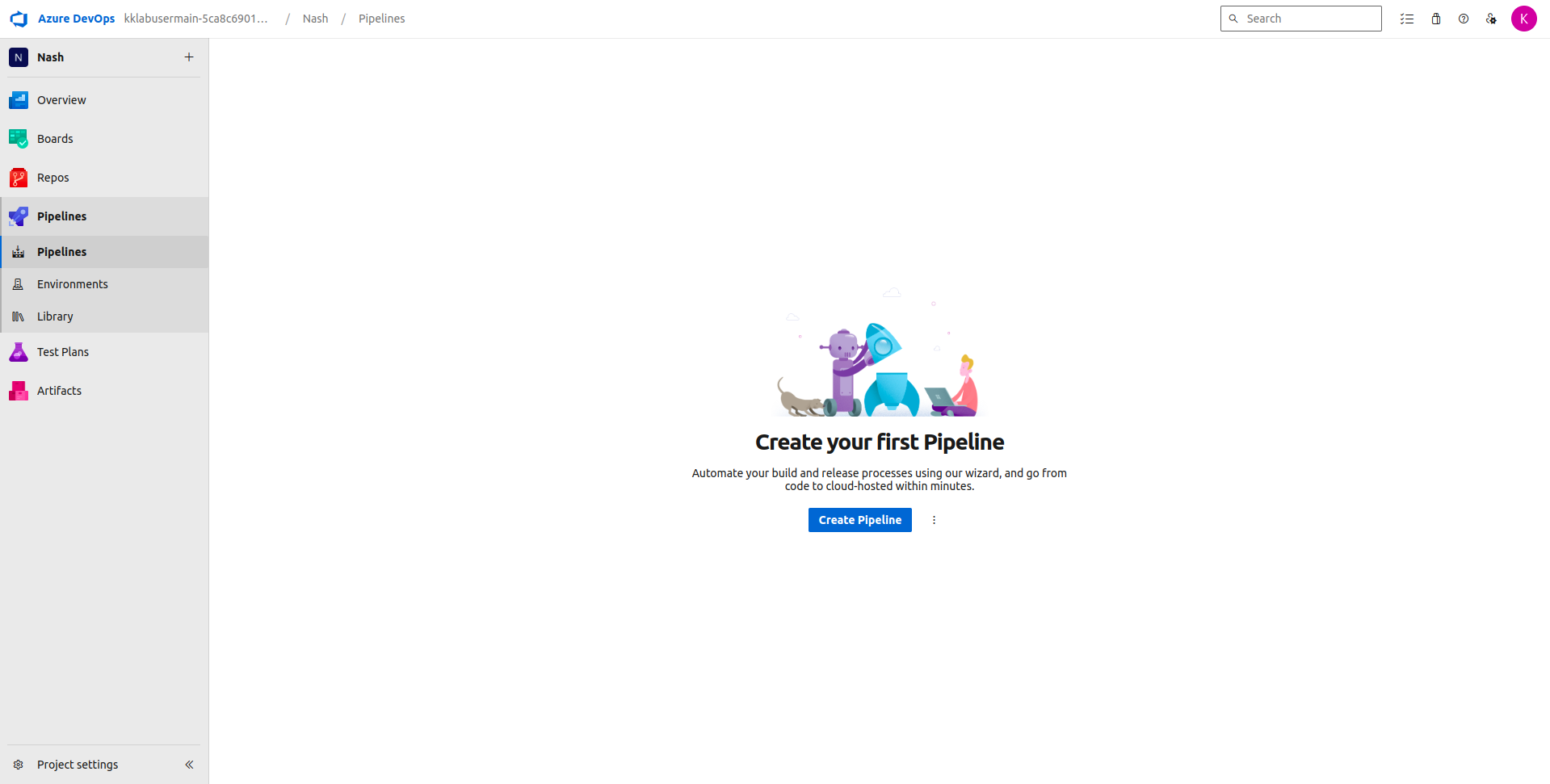
Click on Create Pipeline. You will first be asked to connect to a source code repository where you code resides. It has 4 options for you to choose from:
- Azure Repos Git
- Bitbucket Cloud
- Github
- Github Enterprise Server
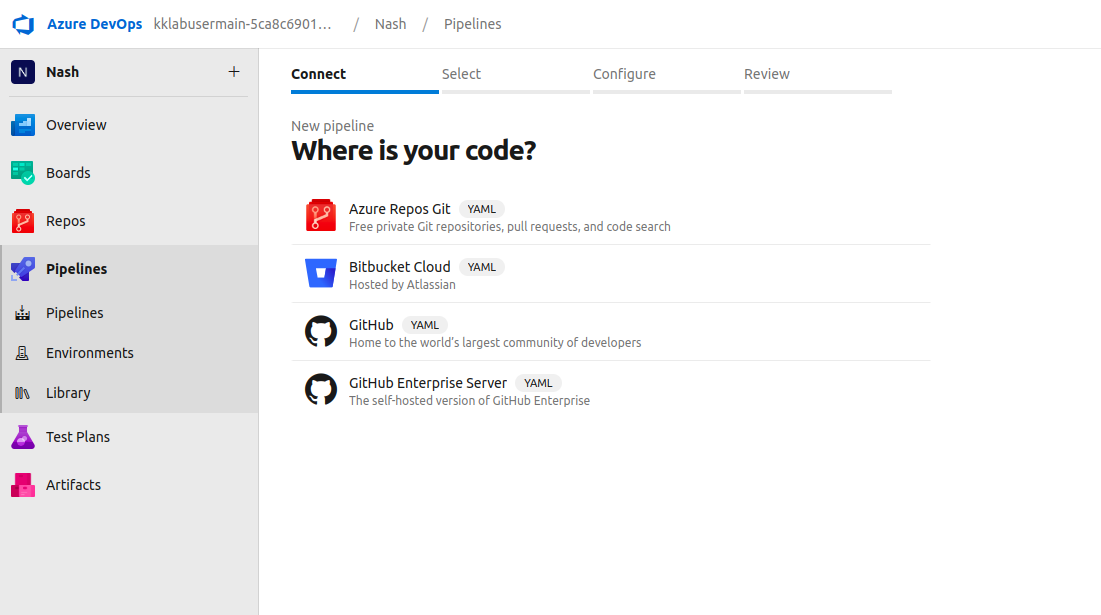
Select any option where your source code is present. For example, I will select Github as my Golang program code is located there. You will have to authenticate yourself to the source code repository first if you are also choosing Github in this step.
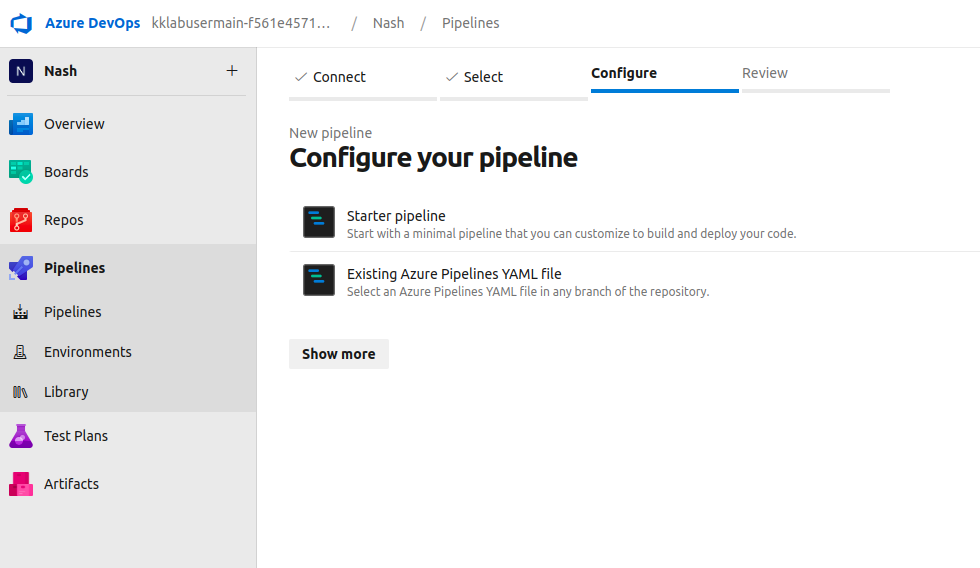
Once you configure your github repository, you can begin by creating a Starter Pipeline.
A default line of code will appear on the screen as shown below.
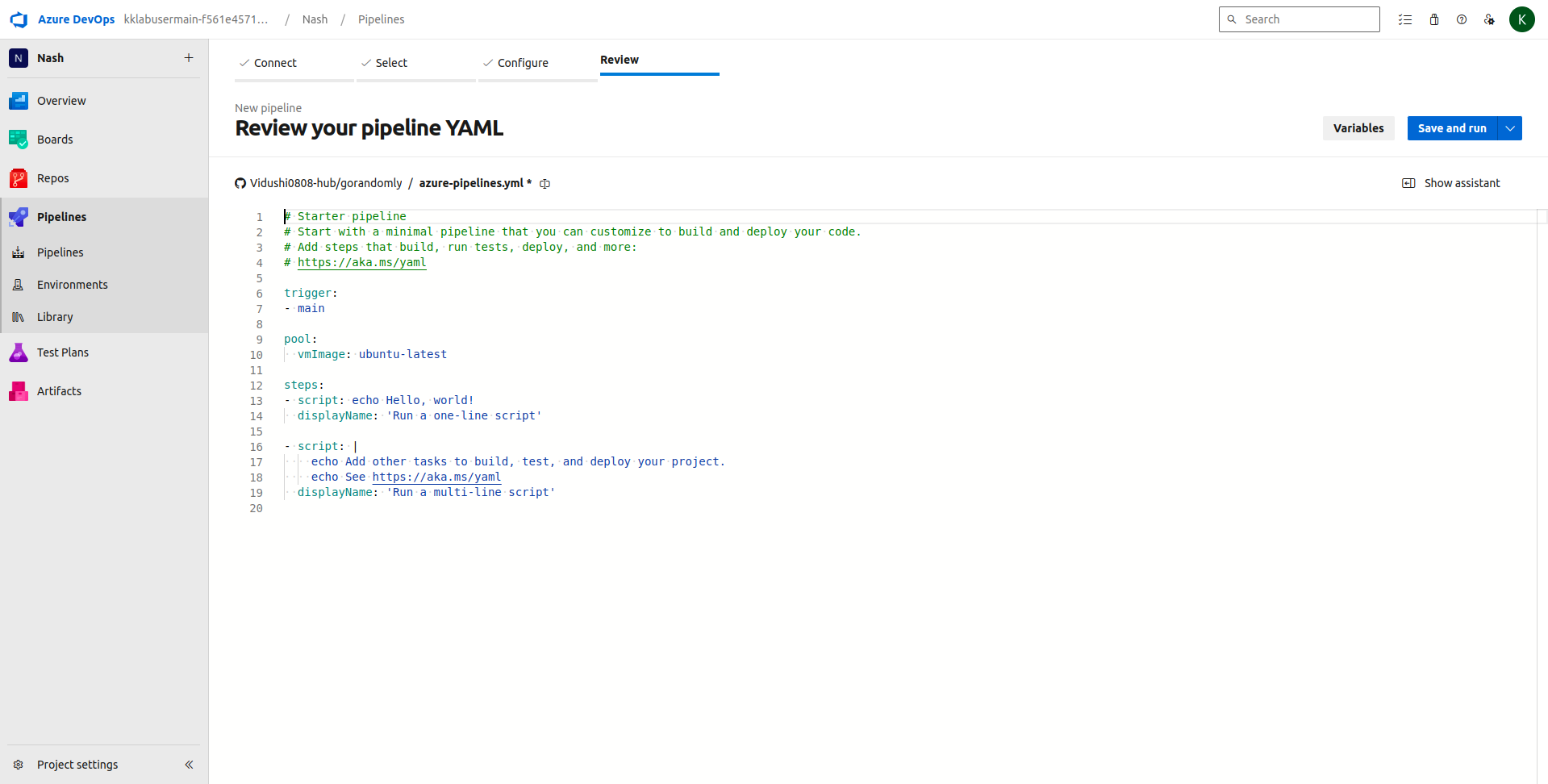
Lets first try to modify the same script and run it to check continuous integration.
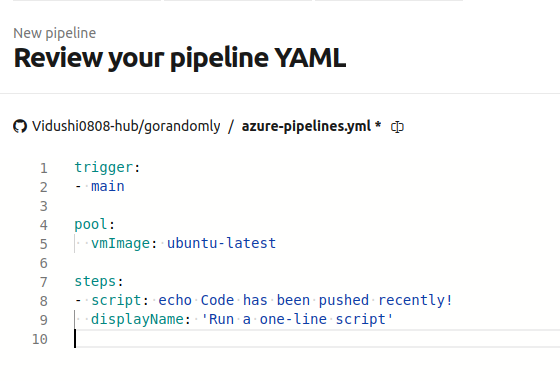
This is the most basic script that triggers a run when anything gets pushed to the main branch
The runner/agent that will run the pipeline has an OS of ubuntu
It just has a basic print command that will display “Code has been pushed recently!” on the completion of the pipeline build.
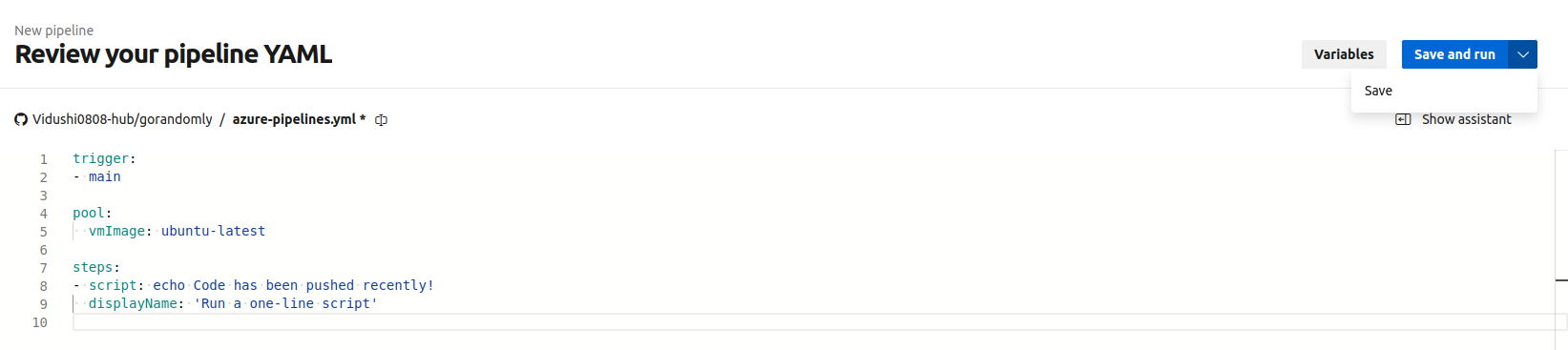
Let’s save the pipeline.yaml that we created.
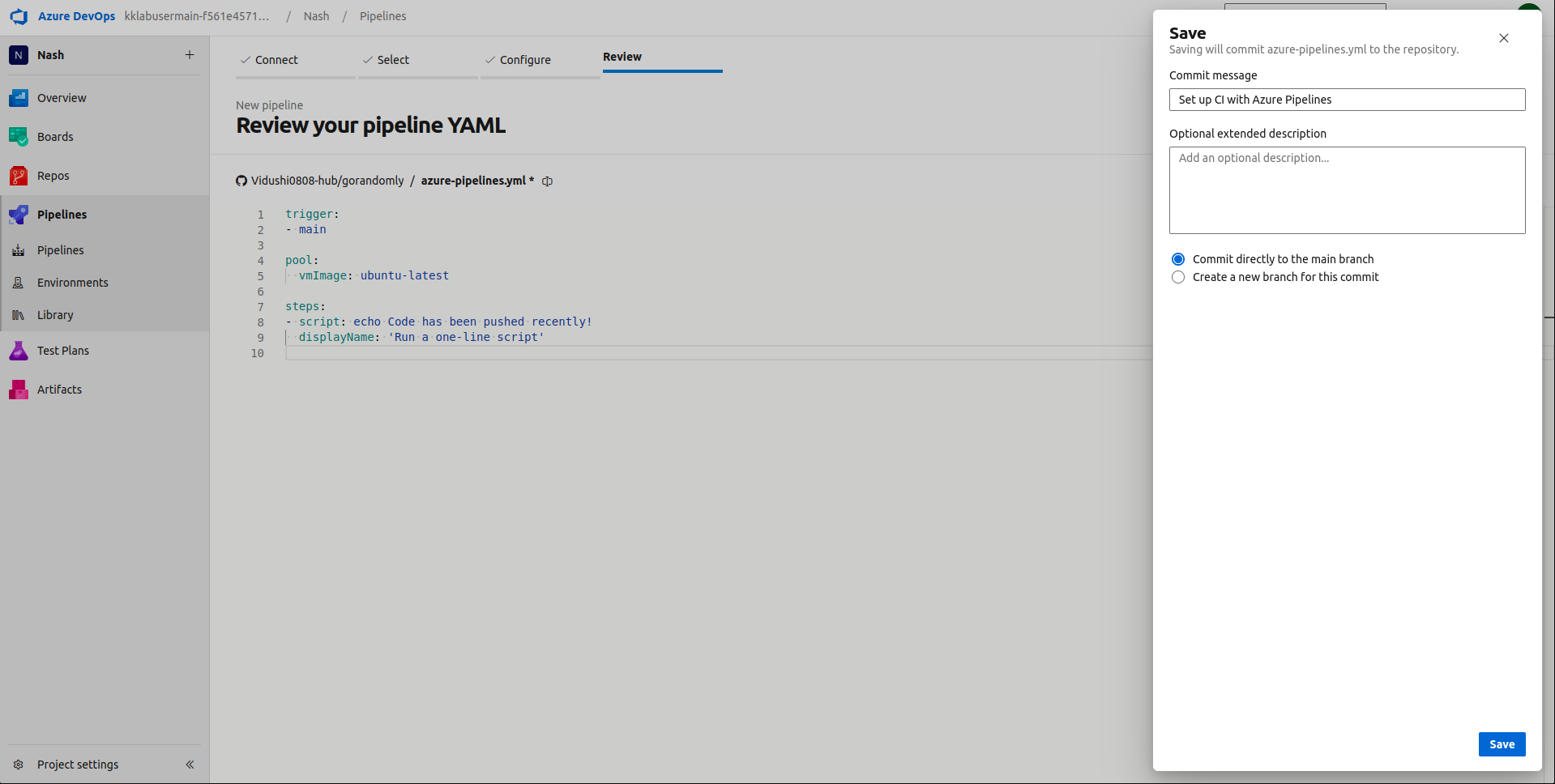
This will push the azure-pipeline.yaml code to the github repository.
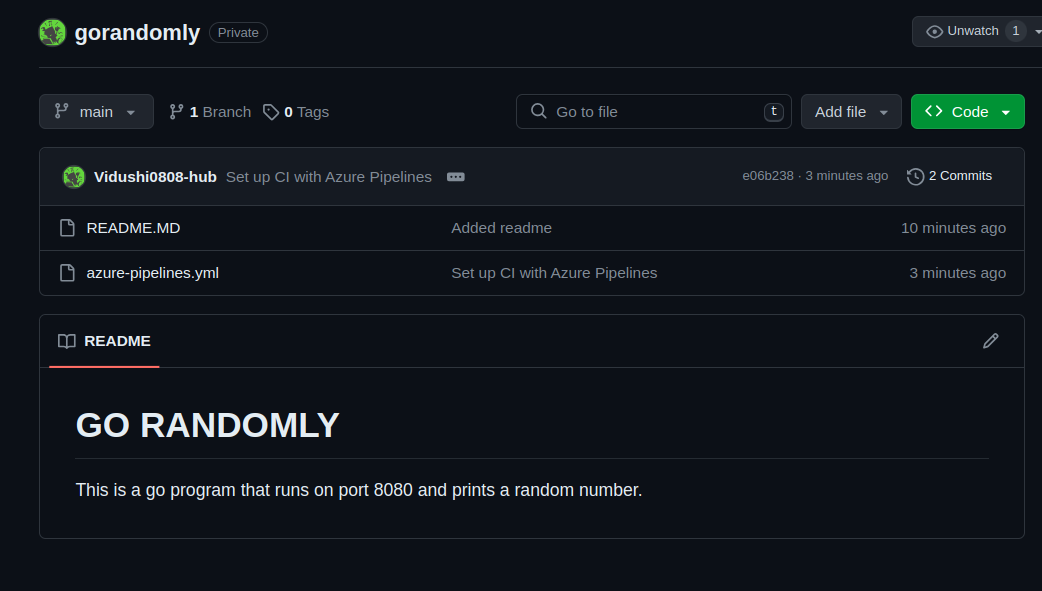
Lets push a Readme update on the main branch to see if that triggers a build.

The build was triggered successfully, however, it could not be succeeded because Microsoft Azure has some restrictions on creating pipelines on free trial.
Hi Readers, Thank you for sticking up till the end. I hope it was informative. If you have any questions/feedbacks regarding this blog, I am reachable at vidushi.bansal@nashtechglobal.com. You can find more of my blogs here.