


App Services in Azure efficiently create, deploy, and expand web applications and APIs according to your preferences. Whether you are using .NET, .NET Core, Node.js, Java, Python, or PHP within containers or operating on Windows or Linux Platforms, you have the flexibility to tailor your development environment. It ensures robust performance and meet stringent enterprise-level security and compliance standards by utilizing a reliable, fully managed service.
In this blog, we will explore the creation and configuration of App Services that host docker containers in Azure Cloud.
Creating Azure App Services
Go to Azure portal and search for App Services.
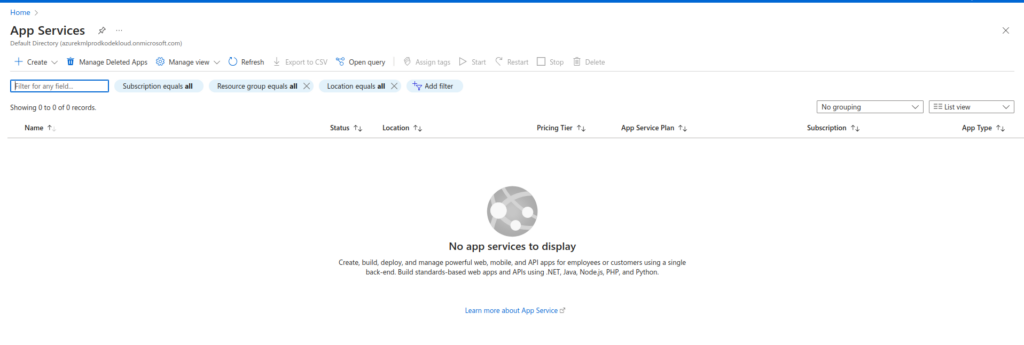
Click on +Create option in the top.
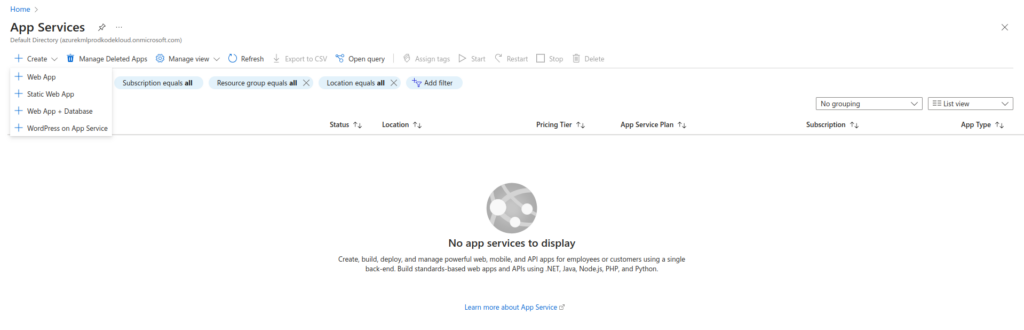
Choose the app service type you want to create. I will select Web App.
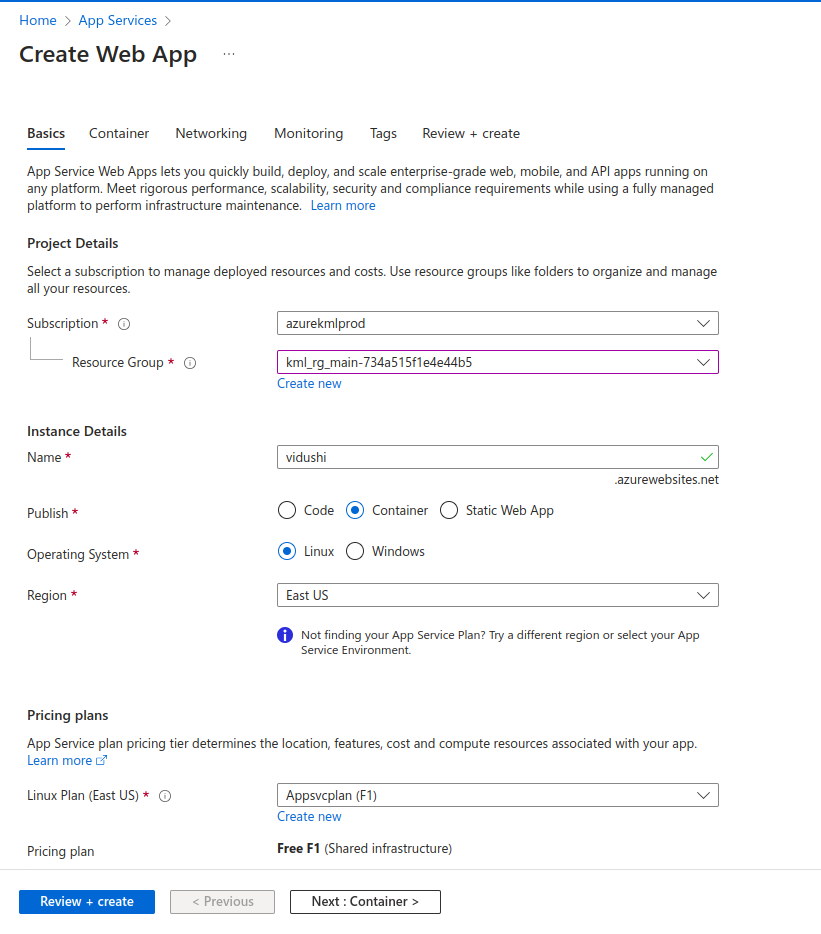
Add information like subscription, resource group, name, type of publish, operating system, region and plan. To create an Azure App service plan, you can read my previous blog.
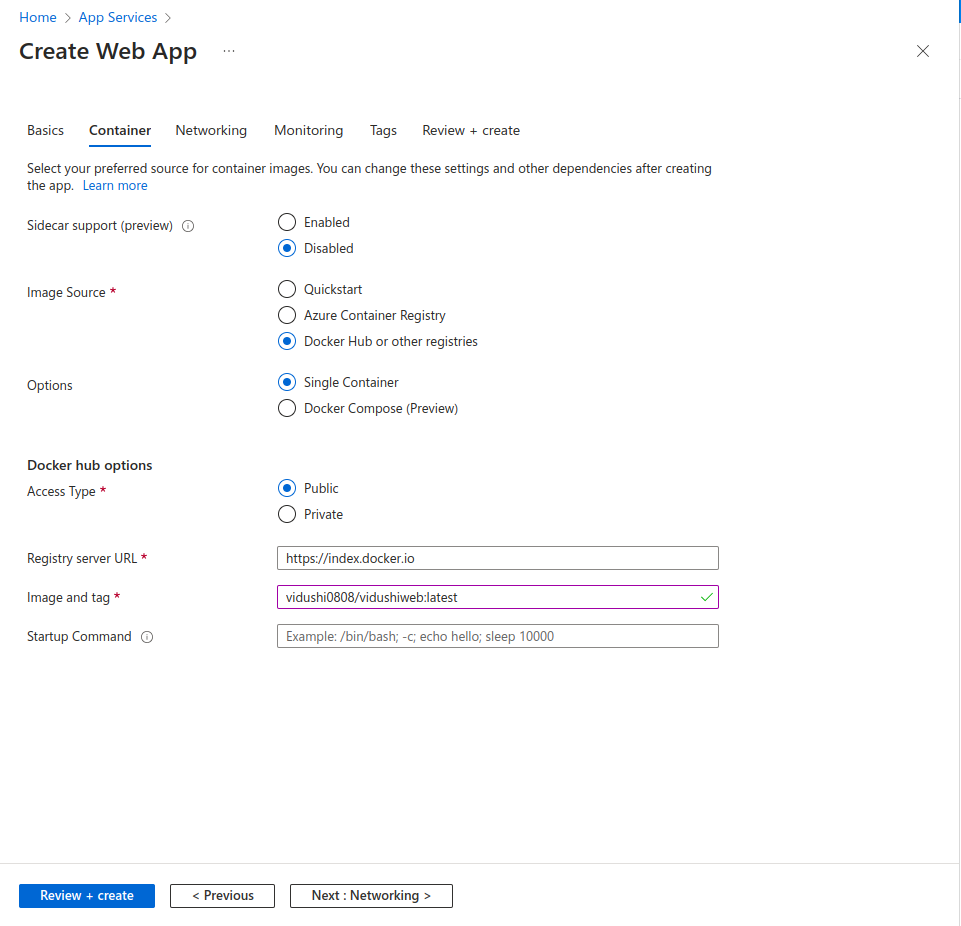
You can add container details in this tab. I am adding a public image which is present in my Dockerhub registry. You can use and pull the same image from dockerhub vidushi0808/vidushiweb:latest.
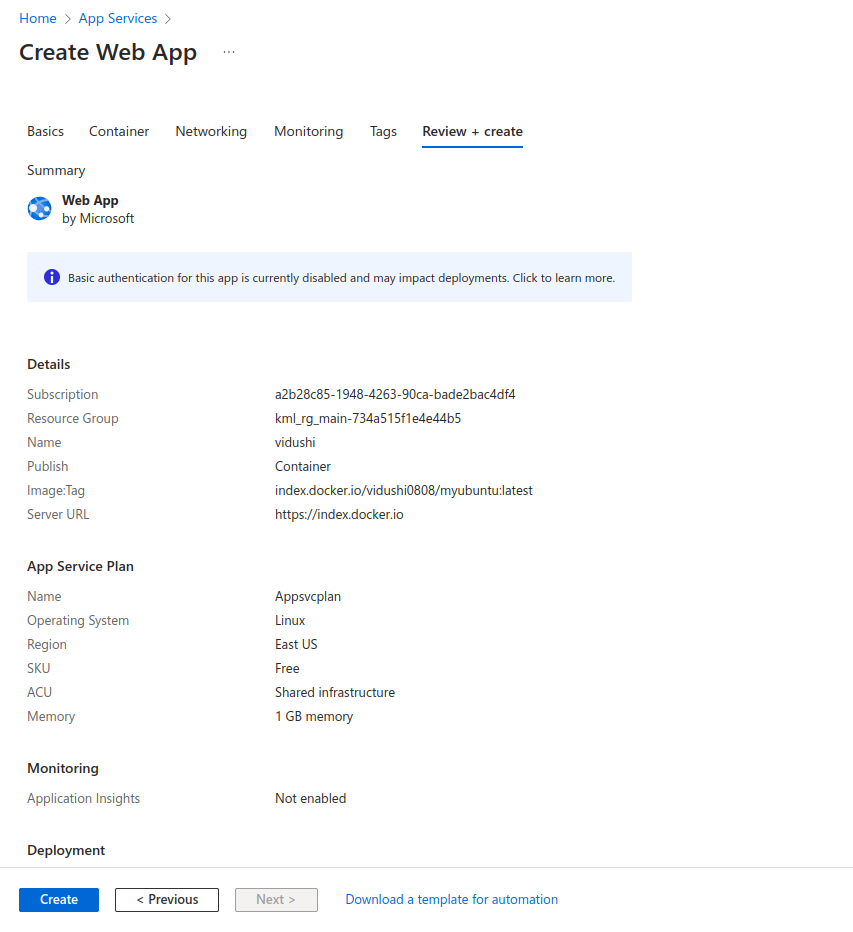
Review the configurations and click on Create.
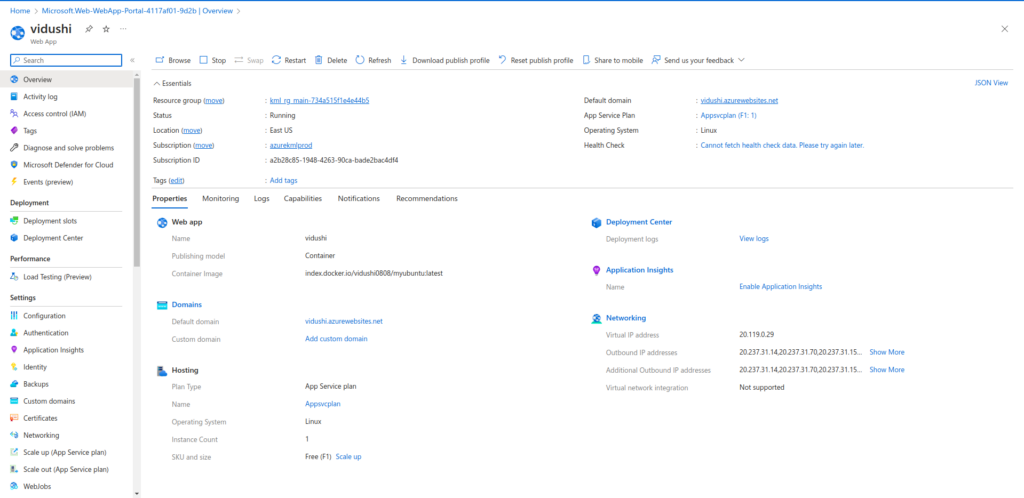
The App service has been created successfully. You can copy the default domain to open it in your browser and view the content.

This is how we can create Azure App servics in Azure. If you have any questions/feedbacks regarding this blog, I am reachable at vidushi.bansal@nashtechglobal.com. You can find more of my blogs here.