


Introduction
Dates look simple.
A user selects:
16 July 2026
The application stores the value, displays it on the screen, and everything appears correct.
But what happens when that same value is viewed by users in different time zones?
A date selected by a user in UTC+7 can become the previous calendar day when converted to UTC. A timestamp stored in UTC can become a different local date when displayed in another region. A test that passes on a developer’s machine may fail in CI because the test environment uses a different time zone.
For applications that rely on:
- competency cycles;
- assessment dates;
- expiry dates;
- scheduled jobs;
- reports;
- notifications;
- appointments;
- financial periods;
these differences can become serious functional defects.
The challenge is that the application may technically be handling the timestamp correctly while still producing the wrong business date.
This is why date and time testing needs to consider more than simply checking whether a timestamp is correct.
1. Why Date and Time Testing Is Harder Than It Looks
A typical application may have several different representations of the same date:
User selects date
       ↓
UI
16 July 2026
       ↓
API
2026-07-16T00:00:00
       ↓
Database
Datetime value
       ↓
Application converts timezone
       ↓
UI displays local date
16 July / 15 July ?
Every conversion creates an opportunity for unexpected behaviour.
Consider two users:
| User | Time Zone | Selected Date |
| User A | UTC+7 | 16 July |
| User | UTC+8 | 16 July |
If the application treats the selected value as a calendar date, both users should normally see:
16 July
But if the value is treated as a timestamp, timezone conversion can change the calendar day.
That distinction is fundamental.
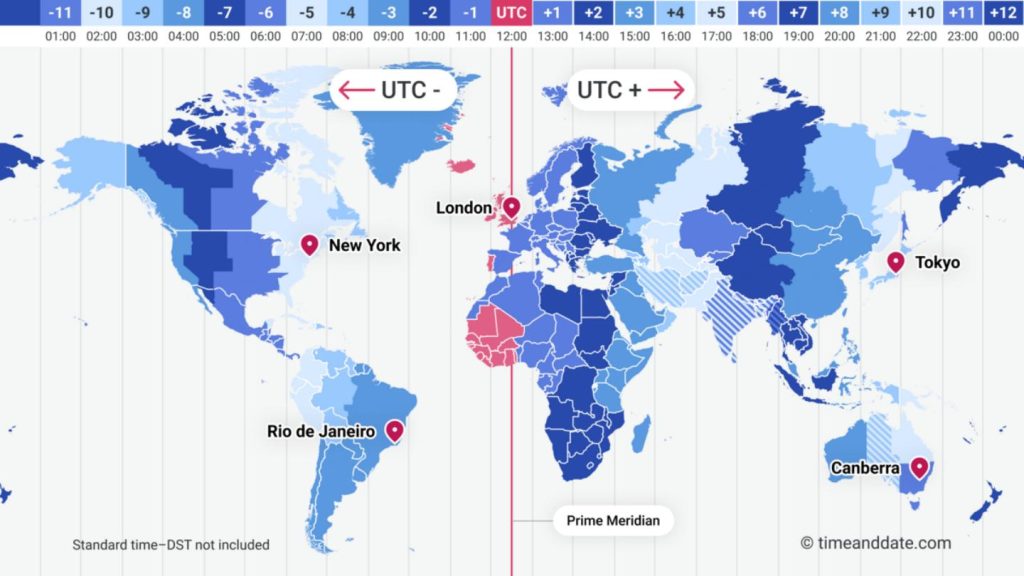
The same timestamp can represent different calendar dates depending on the user’s time zone.
2. Date vs DateTime: The Root of Many Time Zone Bugs
One of the first questions QA should ask is:
Is this value actually a date, or is it a moment in time?
These are not always the same thing.
Date
A date represents a calendar day:
16 July 2026There is no meaningful time-of-day component.
Examples:
- Birthday
- Competency Cycle Start Date
- Holiday
- Expiry Date
- Contract Start Date
DateTime
A datetime represents a specific point in time:
16 July 2026 14:30:00 UTCThis can legitimately be converted between time zones.
For example:
UTC
16 July 14:30
      ↓
UTC+7
16 July 21:30
The calendar date remains the same.
But near midnight:
UTC
16 July 00:30
      ↓
UTC-7
15 July 17:30
The displayed date becomes 15 July.
This may be completely correct for a timestamp.
But it could be completely wrong if the original requirement was:
“The user selected 16 July.”
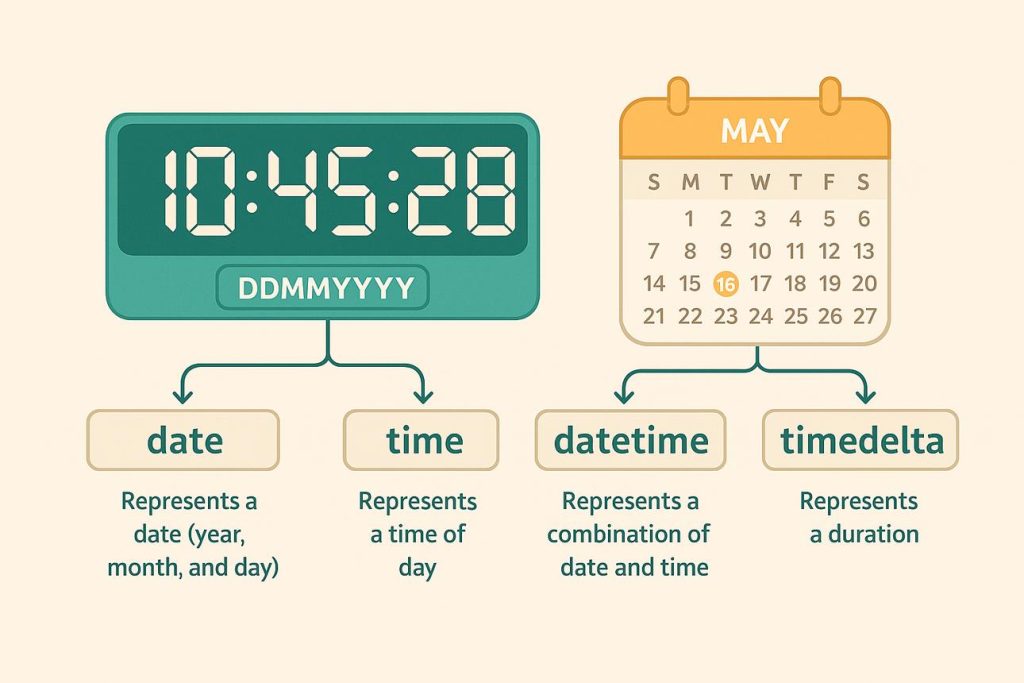
Date-only business values should not automatically be treated as timezone-dependent timestamps.
             DATE
        "16 July 2026"
              │
              │
        Calendar value
              │
              ▼
     Should normally remain
        16 July everywhere


           DATETIME
 "16 July 2026 00:30 UTC"
              │
       ┌──────┴──────┐
       ↓             ↓
     UTC+7         UTC-7
    07:30          17:30
   16 July        15 July
3. UTC and Local Time
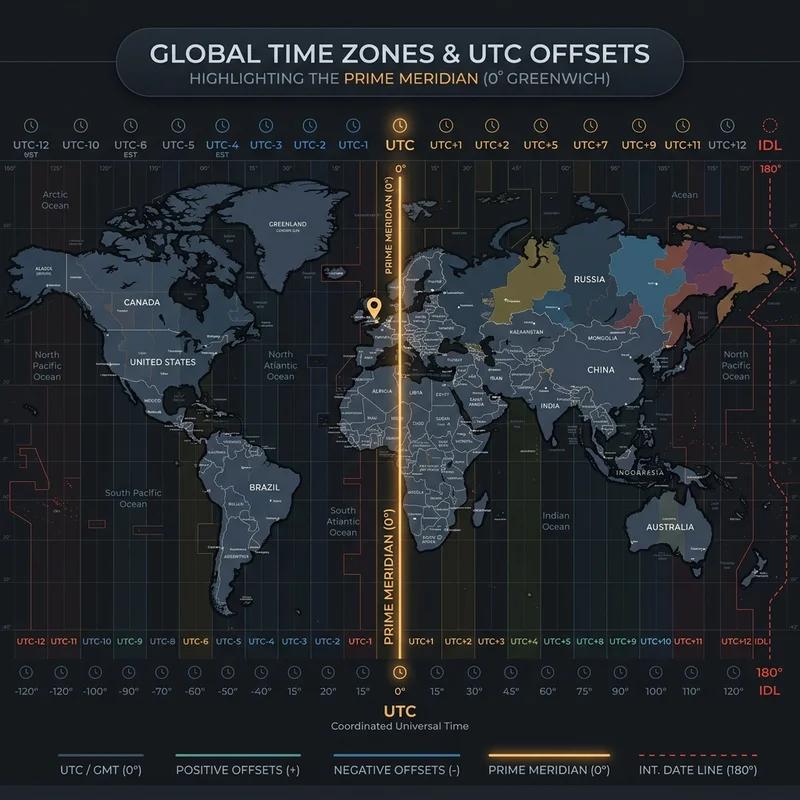
UTC is commonly used as a standard reference for storing timestamps.
That is useful, but it introduces an important testing boundary:
Midnight.
Consider:
16 July 00:15 UTCFor a user in UTC-7:
15 July 17:15The time is only seven hours different.
But the calendar date is different.
This means a bug may only occur for a small window of the day.
For example:
00:00 ─────────────── 23:59
 ↑
 Dangerous boundary
A system may work perfectly at:
10:00 UTC
14:00 UTC
18:00 UTC
but fail at:
00:01 UTCThis is why normal happy-path testing often misses timezone defects.
4. Building a Time Zone Testing Matrix
Instead of testing with only the tester’s local timezone, create a matrix.
For example:
| Scenario | User Time Zone | Expected Date |
| Standard positive offset | UTC+7 | 16 July |
| UTC | UTC+0 | 16 July |
| Negative offset | UTC-7 | 16 July |
| Large positive offset | UTC+12 | 16 July |
| Large negative offset | UTC-12 | 16 July |
A particularly useful scenario is:
Testing Multiple Users
User A
UTC+7
    │
    │ Creates record
    ▼
Application
    │
    ▼
User B
UTC+0
    │
    ▼
View record
Then test:
Does User B see the same business date, or an incorrectly shifted date?
This is especially important when the application allows users in different regions to create and view the same records.
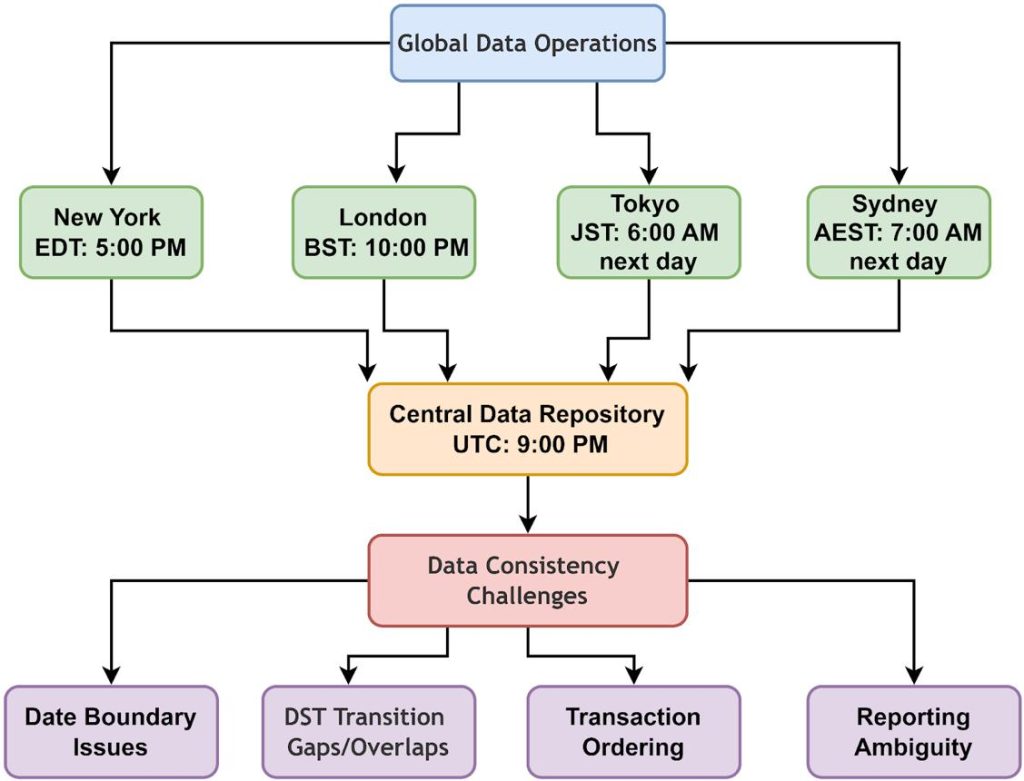
5. Common Time Zone Bugs in Web Applications
5.1 Date shifts by one day
The most common example:
Expected:
16 July

Actual:
15 July
This often occurs when a date-only value is converted through UTC/local timezone logic.
5.2 UI and API show different dates
The API may return:
{
  "startDate": "2026-07-16T00:00:00Z"
}
while the UI displays:
15 July 2026The API and frontend may each be behaving according to their own timezone rules, but the overall user experience is incorrect.
5.3 Database contains the expected date but UI displays another
For example:
Database:
2026-07-16 00:00:00

UI:
15/07/2026
This is a particularly useful QA scenario because it shows that checking the database alone isn’t enough.
5.4 Different users see different dates
User A:
16 JulyUser B:
15 JulyIf the requirement says the value represents a business date, this is potentially a serious defect.
5.5 CI behaves differently from local development
A developer may run:
Local machine:
UTC+7
while CI runs:
UTC+0The same automated test may therefore produce different results.
This is one reason test environments should have an explicitly controlled timezone.
6. Automating Time Zone Testing
Manual testing across multiple time zones can quickly become expensive.
Automation can make these scenarios repeatable.
The exact implementation depends on the framework, but the principle is:
Test
 │
 ├── UTC
 ├── UTC+7
 ├── UTC-7
 ├── UTC+12
 └── UTC-12
The same test can then execute against multiple timezone configurations.
For example, conceptually:
const timeZones = [
    'UTC',
    'Asia/Ho_Chi_Minh',
    'America/Los_Angeles',
    'Pacific/Auckland'
];

for (const timeZone of timeZones) {
    // Run date-based test under this timezone
}
The goal is not simply to create more tests.
The goal is to expose behaviour that only appears under specific timezone conditions.
Testing Boundary Values Automatically
Instead of randomly selecting dates, deliberately test:
23:59
00:00
00:01
and dates around:
Previous day
Current day
Next day
This gives automation a much better chance of exposing timezone-related defects.
                 SAME TEST
                     │
        ┌────────────┼────────────┐
        ↓            ↓            ↓
      UTC+7         UTC          UTC-7
        │            │            │
        ▼            ▼            ▼
     Execute       Execute      Execute
        │            │            │
        └────────────┼────────────┘
                     ↓
              Compare Results
                     │
              ┌──────┴──────┐
              ↓             ↓
           Same date    Unexpected
           expected       shift
7. Boundary Testing: Where Most Date Bugs Hide
Time-related defects often occur at boundaries rather than during ordinary values.
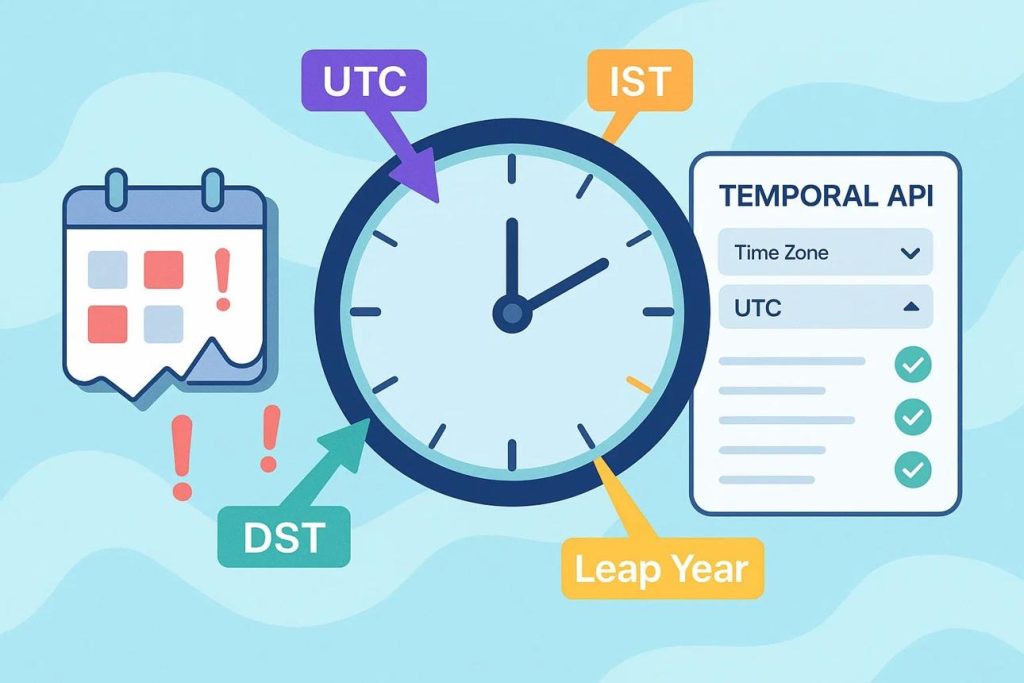
Important boundaries include:
Midnight:
23:59:59
00:00:00
00:00:01

End of month:
30 June
1 July

End of year:
31 December
1 January

Leap years:
28 February
29 February
1 March

Daylight Saving Time:

For regions that observe DST
Before transition
During transition
After transition

Timezone boundary:

Test users located on opposite sides of UTC
UTC+12
UTC
UTC-12
The purpose is to deliberately test the points where date calculations are most likely to change.
A Practical Boundary Matrix
| Boundary | Example |
| Midnight | 00:00 |
| One minute before midnight | 23:59 |
| One minute after midnight | 00:01 |
| Month transition | 30 Jun → 1 Jul |
| Year transition | 31 Dec → 1 Jan |
| Leap day | 29 Feb |
| DST transition | Region-dependent |
| UTC offset boundary | UTC+12 / UTC-12 |
                 DATE BOUNDARIES

23:59:59 ─────── 00:00:00 ─────── 00:00:01
    │                 │                 │
    ▼                 ▼                 ▼
Previous day       New day           New day


30 Jun ─────────── 1 Jul

31 Dec ─────────── 1 Jan

28 Feb ─────────── 29 Feb ─────────── 1 Mar
                         ↑
                    Leap year
8. The Midnight Boundary: Where Date Bugs Become Flaky
One of the most important boundaries in date and time testing is midnight.
A test can pass repeatedly during the day and suddenly fail when the clock crosses from one calendar day to the next.
Consider a test that creates a record just before midnight:
23:59:58 ↓ Create record ↓ 23:59:59 ↓ Additional test setup ↓ 00:00:01 ↓ Check today's recordsThe test has now crossed into a different calendar day.
The record may have been created on 16 July, while the assertion is checking records for 17 July.
This can create a particularly frustrating type of failure: the test may pass when rerun a few minutes later because the clock is no longer close to the same boundary.
Testing Around Midnight
Instead of testing only 00:00, test the values immediately before, at, and after the boundary:
23:59:59 ─────── 00:00:00 ─────── 00:00:01 16 July │ 17 July │ DATE CHANGES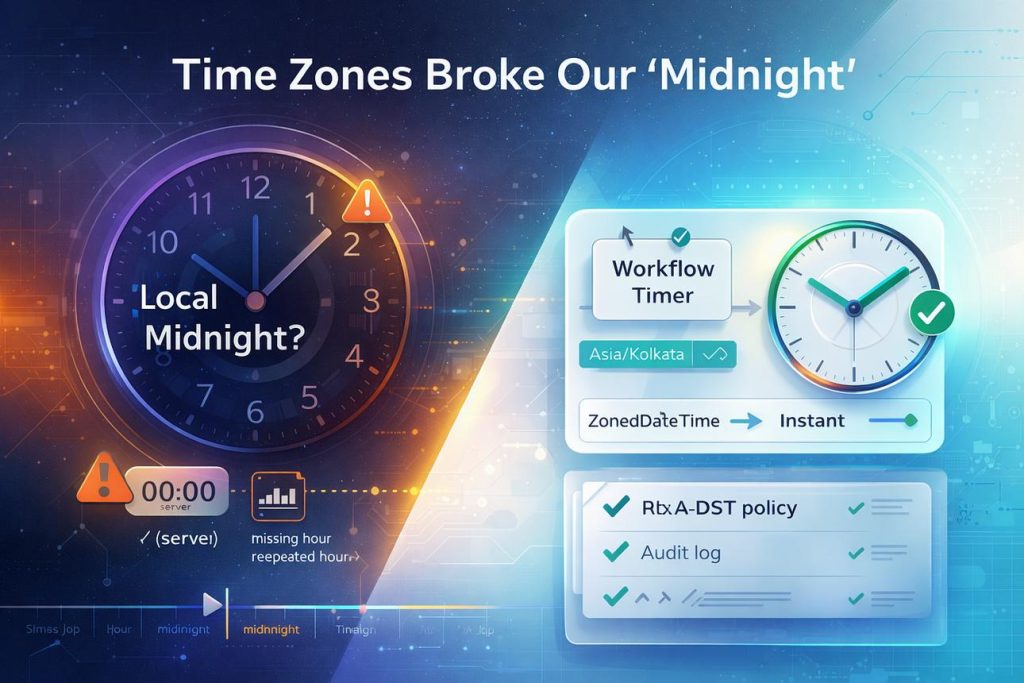
The same point in time can fall on different calendar dates when viewed from different time zones.
This is why QA should establish whether the requirement is based on a calendar date or a specific moment in time.
For example, a competency cycle start date of 16 July may be intended to remain 16 July regardless of the user’s timezone. In contrast, an event occurring at 00:30 UTC may legitimately appear on different local calendar dates.
The expected behaviour must therefore come from the business requirement, not simply from how the database stores the value.
Making Midnight Tests Reliable
Automated tests should not depend on the real clock reaching midnight.
Instead, use a controlled or mocked clock where possible:
Set time = 23:59:59
   ↓
Run test
   ↓
Advance clock
   ↓
Set time = 00:00:00
   ↓
Run test
This makes the scenario deterministic and allows the same boundary condition to be reproduced whenever the test runs.
The same approach can be extended to other boundaries:
- month-end;
- year-end;
- leap days;
- daylight-saving transitions;
- timezone date changes.
The goal is not simply to test midnight.
The goal is to make sure the application continues to interpret “today”, “yesterday”, and “tomorrow” correctly when the calendar changes.
Conclusion: Treat Dates as Business Data, Not Just Timestamps
Date and time bugs are deceptively difficult because a system can be technically consistent while still producing the wrong business result.
A timestamp may be correctly stored in UTC.
A timezone conversion may be mathematically correct.
The API may return exactly what the database contains.
And yet the user may still see the wrong calendar date.
That is why effective date and time testing needs to look across the entire system:
User
 ↓
Timezone
 ↓
UI
 ↓
API
 ↓
Business Logic
 ↓
Database
 ↓
API
 ↓
UI
The most important questions for QA are:
Is this value a date or a moment in time?
Should timezone conversion change the calendar date?
What happens around midnight?
What happens when two users in different time zones view the same data?
Would our automated tests detect a one-day shift?
The goal isn’t simply to test more time zones.
It is to test the business meaning of time.
Because in distributed applications, a one-hour difference can be harmless — but a one-day difference can completely change the meaning of the data.