Introduction:
ArgoCD is a popular tool for continuous delivery of applications to Kubernetes clusters. It allows for declarative definition and automated deployment of applications and configurations within Kubernetes environments. In this blog post, we’ll walk through how to deploy it on Kubernetes using Terraform, enabling you to manage your Kubernetes applications with ease.
Setting up the Environment:
Before we dive into deploying it ensure you have Terraform installed and configured to manage your Kubernetes cluster. Additionally, make sure you have the necessary permissions to create resources within your Kubernetes cluster.

Explanation:
- We create a Kubernetes namespace named “argocd” using the
kubernetes_namespaceresource. - Then, we apply the manifests from the official repository using the
null_resourcewith a local-exec provisioner. This downloads and applies the installation manifests for ArgoCD. - After applying the manifests, we use another
null_resourceto patch the server service to change its type to NodePort, making it accessible externally.
Deploying ArgoCD:
Once you have defined the Terraform configuration, run terraform apply to create the resources on your Kubernetes cluster.
Accessing ArgoCD:
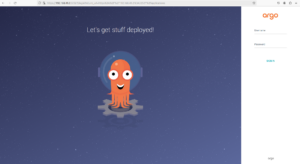
After successful deployment, you can access ArgoCD’s web interface by using command minikube service list and click on the corresponding URL.

Now, open your web browser and navigate to URL. You’ll be prompted to log in with the default username admin and the auto-generated password, use command :