


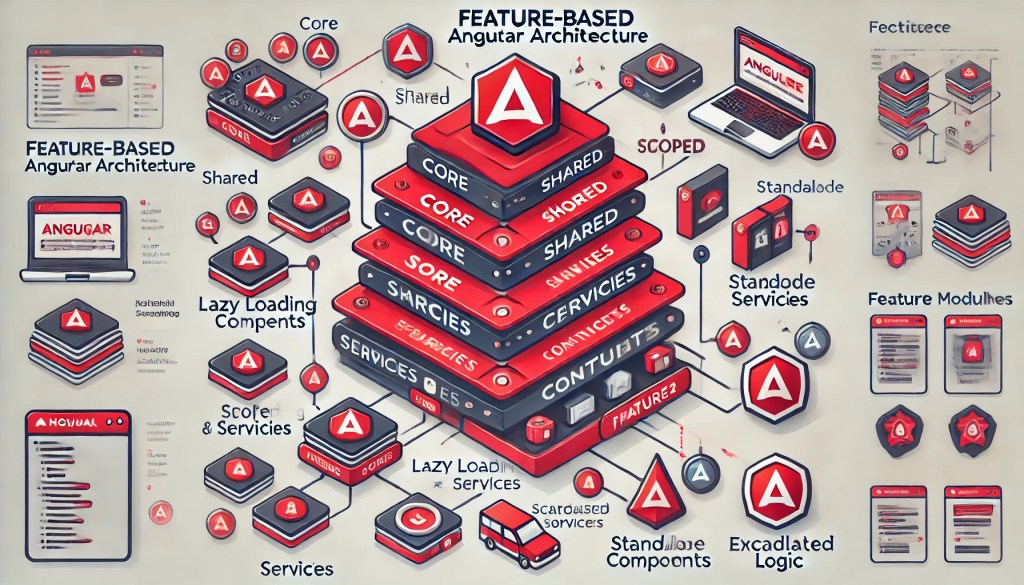
As Angular applications grow, maintaining scalability, readability, and testability becomes very crucial. One of the ways to tackle these challenges is by adopting Feature-Based Architecture. This approach works around business features rather than technical layers, promoting modularity and enhancing collaboration. Angular 18, with its advancements like Improved rendering engine, Faster build times, signals, makes implementing feature-based architecture even more powerful.
Why Choose Feature-Based Architecture?
Feature-based architecture offers several benefits for Angular development:
- Scalability: Modular organization makes it easy to expand the application as requirements grow.
- Separation of Concerns: Encapsulates logic, UI, and state management within specific features.
- Enhanced Collaboration: Teams can independently work on different features without conflicts.
- Reusability: Features can be repurposed across multiple projects.
- Maintainability: Changes in one feature are isolated and unlikely to affect others.
- Improve Maintainability: Simplifies debugging and code navigation since all feature-related files are in one place.
Core Principles of Feature-Based Architecture
- Modularization: Organize code by features rather than types (e.g., services, components).
- Encapsulation: Keep feature logic self-contained, including data flow and UI.
- Lazy Loading: Load features on demand to optimize performance.
- Scoping: Scope services and dependencies to specific features to avoid global coupling.
- Routing: Allow each feature module to manage its own routing.
Directory Structure
This below is the template of directory structure for feature-based architecture:
/src/app/
  ├── core/               # Core services, guards, interceptors
  ├── shared/             # Shared components, directives, pipes, and modules
  ├── features/
       ├── feature1/
            ├── components/
                 ├── feature1.component.ts
                 ├── feature1.component.html
            ├── services/
                 ├── feature1.service.ts
            ├── models/
                 ├── feature1.model.ts
            ├── feature1.module.ts
            ├── feature1-routing.module.ts
       ├── feature2/
            ├── ...
  ├── app.component.ts
  ├── app.module.ts
  ├── app-routing.module.ts
Key Components of Feature-Based Architecture
1. Feature Modules
Feature modules encapsulate components, services, and routing specific to a feature.
import { NgModule } from '@angular/core';
import { RouterModule } from '@angular/router';
import { Feature1Component } from './components/feature1.component';

@NgModule({
  declarations: [Feature1Component],
  imports: [RouterModule.forChild([{ path: '', component: Feature1Component }])],
})
export class Feature1Module {}
2. Lazy Loading
Feature-based components integrate seamlessly with Angular’s lazy loading mechanism, allowing features to be loaded on demand means features are only loaded when accessed, trigging optimise performance.
import { NgModule } from '@angular/core';
import { RouterModule, Routes } from '@angular/router';

const routes: Routes = [
  { path: 'feature1', loadChildren: () => import('./features/feature1/feature1.module').then(m => m.Feature1Module) },
  { path: '', redirectTo: 'feature1', pathMatch: 'full' },
];

@NgModule({
  imports: [RouterModule.forRoot(routes)],
  exports: [RouterModule],
})
export class AppRoutingModule {}
3. Feature-Specific Services
Scope services to feature modules for better isolation.
import { Injectable } from '@angular/core';

@Injectable({
  providedIn: 'any', // Service is scoped to the feature module
})
export class Feature1Service {
  getData() {
    return 'Feature 1 Data';
  }
}
4. Shared Module
The shared folder includes reusable components, directives, and pipes.
import { NgModule } from '@angular/core';
import { CommonModule } from '@angular/common';
import { SharedComponent } from './components/shared.component';

@NgModule({
  declarations: [SharedComponent],
  imports: [CommonModule],
  exports: [SharedComponent, CommonModule],
})
export class SharedModule {}
State Management
For complex applications, integrate state management libraries like NgRx, or Angular’s Signals API.
Integrating state management libraries like NgRx within feature-based modules to keep the logic isolated.
Example: Feature-Specific State with NgRx
- Define state, actions, and reducers in the feature module.
- Use
StoreModule.forFeature()to manage the feature’s state.
Best Practices
- Feature Modules for Major Sections: Create modules for all significant parts of the application.
- Consistent File Organization: Maintain a clear and uniform structure across features. Keep the directory structure consistent across features.
- Scoped Dependency Injection: Use
providedInto scope services to feature modules. Regularly refactor and ensure feature modules are self-contained. - Leverage Lazy Loading: Improve performance by loading only the features in use.
- Error Handling: Use
catchErrorin services and display error messages in the UI. - Caching: Implement caching for frequently accessed data using in-memory solutions or libraries like RxJS ReplaySubject.
- Testing: Write unit tests for services, components, and resolvers to ensure data fetching logic is robust.
Benefits of Feature-Based Architecture
- Decoupled Features: Independent modules enable better testing and deployment practices.
- Simplified Navigation: Each feature handles its own routing logic.
- Optimized Build: Lazy loading ensures unused features are excluded from the main bundle.
- Collaborative Development: Teams can work on different features simultaneously.
Conclusion
Angular 18 and new upcoming version aligns perfectly with Feature-Based Architecture i.e. modern development practice. By encapsulating logic, UI, and state management within features. This architecture enhances modularity, scalability, and maintainability by using tools like feature module, lazy loading, and scoped services, Angular developers can create robust applications that are easy to grow and maintain.
Hey, let’s stay in touch!
If you liked this blog, please share it with your friends and colleagues. Connect with FE competency on LinkedIn to read more about such topics.