



Flagsmith Feature Flags: Improve Testing Strategy and Reduce Big Bang Release Stress
Large software releases often bring high risk and stress for development teams. “Big bang” deployments, where multiple features launch together, increase the chance of bugs, dependencies, and unexpected issues. Flagsmith feature flags allow teams to decouple code deployment from feature release, enabling gradual rollouts, safer testing, and reduced release-day anxiety.
By using Flagsmith, we deliver changes incrementally, validate safely in real-world conditions, and gain full control over what goes live — and when.
Why We Moved Away from Risky Big Bang Releases
Before adopting Flagsmith feature flags, our team struggled with:
- Long QA cycles waiting for full feature completion
- Risky, all-or-nothing deployments
- Difficult rollbacks requiring redeployment
- Limited visibility of feature states across environments
- Last-minute surprises from environment differences
These challenges created stress and slowed delivery, making “big bang” releases a high-risk endeavor.
How Flagsmith Feature Flags Transformed Our Process
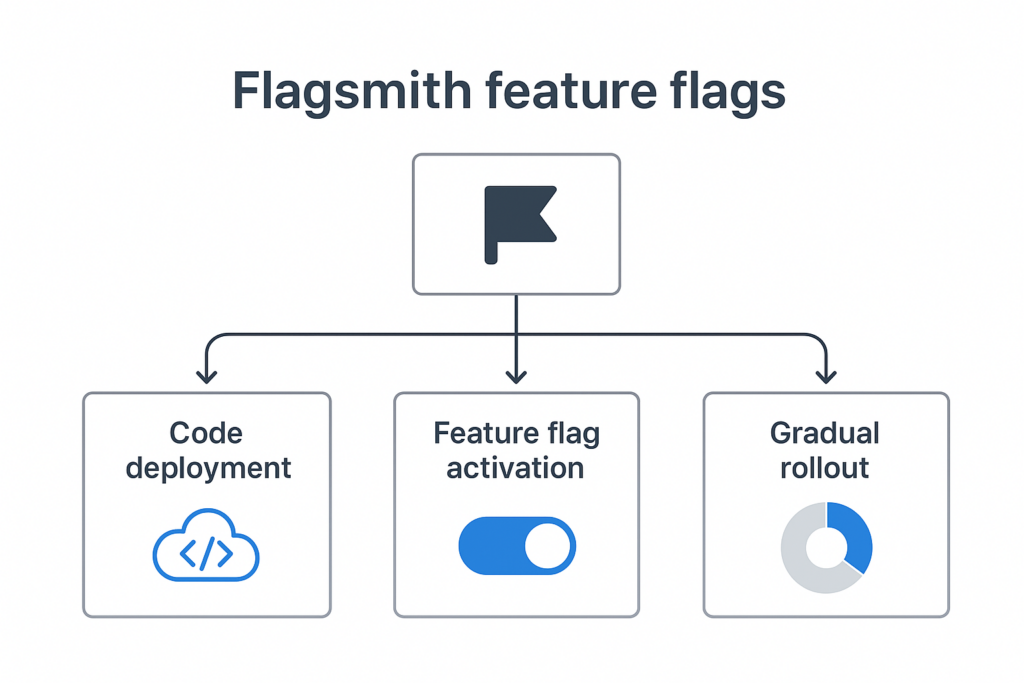
Feature flags allow us to separate deployment from release. With Flagsmith, we can:
- Deploy incomplete features safely
- Activate or deactivate features instantly
- Test in production-like conditions without impacting users
- Roll out features gradually with segmentation (internal users, percentage rollouts, regional tests)
- Manage all flags in a unified dashboard
Testing Strategy with Flagsmith Feature Flags
Test Early and Continuously
Using feature flags, QA can validate work-in-progress code in dev or staging environments:
- UX/UI behavior
- API impacts
- Background processes
- Error handling
- Performance
This early testing reduces bottlenecks and helps catch defects sooner.
Validate Using Real Data Safely
Some bugs only appear under real workloads. Flagsmith enables controlled rollouts for:
- Internal users
- QA specialists
- Selected customers or beta testers
- Small percentages of production traffic
This ensures safe, realistic testing without affecting the majority of users.
Reduce QA Workload with Targeted Testing
QA focuses only on flagged features that changed, cutting cycle time while maintaining thorough coverage.
Improving Release Management with Flagsmith
Smaller, Safer, and More Frequent Releases
Flagsmith allows features to be deployed but hidden until ready. Deployments become routine, not stressful.
Instant Rollbacks Without Redeployment
If a feature misbehaves:
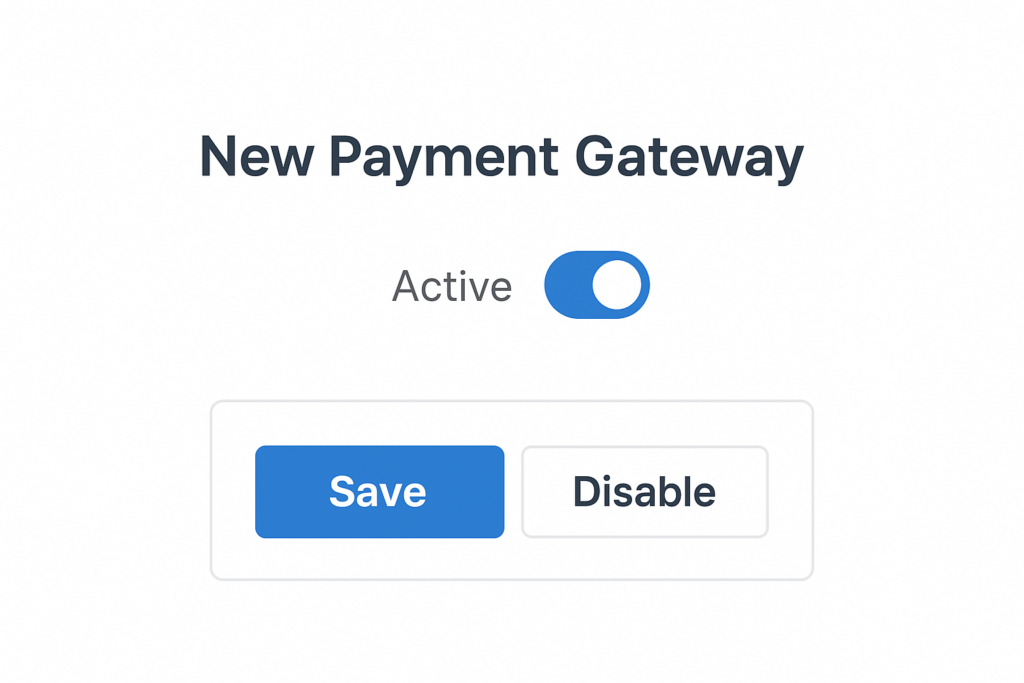
- Toggle it off
- No redeployment, hotfix, or rollback scripts needed
This dramatically lowers release-day stress.
Clear Visibility Across Environments
Flagsmith dashboards show:
- All active flags
- Their state per environment
- Segmentation rules
- Audit logs of changes
This transparency improves collaboration between Dev, QA, Product, and Support teams.
Supporting Cross-Team Confidence and Transparency
Feature flags provide clarity for every team:
- Product sees deployed vs. released features
- QA knows what to test in each environment
- Engineers avoid last-minute conflicts
- Support knows what customers can see
- Release managers plan safely without fear of breaking functionality
Reducing Stress Before, During, and After Releases
Before release: features are deployed gradually, QA validated early, dependencies resolved incrementally.
During release: a small toggle activates features, no complex coordination required.
After release: monitor KPIs and toggle off problematic features quickly, catching issues before affecting everyone.
Lessons Learned and Best Practices
- Name flags clearly – avoid confusion months later
- Remove stale flags – reduce dashboard clutter
- Avoid “flag spaghetti” – don’t nest flags excessively
- Use segments wisely – internal tests, beta groups, gradual rollouts, A/B experiments
- Document flag ownership – each flag should have an owner, purpose, and expected removal date
The Outcome: Better Quality, Faster Delivery, Happier Teams
After adopting Flagsmith feature flags:
- QA cycles shortened
- Releases became safer
- Rollbacks take seconds
- Changes reach customers gradually
- Team stress reduced
- More confident experimentation
Feature flags didn’t just change deployment; they reshaped our software development culture.
Challenges & How to Handle Them
Even with powerful tools like Flagsmith, teams can still run into challenges when adopting feature-flag–driven testing. Below are the most common obstacles and practical ways to address them.
1. Challenge: Feature Flag Overgrowth
As teams add more experiments, gradual rollouts, and testing flows, the number of feature flags can grow quickly. Without control, this leads to confusion, unused flags, or outdated configurations.
How to Handle
Establish a flag lifecycle policy (creation → usage → cleanup).
Add naming conventions that show purpose, owner, and expiry (e.g., checkout-redesign_v1_temp).
Use Flagsmith’s environments and notes to document why a flag exists and when it should be retired.
Include flag cleanup in your post-release checklist.
2. Challenge: Testing Complexity Across Environments
With multiple flags toggled differently across environments (dev, staging, production), it becomes harder to replicate issues or confirm behavior.
How to Handle
Use Flagsmith’s Environment Cloning to copy configuration from one environment to another.
Create a testing matrix that clearly lists flag combinations for each testing scenario.
Tag flags by category (experiment, kill switch, release control) to keep them organized.
Lock down production environment changes with role-based permissions.
3. Challenge: Lack of Visibility for QA & Non-Technical Teams
If QA, support, or product teams don’t understand what flags control, they may miss test cases or misinterpret behavior.
How to Handle
Use Flagsmith’s UI descriptions to document exactly what each flag controls.
Create a release notes page or Slack automation summarizing new flags.
Provide QA with predefined testing flag sets (e.g., “full access,” “partial rollout,” “fallback mode”).
Hold short internal demos on how to use Flagsmith effectively.
4. Challenge: Rollout Risks During High-Traffic Moments
Even with feature flags, enabling a new feature for a large audience can cause unexpected performance or UX problems.
How to Handle
Use progressive rollouts (1% → 10% → 25% → 50% → 100%).
Monitor key metrics (errors, load time, conversion) between each rollout step.
Keep a kill switch flag ready to instantly disable the feature if needed.
Perform canary testing on internal users before real customers.
5. Challenge: Flags Affecting Automated Tests
New or changed flags can break automated test suites if the environment isn’t aligned.
How to Handle
Sync test environments using the Flagsmith API before nightly runs.
Fix flag values in CI pipelines to ensure predictable outcomes.
Mock flag states when writing unit tests to avoid external dependency.
Add alerts when new flags are created so QA can include them in test planning.
6. Challenge: Big-Bang Mindset Is Hard to Shift
Teams accustomed to large releases may struggle to adapt to incremental rollout thinking.
How to Handle
Start with small wins: gradual rollouts for low-risk features.
Highlight benefits with real examples: fewer regressions, faster reversions, safer deployments.
Build a “controlled release” culture, where toggling is part of the release definition.
Empower product and QA to collaborate on rollout plans using Flagsmith’s UI.
Conclusion
Flagsmith feature flags transform risky, stressful “big bang” releases into smooth, low-risk iterative deployments. Decoupling deployment from release and enabling targeted testing strengthens both QA and release confidence. Teams looking to reduce QA bottlenecks and release anxiety should consider adopting feature flags today.

Best practices for QA automation: https://www.flagsmith.com/blog/automated-testing-zero-downtime-deployments
Continuous deployment strategies: https://www.flagsmith.com/use-cases
Feature flagging industry best practices: https://martinfowler.com/articles/feature-toggles.html
Flagsmith official website: https://www.flagsmith.com