Source code: https://github.com/OngDuyThang/geo-app-monorepo
🏪 Geographic Store Finder (Monorepo)
A location-based “Convenience Store Finder” application built with HonoJS (deployed on Cloudflare Workers) and Svelte.
This project demonstrates a modern, type-safe full-stack architecture where the frontend and backend share strict TypeScript definitions via Hono RPC, ensuring zero-latency synchronicity between API contracts and client consumption.
🔗 Live Demo: https://geo-app-monorepo-frontend.vercel.app/
🚀 The Power of HonoJS
This project leverages HonoJS not just as a router, but as a full-stack framework enabler. Here is why Hono is the core of this architecture:
1. 🔗 End-to-End Type Safety (RPC)
-
Hono’s RPC (Remote Procedure Call) feature: Allows us to share the API type definitions directly with the Svelte frontend.
-
No manual types: No need to write interface such as Store { … } in the frontend. Just simply import AppType from the backend.
-
Autocomplete everywhere: When we type client.stores[‘circle-k’].$get(), TypeScript knows exactly what the response data structure is.
-
Instant Feedback: If we change a backend controller, the frontend build fails immediately, preventing runtime errors.
2. 🛡️ Zod Validation & OpenAPI
-
Built-in @hono/zod-openapi: Allow us to validate incoming requests and outgoing responses strictly using Zod.
-
Auto-generate Swagger UI: The /doc and /ui endpoints are automatically created from code. No separate YAML files to maintain.
3. ☁️ Cloudflare Native
-
Hono is built on Web Standards: Making it the perfect companion for Cloudflare Workers (or any other runtime environments).
-
Zero Cold Starts: Ultra-fast startup times on Cloudflare Worker compared to Node.js containers.
-
c.req.raw.cf Access: We could access Cloudflare’s specific features (like the cf object for geo-location) directly in the context.
🛠️ Tech Stack
-
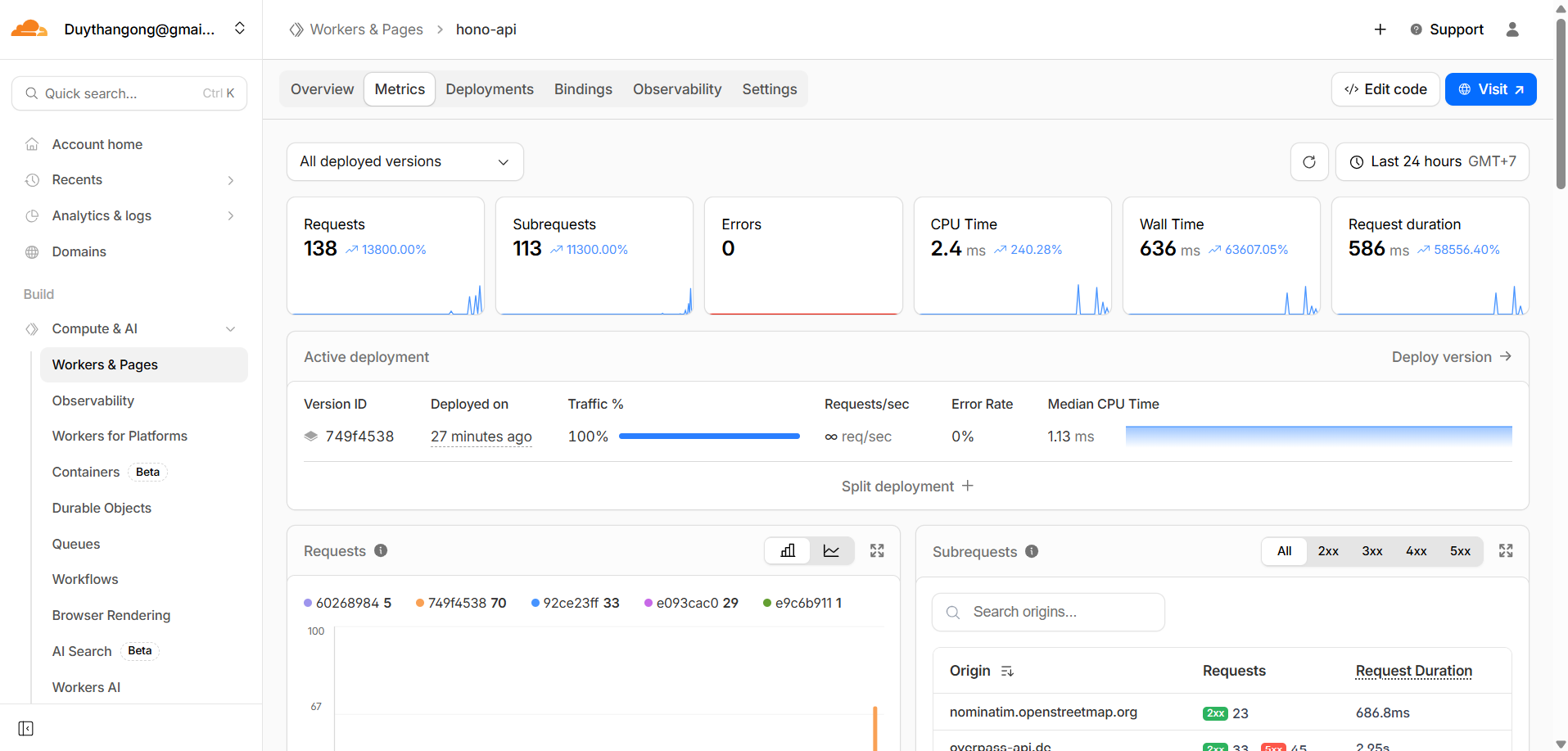
Backend: HonoJS API running on Cloudflare Workers
-
Frontend: Svelte 5 (Vite)
-
Data Fetching: Hono Client (RPC)
-
Docs: OpenAPI auto generated schema
-
Validation: Zod schema
-
Geo Data Source: OpenStreetMap (Overpass API)
-
Styling: Tailwind CSS v4
✨ Features
-
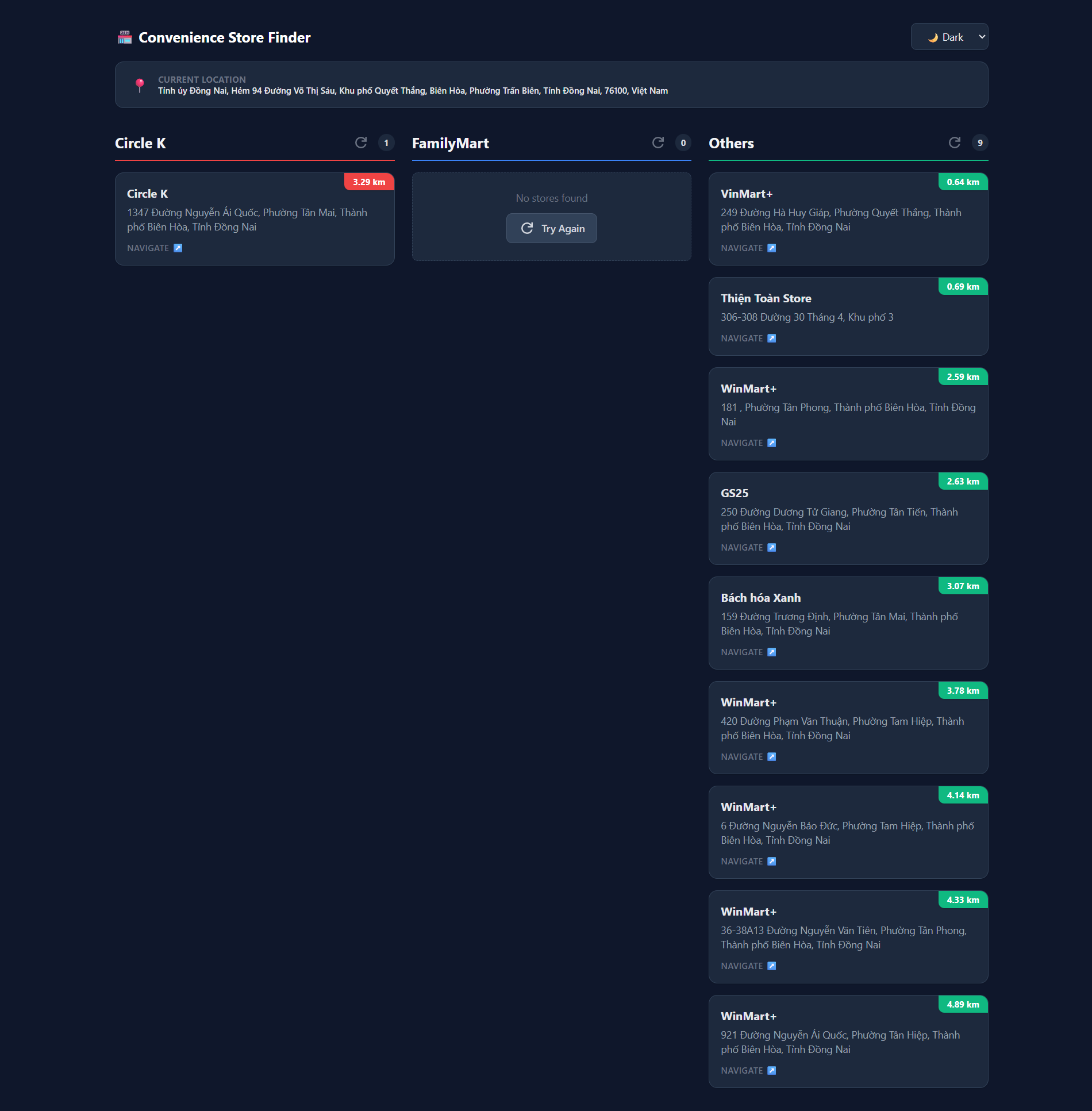
📍 Real-Time Geolocation: Automatically detects user location via Cloudflare’s edge network (or standard browser Geolocation API).
-
🔍 Smart Store Search: Finds nearby stores (Circle K, FamilyMart, and others) within a 5km radius using optimized OpenStreetMap data.
-
🏎️ High Performance: Backend runs on Cloudflare Workers (Edge) for single-digit millisecond latency.
-
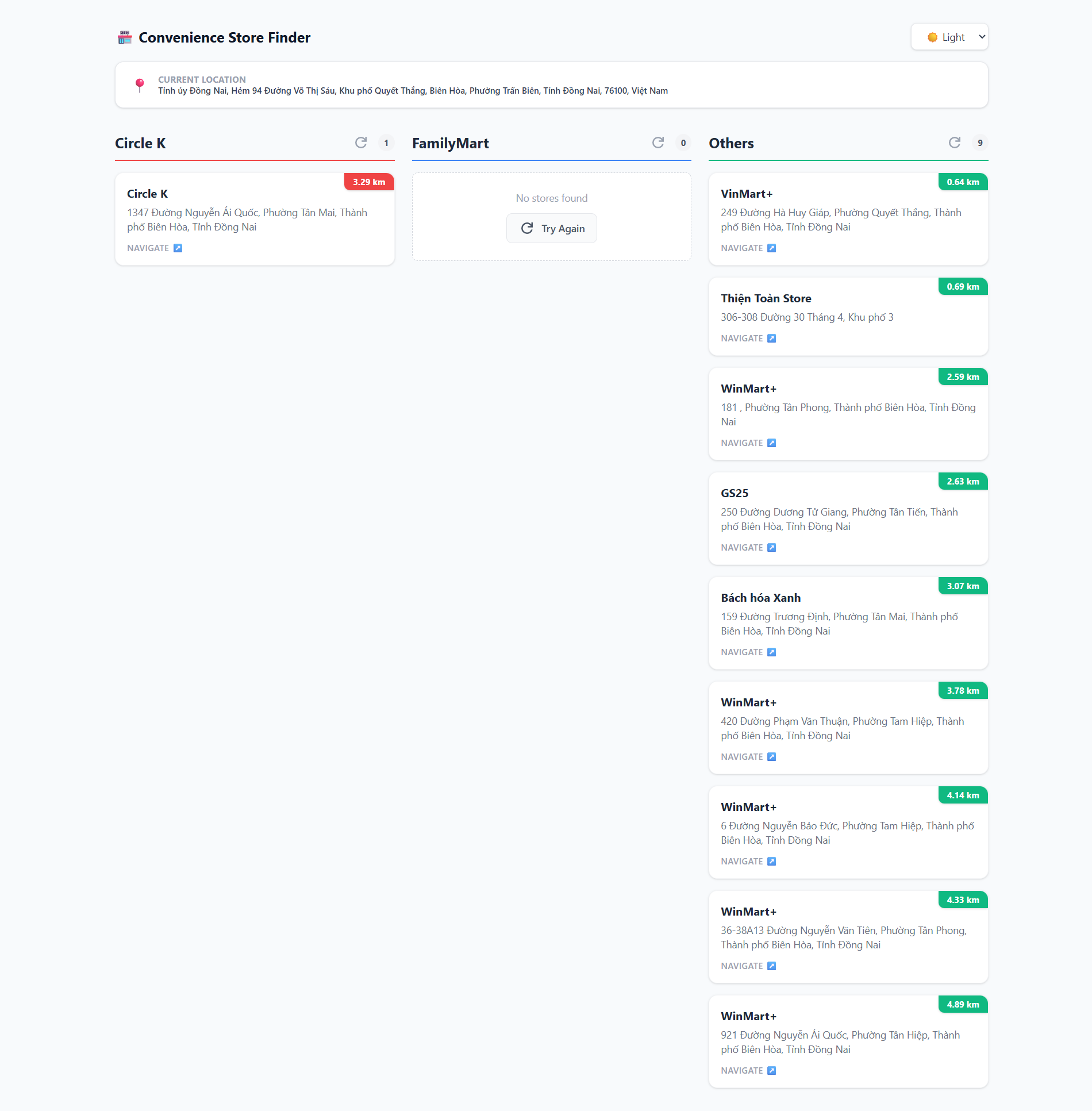
🌙 Dark/Light Mode: Fully responsive UI with a built-in theme toggle and system preference detection.
-
🧭 Interactive Navigation: Direct links to Google Maps for every store found.
📂 Project Structure
geo-app-monorepo/
├── 📁frontend/          # Svelte UI Application
│   ├── src/
│   │   ├── App.svelte   # Main UI Logic with Hono RPC Client
│   │   └── main.ts      # Entry point
│   └── index.html       # Tailwind v4 CDN & Dark Mode config
│
├── 📁hono-api/          # Cloudflare Worker API
│   ├── src/
│   │   ├── index.ts     # Main API Logic & Routes
│   │   └── client.ts    # Demo RPC Client via terminal
│   └── wrangler.jsonc   # Cloudflare Configuration
│
└── package.json         # Root dependencies
🛠️ Prerequisites
- Node.js (v22 or later)
- Yarn or NPM
🏁 Commands
-
Install dependencies
cd geo-app-monorepo yarn install -
Run Locally (Concurrent)
yarn workspace hono-api dev # run Hono API on http://localhost:8787 yarn workspace frontend dev # run Svelte app on http://localhost:5173 -
Deploy Hono API to Cloudflare
cd hono-api
npx wrangler deploy
📚 API Documentation
Once the backend is running (locally or deployed), you can visit:
-
Swagger UI:
http://localhost:8787/ui -
OpenAPI JSON:
http://localhost:8787/doc
This documentation is automatically generated based on the Zod schemas defined in hono-api/src/index.ts.
✨ Demo