


Introduction
In today’s fast-paced digital world, event-driven architectures (EDA) have become a crucial pattern for building scalable, real-time applications. When combined with serverless computing, organizations can achieve higher efficiency, lower costs, and improved performance. This blog will provide a step-by-step guide on how to build an event-driven architecture using serverless technologies in the cloud.
What is an Event-Driven Architecture?
An event-driven architecture (EDA) is a software design pattern in which components communicate by emitting and responding to events rather than direct API calls. This makes systems loosely coupled, scalable, and highly reactive.
Key concepts of EDA:
- Events – Any change in state, such as a user clicking a button or a file being uploaded.
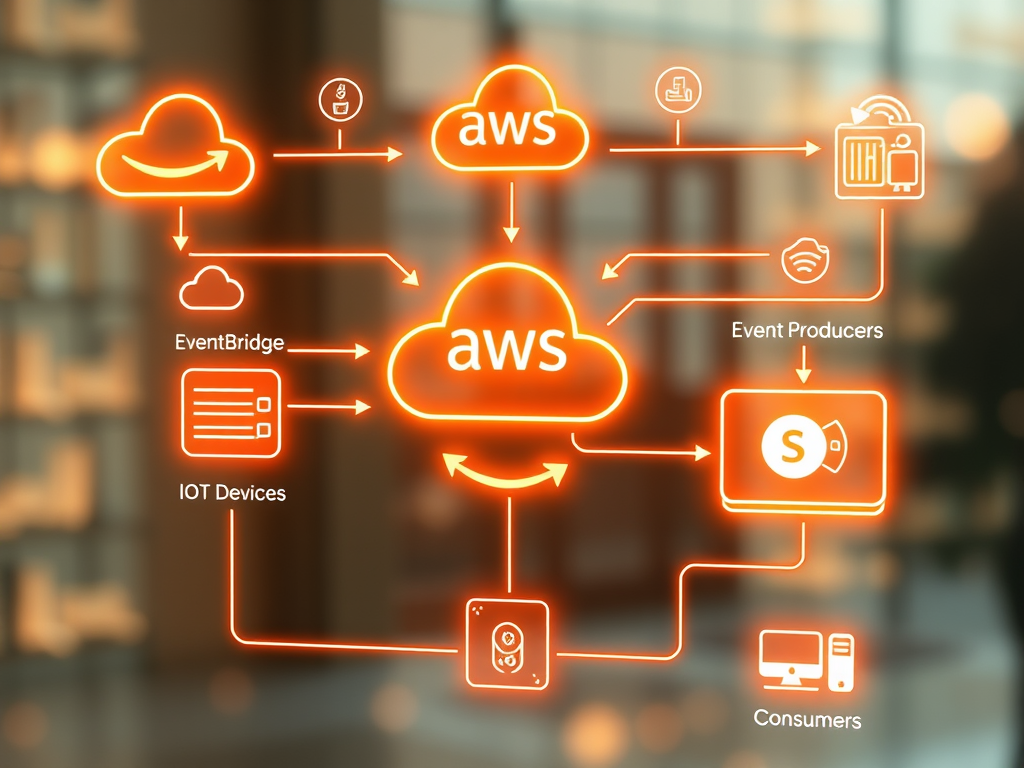
- Event Producers – Services that generate events, like an IoT device or an API gateway.
- Event Consumers – Services that process events, like a serverless function.
- Event Broker – A mediator that routes events to the appropriate consumer, such as AWS EventBridge or Azure Event Grid.
Why Use Serverless for Event-Driven Architecture?
Serverless computing eliminates the need for infrastructure management, allowing you to focus on business logic and event handling. Key benefits include:
✅ Scalability – Auto-scales based on demand.
✅ Cost Efficiency – Pay only for actual execution time.
✅ Resilience – Distributed and fault-tolerant by design.
✅ Speed & Agility – Rapid development and deployment.
Popular serverless cloud services for EDA:
- AWS: AWS Lambda, EventBridge, SNS, SQS, DynamoDB Streams
- Azure: Azure Functions, Event Grid, Service Bus, Cosmos DB Change Feed
- Google Cloud: Cloud Functions, Pub/Sub, Cloud Run
Step-by-Step Guide to Building an Event-Driven Architecture Using Serverless
Step 1: Define the Event Flow
Start by identifying the events that trigger your application. Example use cases:
- A user uploads a file → Event triggers a function to process it.
- A customer places an order → Event notifies multiple services (inventory, payments, shipping).
- An IoT device sends data → Event triggers real-time analytics.
Step 2: Choose the Right Event Broker
Depending on your cloud provider, select an event routing service:
- AWS EventBridge (for complex event routing)
- Azure Event Grid (for event distribution)
- Google Pub/Sub (for message-based systems)
Example:
If an image is uploaded to an S3 bucket, AWS EventBridge can route this event to an AWS Lambda function for processing.
Step 3: Implement Event Producers
An event producer generates events when something happens. Examples:
- An API Gateway that sends user requests as events.
- A database change stream that emits an event when a new record is added.
- A message queue (SQS, Service Bus, Pub/Sub) for asynchronous event generation.
Example AWS Lambda Producer (Node.js)
javascriptCopyEditconst AWS = require('aws-sdk');
const eventBridge = new AWS.EventBridge();

exports.handler = async (event) => {
    const eventDetail = {
        source: "custom.image.upload",
        detailType: "ImageUploaded",
        detail: JSON.stringify({ fileName: "example.jpg" }),
    };

    await eventBridge.putEvents({ Entries: [eventDetail] }).promise();
    return { statusCode: 200, body: "Event Sent!" };
};
Step 4: Implement Event Consumers
An event consumer listens to and processes incoming events.
- AWS Lambda, Azure Functions, or Google Cloud Functions can act as consumers.
- Consumers can store data in databases like DynamoDB, CosmosDB, or Firestore.
- A queue (like SQS) can buffer events to prevent failures.
Example AWS Lambda Consumer
javascriptCopyEditexports.handler = async (event) => {
    console.log("Received Event:", JSON.stringify(event, null, 2));
    return { statusCode: 200, body: "Event Processed" };
};
Step 5: Implement Event Processing Logic
- Transform data (e.g., convert images to different formats).
- Trigger notifications (e.g., send emails on new orders).
- Store event data (e.g., log events in a database).
Real-World Use Case: Serverless Event-Driven Order Processing System
Imagine you run an e-commerce platform. Here’s how an event-driven serverless architecture can handle an order placement event:
- User places an order → API Gateway triggers an AWS Lambda function.
- Lambda sends an event to EventBridge.
- EventBridge routes the event to multiple services:
- Inventory Service (updates stock)
- Payment Service (processes payment)
- Notification Service (sends email confirmation)
- Consumers process events asynchronously without dependency on each other.
This architecture ensures high availability, scalability, and modularity.
Best Practices for Serverless Event-Driven Architecture
✅ Use Managed Event Brokers – Reduces complexity and improves reliability.
✅ Decouple Services – Avoid tight coupling by using queues and topics.
✅ Use Idempotent Event Handlers – Ensure events are processed exactly once.
✅ Implement Dead-Letter Queues (DLQs) – Handle failed messages gracefully.
✅ Monitor with Logging & Tracing – Use CloudWatch, Azure Monitor, or Stackdriver.
Conclusion
Building an event-driven architecture with serverless enables you to create highly scalable, cost-efficient, and resilient applications. By leveraging cloud-native event processing services like AWS EventBridge, Azure Event Grid, and Google Pub/Sub, you can design a system that responds instantly to real-world events.
Now it’s your turn! Start experimenting with serverless event-driven architectures in your cloud environment. 🚀
Would you like a detailed tutorial on implementing this on AWS, Azure, or GCP? Let me know in the comments! 👇