


Hello Readers!! We are again back with an exciting topic i.e. S3 Presigned URL. In this blog we will see what is pre signed URL, why and where to use it and how we can create presigned URLs for a private AWS S3 bucket using AWS CLI. In the world of cloud storage, AWS S3 is used as a popular choice for storing and managing large amount of data securely. Here, ensuring secure access to objects stored in S3 buckets can sometime become a challenge. This is where pre signed URL is a powerful solution, which grant temporary access of S3 bucket to user without using any AWS credentials.
Presigned URLs:
It’s a S3 concept by using which we can share direct access to our bucket with any user without revealing our AWS credentials. It provides a convenient and secure way to grant temporary access to S3 objects stored in S3 buckets without any security breaches. If we are using presigned URLs, then we don’t need to make S3 bucket public. Following are some common use cases where presigned URLs can be useful:
Secure File Sharing: We can use presigned URLs with limited expiration time and share it with user instead of providing direct access to the S3 bucket.
Time-limited Access to Resources: Presigned URLs is used for time-based access control to S3 objects. While creating presigned URLs we define its expiration time and after that time the URL get expired.
Temporary Access for downloads: Users can use this to download files from private S3 bucket, here we can grant user temporary access for that specific bucket.
Protected Content Delivery: S3 bucket containing videos, images, or documents can be delivered securely to end-users through presigned URLs.
How to create Presigned URLs for a private AWS S3 bucket using AWS CLI:
Now, let’s see how we can create presigned URLs for a private AWS S3 bucket using AWS CLI. For this I have created a private S3 bucket and want to grant temporary access for the object of this S3 bucket.
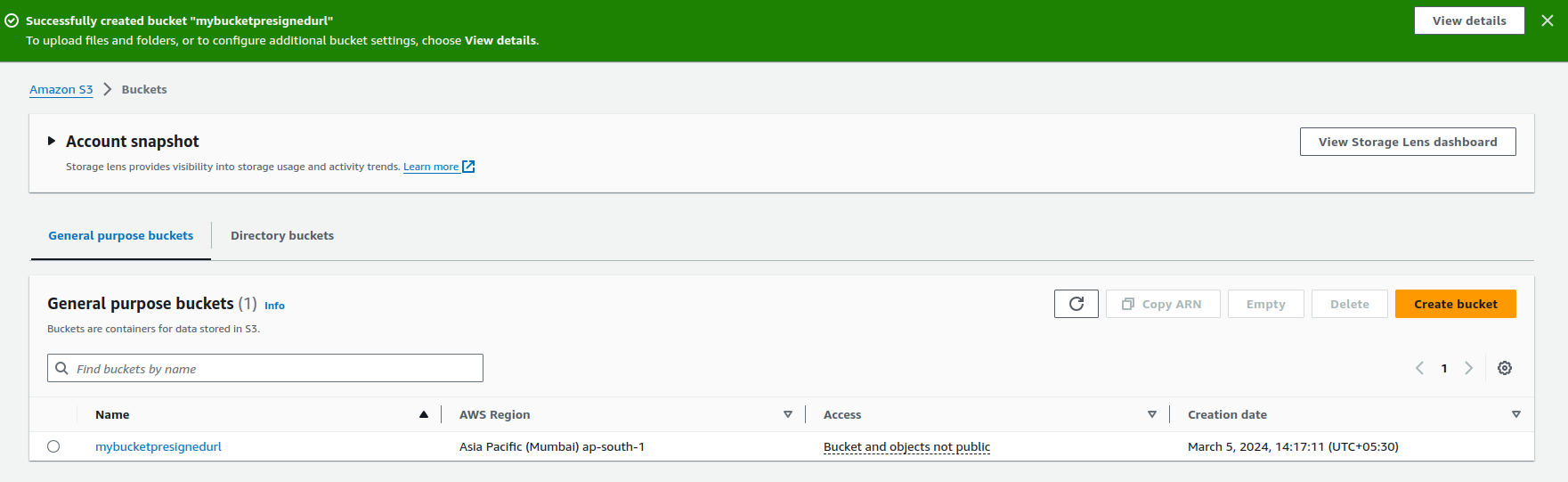
I have uploaded sample object file in this bucket for now.
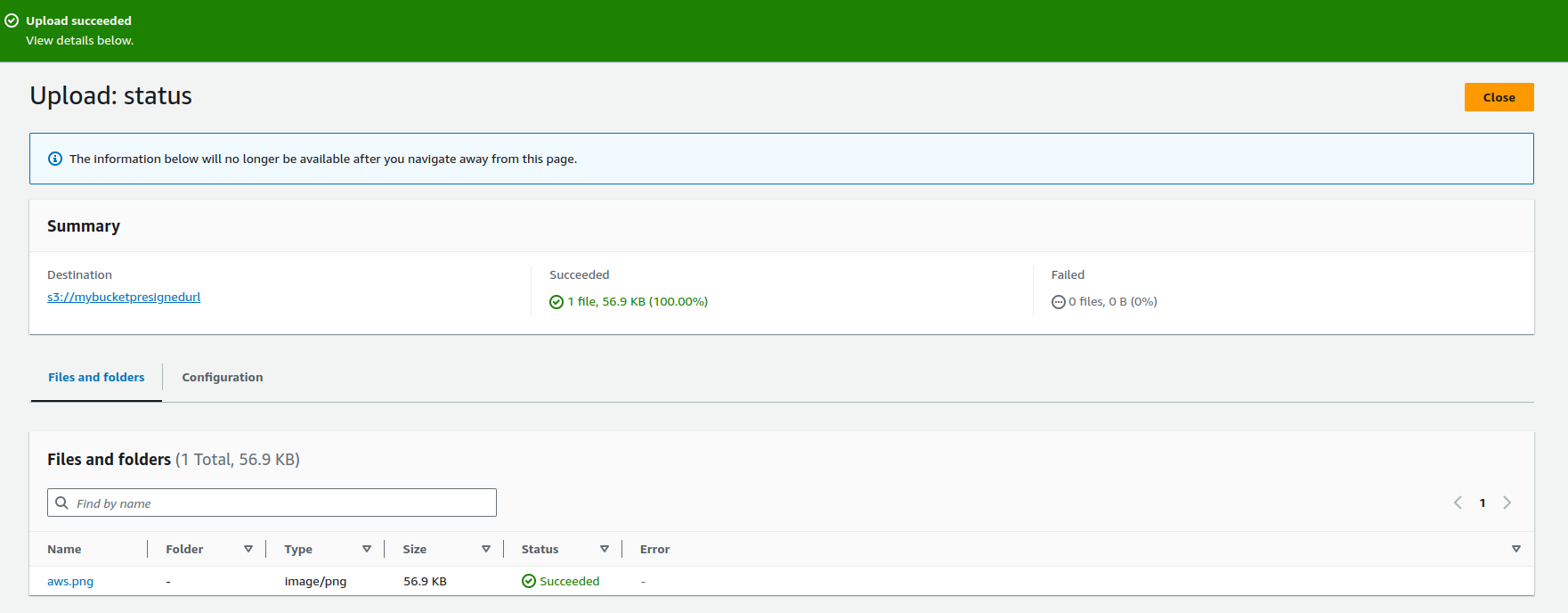
After the object is uploaded to S3 bucket, now it’s time to create presigned URL so that we can share this object with others to grant access. We will use AWS CL to create presigned URLs, let’s do it.
$ aws s3 presign --expires-in <expiration_time_in_secs> <S3_object_url>
The command I ran:
$ aws s3 presign --expires-in 10 s3://mybucketpresignedurl/aws.png

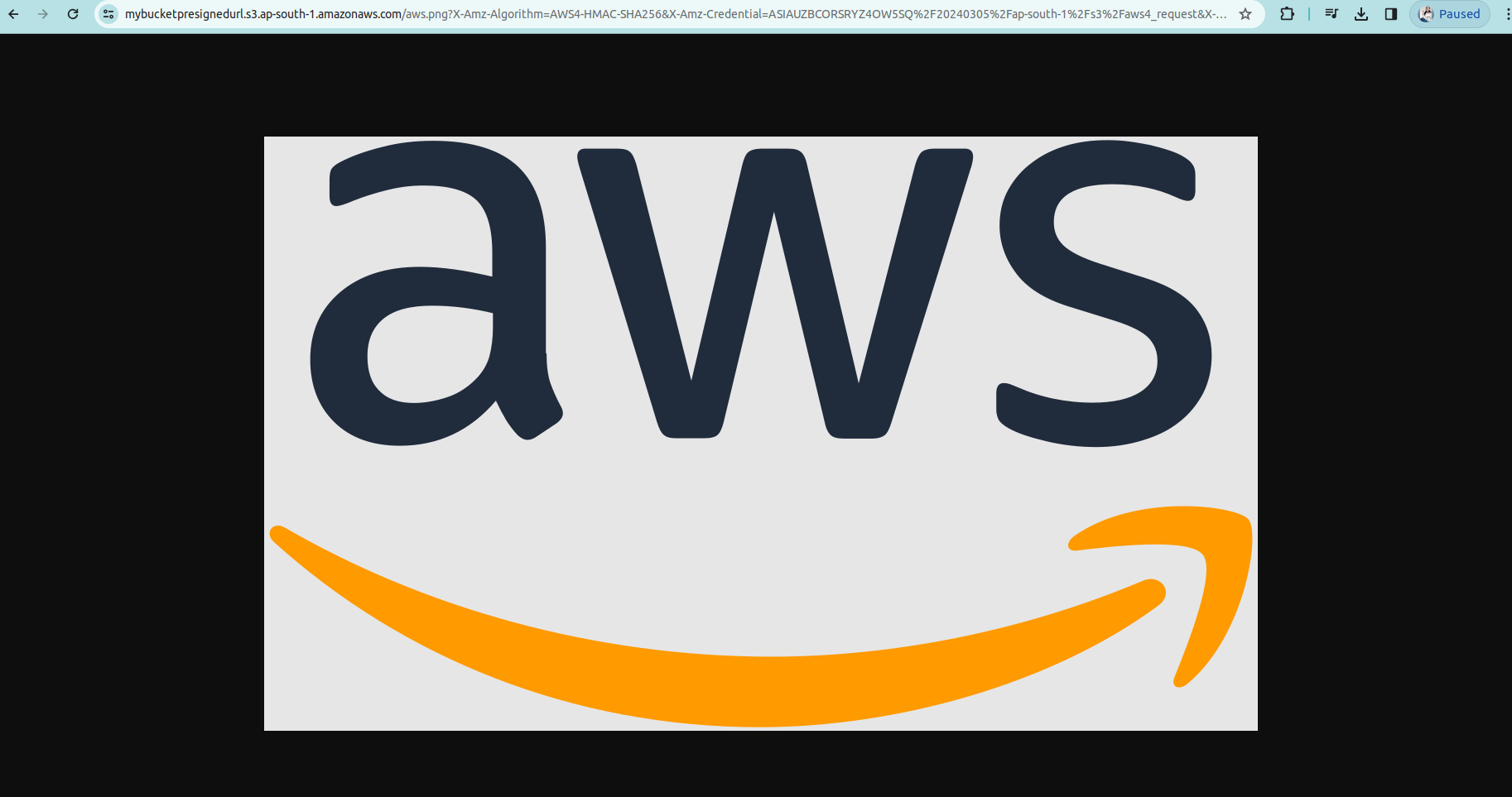
Here it’s generated for us. Copy the output of this command to your browser. Let’s try to access this.

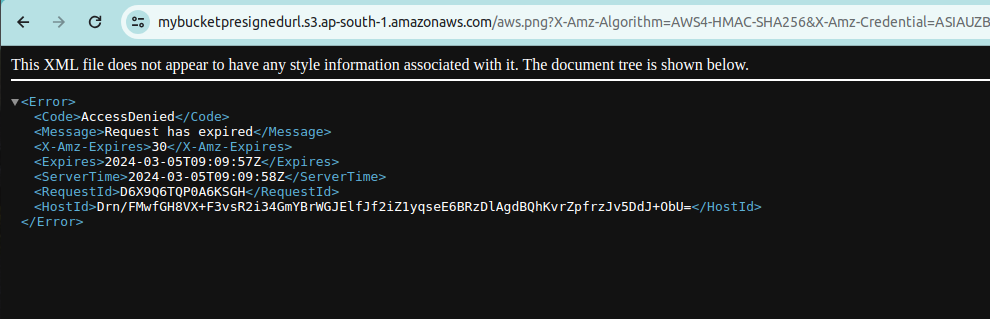
The URL got expired as we can see because I had given its expiration time only 10sec.
Let’s try to access this again by increasing its expiration time to access.

Now, I can access it within 30 seconds. After that it will again get expire.
Now got expired after 30sec again. This is how we can provide temporary access of our buckets to the users.
This is so useful and secure. That’s all for now. I hope you enjoyed doing this!!
Conclusion
Thanks for being with me till the end. In this blog we have seen how we can create presigned URLs for a private AWS S3 bucket using AWS CLI. By following the above-mentioned steps, we can easily generate this and control access to our data with confidence. I hope you liked this blog, do like and share this blog with the needful.
Happy Reading!!!