



Hello Readers!! We are again back with an exciting topic I.e how we can export RDS Snapshots to AWS S3 backet in just few steps. As we all know Amazon RDS (Relational Database Service) is a fully managed database service provided by AWS, offering support for various database engines like MYSQL, PostgreSQL, MariaDB, oracle and many more. One important feature of AWS RDS is the ability to take snapshots of your database instances for backup and recovery purposes. In this blog post, I will show you the process of exporting an Amazon RDS snapshot to an AWS S3 bucket, providing you with an additional layer of data protection and flexibility.
Prerequisites:
Before you begin, make sure you have the following prerequisites:
- AWS RDS Instance: Have an existing Amazon RDS instance that you want to take backup and export it to S3. This is my RDS instance which I will use further in this post.

- S3 Bucket: Create an S3 bucket to store the exported snapshot. I have created a private S3 bucket for storing RDS snapshots.

Steps to export RDS snapshot to AWS S3 bucket:
For taking snapshot move to AWS RDS Snapshot > Snapshots > Take snapshot. Give there a snapshot name and click on Take snapshot.
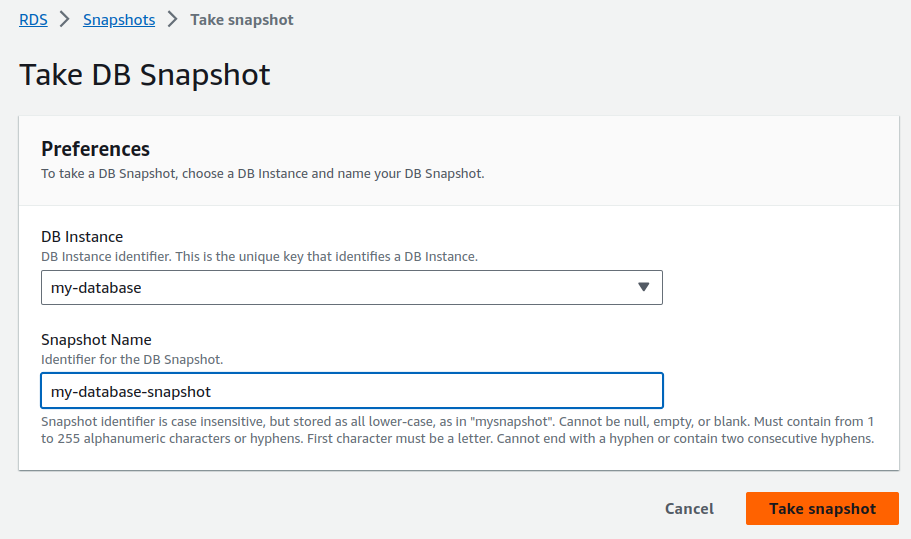

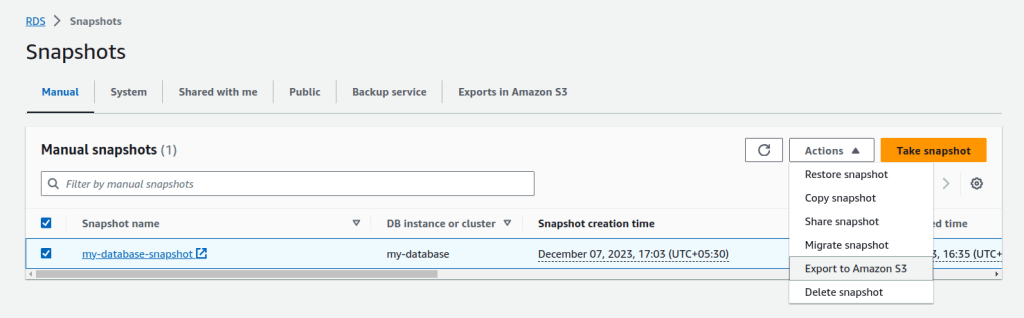
Its successfully created. For exporting in Amazon S3 select the snapshot that you want to export. Click on Export to Amazon S3.
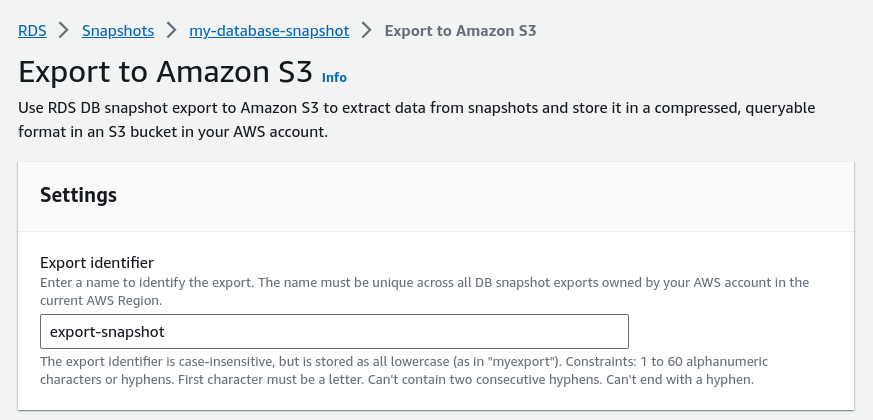
Enter a name to identify the export.
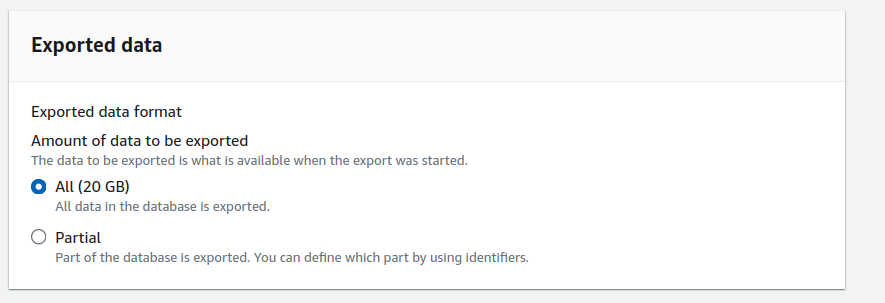
Now select the amount of data that needs to be exported. We can export all our data from a database or part of the database to S3.
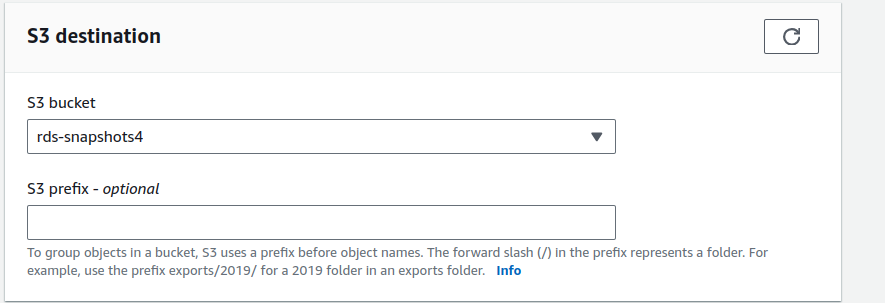
Select the S3 destination to which you want to export RDS Snapshot.
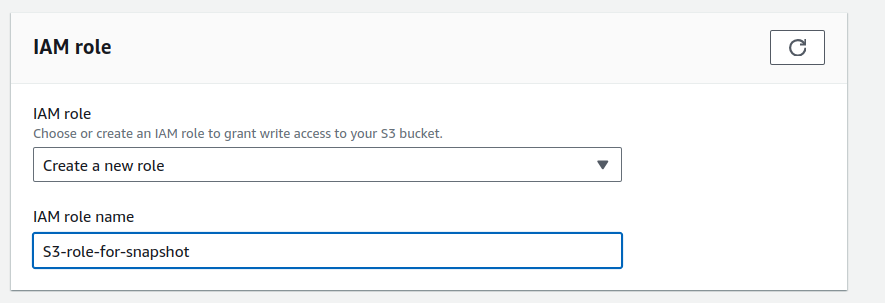
Choose or create IAM role to grant write access to your S3 bucket.
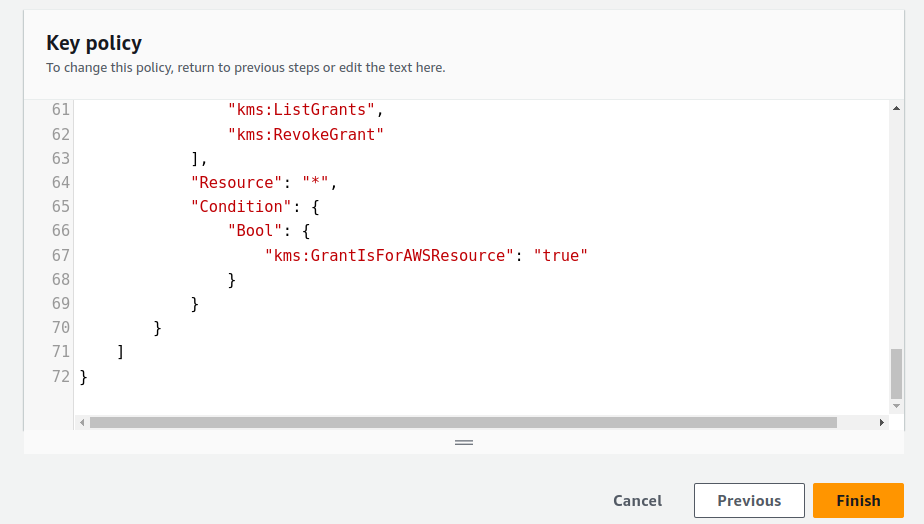
Create an AWS KMS key.
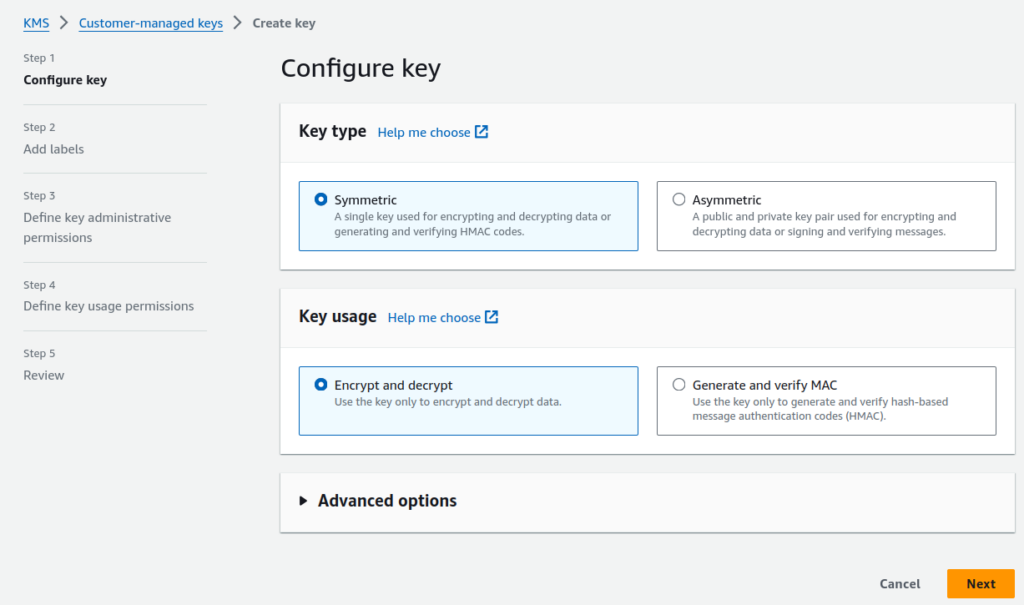
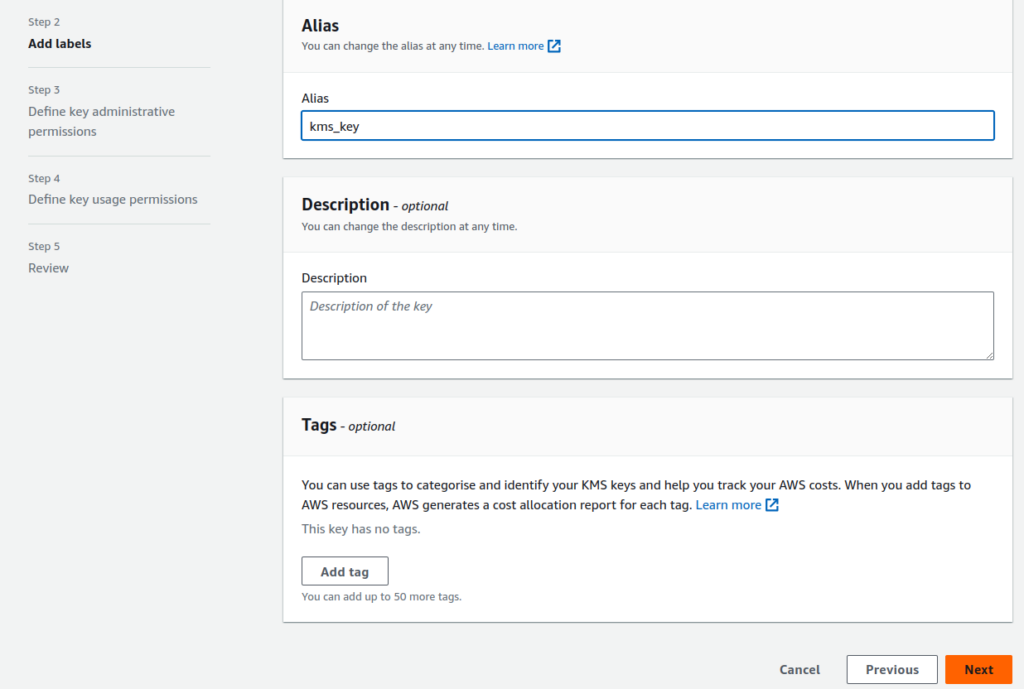
Choose the IAM users and roles according to you that can administer this key through the KMS API. Click on Next. Now Select the IAM users and roles that can use the KMS key. Click on Finish.
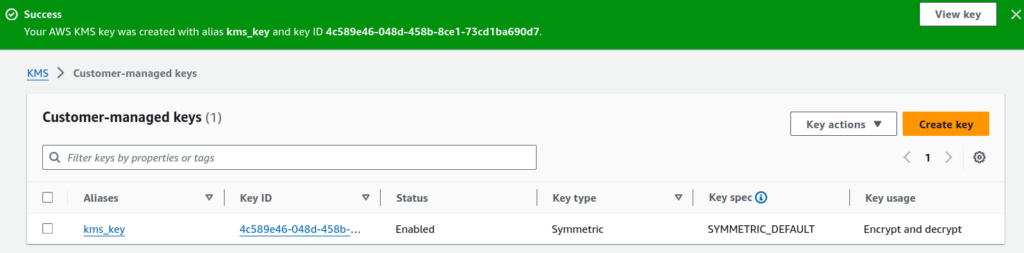
It got created here.
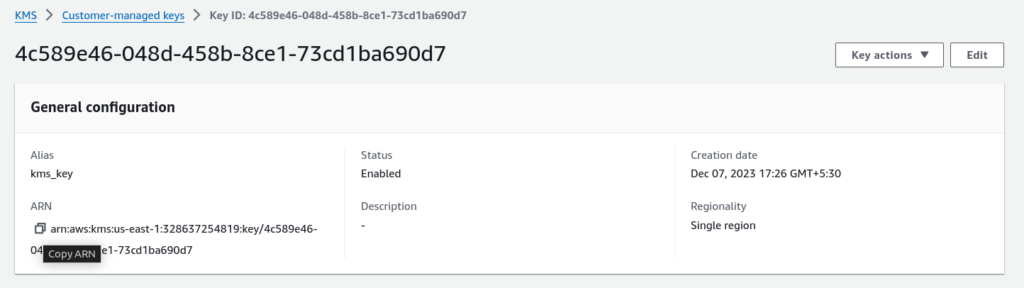
Copy ARN from here.
Paste the ARN here when creating an export of Snapshot.
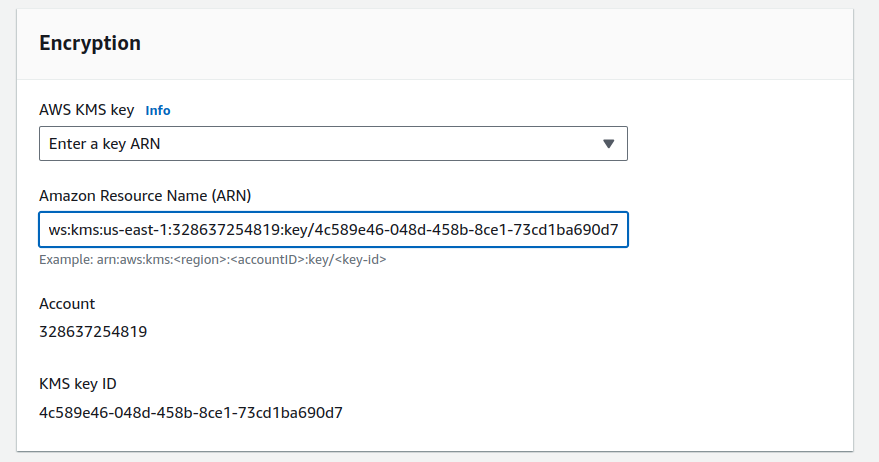
Click on Export to Amazon S3. It has started exporting you can see below.
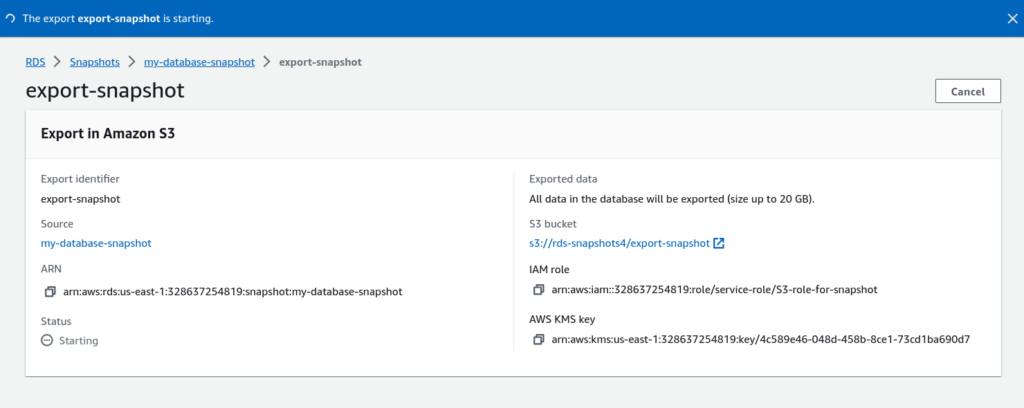
It will take some time according to the data you have.
When you will move to RDS > Snapshots > Exports in Amazon S3 section, you can see the status of the export.
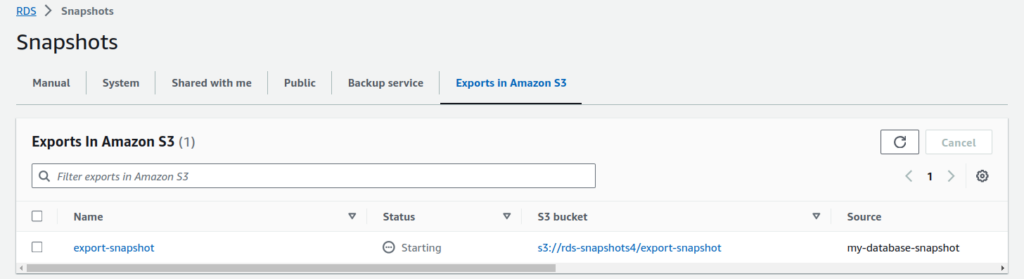
Now you can see the status is in progress.
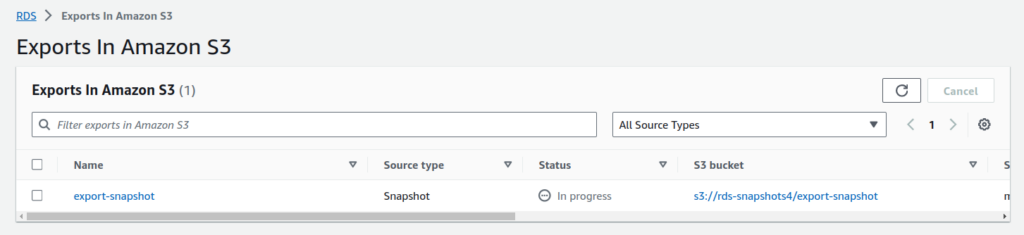
So, it completed now.
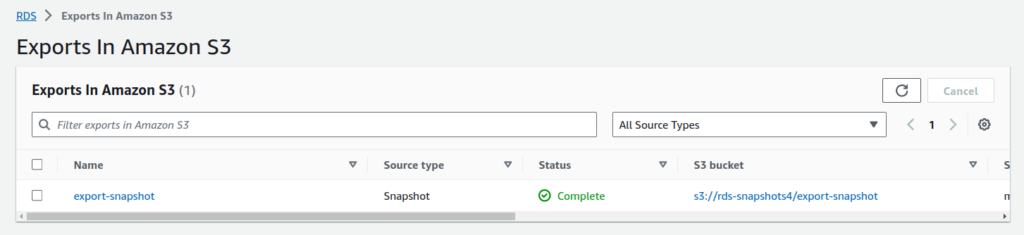
When it is completed, you can see snapshots as objects in S3 buckets.
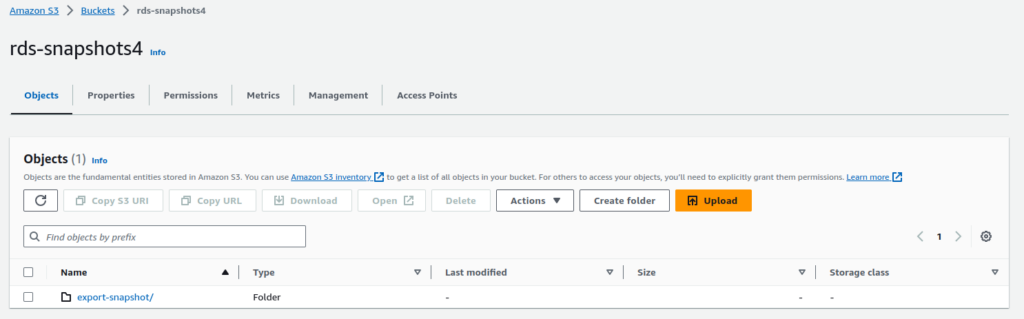
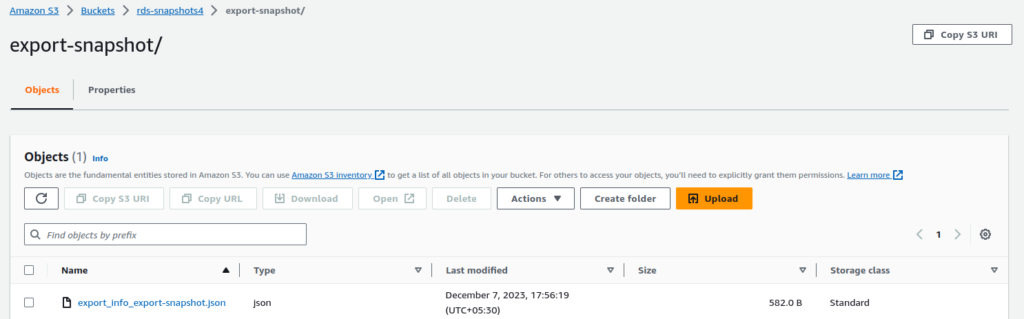
It’s all done now!!!
Conclusion:
In this blog, we have seen how easily we can export RDS Snapshots to AWS S3 bucket. It adds an additional layer of data protection and flexibility. If you find this blog helpful do like and share this blog. Thanks for being with me till the end. For any queries contact Naincy.kumari@Nashtechglobal.com.
Happy Learning!!!