


Introduction
In the current technology context, depending on the business’s conditions, they will sometimes prioritize building a sales system on a mobile application first, then make an integrated website system.
Therefore, it is extremely important to ensure that the new website is seamlessly integrated with the existing software and that all features work smoothly across the system.
From the perspective of a software tester, the question is ‘How could we perform testing effectively in this case?’
How to start…
When beginning, there are a lot of things that need to do:
1.Investigate the application: Familiarize yourself with the existing utility’s capabilities, functionality, and workflow. This will assist you in identifying capacity regions wherein the new website may interact with the present application.
2.Review the requirements: Study the requirements documentation for the new website, along with any integration points with the present application. Identify what features or functionality want to be examined.
3.Plan your test method: Develop a check plan that covers the new website and its integration with the existing application. Consider a mixture of manual and automatic tests to make certain comprehensive coverage.
What are the basic cases?
Here are some basic cases you need to remember to verify:
- Login/logout capability: Test logging in and out of both applications simultaneously.
- Data synchronization: Test records consistency throughout both programs after recording migration or updates.
- Search functionality: Test for records or content across both programs.
- Navigation: Test navigation between pages or sections within each package.
- Error handling: Test errors managing mechanisms for each program.
What else can help to perform testing effectively?
1.Test the mixing factors: Identify all integration points among the new website and the prevailing utility, including APIs, net offerings, or database connections. Test these interfaces very well to make certain seamless facts transfer and validation.
2.Test information migration: If information is being migrated from the current software or any system to the new website, check records transfer, validation, and consistency.
3.Test workflows and user journeys: Test how users will engage with both programs and ensure the website qualifies for the requirement and prevailing utility without disrupting the consumer level. Ensure the features function on both programs smoothly.
4.Perform security testing: Test for security vulnerabilities and clarify that the new website works with the same safety standards as the present utility.
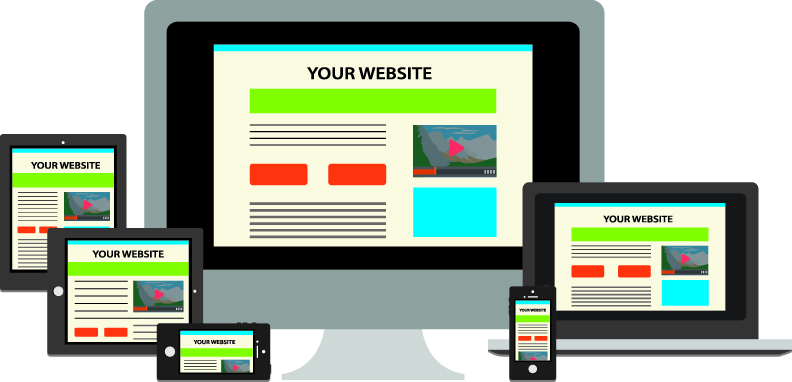
5.Compatibility test and responsive test: Test the new internet site on exceptional browsers, devices, and platforms to ensure compatibility and responsiveness.
6.Regression test: Perform regression to ensure that changes made to the new website do not destroy the present functionality inside the present software.
7.Collaborate with developers: Work closely with developers to figure out and handle the defects early on, and clarify that any issues, risks, or problems are addressed promptly.
8.Test in exclusive scenarios: Test the website in one-of-a-kind eventualities, consisting of specific person roles, languages, environmental conditions, and regions.
Reference
Image from Internet.