


1. Context
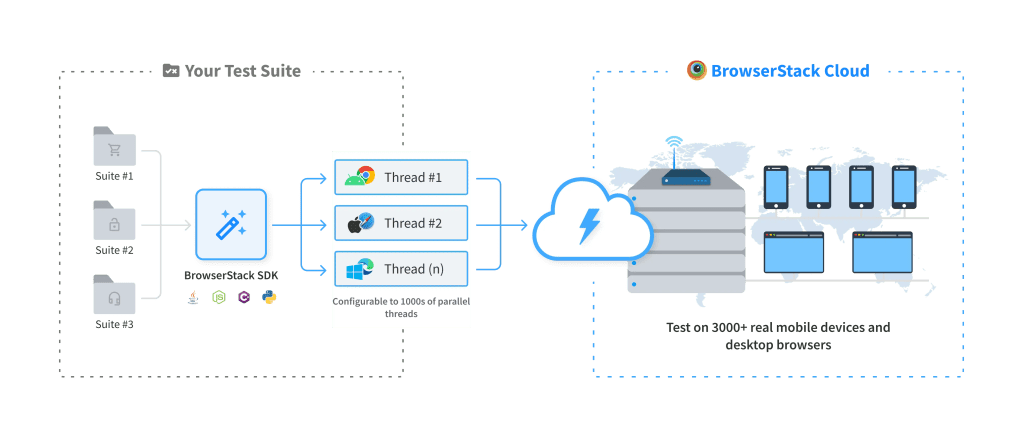
On BrowserStack remote devices, your app can retrieve data from publicly-hosted servers. However, your app cannot directly connect to servers that are hosted privately or behind a proxy, firewall, or VPN. To connect to such servers, the BrowserStack infrastructure requires some kind of network tunneling.
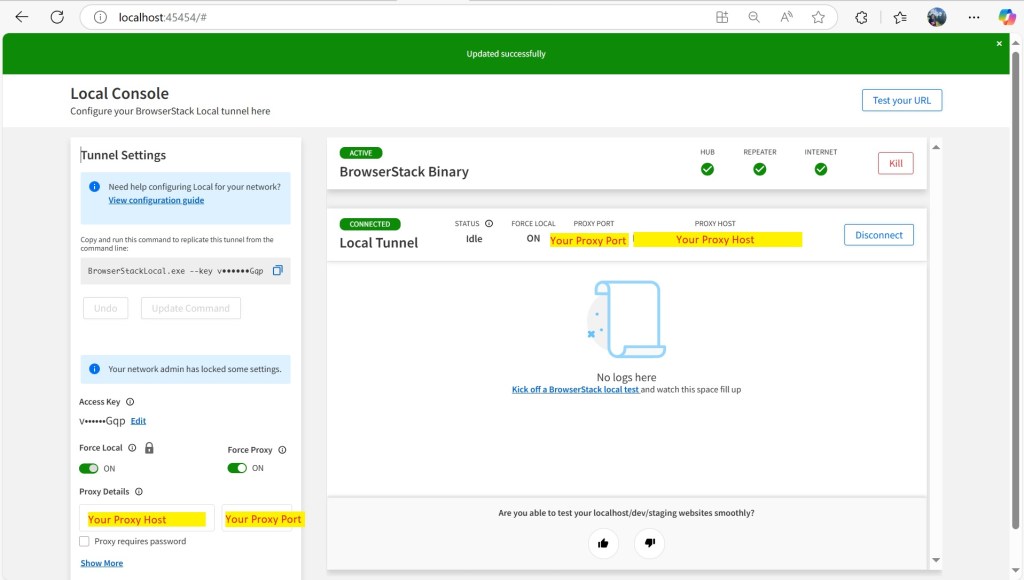
Local Testing creates a network tunnel between your private network and the BrowserStack infrastructure. This allows the BrowserStack remote devices to access the non-public servers hosted in your internal environments. To create this network tunnel, the Local app or binary needs to be installed on your local system that has access to the non-public server.
2. Set up Local Testing
3. Run your test
