



What is Accessibility Testing?
Accessibility Testing is the type of Software Testing used to check that the application is accessible by all types of users, like a regular user and physically challenged (colour blindness, learning disabilities, and so on). It is a process of evaluating the application or service that it can be used by people have some disabilities.
let’s understand the same with an example,
Imagine a large e-commerce company that sells a large number of products online. Their websites deal millions of customers worldwide. Customers can browse the products, purchases and manage their account. However, the company receive feedback from users with disabilities that the website is difficult to navigate. After this, company realizes that their website has several accessibility issues like contrast problems, complex forms etc. To address these accessibility issues, the company decides to implement accessibility testing with axe.
Introduction to AXE
AXE stands for the Accessibility Evaluation is one of the popular tools of accessibility testing. It is a powerful open-source accessibility testing tool designed to help developers and testers resolve and identify the accessibility issues in the web applications.
Its integration with multiple web browsers, including Firefox, Chrome, and Edge which make it easy to test the web application for developers as well as testers.
Why Accessibility Testing with AXE?
Accessibility testing with Axe has a number of advantages, but it is especially helpful for making sure that digital content like web pages and web applications, is usable by people with disabilities. The following are the main advantages of using Axe for accessibility testing:
- Automated Scanning: We can complete the scans very quickly and effectively. Automated Scanning makes it possible to rapidly assess online content for accessibility problems.
- Early Detection of Issues: By including Axe into the development process, accessibility problems can be found early on.
- Integration with Development Workflows: Axe easily connects not only a variety of well-known development environments but also tools, such as CI pipelines and browser developer tools.
- Comprehensive Testing: Axe provides the comprehensive accessibility testing by measuring web content against broad range of accessibility guidelines based on WCAG standards.
How does the AXE Tool work?
It uses a set of predefined rules and guidelines, like those found in the Web Content Accessibility Guidelines (WCAG), to identify accessibility concerns. This tool finds accessibility problems by scanning the web application and comparing its results to the WCAG 2.0 guidelines. You should know what WCAG is! It is a set of guidelines and standards developed by the World Wide Web Consortium (W3C) to ensure that web content is accessible to people with disabilities. WCAG provides a framework for making web content more perceivable, operable, understandable, and robust for users with various disabilities.
Benefits of using AXE:
Here are some benefits or advantages using AXE for Accessibility Testing.
- Improves Accessibility: With the help of Axe, we can easily identify and fix the accessibility issues and improves the accessibility web content for all users.
- Reduces Legal Issues: By using Accessibility testing with axe, organizations can identify and address the accessibility issues. It helps reduce the legal challenges which are related to accessibility.
- Scalability: Axe has ability to accommodate testing needs across the large-scale web applications and websites, even deals with the large number of elements present in the Document Object Model (DOM).
- Customization: Axe offers customization option to adapt the unique requirement of the different projects and to scale across diverse web applications and websites.
Getting Started Accessibility Testing with AXE:
The AXE tool is simple to use. It is as easy as adding an extension straight to the Chrome browser.
1. Open chrome web store to add the extension.
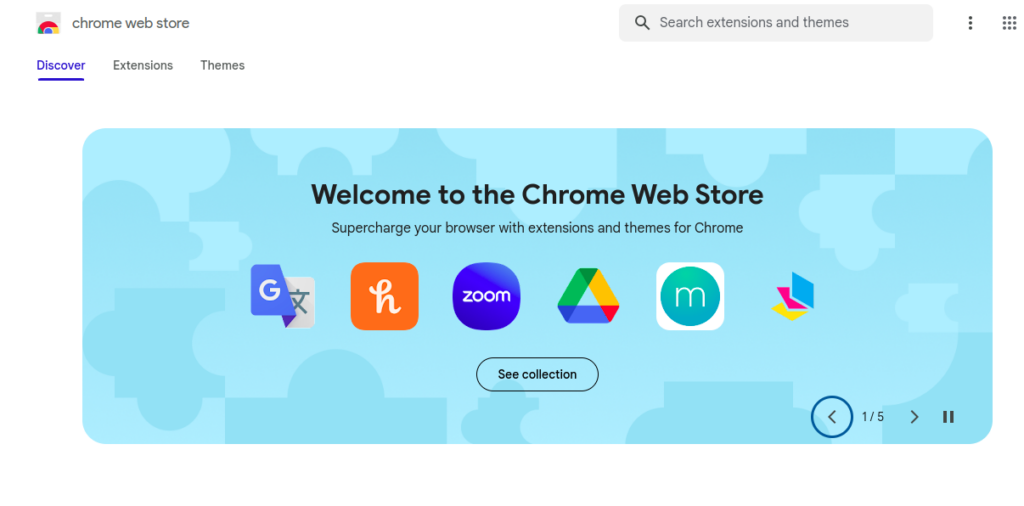
2. In the Search Bar, enter the Axe tool.
3. Click the first option, as shown in the below picture.

4. In the Next step, click the Add to Chrome Button
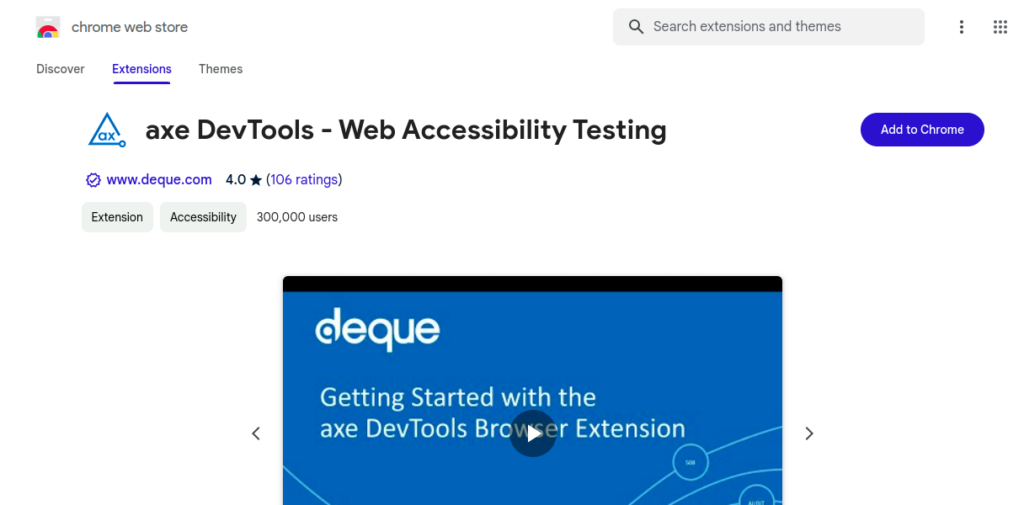
5. The Chrome browser extension will successfully add the Axe.
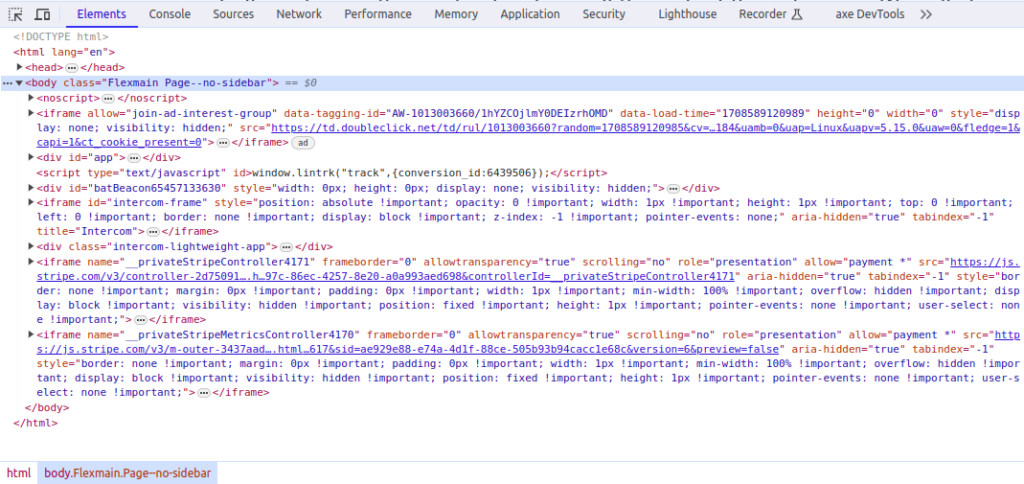
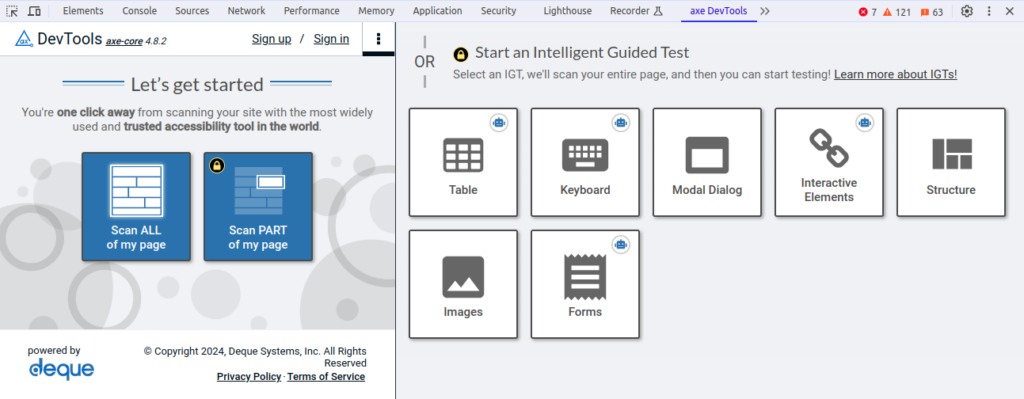
6. Navigate to the axeDevTools and you can start testing the part of your page.
Conclusion
You’ve arrived at the end of the blog. I hope everyone has a better knowledge of accessibility testing and the Axe tool after reading this blog. we can leverage Axe as an automated testing tool to find problems with code accessibility. It operates according to the WCAG 2.0 guidelines. It is simple to configure using the Chrome browser extension.
References:
https://docs.deque.com/devtools-html/4.0.0/en/welcome-axe-devtools