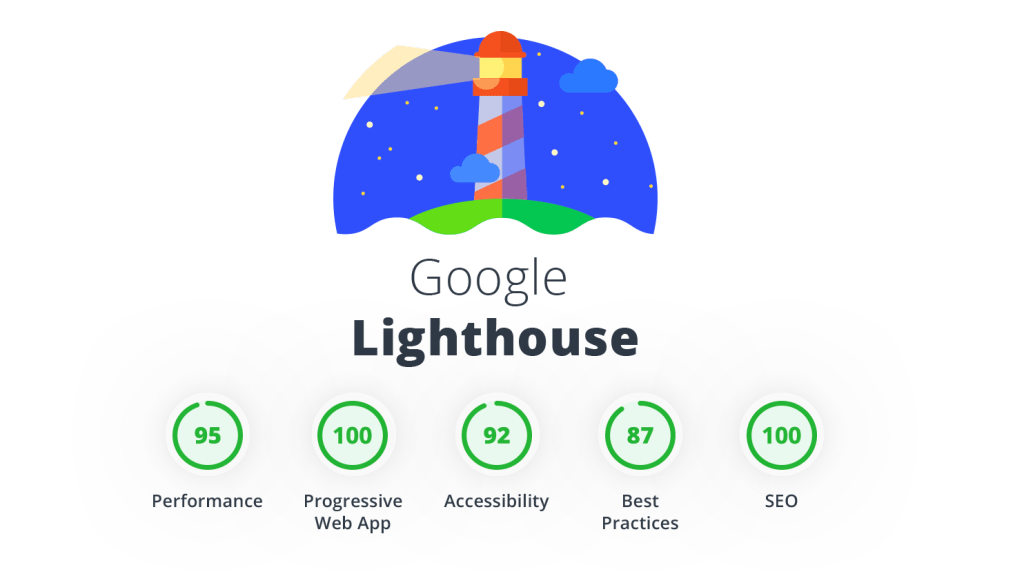
Lighthouse is an open-source tool developed by Google that helps you audit and improve the quality of your website through easy steps with no coding skills required. The tool provides quality scores across of performance, accessibility, best practices, SEO, qualification as a progressive web application.
2. How to use it?
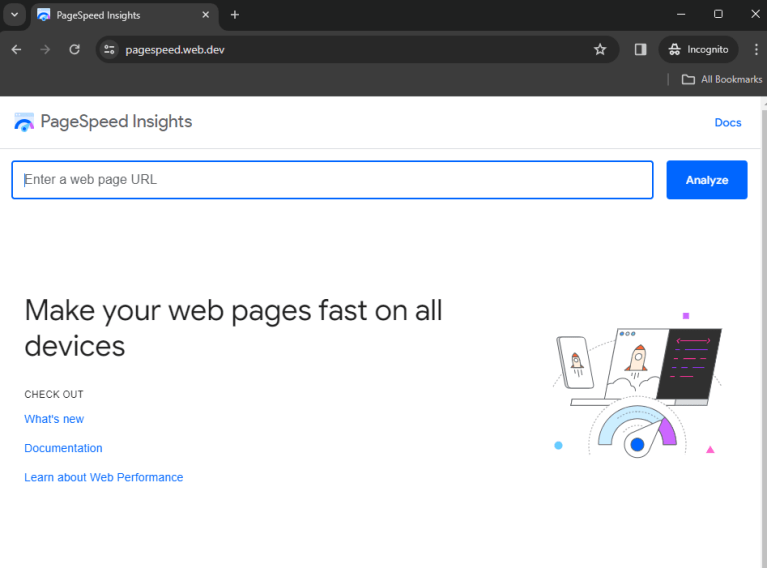
Before we get into the details of Google Lighthouse reports, let’s take a look at how to access it. There are some different ways to install and use it, so you can refer these ways below:
2.1. Chrome DevTools
Lighthouse has its own panel in Chrome DevTools. Easily audit pages that require authentication and read your reports in a user-friendly format.
After 30-60 seconds, Lighthouse gives you a report on the page
3. What metrics does Google Lighthouse provide?
Google Lighthouse usescore from 0 to 100 to evaluate a website. Score can be changed over time due to the inherent variability in web and network technologies. The metrics scores are colored according to these ranges as a traffic light:
0 – 49: Red triangle => Poor
50 – 89: Orange Square => Need to improve
90 – 100: Green Circle => Good
Lighthouse also offers suggestions which you can implement to improve the website’s performance.
3.1. Performance
In this category, Lighthouse analyzes how quickly a website or app loads and how quickly users can access or view the content. Overall performance score of a page based on how your page performance for these metrics below:
First Contentful Paint (FCP) – 10%: The time it takes for the first image or piece of text to appear on screen fully rendered.
Largest Contentful Paint (LCP) – 25%:The time it takes for the largest text and content element to fully render.
Speed Index – 10%:The time required for the visual elements of your page to load completely
Total Blocking Time (TBT) – 30%: The time between First Contentful Paint and Time to Interactive, during which users can view content but not interact with it.
Cumulative Layout Shift (CLS) – 25%: The total number of unexpected layout shifts that occur on the page. A layout shift occures when an element unexpectedly moves from ne location on the page to another, which can cause interaction issues if a user clicks in the wrong location at the wrong time
3.2. Accessibility
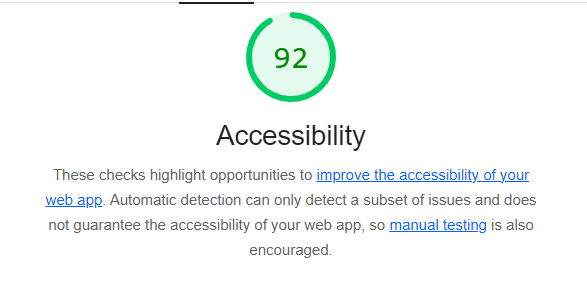
Lighthouse’s accessibility audits examine how well a website or app can be used by people with disabilities. This includes tests on important elements like buttons or links, to see whether they are sufficiently well described, or whether images have been assigned an alt-attribute so that the visual content can also be described by screen readers for visually impaired users.
3.3. Best Practices
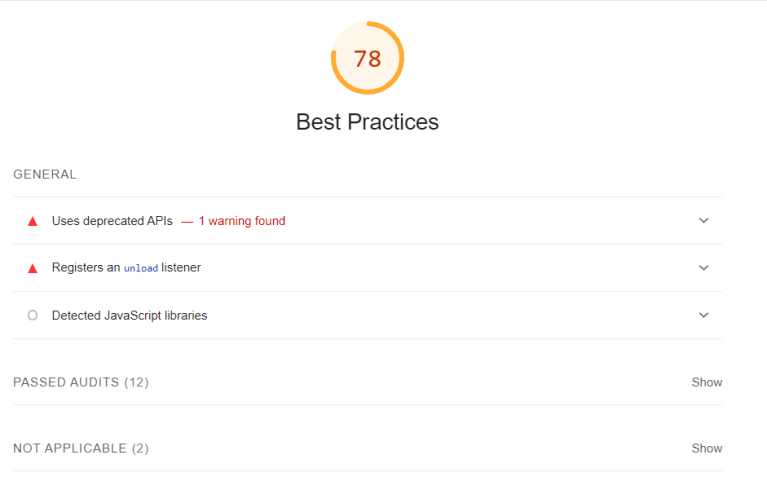
Evaluates your website’s adherence to modern standards of web development, covering areas related to performance, security, user experience, and proper use of web technologies.
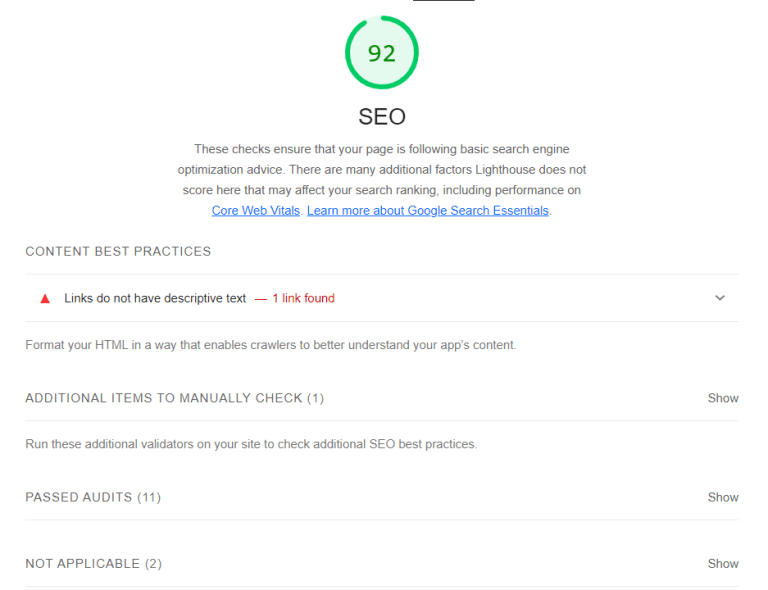
3.4. SEO
Lighthouse run various tests to establish how well a website or app can be crawled by search engines and displayed in the search results.
3.5. Progressive Web App
The Lighthouse Progressive Web Audit (PWA) tests whether a web page is using modern web capabilities to deliver a good user experience. the page should be mobile-friendly and use best practices such as redirecting HTTP traffic to HTTPS.
Conclusion
With Google Lighthouse, you can quickly assess your site’s performance, SEO, and accessibility in a few simple steps. It takes almost no time at all to generate a report with free information to help us improve the website.