


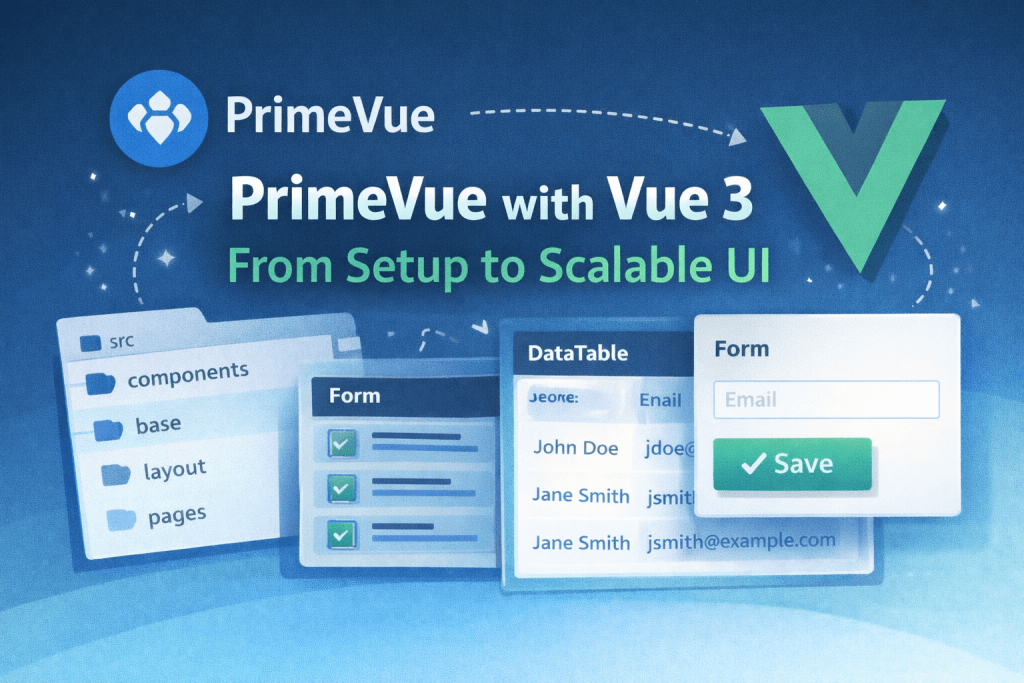
PrimeVue is a powerful UI component library built specifically for Vue 3. It provides a rich set of components—DataTable, Dialog, Form controls, Charts—that help teams build consistent and enterprise-ready user interfaces quickly. This article walks through setting up PrimeVue and using it in a scalable Vue 3 architecture.
👉 Official PrimeVue website: https://primevue.org
Setting Up PrimeVue in Vue 3
Install PrimeVue and its required dependencies:
npm install primevue primeicons
Register PrimeVue in your main entry file:
import { createApp } from 'vue';
import PrimeVue from 'primevue/config';
import App from './App.vue';

import 'primeicons/primeicons.css';
import 'primevue/resources/themes/lara-light-blue/theme.css';
import 'primevue/resources/primevue.min.css';

const app = createApp(App);

app.use(PrimeVue);
app.mount('#app');
At this point, PrimeVue components are ready to use in your Vue 3 application.
Using PrimeVue Components Correctly
PrimeVue components are designed to be flexible, but using them directly everywhere can lead to tight coupling. Instead, treat PrimeVue as an infrastructure layer for your UI.
Example:
<Button label="Save" icon="pi pi-check" />
This is fine for small projects, but in larger applications, wrapping PrimeVue components is a better approach.
Creating Reusable Wrapper Components
Instead of using PrimeVue components directly, create base components:
<!-- BaseButton.vue -->
<template>
  <Button
    :label="label"
    :loading="loading"
    severity="primary"
    @click="$emit('click')"
  />
</template>

<script setup>
import Button from 'primevue/button';

defineProps({
  label: String,
  loading: Boolean
});

defineEmits(['click']);
</script>
Usage:
<BaseButton label="Save" :loading="isSaving" />
This gives you:
- A stable API
- Centralized styling
- Easier refactoring if UI libraries change
Scaling Forms with PrimeVue + v-model
PrimeVue works seamlessly with Vue 3’s v-model:
<InputText v-model="email" />
For scalable design, wrap form inputs:
<!-- BaseInput.vue -->
<template>
  <InputText
    :model-value="modelValue"
    @update:model-value="$emit('update:modelValue', $event)"
  />
</template>
This pattern keeps validation and styling consistent across the app.
Structuring a Scalable UI Layer
src/
 ├─ components/
 │   ├─ base/        // BaseButton, BaseInput
 │   ├─ feature/     // UserForm, OrderTable
 │   └─ layout/      // Header, Sidebar
 ├─ composables/
 ├─ pages/
- Base components wrap PrimeVue
- Feature components implement business logic
- Pages compose features
This keeps PrimeVue usage controlled and organized.
Performance and Best Practices
- Import components on demand to reduce bundle size
- Avoid over-customizing PrimeVue internals
- Use slots for flexibility, not props overload
- Keep business logic out of UI components
When PrimeVue Shines
PrimeVue is ideal for:
- Enterprise dashboards
- Admin panels
- Data-heavy applications
- Teams that need fast and consistent UI delivery
Conclusion
PrimeVue accelerates Vue 3 development, but scalability comes from how you use it. By wrapping PrimeVue components, structuring your UI layer properly, and aligning with Vue 3 best practices, you can build a maintainable and scalable frontend without sacrificing productivity.