



Hello Readers!! We are again back with an exciting topic i.e AWS S3 Object Lock. In this blog we will see how we can protect data with AWS S3 object lock. In the digital age, data security plays a vital role. With the increasing number of cyber threats, malicious attacks and regulatory requirements, we need a robust solution to safeguard our sensitive information. Here, enters AWS S3 Object Lock.
AWS S3 Object Lock
It’s a feature offered by AWS providing an additional layer of protection for data stored in S3. For a specific period, we can prevent modifications and deletions of objects stored in S3 for a specific period of time. Using this we can ensure that the object is locked and no one even if the user has full access can update or delete the objects in S3. AWS S3 Object Lock turns our S3 bucket into WORM( Write once, Read many). It means once data is written in the bucket, it cannot be overwritten and deleted. This is how it works for protecting our sensitive data.
Why its necessary?
- Improved data protection- By using this feature in S# we can ensure that our data is fully protected. It’s impossible to accidently modify and delete the objects by the users.
- Simplified data recovery- As our data is saved now, we can confidently use it at the time of disaster.
- Regulatory Compliance – AWS S3 Object Lock plays a crucial role in achieving regulatory compliance by providing features such as data retention, immutability, and legal holds.
How it works?
AWS S3 Object Lock works by associating a lock mode and retention period with the S3 object. There are two lock modes which we can use:
Governance Mode: By using this mode, we specify retention period for object. We can not delete and modify it during this period,. Ordinary users having necessary permissions can still modify and delete objects in S3.
Compliance Mode: This mode provides stronger immutability on S3 objects by preventing any modifications and deletion. No one even the root account or admin with full permissions can delete or modify objects. After the retention period gets completes. it can only be altered.
Here is one thing that we need to keep in mind, once we enable object lock on a bucket, then we can’t disable it.
How to protect data with AWS S3 Object Lock:
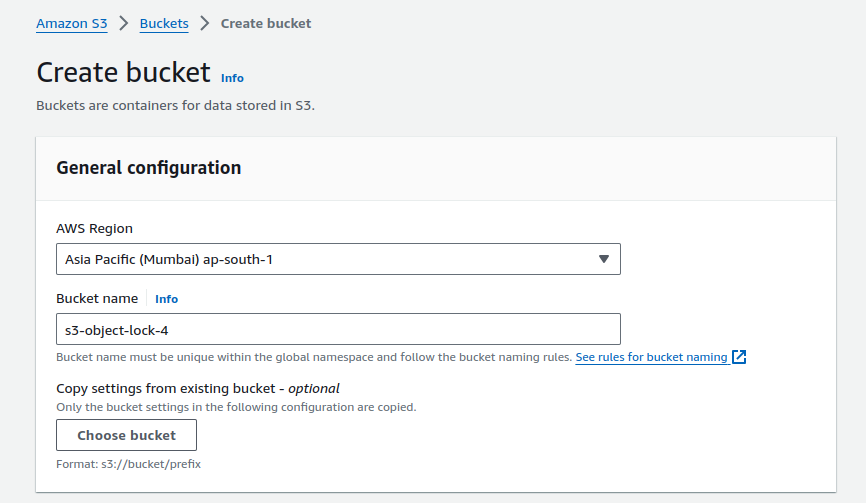
Let’s create a S3 bucket, in which we will use its object lock feature.
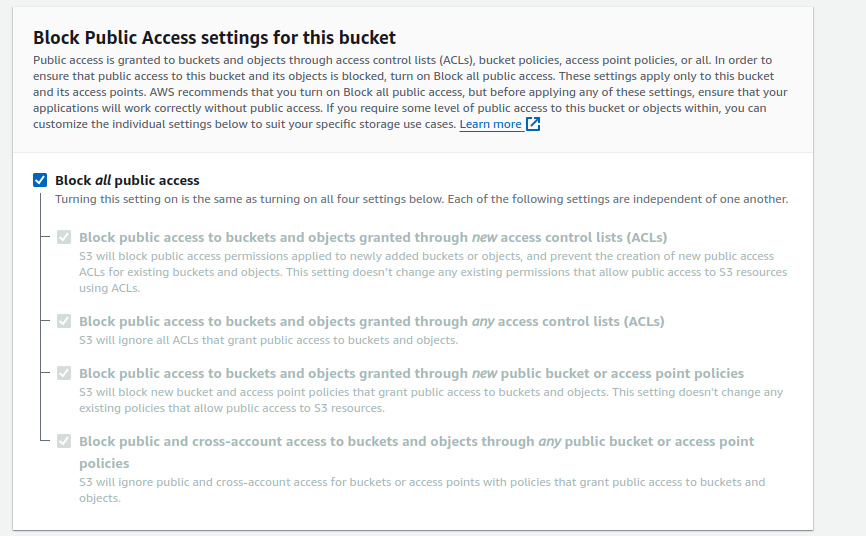
It’s a private S3 bucket. So, I blocked all public access.
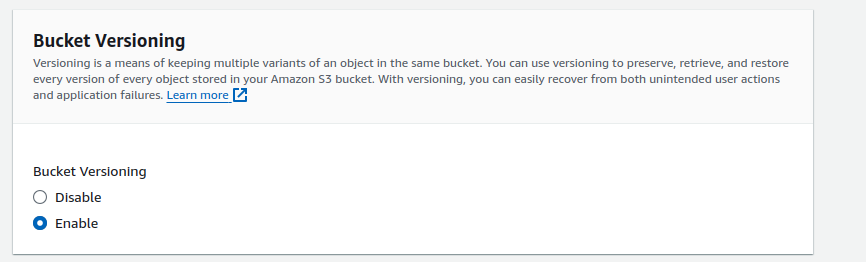
We must enable S3 versioning in order to use S3 object lock feature.
Here, I have enabled object lock on the bucket. Enable it and create the bucket.
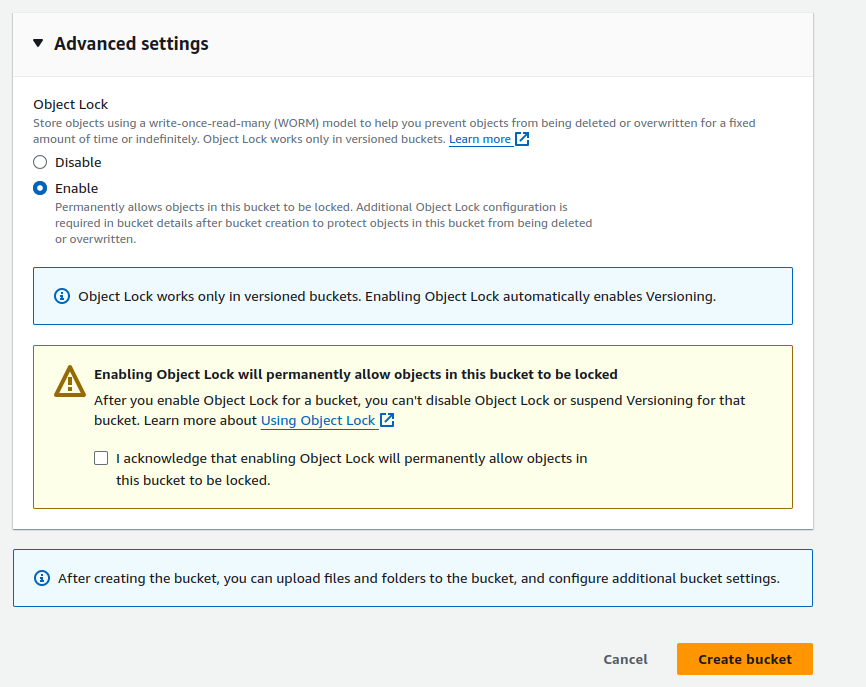
To protect objects in the “s3-object-lock-4” bucket from deletion or overwrite, you need to perform additional configuration using Object Lock.
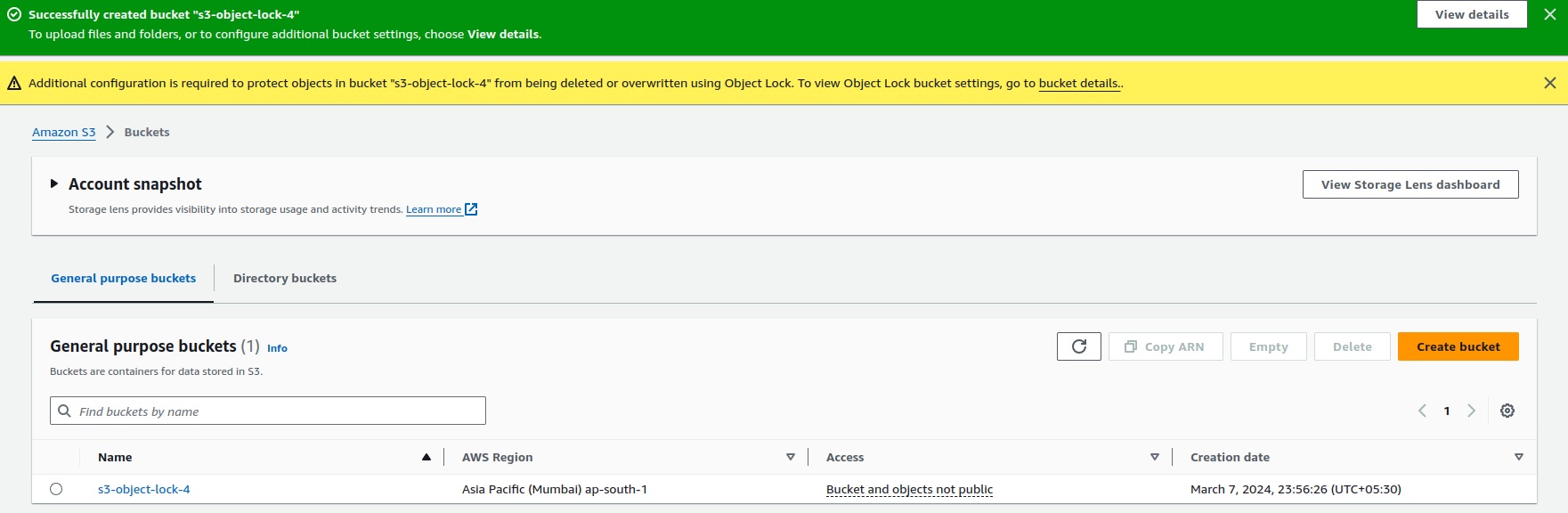
Let’s upload some objects in it.
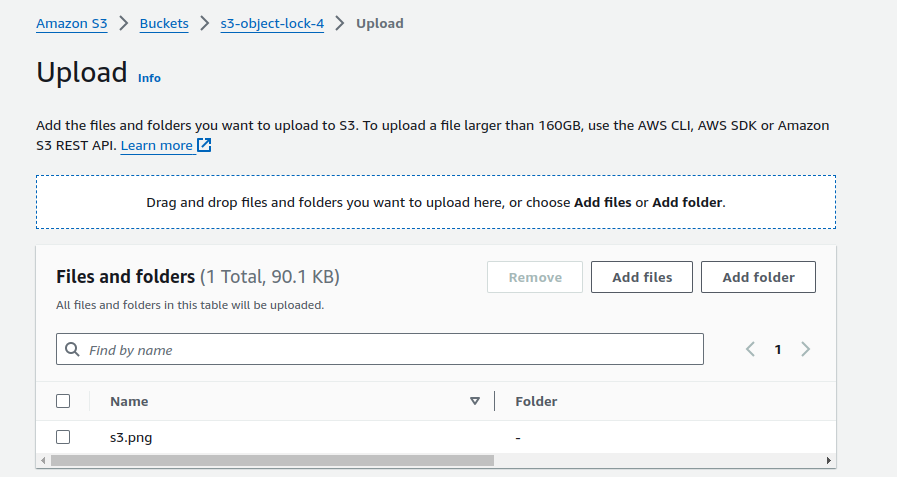
After uploading, we need to configure object lock retention period here. Move to S3 objects.
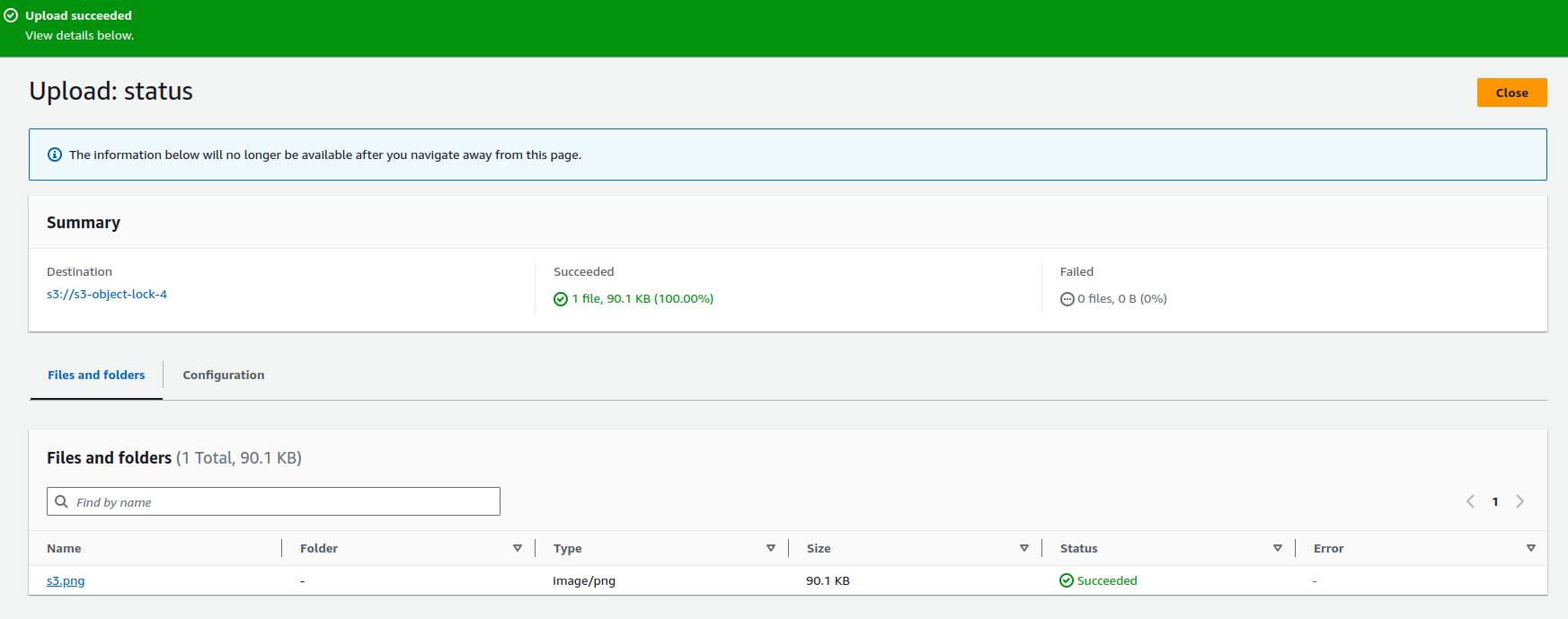 .
.
Move to Object Lock Retention, Click on edit. Enable it. Choose the retention mode and retention period.

And click on save changes. Now, we have successfully locked our S3 object. Let’s try to do some changes and deletions.
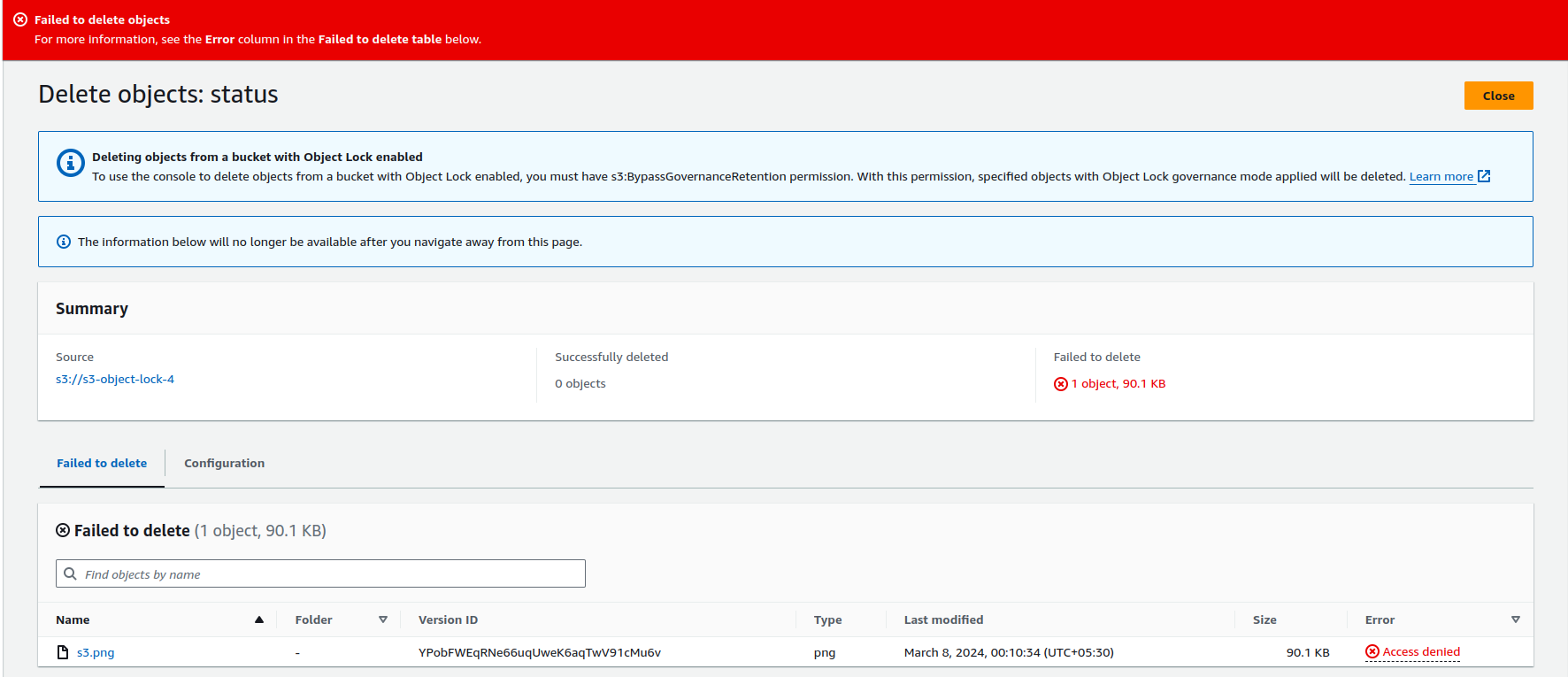
As you can see, I am not able to do so, I am getting error “Access denied”. Here, we have locked the object, and it can only be deleted or modified after the retention period.
This is how it works.
Conclusion
Thanks for sticking with me till the end. In this blog we have seen how we can enhance our data security using AWS S3 Object Lock. I hope you enjoyed and liked this blog. If this blog helped you somewhere, do share it with your friends. If you have any doubts, please feel free to contact me at Naincy.kumari@Nastechglobal.com.
Happy Reading!!!