



Introductions
Shift Left Performance Testing with K6 and GitHub Actions involves integrating performance tests early in the development lifecycle and automating them to run continuously—often on every code change—using GitHub Actions. This ensures performance issues are detected as soon as possible, reducing risk and improving system reliability.
Tools Involved
K6: Open-source load testing tool for testing performance and reliability of APIs and web services.
GitHub Actions: CI/CD tool that allows you to automate workflows directly in your GitHub repository.
Shift Left Strategy
Write K6 scripts alongside your application code (in the same repo or a dedicated performance repo).
Integrate tests into CI/CD pipeline using GitHub Actions.
Run K6 scripts on every pull request (PR), commit, or on a schedule.
Use thresholds and fail builds if performance degrades, enforcing quality early.
Example K6 Script
import http from 'k6/http';
import { sleep, check } from 'k6';

export let options = {
  vus: 10,
  duration: '30s',
};

export default function () {
  const res = http.get('https://test.k6.io');
  check(res, {
    'status is 200': (r) => r.status === 200,
    'body contains "Feel free to browse"': (r) =>
      r.body.includes('Feel free to browse'),
  });
  sleep(1);
}
GitHub Actions Workflow Example (main.yml)
name: Performance Test with K6
on:
push:
branches: [ main ]
pull_request:
branches: [ main ]
jobs:
k6-load-test:
runs-on: ubuntu-latest
steps:
– name: Checkout Code
uses: actions/checkout@v3
– name: Setup k6
uses: grafana/setup-k6-action@v1
– name: Run k6 test
run: k6 run load-test.js
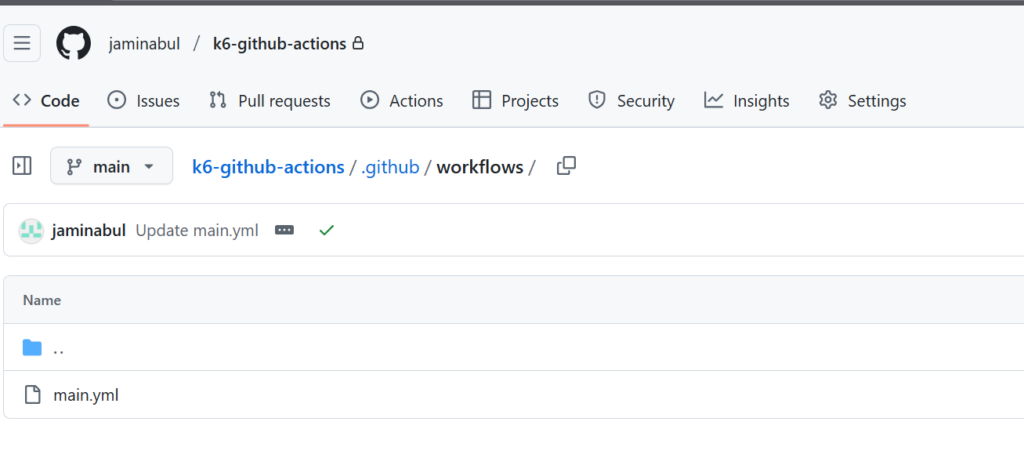
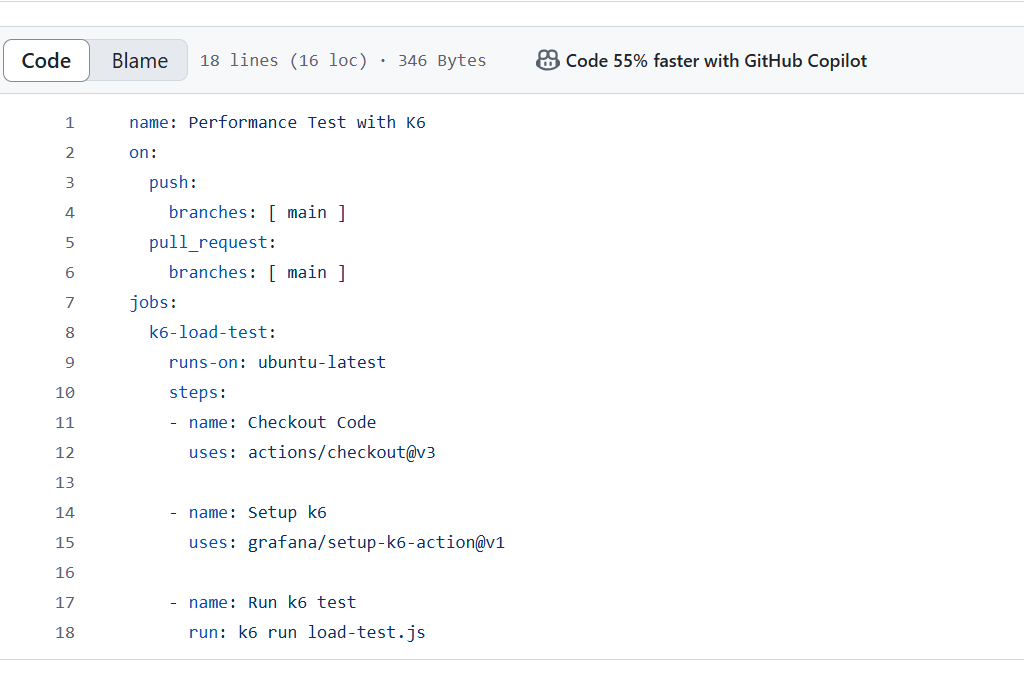
Result


Benefits of Shift Left with K6 + GitHub Actions
Detect performance regressions early.
Automate testing as part of CI.
Avoid surprises in staging or production.
Lower cost of fixing performance bottlenecks.