


Nowadays, AI-powered codeless automation tools such as Testim, Mabl, and Tosca are transforming the landscape of software testing. This article will specifically delve into Tosca, exploring its distinctive combination of codeless automation and AI capabilities designed to enhance testing processes and elevate software quality.
I. Tosca Introduction
Tosca is a comprehensive software testing automation platform developed by Tricentis. Tosca is designed to support various aspects of the software testing lifecycle, including test case design, test automation, and continuous testing. It assists in automating various aspects, including:
- Functional Testing: Tosca automates UI and API testing for web, mobile, and desktop applications, covering both functional and non-functional aspects.
- Performance Testing: It allows you to analyze application performance during load and stress testing, identifying bottlenecks and ensuring scalability.
- Security Testing: Tosca can integrate with vulnerability scanners and penetration testing tools to detect security vulnerabilities in your applications.
- Data Integrity Testing: You can ensure data consistency and correctness throughout your applications and databases using Tosca’s data validation capabilities.
II. Features of Tosca
Model-based Test Automation: Tosca uses a model-based approach for test case design and automation. This approach focuses on creating reusable test modules that represent the application’s structure, enabling codeless or low-code test creation.
AI-powered Automation: Tosca leverages intelligent features like self-healing tests and risk-based test optimization to improve test efficiency and effectiveness.
Cross-Browser and Cross-Platform Testing: Tosca allows testing across different web browsers and operating systems, ensuring the compatibility and consistency of applications across various environments.
API Test: API scan is a codeless solution for API testing that includes support for REST, SOAP, and converting SoapUI projects to Tosca API testing for improved reusability of tests.
Visual Test Creation: We can drag and drop pre-defined actions to build test cases visually, making testing accessible to testers with varying technical skill sets.
Requirements Traceability: Tosca supports the mapping of test cases to requirements, providing visibility into how well the application meets specified business requirements.
Integration with Defect Management Tools: Tosca can integrate with defect tracking and management tools like Jira, which helps to streamline the process of logging and managing issues identified during testing.
Integration with CI/CD Pipelines: We can integrate Tosca with popular CI / CD tools (such Azure Pipelines, Jenkins, Bamboo,…) easily.
III. Advantages of Tosca
Easy to onboard new users: We can acquaint ourselves with Tosca by accessing the resources available on Tricentis Academy. Additionally, Tosca offers guideline videos tailored for new users.
Codeless automaton tool: Tosca’s Model-based Test Automation approach is suitable for less technical team member.
Supports Multiple Platforms: Tosca supports the automation of tests for Web Applications, Desktop Applications, and Mobile Applications.
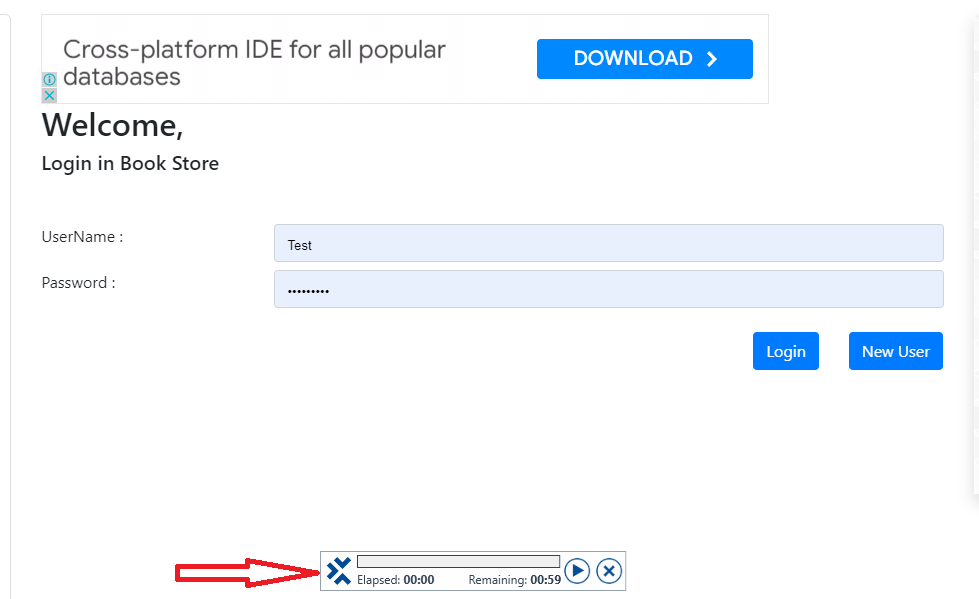
Record and playback feature: The automation recording assistant in Tosca is a feature designed to record actions for the purpose of converting them into automated tests.
Built-in AI feature (Vision AI): Vision AI employs artificial intelligence and machine learning to automate tests that were traditionally difficult to execute, such as those conducted on remote desktops. This technology allows customers to automate testing by relying on visual cues, irrespective of the underlying technology. Additionally, Vision AI offers self-healing test capabilities and can be trained to automate tests for custom and proprietary applications, especially those with challenging-to-identify controls.
Faster Development Cycles: Continuous testing and automated feedback loops contribute to expedited development cycles, resulting in a shorter time to market.
Vendor Support and Community: Tosca is among the best products on the market, and the vendor support is outstanding.
IV. Disadvantages of Tosca
Cost: Pricing may be too high for some groups, especially smaller teams.
Steep learning curve: Tosca has a complex user interface and may require a lot of time to learn and understand.
Limited Compatibility with Mac / Linux OS.
Performance Issues: Although typically dependable, Tosca may encounter performance slowdowns when managing extensive projects or complex systems, affecting the speed of execution and the utilization of resources.
Debugging Challenges: Debugging and analyzing failures in Tosca test cases can be complicated.
Dependency on Vendor: As with any commercial tool, there is a level of dependency on the vendor, Tricentis. Organizations need to consider the vendor’s support, release cycles, and overall product roadmap. And switching to other testing solutions after adopting Tosca can be challenging due to the specific model-based approach and potentially customized test assets.
V. Components of Tosca
a. Tosca Commander:
Tosca Commander is the GUI of the Tosca Test suite, considered the core component for the test creation, execution, management, and analysis of test scripts. It is based on Microsoft Windows Explorer, so everything is organized in a tree structure.
Utilizing the drag-and-drop functionality, users can easily relocate elements within the application. The docking function further enables users to customize the layout according to their specific requirements.

b. Tosca Executor:
The Tosca commander forwards the test cases to the Tosca Executor that runs the test cases on the test object.
c. Tosca XScan:
Tosca Xscan is used to examine screens and their input fields, capturing and storing the information as modules within Tosca Commander. These modules include technical details utilized to recognize and guide screen elements.

d. Tosca Repository:
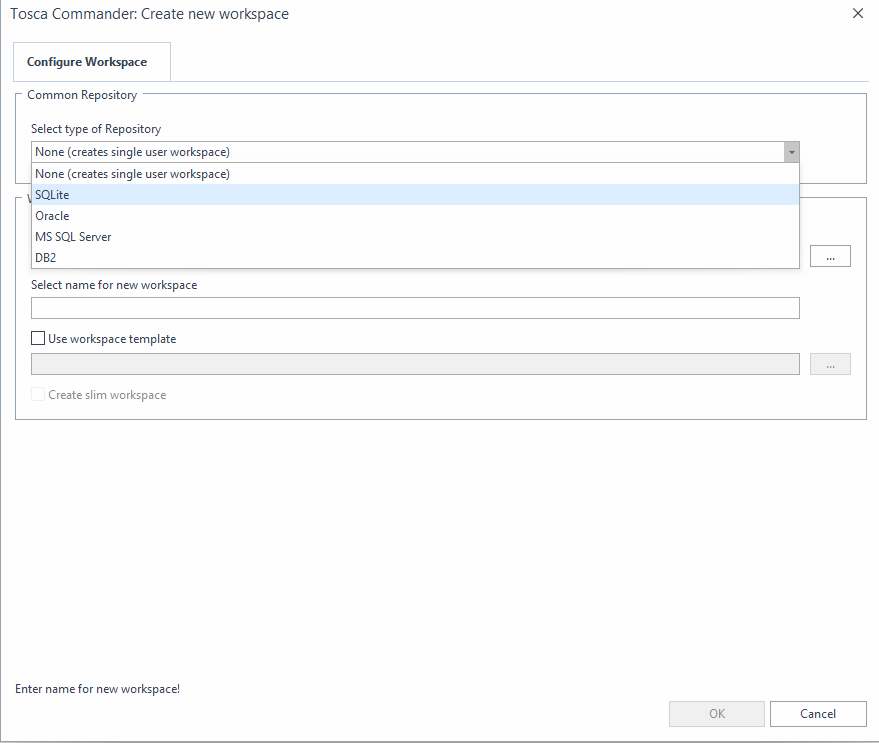
When establishing a Tosca workspace in multi-user mode, standard repositories are used to manage projects stored in databases.
The following types of repositories are available for multi-user environments: MS SQL Server, Oracle, DB2, SQLite.
VI. Tricentis Academy
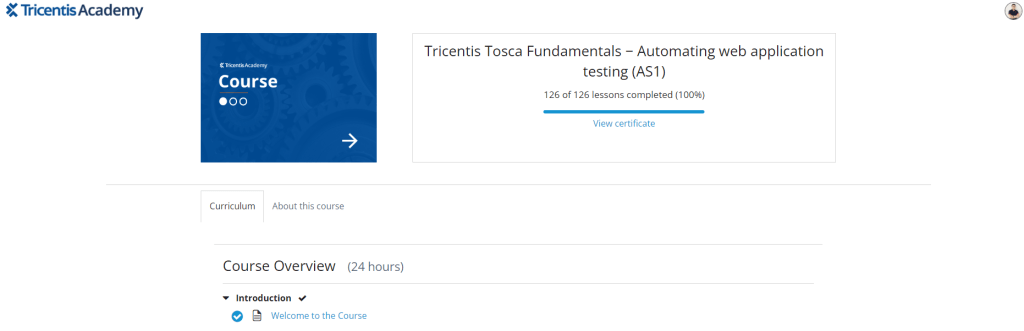
Tricentis Academy is the official training and certification program provider for Tricentis software testing tools like Tosca and qTEST. We can get familiar with Tosca as well as get certificate for it by learning the courses of Tosca in this website.
I suggest that new Tosca users start with the course “Tricentis Tosca Fundamentals − Automating Web Application Testing” to familiarize themselves with Tosca before embarking on independent automation testing on their own systems.
VII. Demo
VIII. Conclusion
Tosca is a powerful and versatile software testing automation platform that can significantly improve the efficiency, quality, and speed of your software development process. With its model-based test automation approach, Tosca simplifies test case design, automation, and maintenance, promoting efficiency and reusability.
I hope this article can clarify what Tosca is and its main functionalities. If you are looking for the codeless automation tool to speed up the testing of applications, Tosca can be a valuable tool for your organization.
Reference:
– https://www.tricentis.com/products/automate-continuous-testing-tosca