



Introduction
Service Control Policies (SCPs) are essential for managing permissions in an AWS organization. They provide centralized control over accounts and their capabilities. SCPs can include both allow and deny capabilities, often used primarily for deny rules.
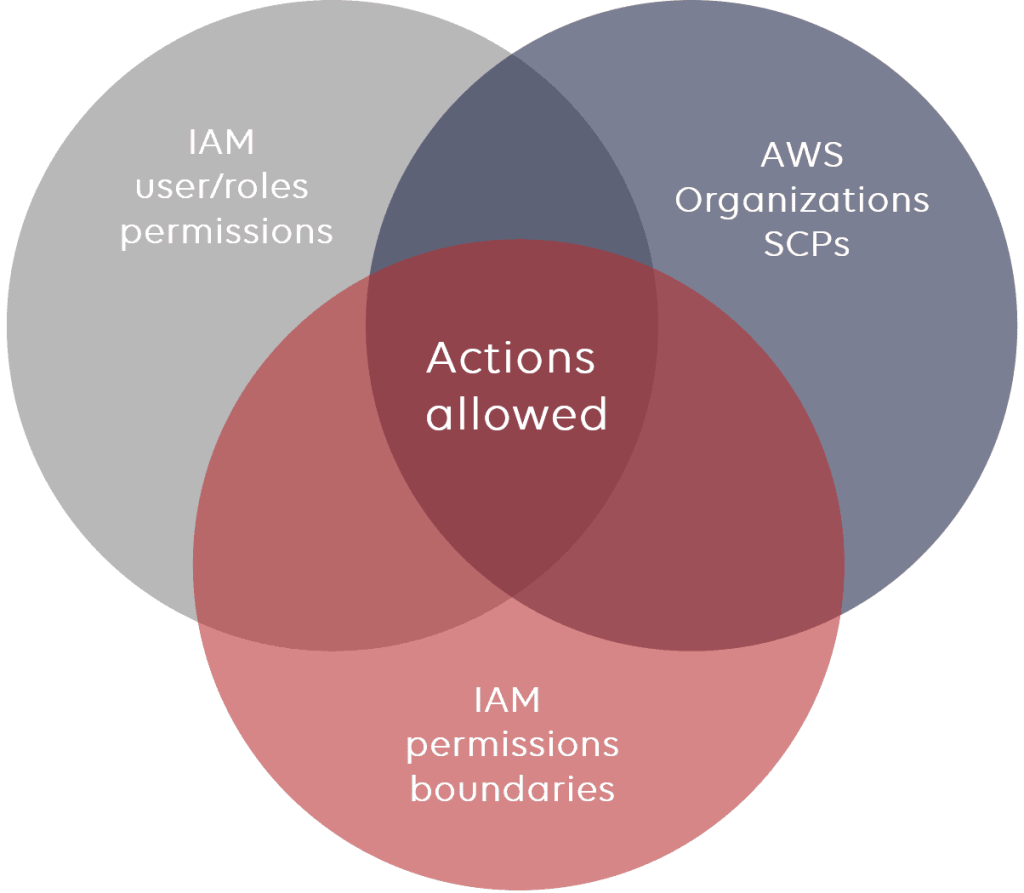
Source: https://www.stormit.cloud/blog/aws-scp-service-control-policy/
Inheritance in SCPs
Here are main rules for the inheritance which you must remember when working with SCPs:
- Deny rules apply to all lower levels. For example, if a deny rule set at the root, then will take effect to all Organization Unit (OUs) and accounts under it.
- Allow rules allow function similarly unless overriden.
SCP Strategies
There are 2 main strategies as below:
Deny List Strategy
– The FullAWSAccess SCP is attached to every OU and account
– Explicitly allows all permissions to flow down from the root
– Can explicitly override with a deny in an SCP
– This is a default setup.
– An explicity deny overrides any kind of allow.
Allow List Strategy
– The FullAWSAccess SCP is removed from every OU and account
– To allow a permission, SCPs with allow statements must be added to the account and every OU above it including root
– Every SCP in the hierarchy must explicitly allow the APIs you want to use
– An explicit allow overrides an implicit deny
Use case
Suppose that we want to restrict launching AWS EC2 instances with only “micro” type supported in Dev account of your AWS Organization.
Main steps
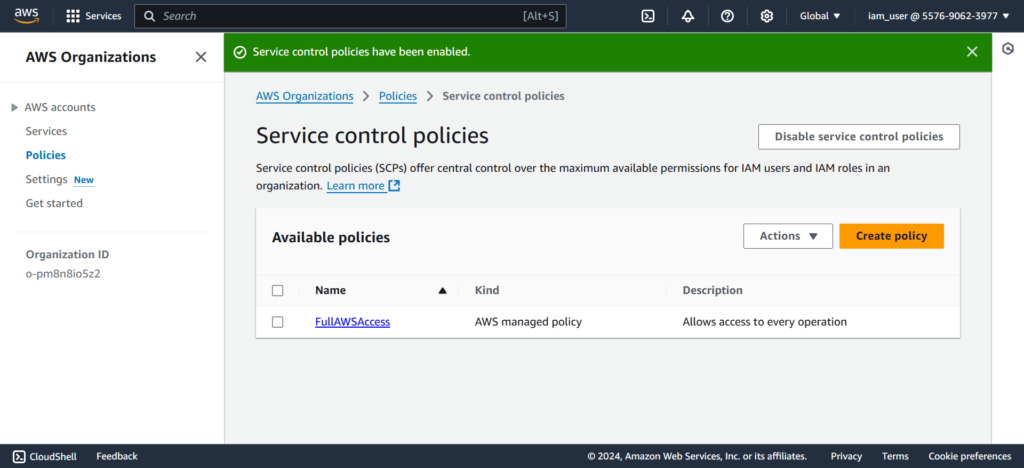
Make sure [Service control policies] enabled in your AWS Organization

Create a service control policy
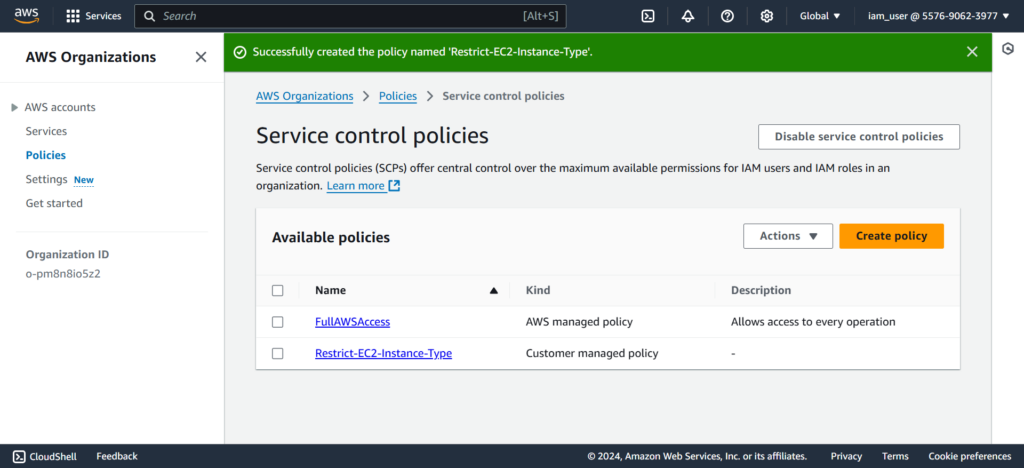
In your AWS Organization > Policies > Service control policies section, let’s create a policy called [Restrict-EC2-Instance-Type] by clicking [Create policy]
Set the JSON policy as below to ensure only running “micro” EC2 instance type in your AWS Organization.
{
	"Version": "2012-10-17",
	"Statement": [
		{
			"Sid": "RestrictEC2InstanceType",
			"Effect": "Deny",
			"Action": "ec2:RunInstances",
			"Resource": "arn:aws:ec2:*:*:instance/*",
			"Condition": {
			    "StringNotEquals": {
			        "ec2:InstanceType": "t2.micro"
			    }
			}
		}
	]
}
Click [Create policy] to finishing the step
Apply it
Go to your AWS Organization > AWS accounts, choose the account to be applied the SCPs.
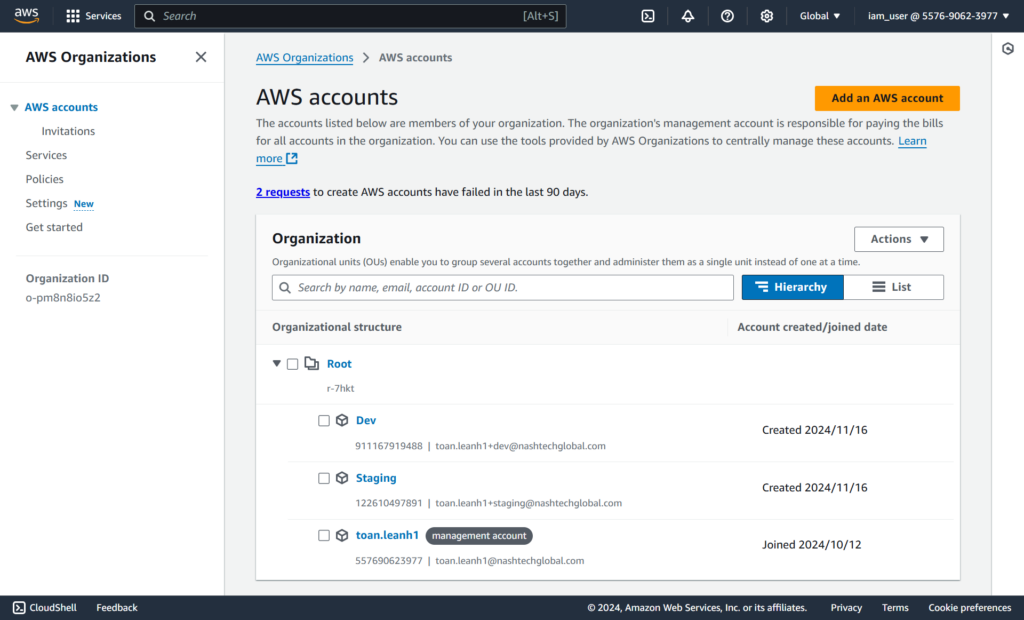
Let’s apply the SCPs for [Dev] account
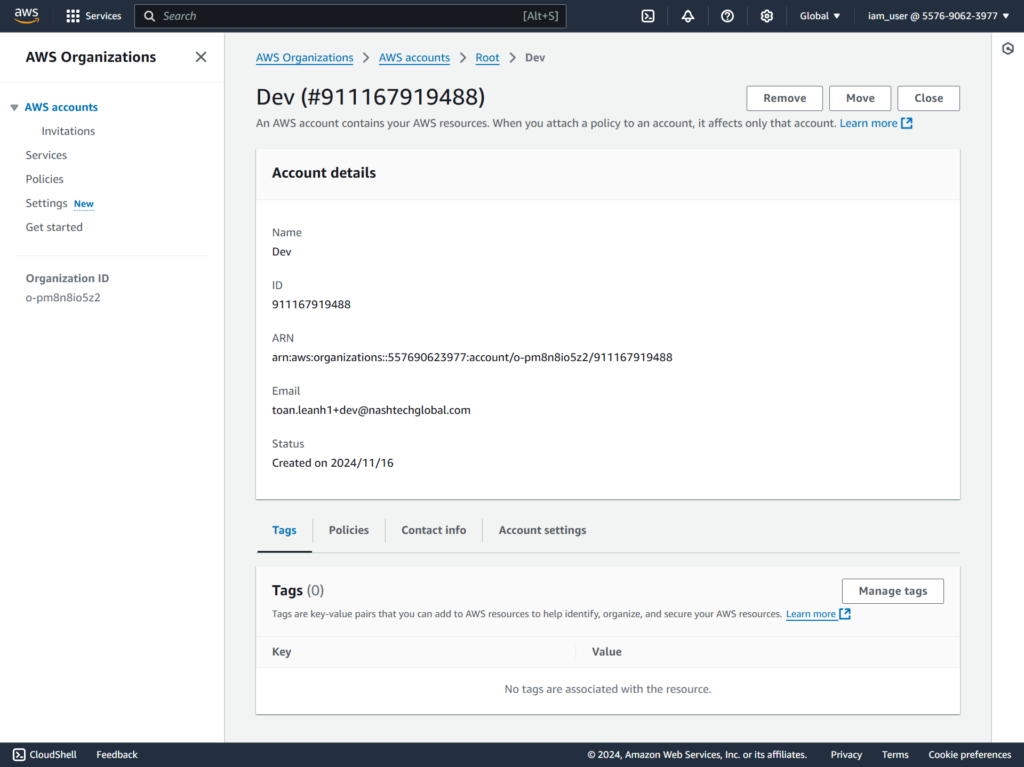
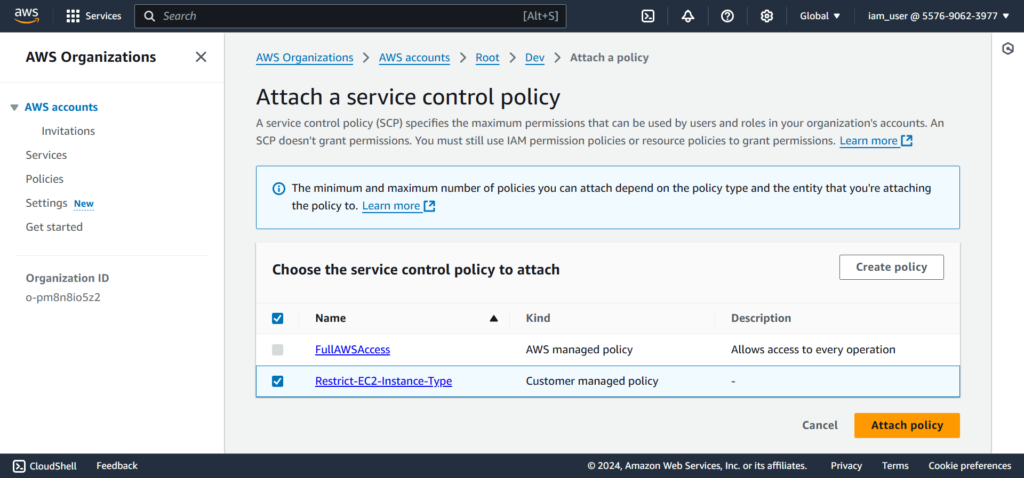
At [Service control policies], click [Attach] to apply the rule.

Click [Attach policy] to finish the step.
Test it out
Let’s check it out by using [Switch role] to the [Dev] account

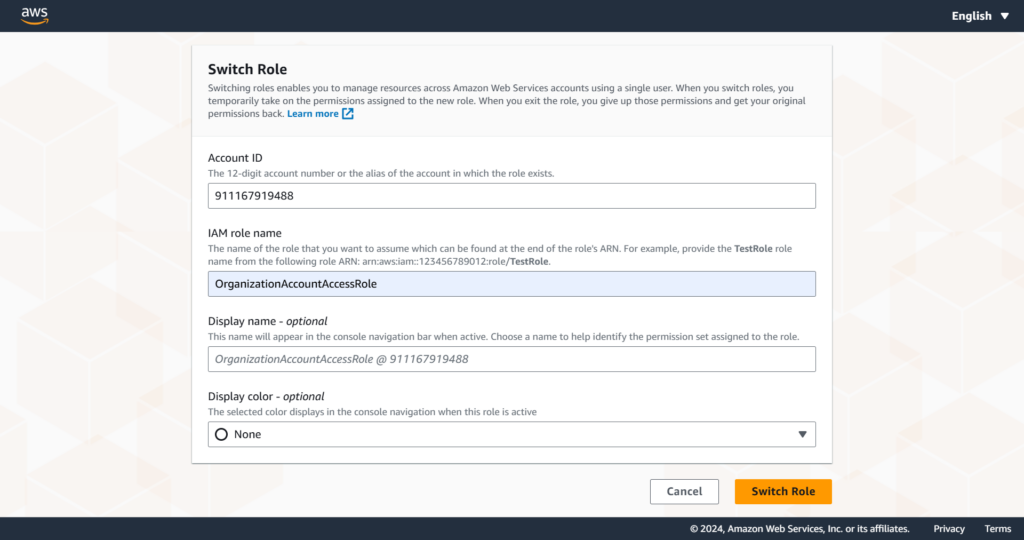
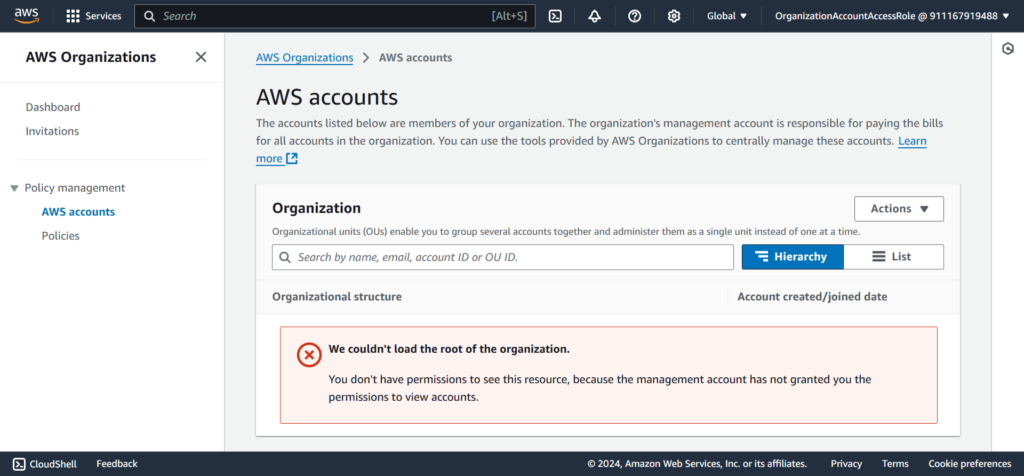
Let’s go to EC2 section to check launching of EC2 instance with “micro” type and not “micro” type.
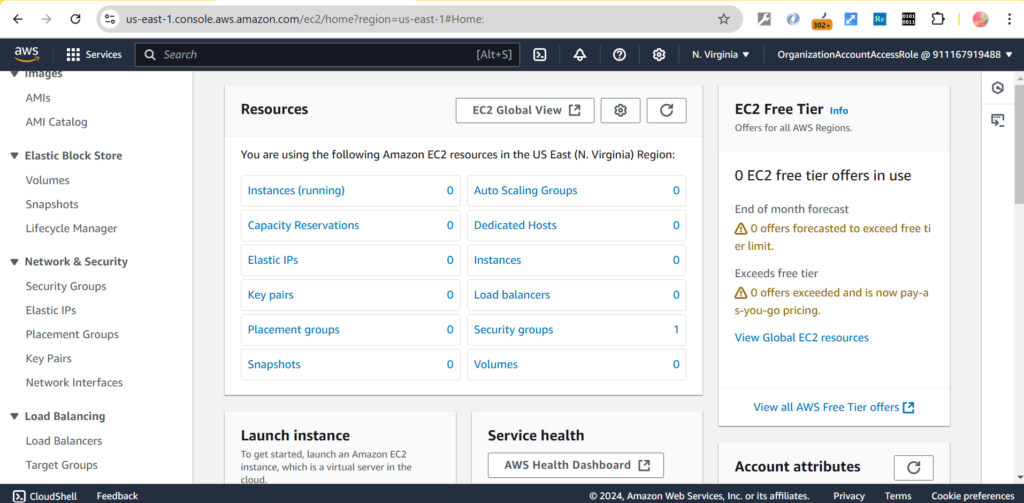
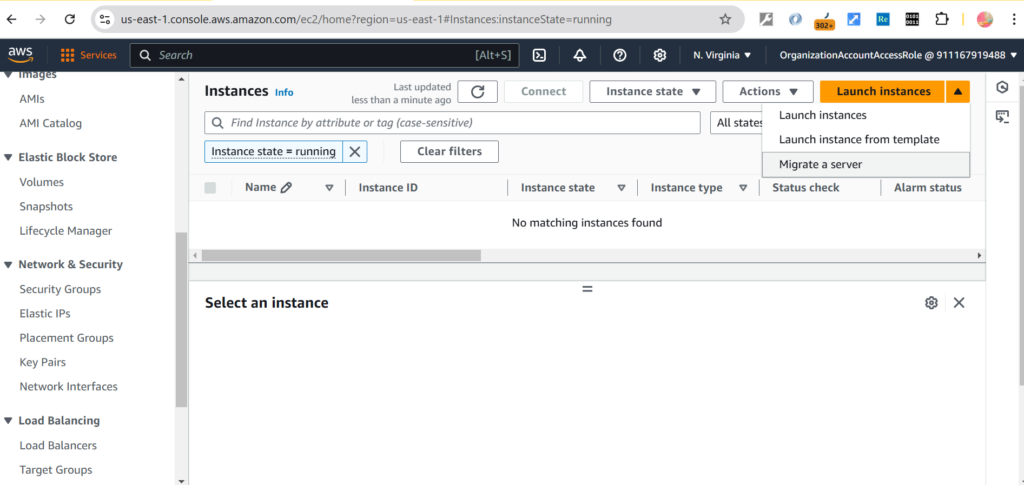
Click [Launch instances] to launch an EC2 instance
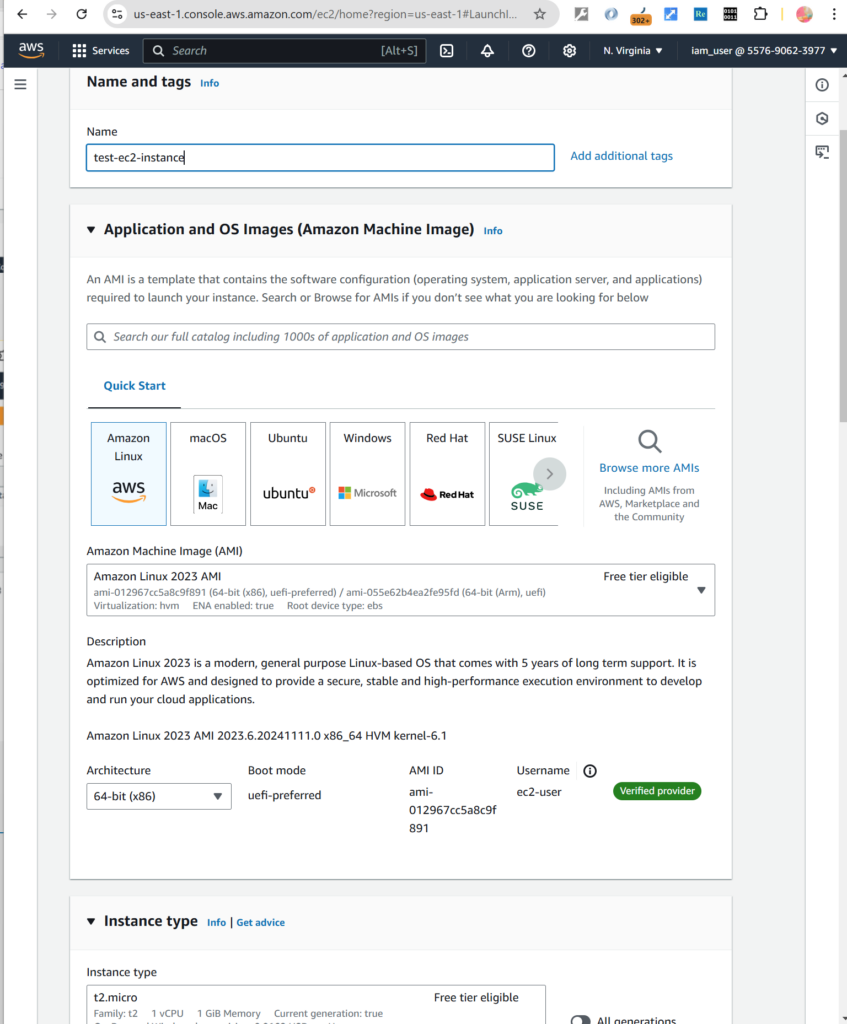
Input the necessary information like name of the instance and its type
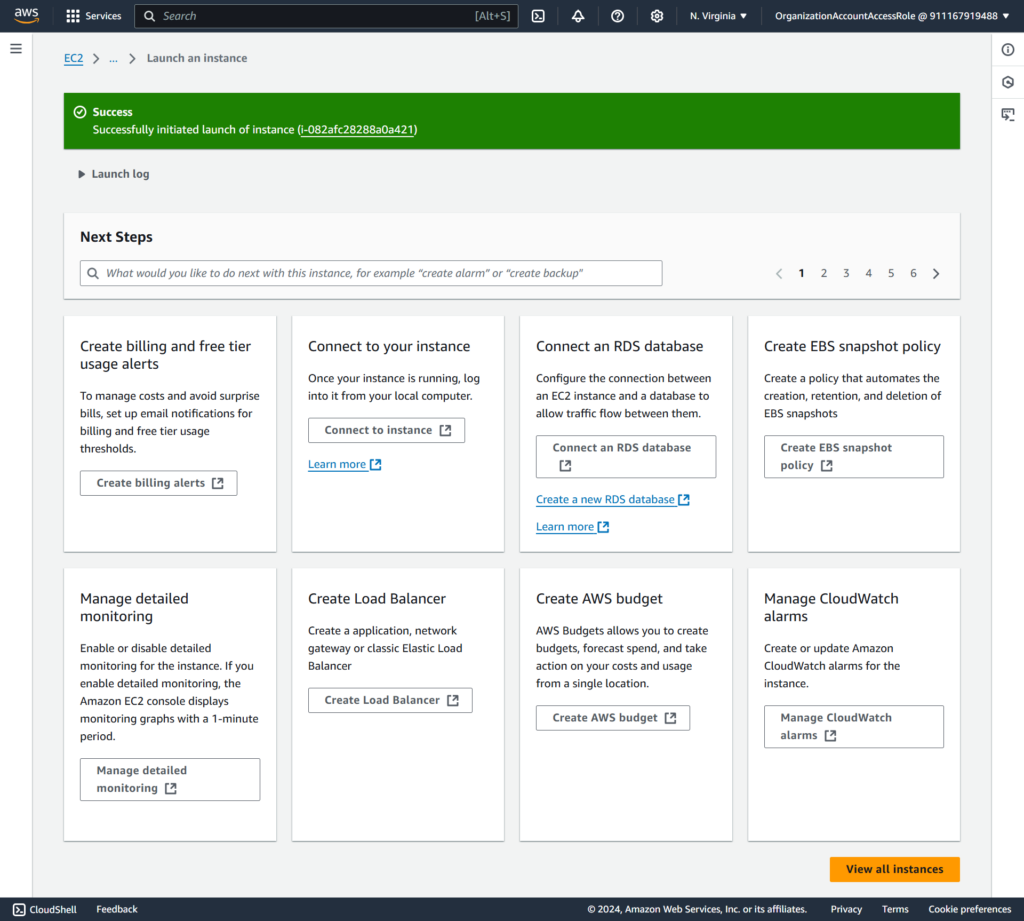
Let’s choose “micro” instance type then click launching it, you can see it’s successfully launched.
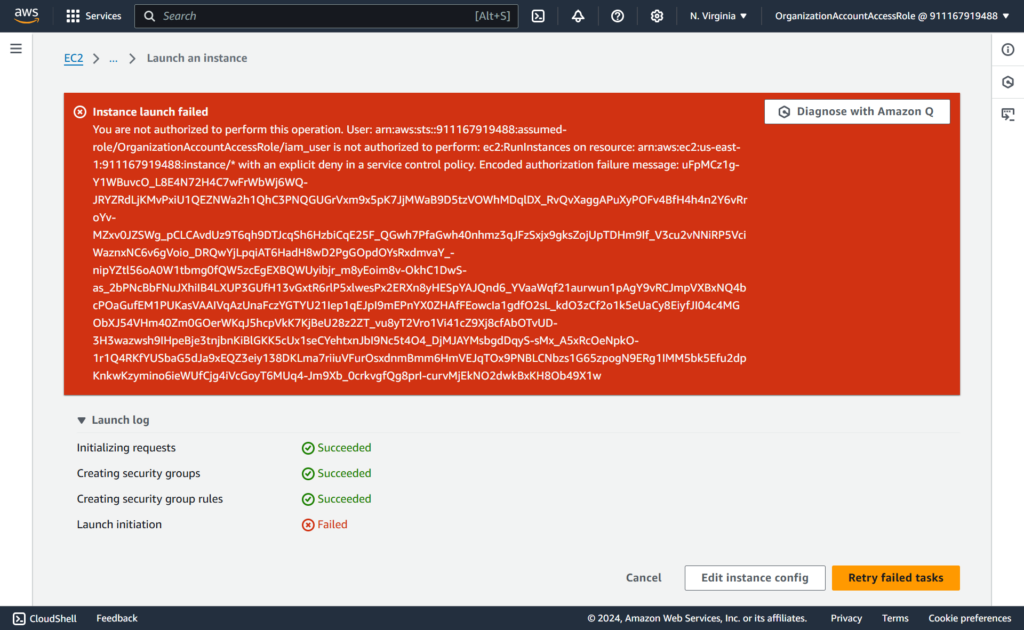
Now launching with “not micro” EC2 instance type
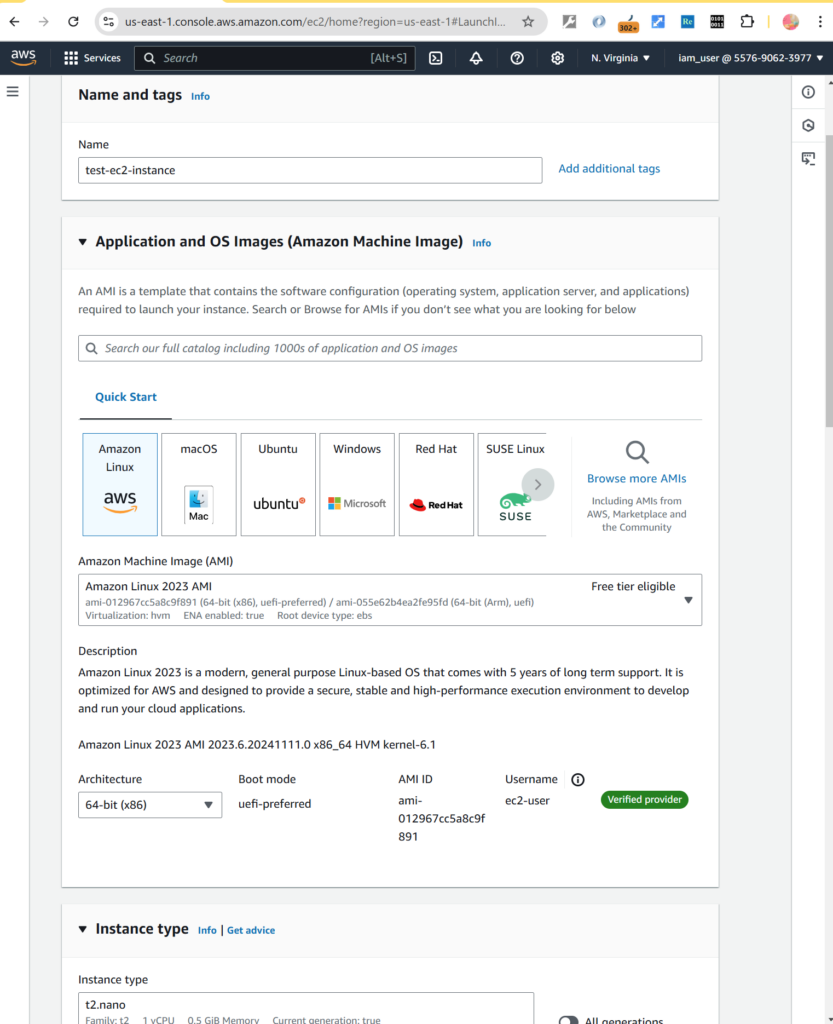
Then you can see the error is thrown
Conclusion
SCPs are handy tools for managing permissions and enforcing governance within AWS Organizations.
By mastering SCP inheritance, strategies, and JSON structure, you can effectively control and maintain compliance across your AWS Organizations.
References:
https://docs.aws.amazon.com/organizations/latest/userguide/orgs_manage_policies_scps.html