


Key takeaways
- Code interpreter is a cool and powerful feature of NashTech BonBon virtual smart assistant supporting various tasks for business such as file processing, data manipulation, visualization, etc.
- Code generated by LLMs is executed in an isolated environment (sandbox) such as Azure Container App Session Pool. After that, the execution result will be sent back to the application to be processed further.
Introduction to Code interpreter
We might already know that large language models (LLMs) like GPT-4 excel at writing code, showcasing their remarkable ability to understand programming languages and provide solutions tailored to various development needs. These models can generate snippets that range from basic algorithms to intricate system architectures, thereby offering valuable assistance to both beginner and experienced developers looking to streamline their workflow. This versatility underscores the significant impact LLMs can have in enhancing productivity and creativity in software development.
Typically, we utilize the generated code by copying and pasting the code but we can utilize it in a better manner. Let’s imagine developing a chatbot that can perform tasks like file processing, data visualization directly on chat with code generated by LLMs. This is called Code Interpreter functionality. We can see some modern chat application now a day like Chat GPT supports code interpreter and our BonBon virtual assistant platform at NashTech also supports this cool feature.
What BonBon can do with code interpreter
Common use case: File processing
We can ask BonBon to do file related tasks:
- Read Excel, Power Point
- Convert Excel to CSV
- Rename/drop columns in CSV
- and more
Common use case: Data visualization
We can ask BonBon to visualize the data in in the context of call center service analysis. Suppose that we have the data as following

BonBon can help us to draw arbitrary charts including pie chart, bar chart, etc.
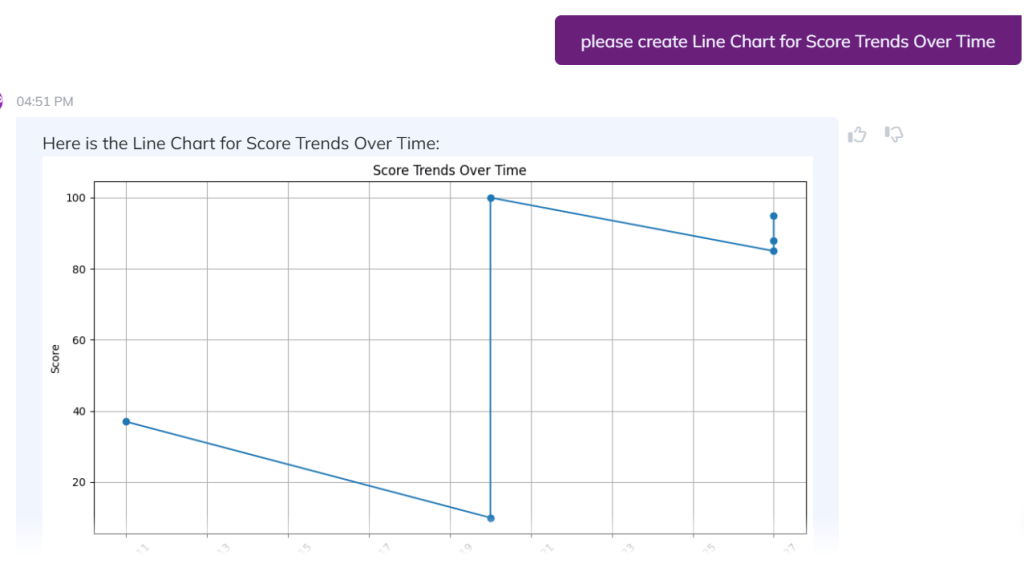
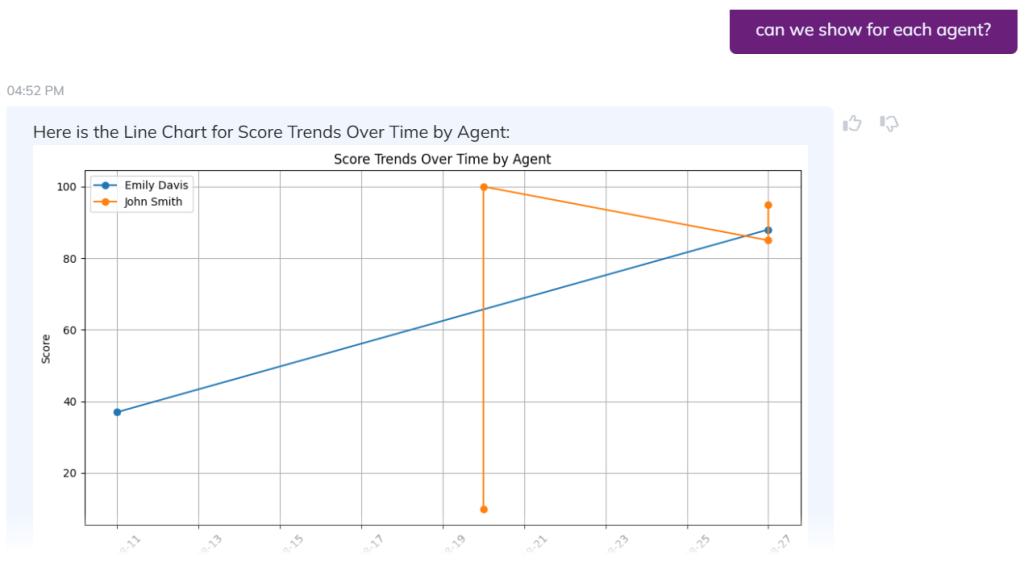
If we are not satisfied with the result, we can ask BonBon to refine the chart
Advanced use case: Data science related tasks
By using code interpreter, BonBon can help data scientists generate sample dataset, create basic machine learning pipeline for classification, regression
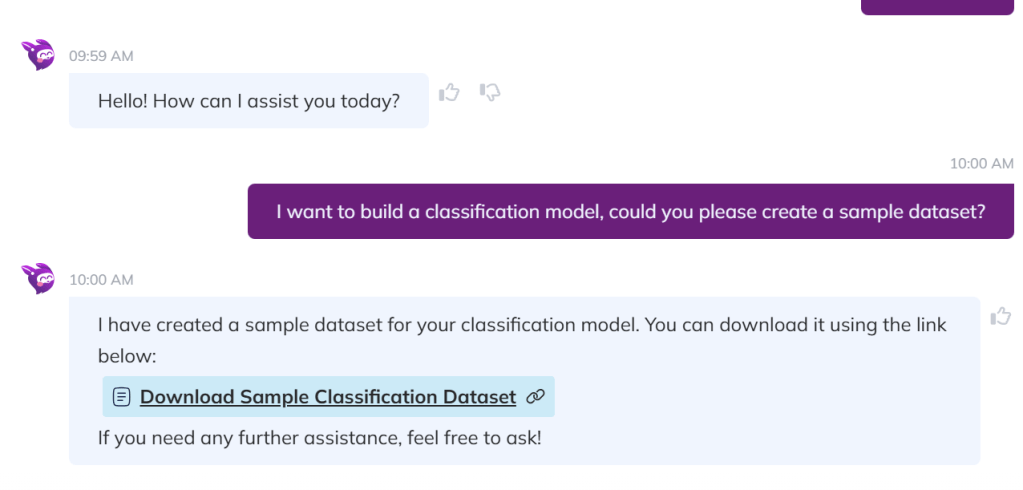
Data scientists can download the sample dataset to review and ask BonBon to refine the data if needed. After that, BonBon can help visualize the relationship between features (columns) in the data.

How code interpreter works
Why we need Code sandbox
We need an isolated environment (sandbox) to run the generated code although it is possible to run the code directly in the host machine. Here are several risks:
- Security Vulnerabilities: Executing code directly on the host machine can expose the system to potential security threats, including malicious code execution and unauthorized access.
- System Stability: Running unverified code can lead to system crashes or instability, affecting the performance and reliability of the host machine.
- Resource Consumption: Uncontrolled code execution can consume excessive system resources, such as CPU and memory, which can degrade the performance of other critical applications running on the host.
- Data Integrity: There is a risk of data corruption or loss if the executed code interacts with sensitive or critical data without proper safeguards.
Options for code sandbox
There are several options for code sandbox
- On Azure, we can use Azure Container App Session Pool, please see more at https://azuremarketplace.microsoft.com/en-us/marketplace/apps/microsoft.containerappsessionpool?tab=overview
- On Google, we can use https://developers.google.com/code-sandboxing
- Open sources:
Code interpreter with Azure Container App Session Pool

- When users ask something like “Convert this excel file to csv” or “Draw bar chart for my data”, LLMs will generate corresponding Python codes.
- The code will be sent to Azure Container Session Pool via API
- Azure Container Session Pool executes the code, create new file or images and save to local disk and return the execution results.