


Basic Commands:
- Check Version of Docker
Command:
docker --version OR docker -v
- download image
Command:
docker pull image_nameExample:
docker pull nginx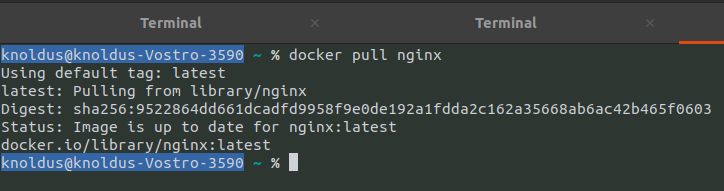
- Listing images
Command:
docker images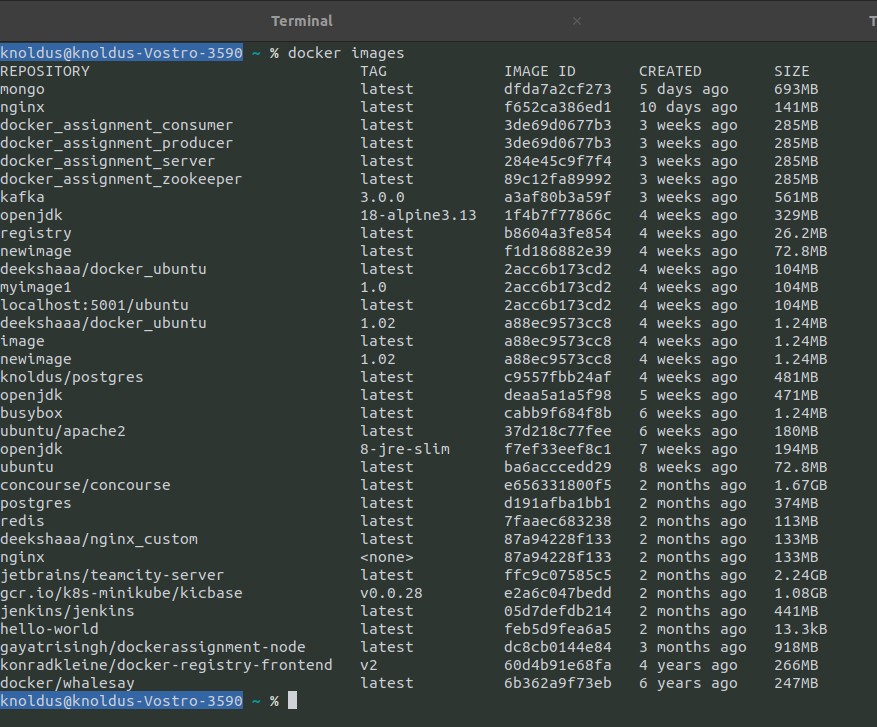
- Listing Containers
Command:
docker container ls OR docker ps
Run a new Container
- Start a new container from image
Command:
docker run imageExample:
docker run nginx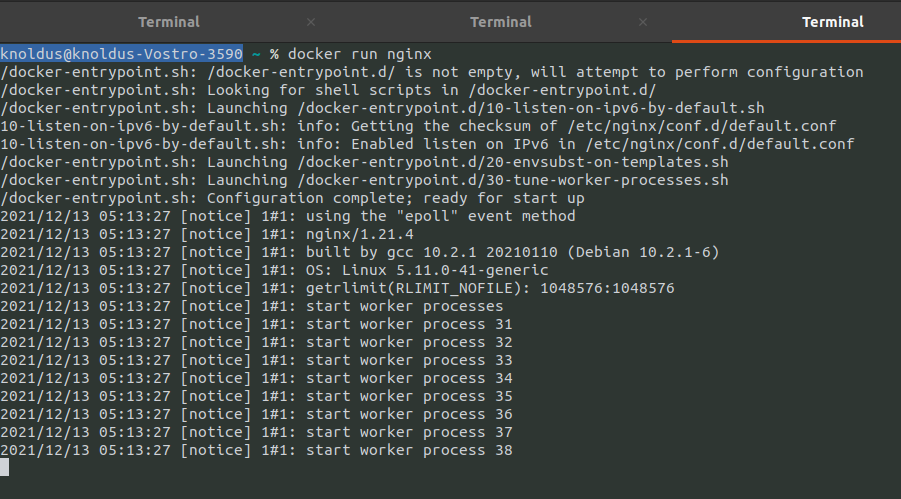
- Assign it a name
Command:
docker run --name CONTAINER IMAGEExample:
docker run --name agitated_swartz nginx
- Mapping a port to container image
Command:
docker run -p HOSTPORT:CONTAINERPORT IMAGEExample:
docker run -p 8080:80 nginx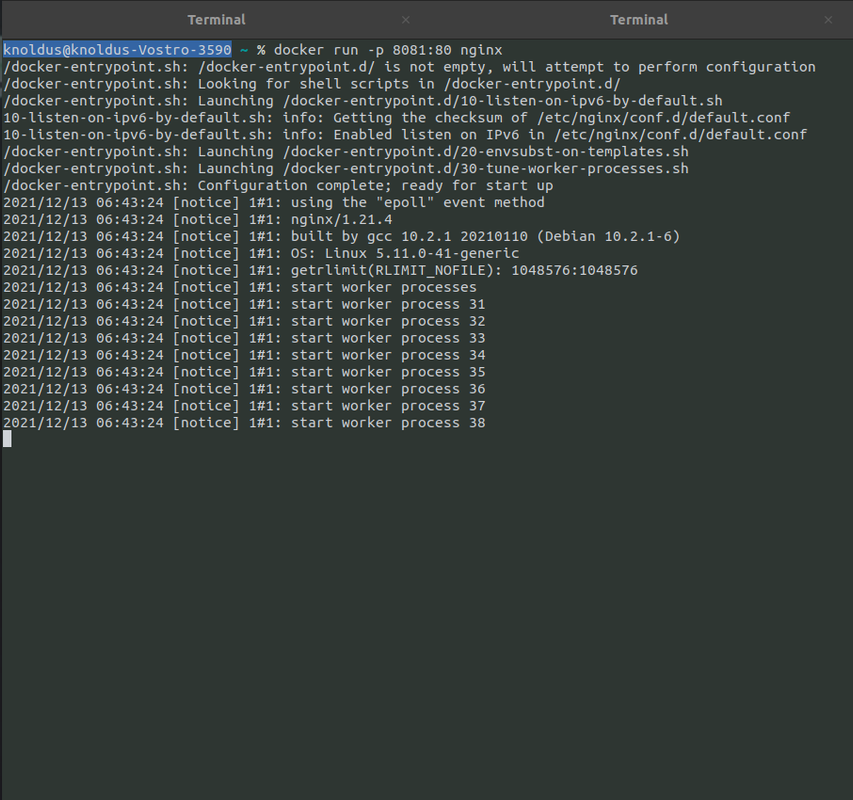
- Start container in the background
Command:
docker run -d IMAGEExample:
docker run -d nginx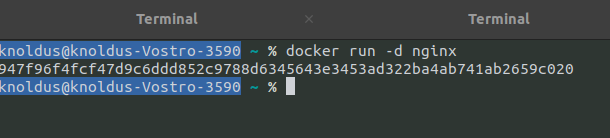
Manage Containers
- Show a list of running containers
docker ps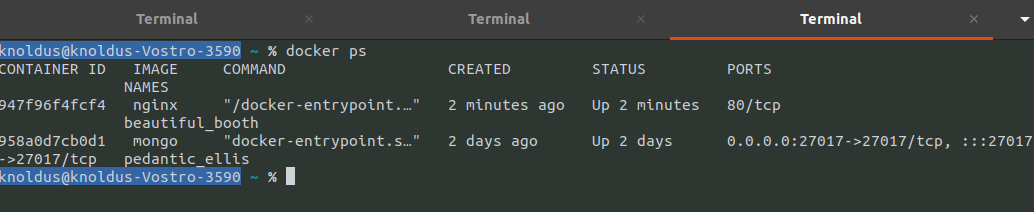
- Show a list of all containers
docker ps -a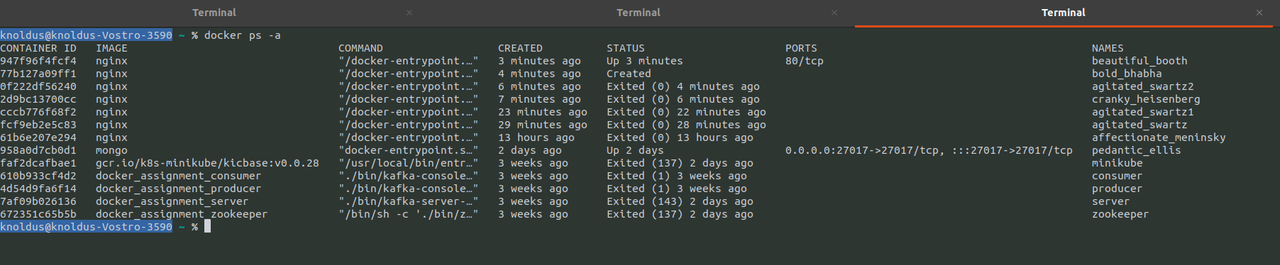
- Delete a container
Command:
docker rm CONTAINERExample:
docker rm web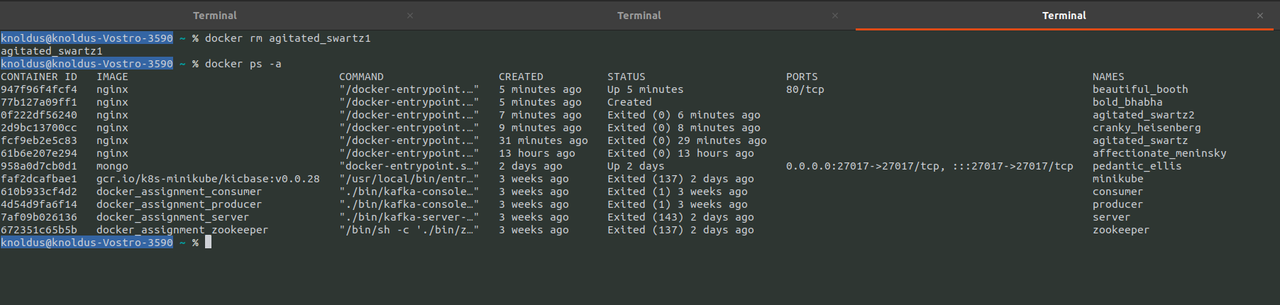
- Delete stopped containers
docker container prune
- Create an image out of container
Command:
docker commit containerExample:
docker commit agitated_swartz1
- Rename a container
Command:
docker rename old_name new_nameExample:
docker rename agitated_swartz web
- Start a shell inside a running container
Command:
docker exec -it container executableExample:
docker exec -it web bash
Manage Images
- Download an image
Command:
docker pull image[:tag]Example:
docker pull nginx- Upload an image to a repository
Command:
docker push imageExample:
docker push myimage:1.0
- Delete an image
Command:
docker rmi imageExample:
docker rmi nginx
- Show a list of all images
docker images- Delete all unused images
Command:
docker image prune -a
- Delete dangling images
Command:
docker image prune
- Build an image from a docker file
Command:
docker build DIRECTORY OR docker build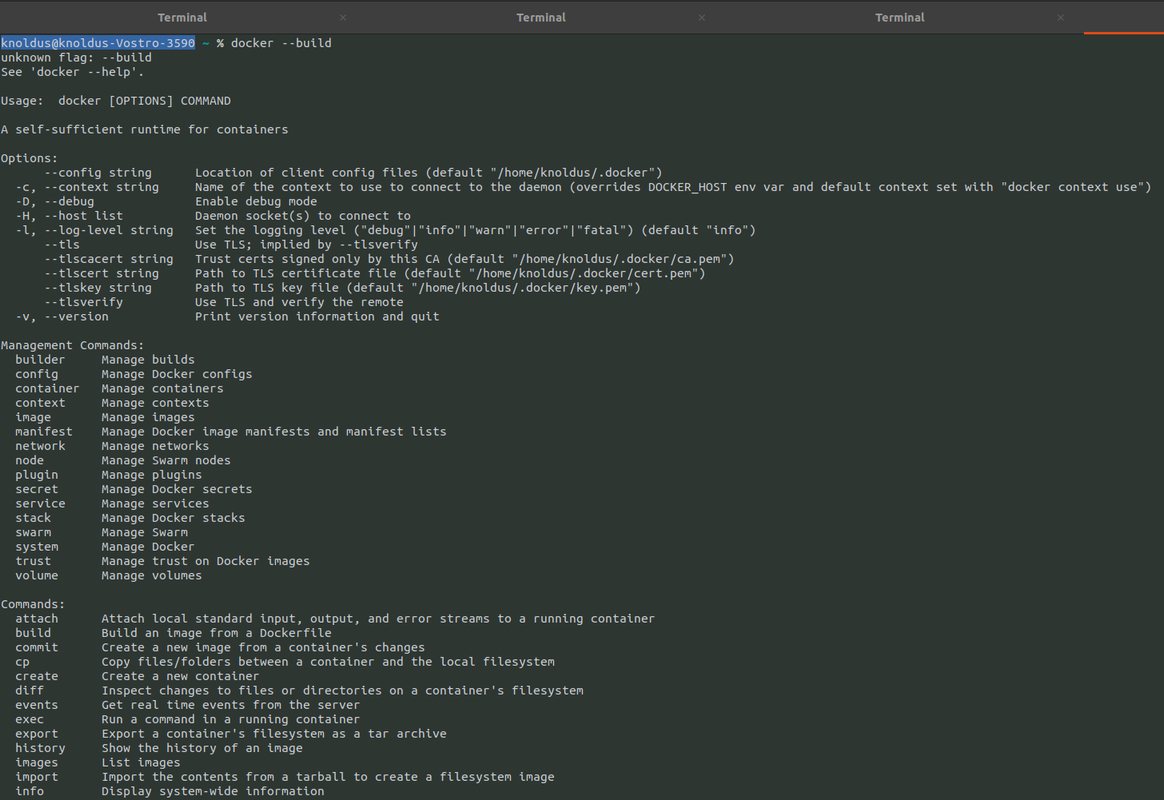
- Tag an image
Command:
docker tag image NEW_IMAGEExample:
docker tag Ubuntu Ubuntu:20.04
Save an image to Tar File
Command:
docker save image > FileExample:
docker save nginx > nginx.tar
- Load an image from a tar file
Command:
docker load -i TARFILEExample:
docker load -i nginx.tar
Info & Stats
- Show the logs of a container
Command:
docker logs containerExample:
docker logs web
- Show stats of a running container
Command:
docker stats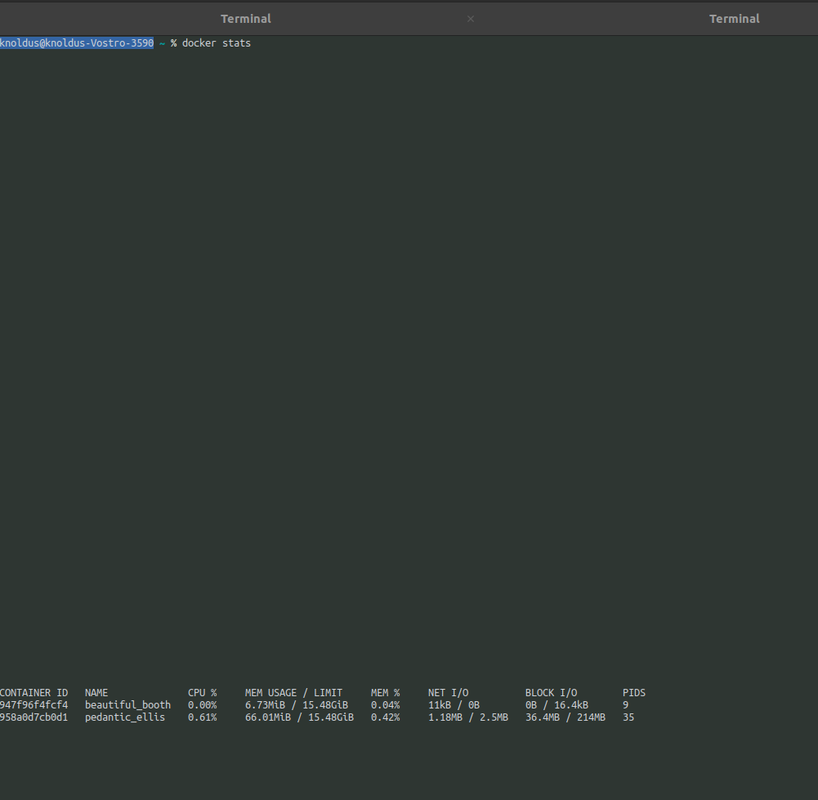
- Show processes of container
Command:
docker top CONTAINERExample:
docker top web
- Get detailed info about an object
Command:
docker INSPECT nameExample:
docker inspect nginx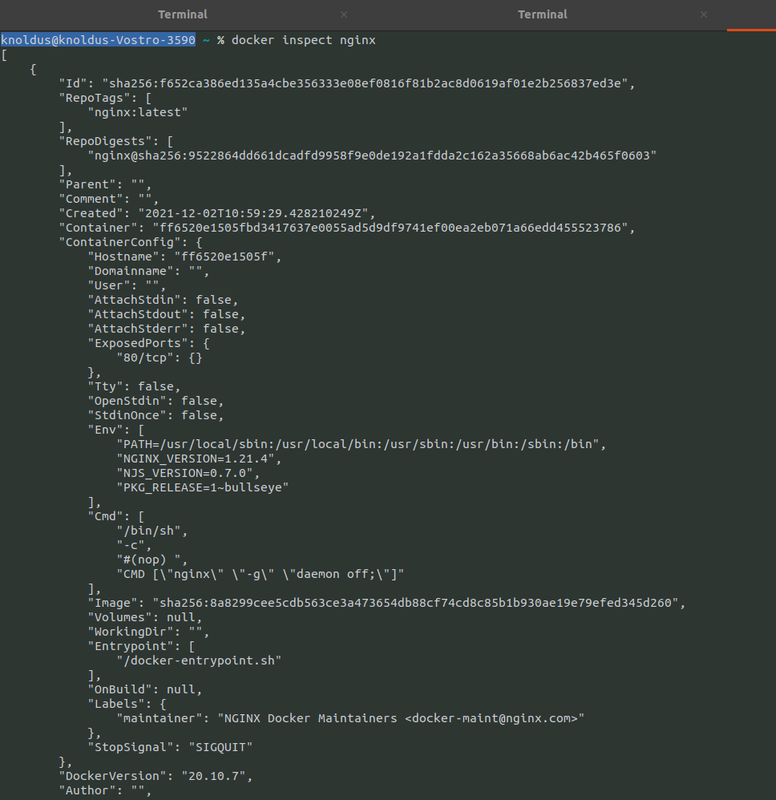
- Show all modified files in Container
Command:
docker diff containerExample:
docker diff web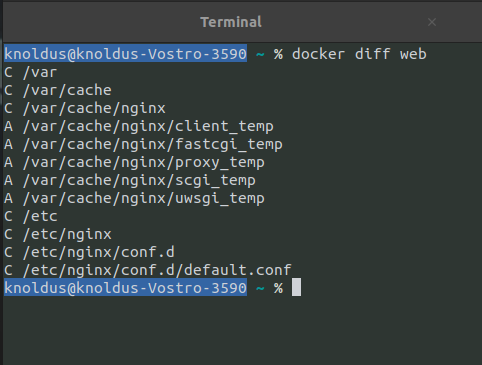
- Show mapped ports of a container
Command:
docker port CONTAINERExample:
docker port web