


Software engineering is evolving at an unprecedented speed, and AI is now an integral part of a developer’s daily workflow. In 2025, developers can offload repetitive tasks, generate cleaner code, automate testing, and streamline DevOps pipelines using advanced AI Tools.
This article highlights the top AI-powered solutions that help developers write better code, reduce bugs, and ship features faster—without compromising quality.
1. AI Tools for developers: GitHub Copilot — Your AI Pair Programmer

Best for: Software engineers, full-stack developers, backend/frontend teams
What it does:
GitHub Copilot uses large language models to provide real-time code suggestions, generate functions, explain complex logic, and reduce development effort.
Key Features:
- Context-aware autocompletion across all major IDEs
- Inline code explanation for unfamiliar codebases
- Automated test generation
- Pair-programming–style assistance for algorithms and refactoring
Why it matters:
Developers spend 40–60% of their time rewriting patterns or recalling syntax. Copilot eliminates friction and boosts focus on business logic rather than boilerplate.
Link: https://github.com/features/copilot
2. AI Tools for Developers: Cursor IDE — AI-Native IDE for Modern Development

Best for: Startups, full-stack teams, fast prototyping
What it does:
Cursor is an AI-powered IDE built on top of VS Code, designed for conversational coding, multi-file editing, and intelligent refactoring.
Key Features:
- AI-driven codebase-wide editing
- Embedded agents that modify entire projects
- Natural-language instructions to update features
- Integrated chat that understands the project context
Why it matters:
Unlike traditional IDE plugins, Cursor was designed from the ground up for AI. This enables deep project reasoning and safe bulk code refactoring.
Link: https://www.cursor.com/
3. AI Tools for Developers: Codeium — Free, Fast, and Privacy-Focused AI Coding Assistant
Best for: Teams needing an alternative to Copilot, enterprise environments
What it does:
Codeium offers code suggestions, search, and AI chat capabilities across 70+ languages—completely free for individuals.
Key Features:
- Real-time autocompletion
- Semantic code search across repositories
- AI-powered code explanations
- Enterprise on-prem deployment options
Why it matters:
Codeium is one of the few AI Tools that balances performance with cost efficiency, making it ideal for individuals and large teams requiring privacy controls.
Link: https://codeium.com/
4. AI Tools for Developers: AWS CodeWhisperer — AI Coding Assistant for Cloud Engineers
Best for: AWS developers, DevOps teams, cloud-native engineers
What it does:
AWS CodeWhisperer generates cloud-ready code snippets for AWS services such as Lambda, S3, DynamoDB, ECS, and Step Functions.
Key Features:
- Context-aware AWS infrastructure code suggestions
- Repository scanning for security vulnerabilities
- Compliance guidance (PCI DSS, HIPAA, etc.)
- Native integration with AWS Toolkit
Why it matters:
CodeWhisperer is optimized for cloud workloads and helps teams reduce misconfigurations while speeding up feature delivery on AWS.
Link: https://aws.amazon.com/codewhisperer/
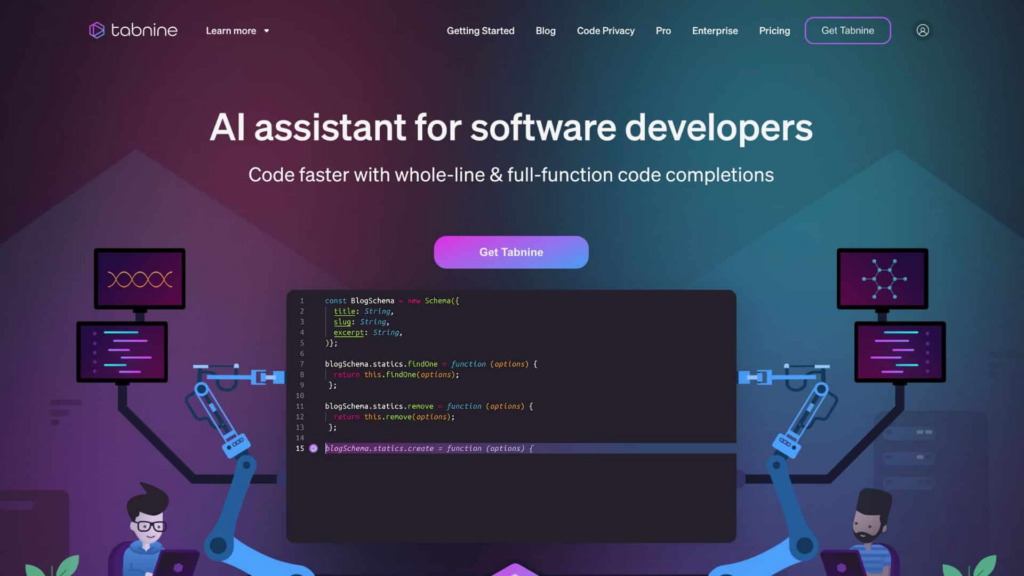
5. AI Tools for Developers: Tabnine — Secure, Enterprise-Grade AI Coding Platform
Best for: Enterprises requiring private or on-premise AI
What it does:
Tabnine provides AI-assisted code completion focused on data privacy, security isolation, and model customization.
Key Features:
- On-prem “private model” deployment
- Predictive AI suggestions with minimal hallucination
- Team policies and knowledge base integration
- Training custom models using your codebase
Why it matters:
For companies with strict compliance, Tabnine offers AI productivity without exposing source code to public models.
Link: https://www.tabnine.com/
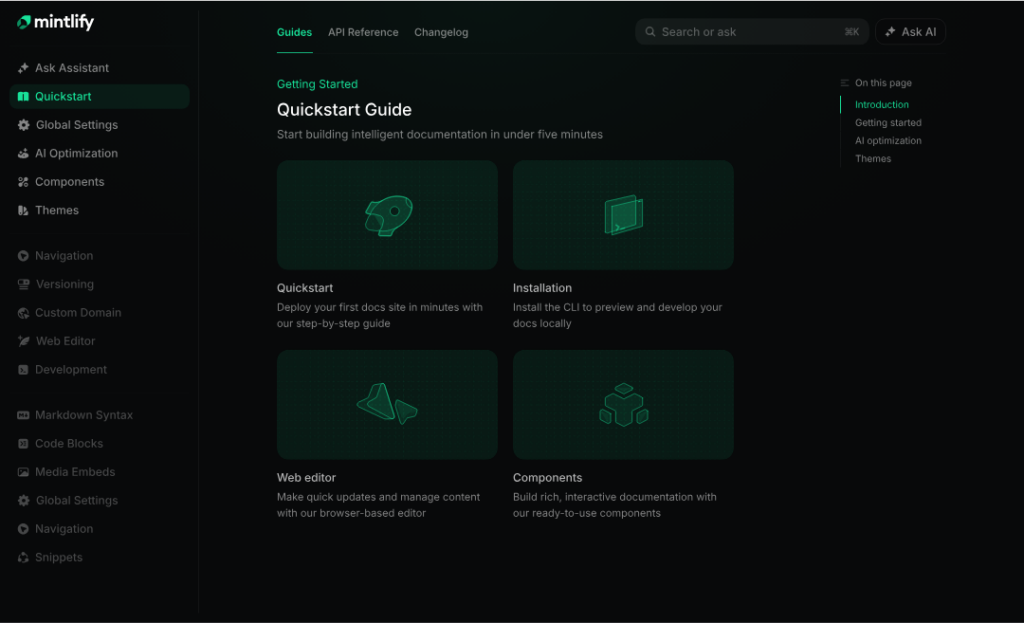
6. AI Tools for Developers: Mintlify — AI Documentation Generator for Developers
Best for: Dev teams, API teams, open-source maintainers
What it does:
Mintlify automates the creation of developer documentation based on codebase analysis and API parsing.
Key Features:
- Auto-generated API docs
- Code block explanations
- Versioning support
- In-line update suggestions
Why it matters:
Documentation is one of the most time-consuming tasks. Mintlify ensures consistency and clarity with minimal manual work.
Link: https://www.mintlify.com/
How to Choose the Best AI Tools for Your Tech Stack
Selecting the right AI Tools for your engineering workflow is no longer just a technical preference; it is a strategic decision that directly impacts productivity, security, and long-term scalability. To make an informed choice, consider the following criteria. Each point below builds logically on the previous one to guide you toward a comprehensive evaluation.
1. Understand Your Development Workflow Requirements
Before comparing tools, it is essential to map out how your team works. For instance, some teams focus heavily on backend services, while others prioritize UI development, data pipelines, or cloud infrastructure. By identifying your workflow characteristics in advance, you can immediately eliminate tools that do not align with your use cases.
2. Evaluate Privacy, Security, and Compliance Needs
Next, consider how the tool handles code, credentials, and infrastructure logic. If your organization operates under strict policies—such as GDPR, PCI DSS, HIPAA, or internal data-handling rules—you may require solutions that offer on-device inference or private deployments. Consequently, tools like Tabnine or Codeium Enterprise become more suitable than cloud-only assistants.
3. Assess Language and Framework Support
Not all AI Tools perform equally across languages. Some excel at Python and JavaScript, while others are optimized for Java, C#, Go, or cloud IaC such as Terraform and CloudFormation. Therefore, ensure the tool provides high-quality suggestions for the languages your team uses most frequently.
4. Check Multi-File and Project-Wide Reasoning Capability
Modern applications often rely on complex architectures with interdependent modules. As a result, tools that can understand entire codebases—such as Cursor or Continue.dev—offer better support for refactoring, debugging, and feature development. If your projects require deep context understanding, prioritize tools with multi-file reasoning.
5. Review Integration With Existing IDEs and DevOps Pipelines
Seamless integration significantly improves adoption. Look for tools that connect easily with your IDE (VS Code, JetBrains, etc.), source control (GitHub, GitLab), and CI/CD systems. Furthermore, consider whether the tool supports your deployment model, such as containerized builds or serverless pipelines.
6. Consider Team Collaboration Features
In many cases, development is a collaborative process. Because of this, AI Tools that support shared prompts, team policies, centralized configuration, or project-level memory can increase consistency across teams. These features also reduce onboarding time for new engineers.
7. Compare Performance, Reliability, and Latency
AI suggestions are only helpful if they are fast and accurate. Therefore, evaluate model speed, network responsiveness, and overall stability. Tools that deliver high-quality suggestions with low latency tend to improve developer flow and reduce context switching.
8. Analyze Pricing, Licensing, and Long-Term Costs
Finally, consider the financial impact. Some tools charge per seat, while others offer usage-based pricing or enterprise licensing. Although free or low-cost options may seem attractive initially, your team should prioritize long-term value rather than short-term savings.
Conclusion
AI Tools are reshaping software engineering by helping developers code faster, improve reliability, and reduce operational overhead. In 2025, teams that adopt AI-driven development workflows gain a competitive edge through higher velocity and better-quality delivery.
Whether you’re building cloud-native apps, maintaining large codebases, or scaling an enterprise platform, there is an AI tool designed to accelerate your engineering workflow.
Read more:
- AI Tools That Boost Your Productivity – NashTech Blog
- Top AI Tools: Frameworks, Platforms, and AutoML Solutions – NashTech Blog
- ChatGPT Become To Agentic AI – NashTech Blog
- AI ChatGPT: Revolutionizing Human-Computer Interaction
- Explore AI: perform human intelligent tasks – NashTech Blog
- The Best AI Tools for Content Creation in 2025 – NashTech Blog
- The Best AI Tools for Content Creation in 2025 – NashTech Blog
- AI Tools for Marketing & Sales in 2025 – NashTech Blog