



AI Tools – why should we use them for our business?
AI is no longer a “nice-to-have”; it has become a strategic advantage for individuals and organizations aiming to improve productivity, reduce manual effort, and accelerate decision-making.
In this article, we explore the five most influential AI tools of 2025 that help you work smarter, not harder. Each tool was selected based on usability, performance, scalability, and real-world business impact.
1. AI Tools: ChatGPT Workspace – Your Intelligent Work Companion
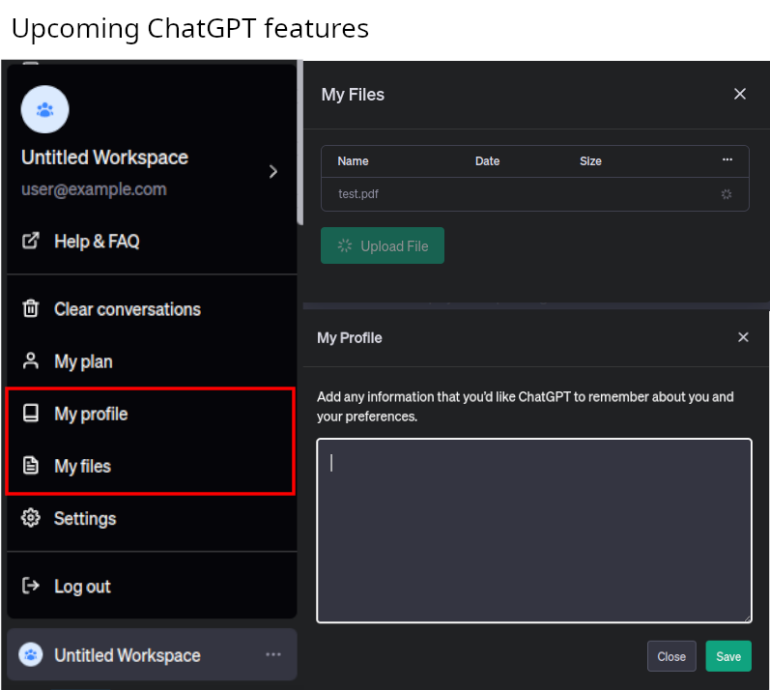
Best for: Knowledge workers, analysts, consultants, developers
What it does:
ChatGPT Workspace transforms how teams collaborate. It combines document understanding, reasoning, email automation, analytics, and workflow execution into one unified interface.
Key Features:
- Generate and refine documents, reports, and emails instantly
- Analyze spreadsheets and datasets with natural language
- Create meeting summaries, action items, and follow-up tasks
- Integrate with internal tools through custom actions
Why it matters:
Instead of switching between apps, Workspace acts as a centralized AI assistant that adapts to your business logic and continuously learns from your workflows.
2. AI Tools: Notion AI – Intelligent Knowledge Management
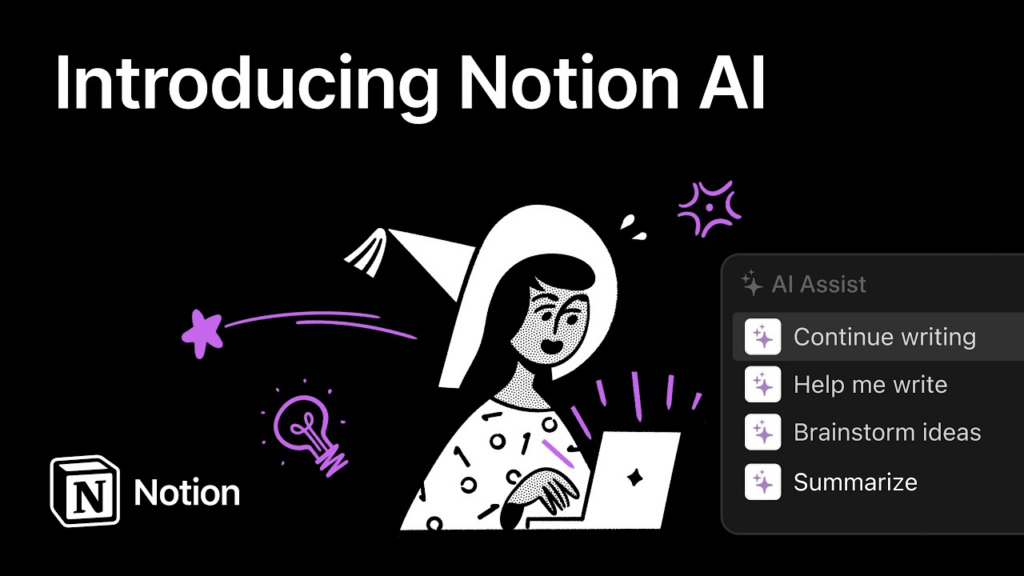
Best for: Product teams, creative teams, startups
What it does:
Notion AI enhances the already popular knowledge platform with deep AI capabilities—allowing you to write, summarize, plan, and automate content within your workspace.
Key Features:
- AI-generated pages, summaries, and project outlines
- Automatic rewriting, tone adjustment, and content structuring
- AI-powered search across documents, tasks, and databases
- Workflow automation for tasks and internal documentation
Links: https://www.notion.com/product/notion-ai-for-work
Why it matters:
Notion AI helps teams maintain clean, consistent documentation. It reduces the time spent rewriting or organizing content and improves cross-team access to knowledge.
3. AI Tools: Perplexity Pro – Research and Information Intelligence

Best for: Researchers, analysts, executives, and strategy teams
What it does:
Perplexity Pro provides real-time, citation-based research using AI-augmented search and retrieval. It verifies information against trusted sources and offers multi-step reasoning capabilities.
Key Features:
- Live search with verifiable citations
- Deep research “threads” that explore multiple angles
- File uploads for contextual research
- Pro models specialized for science, finance, and technical topics
Link: https://www.perplexity.ai/
Why it matters:
Perplexity eliminates hours of manual searching by delivering accurate, concise research summaries. It is becoming a must-have tool for professionals who rely on fast and reliable insights.
4. AI Tools: Rewind AI – Your Personal AI Memory Engine

Best for: Busy professionals, engineers, managers
What it does:
Rewind records and indexes your digital activities (meetings, screens, documents) and turns them into an instantly searchable knowledge base—available only to you on your device.
Key Features:
- Automatic meeting summaries and transcripts
- Search across conversations, documents, and browser history
- Create contextual reminders and follow-up tasks
- Runs locally with a privacy-first design
Link: https://www.rewind.ai/
Why it matters:
Rewind is essentially an extension of your own memory. Instead of losing time recalling files, messages, or decisions, you can retrieve anything instantly with a simple query.
5. AI Tools: Zapier AI – Workflow Automation for Everyone
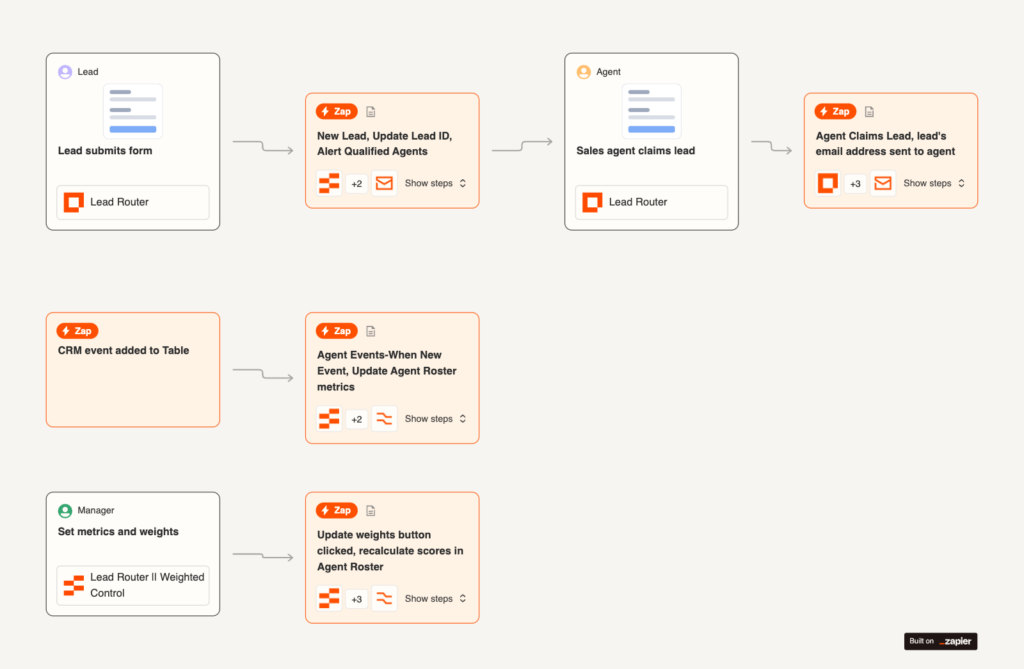
Best for: Operations teams, marketers, small businesses
What it does:
Zapier AI enhances traditional automation (“Zaps”) by enabling natural-language workflow generation, smart triggers, and AI-based decision branches.
Key Features:
- Create automation using plain English
- Connect with 7,000+ apps
- Smart decision-making powered by AI
- Auto-generation of multi-step workflows
Link: https://zapier.com/ai
Why it matters:
Zapier AI democratizes automation. Even non-technical users can build powerful workflows that previously required engineering support—saving time and operational costs.
How to Choose the Right AI Tool for Your Workflow
When evaluating which AI productivity tool fits your needs, consider the following criteria:
- Task Type: writing, research, automation, or memory
- Integration Requirements: tools, APIs, team collaboration
- Security & Compliance: sensitive data handling, auditability
- Cost vs. Impact: efficiency gained vs. subscription model
- Team Scalability: how easily others can adopt and use it
By aligning your selection with workflow requirements, you ensure that AI becomes a force multiplier instead of introducing unnecessary complexity.
Conclusion
AI productivity tools in 2025 are designed to empower—not replace—human creativity and decision-making. When used effectively, they help individuals and teams automate repetitive work, improve output quality, and focus on what matters most.
Adopting AI early gives you a competitive edge. This is the perfect time to experiment, evaluate, and integrate these tools into your daily operations.
Read more:
- Top AI Tools for Developers in 2025 – NashTech Blog
- Top AI Tools: Frameworks, Platforms, and AutoML Solutions – NashTech Blog
- ChatGPT Become To Agentic AI – NashTech Blog
- AI ChatGPT: Revolutionizing Human-Computer Interaction
- Explore AI: perform human intelligent tasks – NashTech Blog
- The Best AI Tools for Content Creation in 2025 – NashTech Blog
- AI Tools for Marketing & Sales in 2025 – NashTech Blog