



Angular, a comprehensive front-end framework, empowers developers to build dynamic and scalable web applications. Central to its architecture are services and dependency injection, which play a pivotal role in creating modular, maintainable, and efficient code. In this blog post, we’ll explore the concepts of Angular services and dependency injection, unraveling their importance and providing practical examples to solidify your understanding.
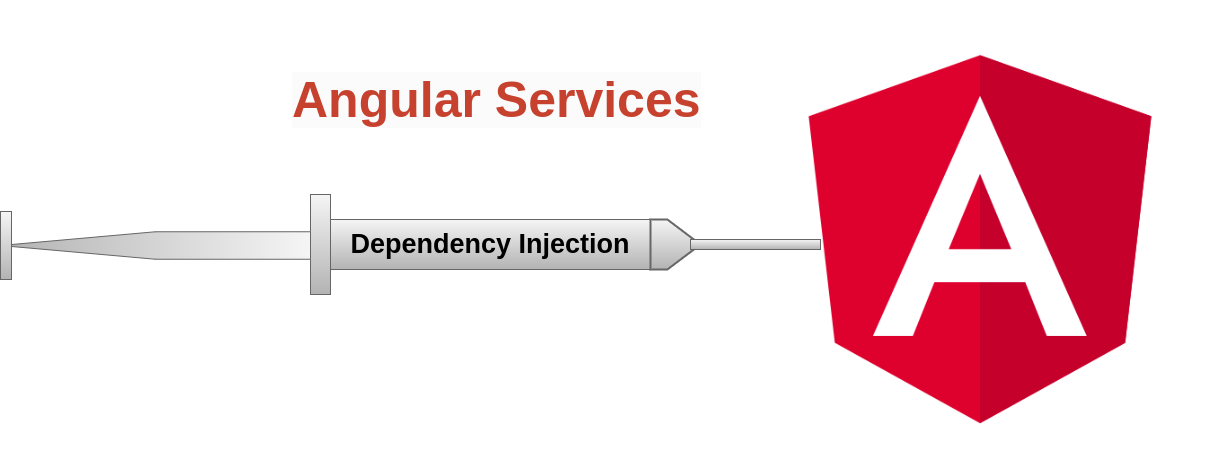
Angular Services: The Backbone of Application Logic
Angular services are a fundamental building block for organizing and sharing application logic. Unlike components that are primarily responsible for the user interface, services handle tasks such as data retrieval, business logic, and communication with external APIs. The separation of concerns between components and services enhances code reusability and maintainability.
Angular services are like superheroes behind the scenes, doing the heavy lifting of your application’s logic. They handle data fetching, business logic, and communication with external APIs, keeping your components agile and focused on the user interface.
Creating an Angular Service
Step-1: Using Angular CLI
ng generate service data

It will create a file data.service.ts file as below
// data.service.ts
import { Injectable } from '@angular/core';

@Injectable({
  providedIn: 'root', // Provides the service globally
})
export class DataService {
  getData(): string {
    return 'Hello from DataService!';
  }
}
Dependency Injection: The Friendly Connector
Dependency injection (DI) is a design pattern that Angular leverages to create and provide instances of services throughout an application. Angular’s DI system enables efficient component communication, reusability, and modularity by handling the creation and injection of service instances.
Injecting a Service into a Component
Once you’ve created a service, you can inject it into components or other services. Angular’s dependency injection system makes this process seamless. Let’s inject the DataService into a component:
// app.component.ts
import { Component } from '@angular/core';
import { DataService } from './data.service';

@Component({
  selector: 'app-root',
  template: '<h1>{{ message }}</h1>',
})
export class AppComponent {
  message: string;

  constructor(private dataService: DataService) {
    this.message = this.dataService.getData();
  }
}
Here, we inject DataService into AppComponent through the constructor. The message property now holds the value returned by getData() from our service.
Injectable Decorator: Making Services Injectable
The @Injectable() decorator in the service class metadata enables Angular to recognize the service as injectable. When providedIn is set to ‘root’, it means the service is provided globally, and Angular will create a single instance for the entire application.
Demo: Let’s Make It Interactive
In this hands-on demo, we’ll enhance our DataService to fetch data asynchronously.
// data.service.ts
import { HttpClient } from '@angular/common/http';
import { Injectable } from '@angular/core';
import { Observable } from 'rxjs';

@Injectable({
  providedIn: 'root'
})
export class DataService {

  private baseURL = "https://reqres.in/api";

  constructor(private http: HttpClient) { }

  getAllData(): Observable<any> {
    return this.http.get(`${this.baseURL}/users`)
  }
}
- The constructor takes an instance of the
HttpClientservice as a parameter. Angular will automatically inject this dependency when creating an instance of theDataService. getAllData(): Observable<any>is a method that fetches all data from the API. It returns anObservableof typeanyrepresenting the HTTP response.- The
this.http.get()method sends a GET request to the specified URL (${this.baseURL}/users).
Now, let’s update our component to handle the asynchronous data:
// app.component.ts
import { Component } from '@angular/core';
import { DataService } from './data.service';

@Component({
  selector: 'app-root',
  templateUrl: './app.component.html',
  styleUrls: ['./app.component.css'],
  template: '<h1>{{ message }}</h1>',
})

export class AppComponent {
  users: any;

  constructor(private dataService: DataService) {
    this.GetAllUsers();
  }

  private GetAllUsers(){
    this.dataService.getAllData().subscribe(data=> {
      this.users = data.data;
    })
  }
}
The output of our application will be like below

With this demo, we’re showcasing how services seamlessly handle asynchronous operations, allowing components to stay responsive.
Click here to find the source code from the template
Conclusion:
Angular services and dependency injection are the dynamic duo ensuring your Angular applications are not just functional but also maintainable and scalable. By encapsulating logic in services and letting Angular handle the wiring through dependency injection, developers can create applications that are both powerful and elegant.