



Hello geeks, In this blog we will discuss to establish the Connection of PostgreSQL with Scala Applications, but before going further let’s first understand the basics of PostgreSQL.
What is PostgreSQL?
PostgreSQL is a powerful, extremely stable, and object-relational database system. It is one of the most popular and trustworthy database management systems. It is used by most organizations for their back-end. Some key features of PostgreSQL are – It is open source, robust, and powerful enough to perform a high-performance task, and we can apply relational and non-relational queries to it. You can learn more about PostgreSQL from its official website.
I am assuming that you have installed PostgreSQL on your local machine. So let’s now see how we can connect the Scala application to PostgreSQL. after establishing the Connection of PostgreSQL with Scala.
In this blog, we will create a sample project to demonstrate working with PostgreSQL through some basic queries.
Step 1. Creating Scala project:
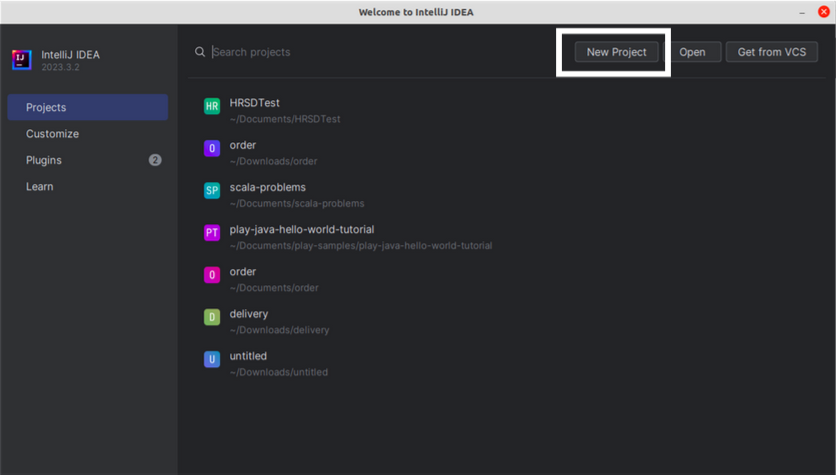
Open IntelliJ idea and create a new sbt project.
Give the name of the project and click on Create.
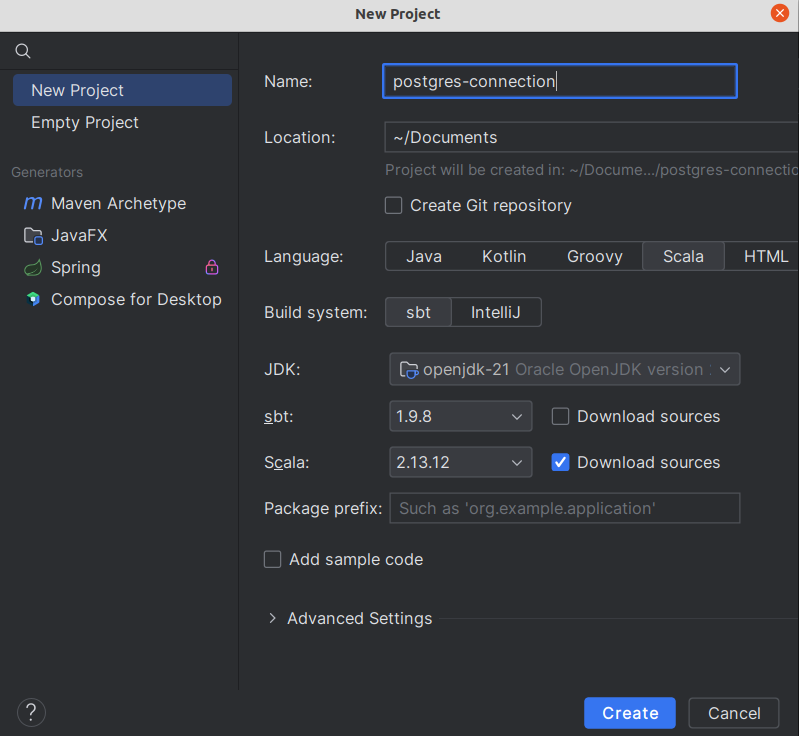
For establishing a Connection of PostgreSQL with Scala we can use the JDBC driver for the PostgreSQL, follow the following steps to do the same.
Step 2. Adding the JDBC driver dependency in the build.sbt file:
libraryDependencies += "org.postgresql" % "postgresql" % "<version>"In the place of the we can add the “version” according to the compatibility of our project.
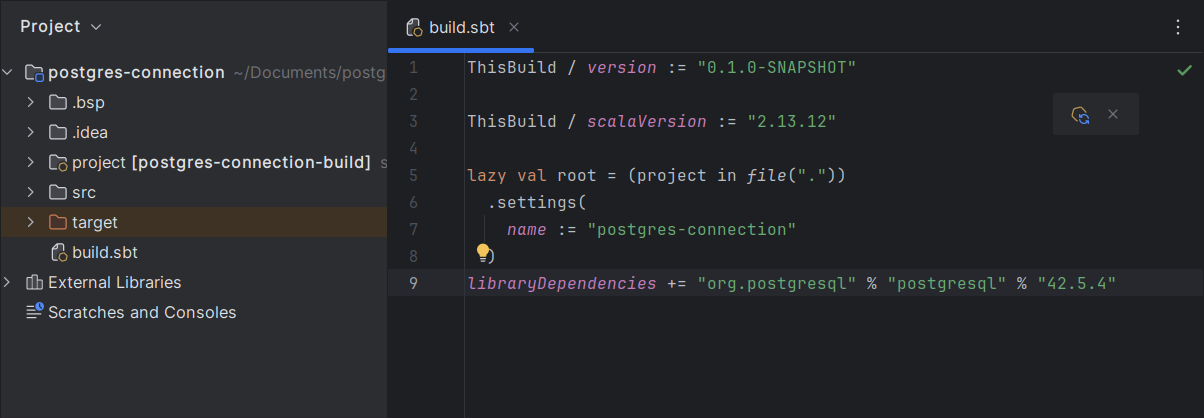
Step 3. Importing the required classes in the project:
Create a scala class or object file in which you want to write the codes for the connection. Let’s say you have created the file named Connection.
Import the following classes in the Connection file.
import java.sql.{Connection, DriverManager}The above classes are required to add to your file because they play an essential role in making the connection and executing queries to the database.
Step 4. Establishing the connection:
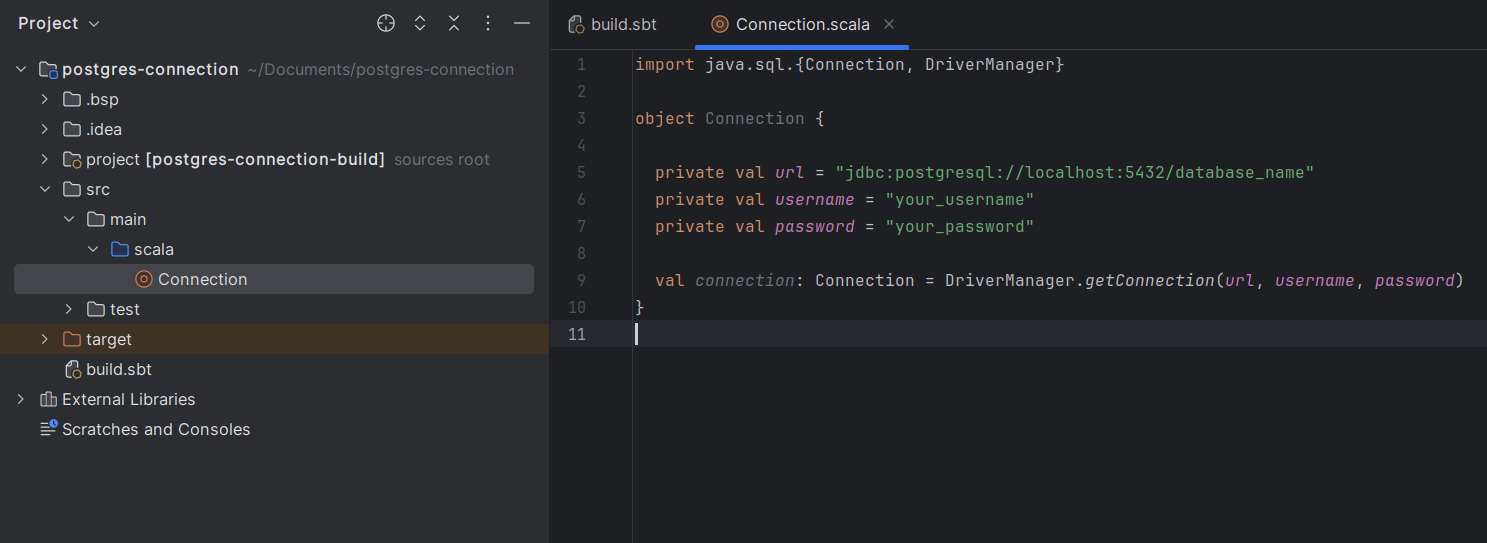
Now, we are almost done with making the connection, write the following code to your file.
val url = "jdbc:postgresql://localhost:5432/database_name"
val username = "your_username"
val password = "your_password"

val connection: Connection = DriverManager.getConnection(url, username, password)
The default port number for connection is 5432 and localhost is the default hostname. Replace the “database_name” with your database name, ” your_username” with your username, and “your_password” with your password which you have chosen at the time of PostgreSQL installation.
Step 5. Creating Statement
The connection has been established, now it’s time to create a statement using the createStatement() method and then execute queries.
val statement: Statement = connection.createStatement()Step 6. Executing Queries
Let’s say you have created a table in your database, on which we will perform some queries. In my case, I have created a table named “Employees”.
  private val empId = 1
  private val age = 28
  private val address = "Delhi"

  private val insertQuery = s"INSERT INTO Employees (emp_id, age, address, dateOfBirth) VALUES ('$empId', $age, '$address', '$dateOfBirth');"

  statement.executeQuery(insertQuery)
 private val selectQuery = "SELECT  * FROM userTable;"

 statement.executeQuery(selectQuery)
We are done with the basic establishing connection of PostgreSQL with Scala and executing some queries.