


1. Why Is Manual API Testing with Postman Not Enough?
Postman is a powerful and familiar tool for exploring and manually testing APIs. In the early stages of a project, QA engineers can easily send requests, review responses, and confirm that APIs work as expected.
However, as the project grows, manual testing starts to show its limitations:
- Every deployment requires re-testing many APIs
- Test results depend heavily on who runs the tests
- Test cases are easily missed as the number of APIs increases
- No clear test history or evidence of quality – Have to manually capture results
2. When Does Newman Become Really Valuable?
Newman becomes truly valuable when you face one or more of the following situations:
- You need to run API regression tests repeatedly
- You want to ensure APIs don’t break after each code merge
- You need to test across multiple environments (dev / staging / prod)
- You want sharable test reports for the team
- You want to integrate API tests into CI/CD pipelines
3. Setting Up Newman
Step 1: Check Node.js
node -v
npm -v
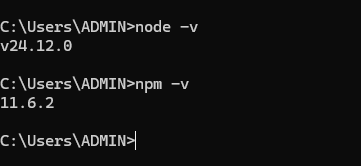
If Node.js is not installed, download it from the official website.
Step 2: Install Newman
npm install -g newman
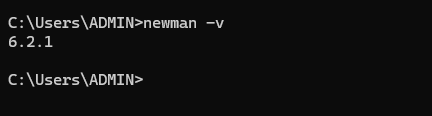
Verify the installation:
newman -v
4. An API Testing Flow
Example:
- Navigate to the website
- Create new account
- Login with new account
- Validate the response
The Newman Approach
- Write test scripts in Postman
- Use environment variables to store tokens and IDs
- Group requests into a single collection
Example test script – Create New Account:
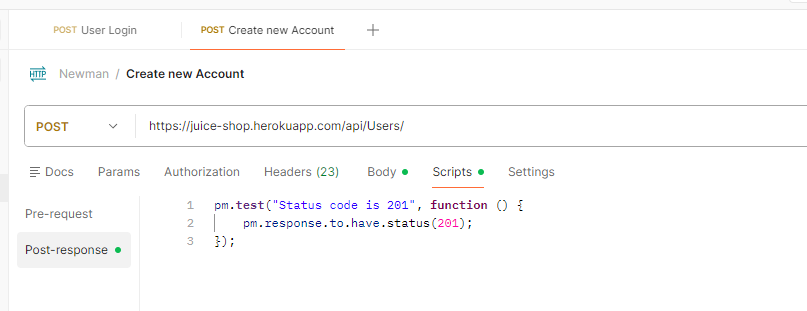
Example test script – Login with New Account:
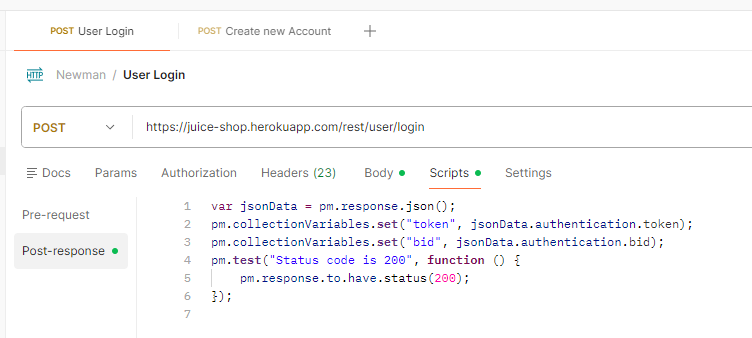
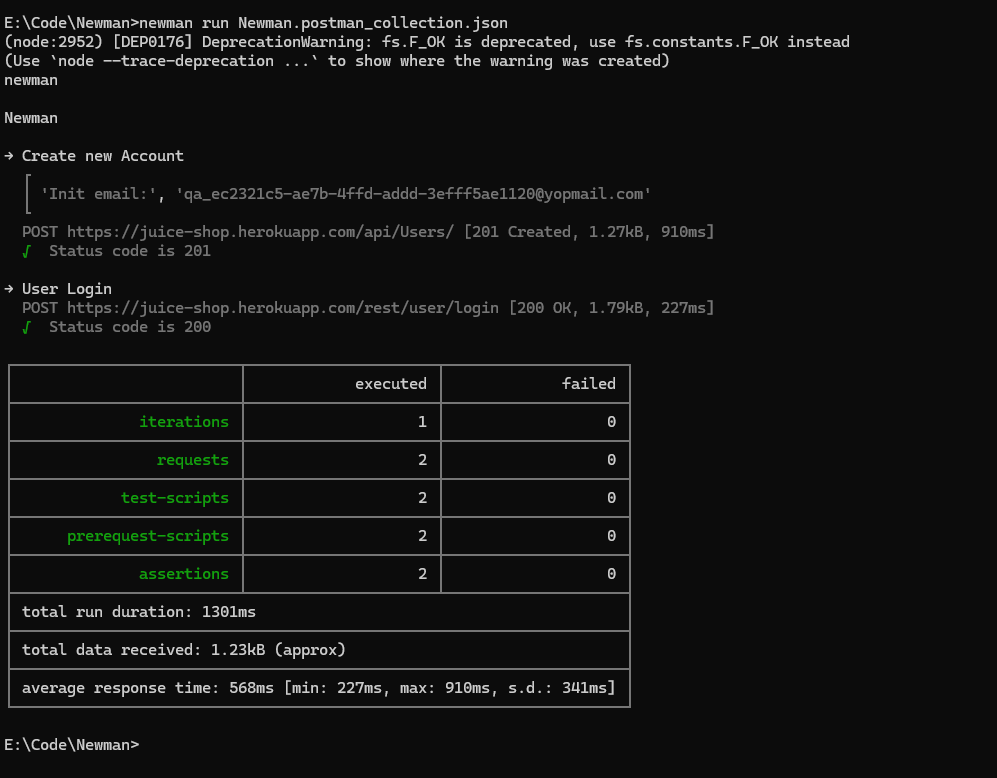
Run the entire flow with one command:
newman run <collection_name>
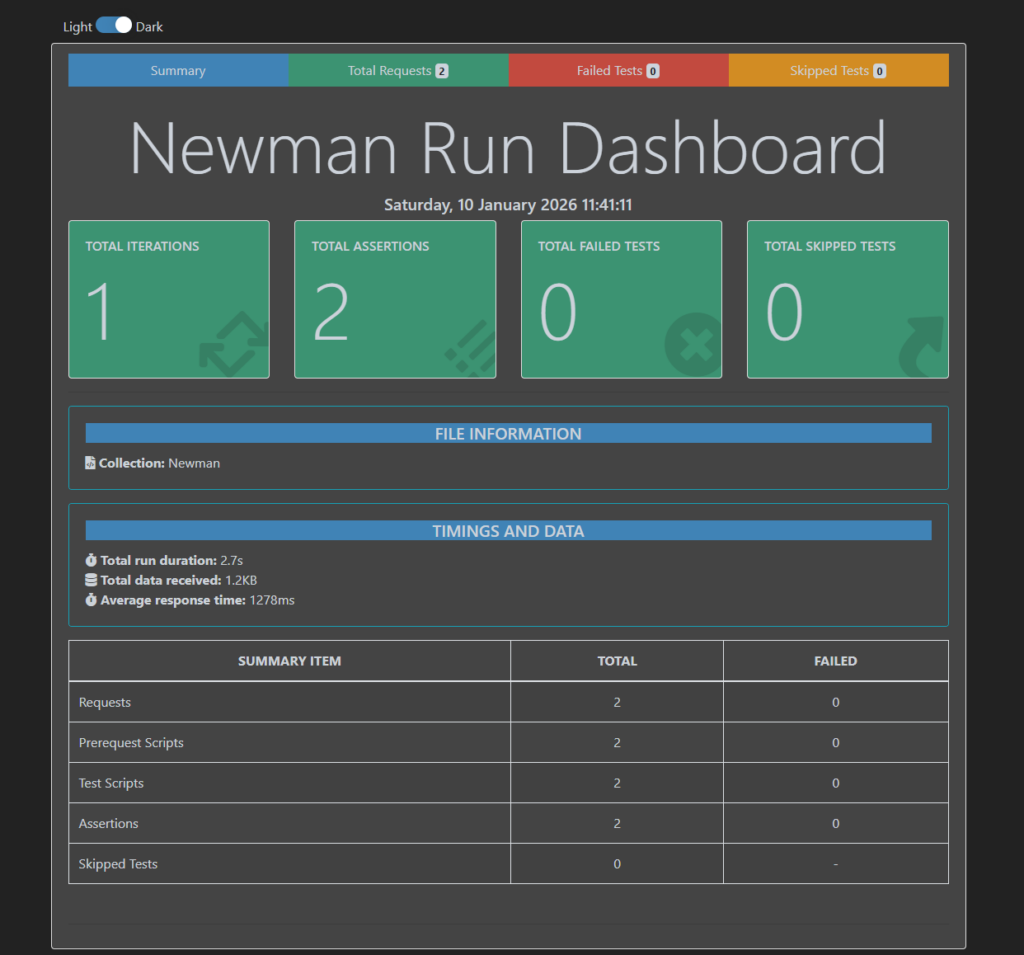
Run the entire flow with one command and create an HTML report
5. Common Mistakes When Using Newman
Hard-coded test data
Tests fail when data already exists or changes.
Solution:
Use dynamic data and clean up test data after execution.
Using Newman as a performance testing tool
Newman is not designed for load or stress testing.
Solution:
Use Newman for functional and regression testing only.
Collections designed only for manual testing
Tests pass in Postman UI but fail in Newman.
Solution:
Design collections with automation in mind from the beginning.
6. Conclusion
Newman is not an advanced tool, but it solves problems that many teams face when testing APIs.
Newman may not be enough if:
- You need very complex test logic
- You require advanced mocking or data handling
- You are building large-scale enterprise test systems