


Hello Readers!! We are again back with an exciting Azure service i.e. Azure Container Instances. We are going to explore all about Azure Container Instances. What is this service used for? And how can we utilize it? We are going to see how we can deploy application in Azure container instances.
What is Azure Container Instance?
Azure Container Instances (ACI) is a serverless container service offered by Microsoft Azure that allows you to run Docker containers in the cloud without having to manage virtual machines or orchestrators like Kubernetes. It’s a Platform as a Service (PaaS) that enables you to:
- Run Linux or Windows containers.
- Deploy containers on-demand.
- Pay only for the resources we consume (CPU, memory, duration).
- Quickly spin up containerized applications without infrastructure management.
Use Cases:
- Temporary data processing jobs (e.g., video processing, ETL).
- Cron jobs or scheduled background tasks.
- Rapid testing of new container builds.
- Hosting simple APIs or microservices with low traffic.
How to deploy application in Azure Container Instances?
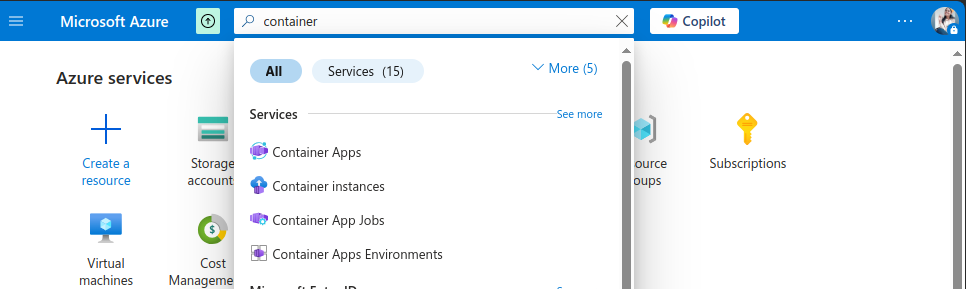
- Login to Azure subscription > Container Instances.
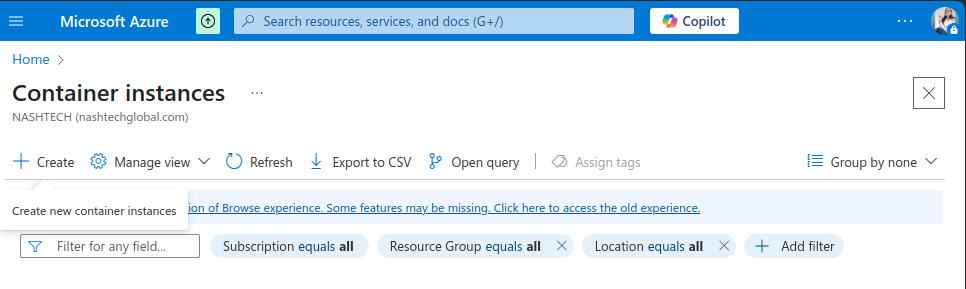
2. Click on create container instances.
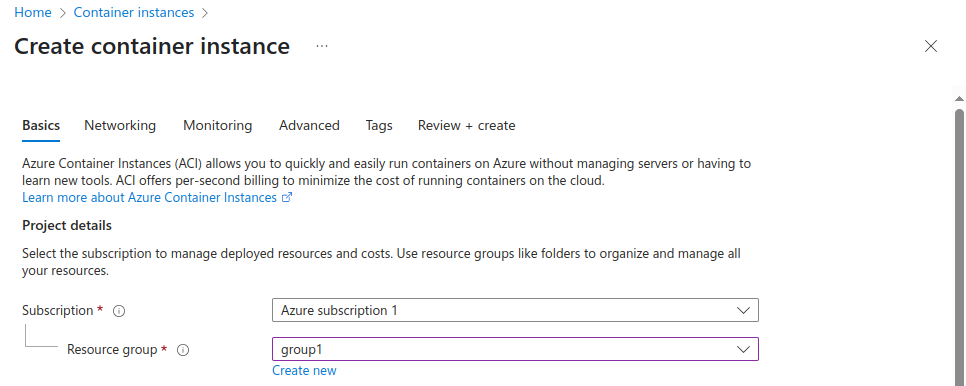
3. Select Subscription and Resource Group.
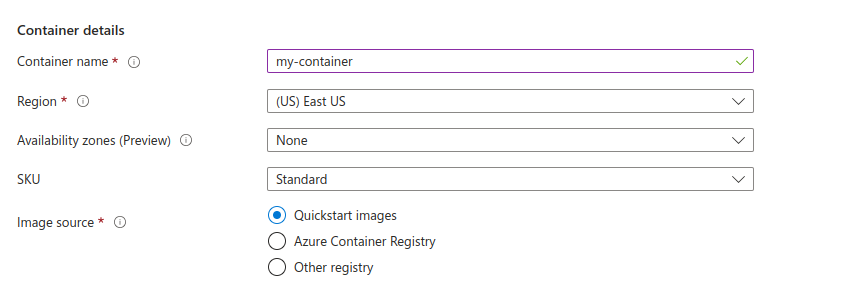
4. Provide container name. Choose region. Select image source. Quickstart images means that the image is coming from the Azure public repo.
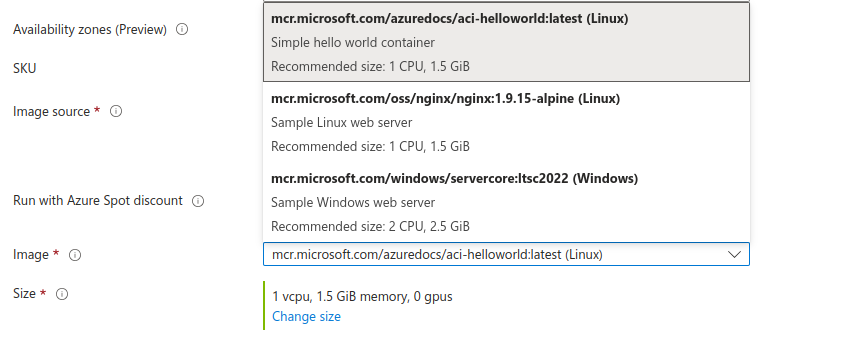
5. Now select the type and size of image.
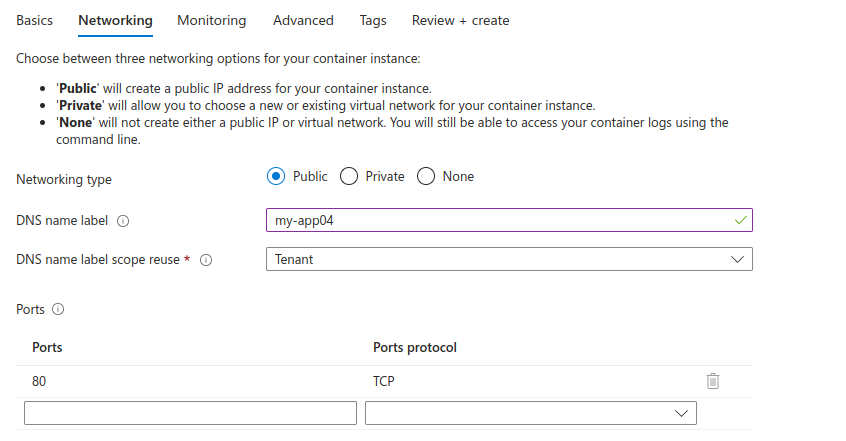
6. Now configure the networking. Choose networking type – Public/Private/None .
Provide DNS name and ports.
Click on Review+Create.
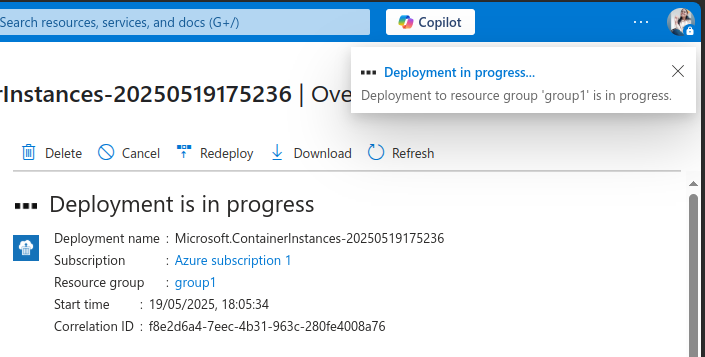
Deployment is in progress currently.
Now, it got created.
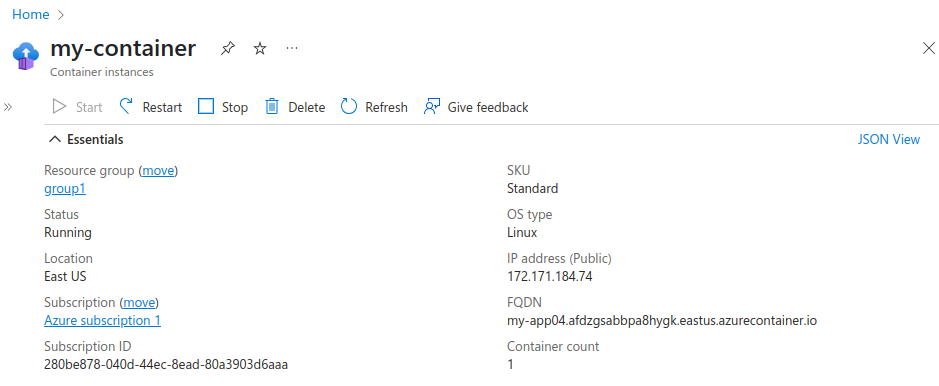
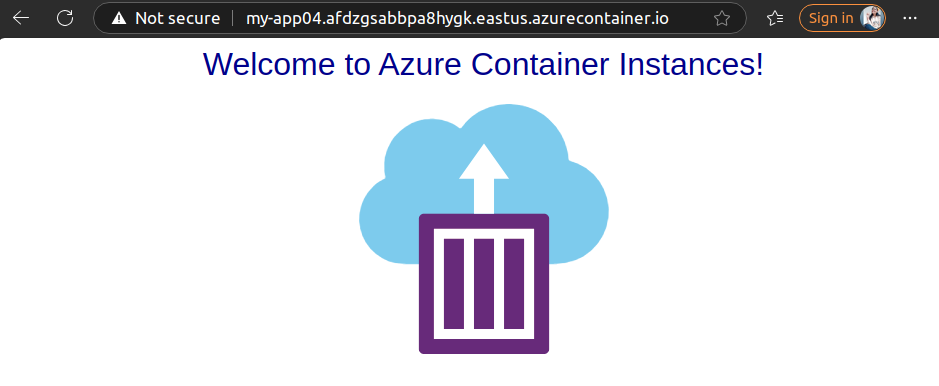
7. We can access this application using given FQDN. This is how our application looks like.
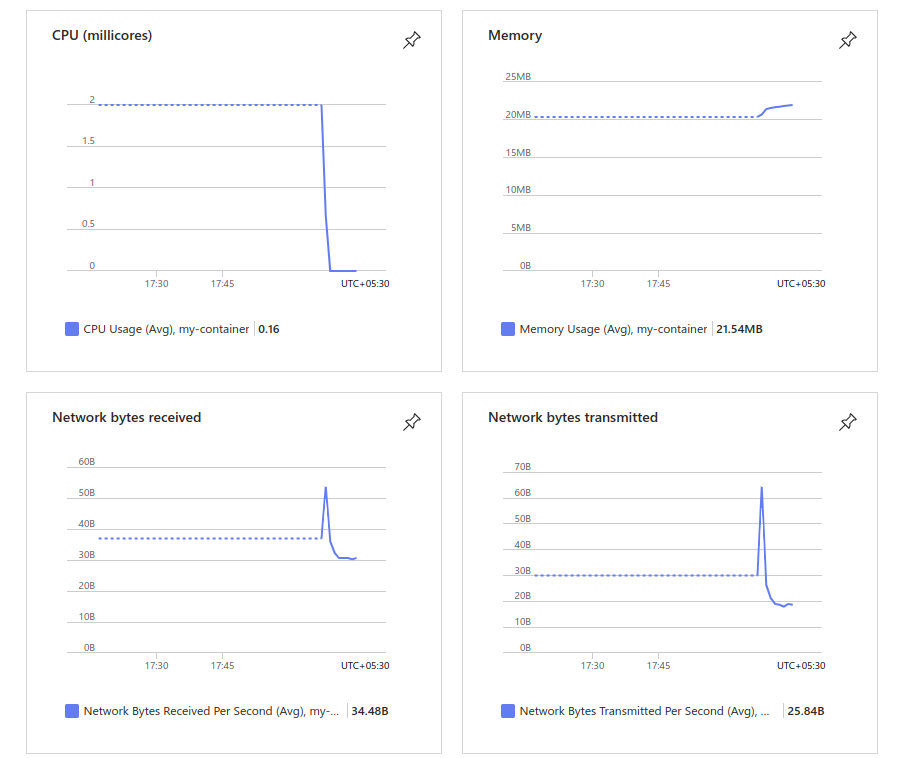
And here is the inbuilt dashboard provided by here.
Conclusion
Thanks for being with me till end. In this blog we have learnt all about Microsoft Azure Container Instance Service. How we can utilize it. It’s quite really interesting and easy to explore. If this blog helped you somewhere do like and share this blog with the needful.
HAPPY READING!!!