


This blog is the continuation of part 1.
Set up an AWS EKS Cluster as an external cluster
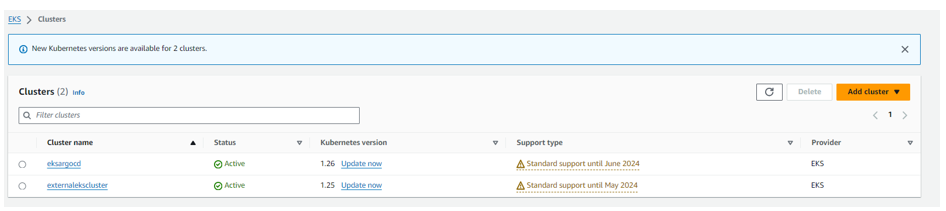
In part 1, we have already set up an AWS EKS cluster; it is an internal cluster. Now we are setting up another one, and it’s an external cluster.
Execute the following command using the eksctl CLI with the specified parameters
eksctl create cluster –name externalekscluster –region us-east-1 –nodes 1 –nodes-max 2 –zones us-east-1a, us-east-1b,us-east-1c
Add the EKS cluster to ArgoCD
Add externalekscluster to kubeconfig by running the following command
aws eks –region us-east-1 update-kubeconfig –name externalekscluster
Check the context in kubeconfig by executing the following command
kubectl config get-contexts

Rename the AWS EKS cluster with the ARN arn:aws:eks:us-east-1:534694522453:cluster/externalekscluster to ex-eks-cluster
kubectl config rename-context arn:aws:eks:us-east-1:534694522453:cluster/externalekscluster ex-eks-cluster
Add ex-eks-cluster to ArgoCD by executing the following command

Now, verify the clusters in ArgoCD to ensure that the ex-eks-cluster has been added

Set up an Azure AKS Cluster using Azure CLI
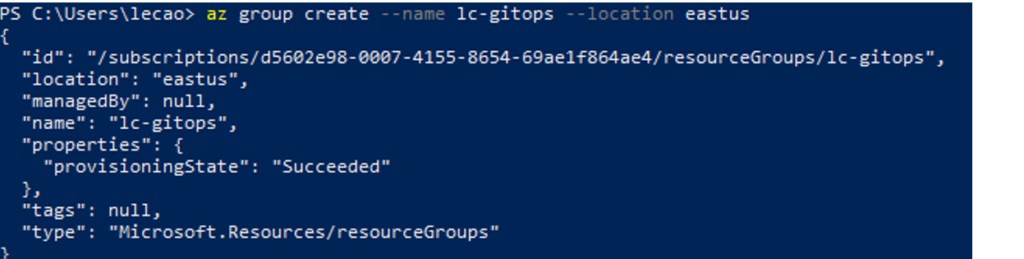
Create a resource group by running the following command
az group create –name lc-gitops –location eastus
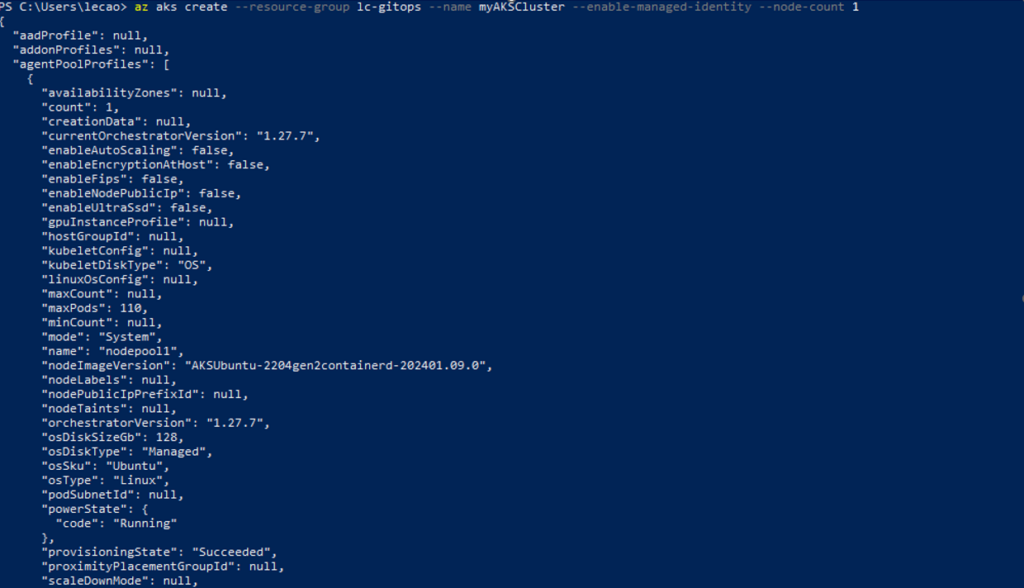
To create an AKS cluster, use the az aks create command. The following example creates a cluster named myAKSCluster with one node and enables a system-assigned managed identity.
az aks create –resource-group lc-gitops –name myAKSCluster –enable-managed-identity –node-count 1
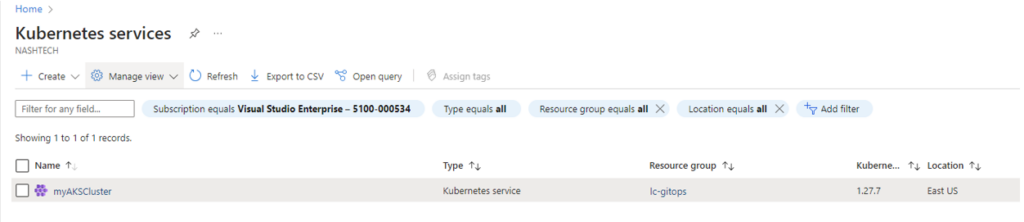
Verify if myAKSCluster was created successfully
Add the AKS cluster to ArgoCD
Run the command: az aks get-credentials –resource-group lc-gitops –name myAKSCluster
Rename myAKSCluster context to ex-aks-cluster
kubectl config rename-context myAKSCluster ex-aks-cluster

Add AKS cluster ‘ex-aks-cluster’ into argocd by
argocd cluster add ex-aks-cluster

Check list of clusters added in ArgoCD by running command
argocd cluster list

Or you can check them in ArgoCD UI
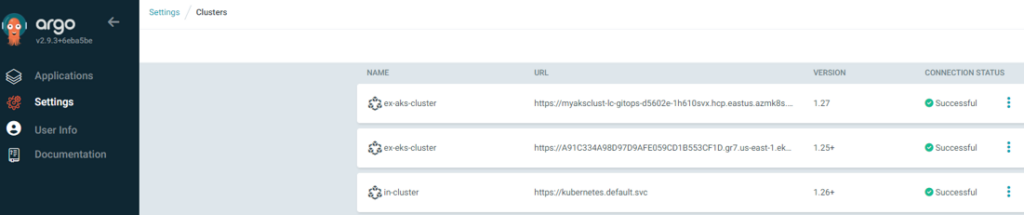
Now we have three clusters, two EKS clusters, and one AKS cluster.