


In this complex world, Kubernetes orchestration, managing microservices efficiently has become a very important aspect. Istio is an open source service mesh platform that offers a robust solution for traffic management, security and observability in Kubernetes environment. In this blog, we’ll delve into the installation process of Istio and explore how Kiali simplifies Kubernetes observability, providing insights into the cluster’s behaviour.
Installing Istio
You can follow the documentation to download a specific version of Istio, or use the following command to install the latest release:
curl -L https://istio.io/downloadIstio | sh -
Add istioctl client to your path:
cd istio-*

export PATH=$PWD/bin:$PATH
Install Istio:
istioctl install --set profile=demo -y
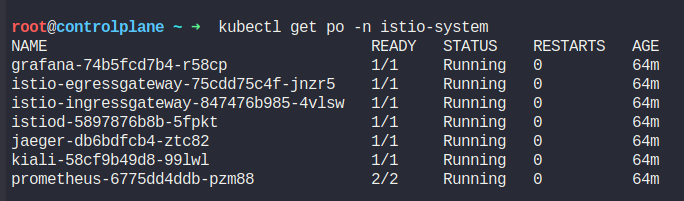
It will install istio core, istiod, egress and ingress gateways
Verify the installation
kubectl get po -n istio-system
Deploy a sample application
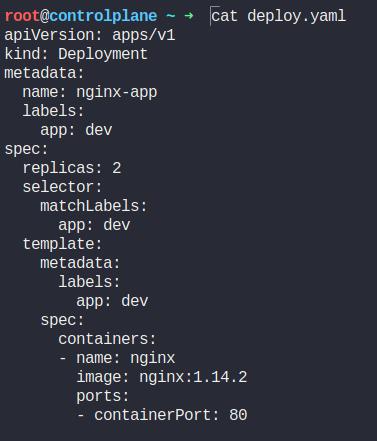
You can use the following template:
apiVersion: apps/v1
kind: Deployment
metadata:
name: nginx-app
labels:
app: dev
spec:
replicas: 2
selector:
matchLabels:
app: dev
template:
metadata:
labels:
app: dev
spec:
containers:
- name: nginx
image: nginx:1.14.2
ports:
- containerPort: 80
kubectl apply -f deploy.yaml
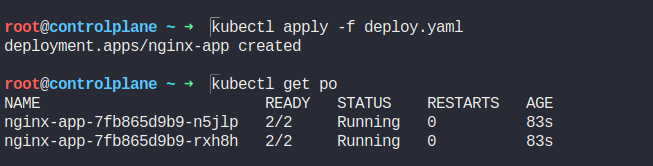
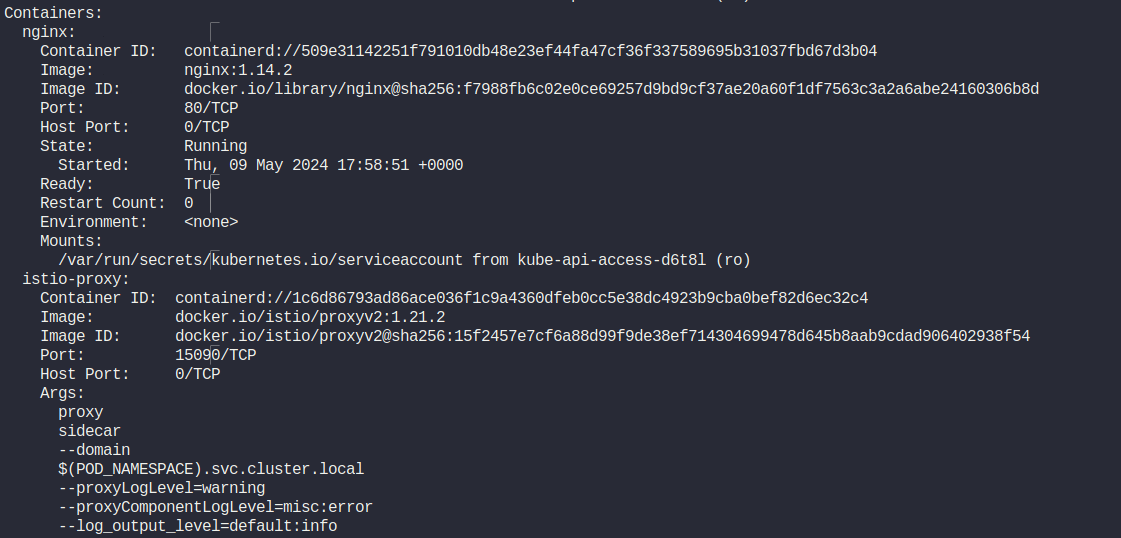
As you can see from the image above, it has spinned up two containers. Here, a sidecar container is automatically injected to the pod.
Describe the pod to check the containers
Let’s create a service for the deployment.
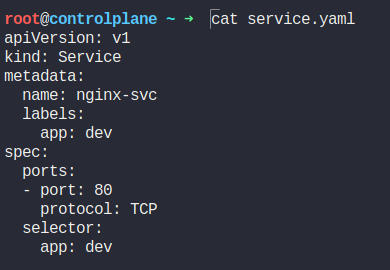
kubectl apply -f service.yaml
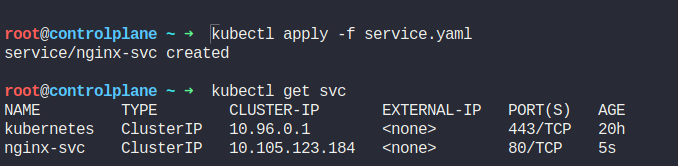
nginx-svc is configured for the sample deployment.
Install Kiali for visualization
Kiali offers a graphical interface to observe the Kubernetes cluster. Kiali visualises the service mesh topology, traffic flow, and performance metrics, making it easier to understand and manage microservices.
To install Kiali for visualization, install the addon from the same folder.
kubectl apply -f samples/addons

kubectl rollout status deployment/kiali -n istio-system
Access the Kiali dashboard:
istioctl dashboard kiali
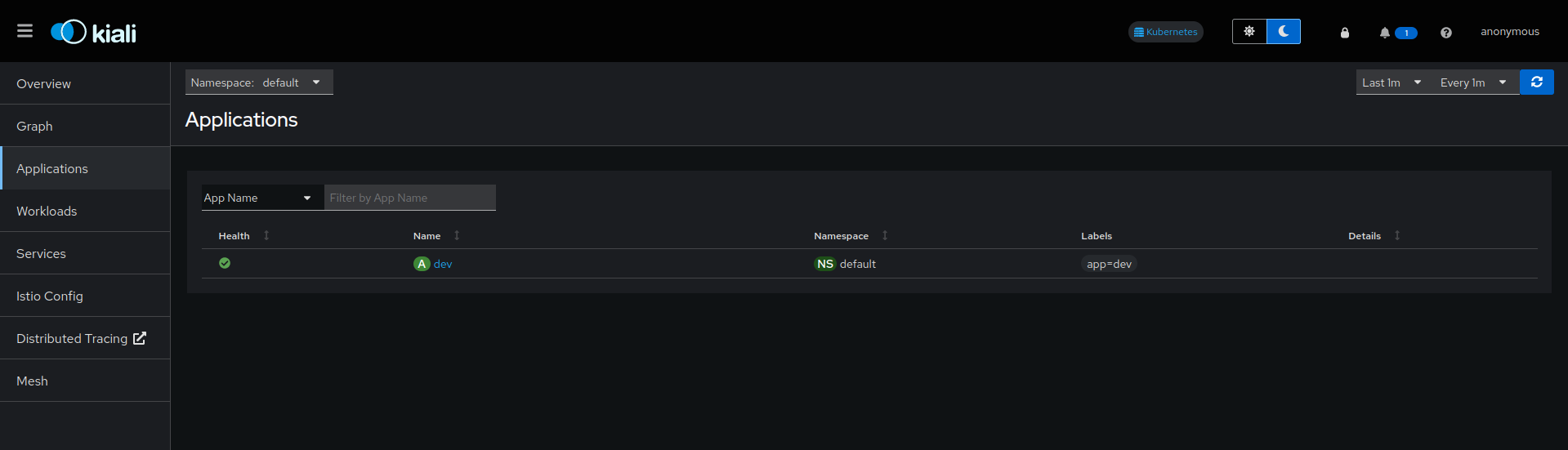
Kiali dashboard will open in your browser. Click on the applications tab in the left bar to view the sample app you deployed earlier.
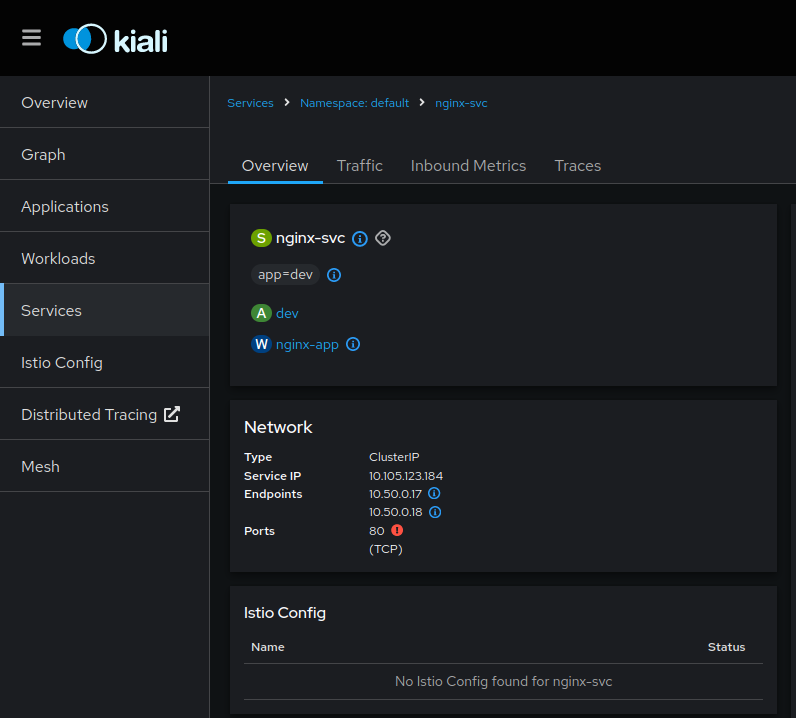
To view the services, click on the Services tab. You can also see the traffic entering your service. It also captures the inbound metrics that you can utilize for monitoring purposes to make strategic decisions during scaling your workloads.
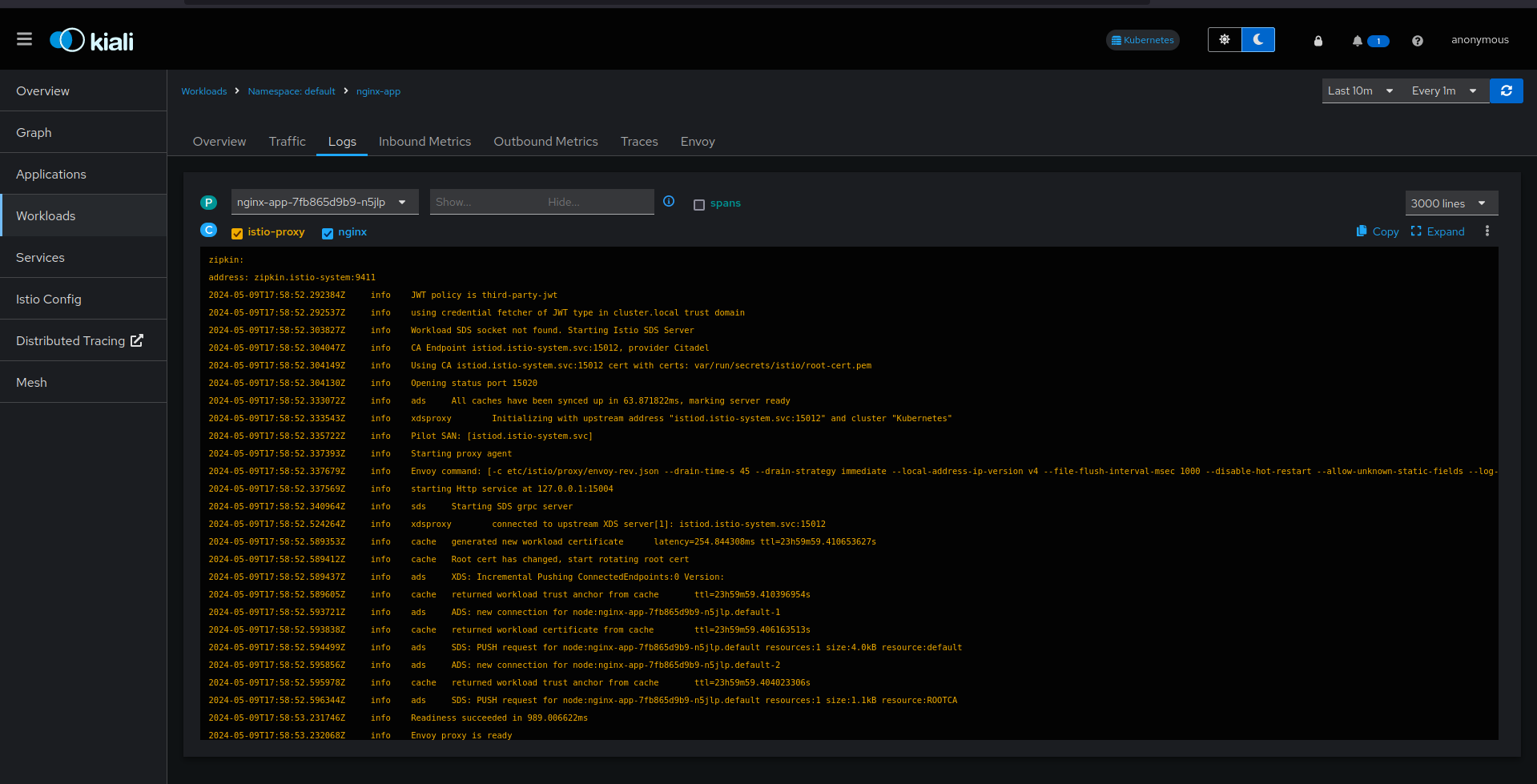
Next, click on Workloads > nginx-app. Istio also provides you the option to view application logs for debugging purposes. You can view the logs of all the containers.
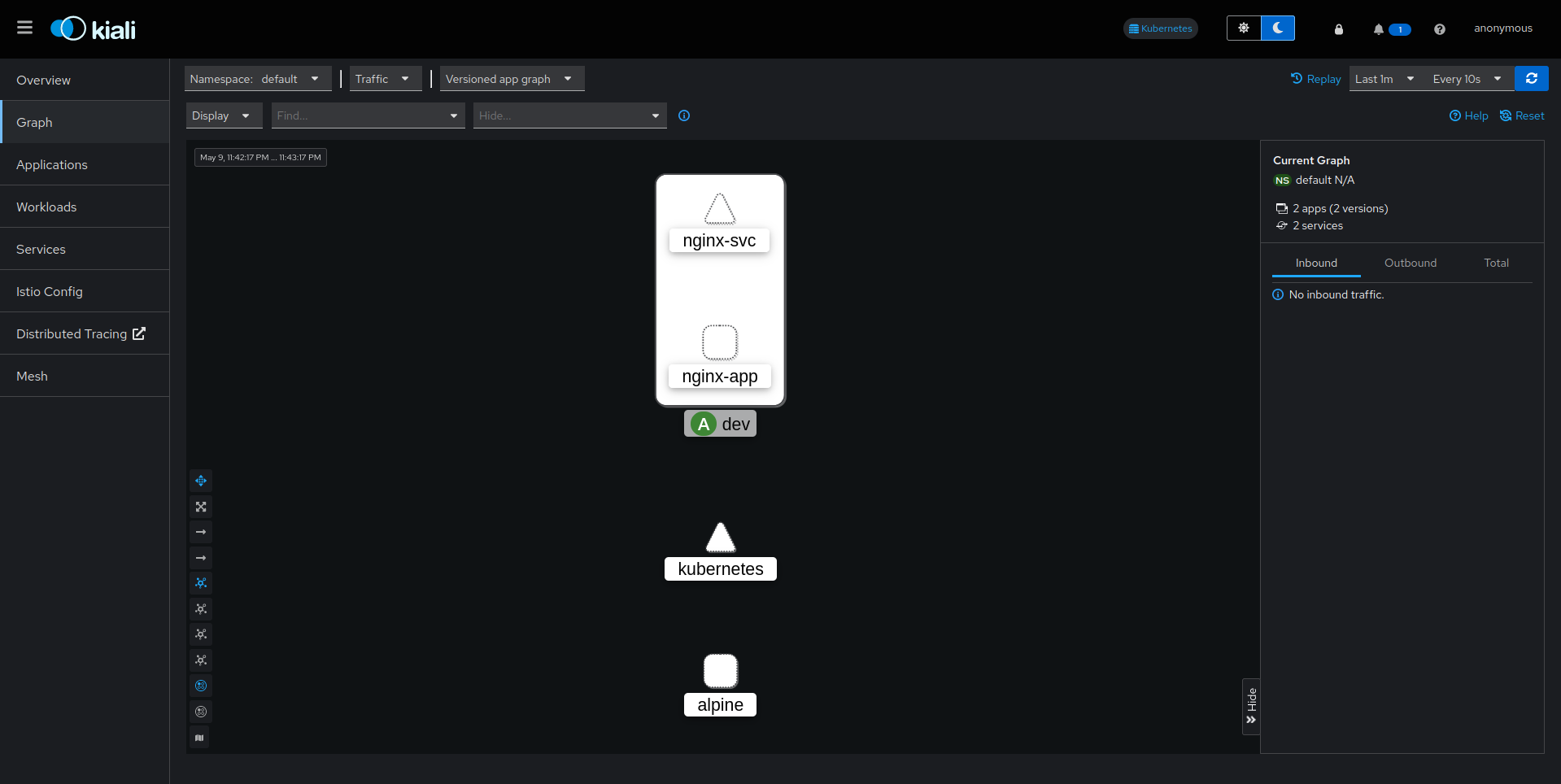
One interesting representation is Graph. It will create a flowchart diagram for the users to easily understand the complexity of workloads in the Kubernetes cluster.
This is how you can unleash the power Istio and Kiali in your Kubernetes environment. If you have any questions/feedbacks regarding this blog, I am reachable at vidushi.bansal@nashtechglobal.com. You can find more of my blogs here.