



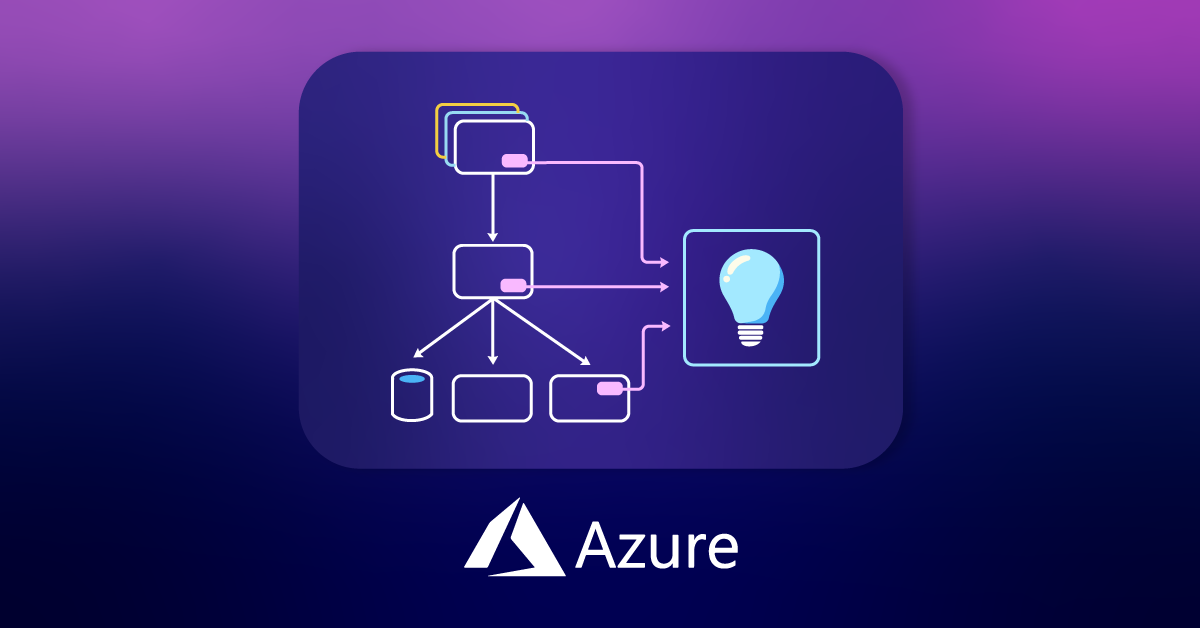
Logging and monitoring are crucial aspects of any application’s lifecycle. They provide insights into how an application is performing, help identify issues, and enable you to make data-driven decisions for improvements. Azure Application Insights is a powerful tool for monitoring applications hosted on Azure, and integrating it with your Spring Boot application can provide valuable insights into its behavior.
In this guide, we’ll walk through the process of setting up logging to Azure Application Insights from a Java Spring Boot application.
Prerequisites
Before we begin, ensure you have the following prerequisites:
- A Java Spring Boot application.
- An Azure account.
Step 1: Create Azure Application Insights
Azure Application Insights is a powerful application performance management service that provides deep insights into your application’s behaviour.
- Log in to your Azure portal.
- Click on “Create a resource” and search for “Application Insights.”

User need’s to provide basic details like Name,Region.etc
- Once details are completed Click on “Review+Create.” after that validation process will start once the process is complete user will get Validation passed message


Once the deployment is complete, you’ll obtain an Instrumentation Key. This key is essential for linking your Spring Boot application to the Application Insights resource. after clicking on the Go-To Resource option you will find the Instrumentation Key.

Step 2: Configure Spring Boot Application
In your Spring Boot project, you need to configure it to send logs to Azure Application Insights. Create a logback-spring.xml file (if not already present) in your project’s src/main/resources directory and add the following content:
<?xml version="1.0" encoding="UTF-8"?>
<configuration>
    <appender name="aiAppender" class="com.microsoft.applicationinsights.logback.ApplicationInsightsAppender"/>
    <include resource="org/springframework/boot/logging/logback/defaults.xml" />
    <property name="LOG_PATTERN" value="%clr(%d{yyyy-MM-dd HH:mm:ss.SSS}){faint} %clr(${LOG_LEVEL_PATTERN:-%5p}) %clr(${PID:- }){magenta} %clr(---){faint} %clr([%15.15t]){faint} %clr(%-40.40logger{39}){cyan} %clr(:){faint} %m | %mdc %n${LOG_EXCEPTION_CONVERSION_WORD:-%wEx}" />

    <appender name="CONSOLE" class="ch.qos.logback.core.ConsoleAppender">
        <encoder>
            <pattern>${LOG_PATTERN}</pattern>
        </encoder>
    </appender>

    <root level="INFO">
        <appender-ref ref="aiAppender" />
        <appender-ref ref="CONSOLE" />
    </root>
</configuration>
This configuration enables your Spring Boot application to send logs to Azure Application Insights using the aiAppender.
In your application.properties or application.yml file, add the following configurations:
# Application Insights Instrumentation Key
azure.application-insights.instrumentation-key=YOUR_INSTRUMENTATION_KEY
Step 3: Add Application Insights Dependency
Make sure you have added the Azure Application Insights dependency to your Spring Boot project’s pom.xml file as follows:
<dependency>
    <groupId>com.microsoft.azure</groupId>
    <artifactId>applicationinsights-spring-boot-starter</artifactId>
    <version>2.7.2</version>
</dependency>
<dependency>
  <groupId>com.microsoft.azure</groupId>
  <artifactId>applicationinsights-logging-logback</artifactId>
  <version>2.6.3</version>
</dependency>
Step 4: View Logs and Metrics
After deploying your Spring Boot application to Azure, you can view logs and metrics in Azure Application Insights. It provides detailed information about application performance, exceptions, dependency calls, and more.
- Go to the Azure portal and navigate to your resources.
- Find and click on your Application Insights resource.
- Explore the “Logs” section where you can run queries to retrieve specific logs and metrics related to your Spring Boot application.

Conclusion
Integrating Azure Application Insights with your Java Spring Boot application allows you to gain valuable insights into its behavior and performance. You can easily track and monitor events, exceptions, and other telemetry data. This information is essential for identifying and resolving issues quickly, optimizing your application, and ensuring a smooth user experience.
By following the steps outlined in this guide, you’ve taken a significant step toward enhancing the observability of your Spring Boot application on Azure. Logging and monitoring are critical aspects of maintaining a healthy and performance application, and Azure Application Insights makes it easier than ever to achieve that goal.
References
Azure Application Insights Documentation
For further insights, please visit this blog.